
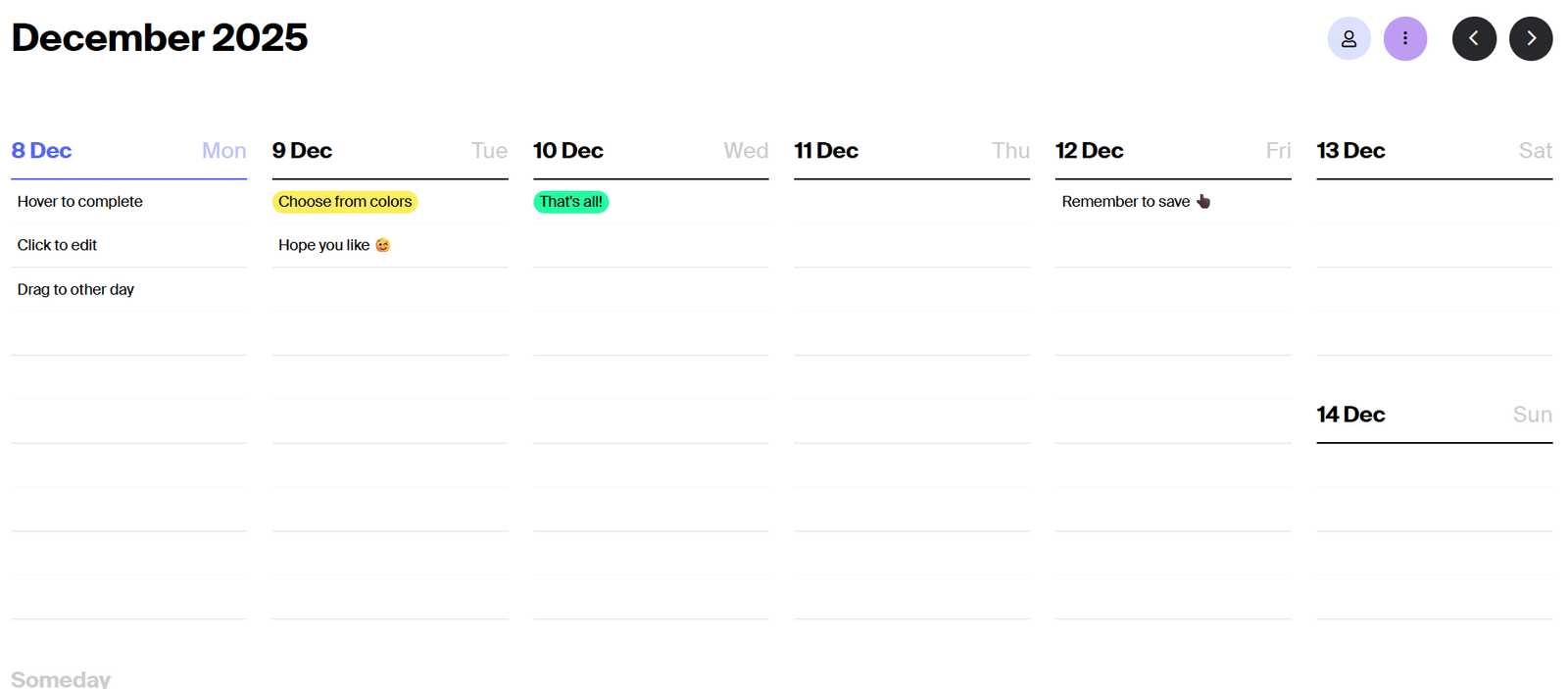
Ora is a modern, agile project management and collaboration tool designed to help teams plan, organize, and execute projects efficiently. It combines task tracking, team communication, kanban boards, timelines, time tracking, and agile sprint planning in one unified workspace. Ora is suitable for startups, product teams, freelancers, and remote teams looking for a comprehensive yet user-friendly solution to stay organized and productive. Whether you’re managing software development, content creation, or business operations, Ora offers the flexibility to support multiple workflows.
Features
Ora includes a robust set of features to streamline project and team management.
Task Management
Create tasks with descriptions, due dates, checklists, labels, attachments, and comments.
Kanban and List Views
Organize tasks visually with drag-and-drop kanban boards or switch to list view for a more structured layout.
Agile Sprint Planning
Set up sprints with start and end dates, assign story points, and track sprint progress using agile workflows.
Time Tracking
Track time spent on tasks with built-in timers and manual logging. View reports by user, task, or project.
Team Chat
Integrated chat system for real-time team communication within the same workspace.
Timeline and Gantt Charts
Visualize project schedules, dependencies, and milestones with drag-and-drop Gantt charts.
Subtasks and Dependencies
Break down larger tasks and set dependencies to better manage workflows.
Milestones and Goals
Set project milestones and track progress toward key goals.
Recurring Tasks
Automate routine work by scheduling tasks to repeat at regular intervals.
Custom Workflows
Tailor boards with statuses, filters, and fields that reflect your unique process.
How It Works
Ora works by allowing teams to create workspaces for each project. Inside a workspace, you can build boards using kanban or list layouts and start adding tasks. Tasks can be assigned, prioritized, labeled, and scheduled based on your team’s workflow.
For teams using agile methodologies, you can create sprints and backlog lists, assign story points, and track sprint velocity. Time tracking can be done per task with the built-in timer or manual input. Each workspace includes chat functionality so that communication happens directly in context.
Managers can use the timeline view to monitor project progress, visualize deadlines, and adjust workloads. Ora also supports multiple views and filter options to help individuals and teams focus on what matters most each day.
Use Cases
Ora is suitable for a wide range of professionals and industries looking for agile and collaborative task management.
Software Development
Organize backlogs, plan sprints, assign tickets, and monitor progress with burndown charts.
Marketing Teams
Plan campaigns, manage content calendars, and collaborate on creative assets using kanban boards.
Design Projects
Track design revisions, approvals, and feedback with visual boards and file attachments.
Agencies
Manage multiple clients and projects in one platform with time tracking and reporting.
Remote Teams
Collaborate across time zones with integrated chat, notifications, and shared task boards.
Freelancers
Plan deliverables, track time, and keep clients updated using milestones and progress views.
Pricing
Ora offers several pricing plans suitable for individuals, teams, and enterprises.
Free Plan
Includes up to 10 users
Unlimited tasks and projects
Basic features like kanban, time tracking, and chat
Limited to 3 active projects
Startup Plan
$5.99 per user per month (billed annually)
Unlimited projects
Task dependencies, recurring tasks, and advanced features
Email support
Professional Plan
$15.99 per user per month (billed annually)
Everything in Startup plan plus timelines, milestones, and time reports
Priority support
Enterprise Plan
Custom pricing
Includes all features, dedicated success manager, and custom onboarding
Advanced security and permissions
Pricing details can be found at https://ora.pm/pricing
Strengths
Ora’s all-in-one platform brings project management, team communication, and time tracking into a single tool. Its visual boards and flexibility support a wide variety of workflows, from simple task management to full agile project tracking. Built-in features like chat, Gantt charts, sprints, and milestones eliminate the need for multiple tools. Ora also stands out for its clean user interface and ease of use, even for teams new to project management software.
Drawbacks
While Ora offers a broad feature set, it may be more than needed for very small teams or individuals who require only basic task lists. Some users might find the learning curve slightly steep when navigating advanced features like sprints and dependencies. Additionally, integrations with third-party apps are more limited compared to enterprise-level tools like Asana or Monday.com. Offline access is not fully supported, making it reliant on a consistent internet connection.
Comparison with Other Tools
Compared to tools like Trello, Ora offers more built-in functionality, such as time tracking and agile sprint planning. Trello focuses primarily on task boards and requires plugins for advanced features. Ora also competes with ClickUp and Asana, which are more robust but often come with a steeper learning curve and higher price tag. Ora strikes a balance between power and simplicity, making it a strong choice for small to medium-sized teams who want more than just task management without the complexity of enterprise platforms.
Customer Reviews and Testimonials
Ora has earned positive feedback from users for its user-friendly interface and all-in-one functionality. Teams appreciate having project management, communication, and tracking features in one place. Users mention that switching from using separate tools for tasks, chat, and time logs to a unified system like Ora has increased their productivity and reduced context switching. Testimonials often highlight the convenience of visual workflows and the ability to tailor boards to match different team processes.
Conclusion
Ora is a powerful and flexible project management tool that brings together task tracking, agile planning, time logging, and team collaboration in one platform. Its clean design, intuitive interface, and built-in communication make it a great solution for teams who want to streamline their workflow without juggling multiple apps. Whether you’re managing a development sprint, planning marketing campaigns, or organizing client projects, Ora provides the tools to stay on track and work more efficiently. For teams seeking an all-in-one solution with the flexibility to scale, Ora is worth serious consideration.


