
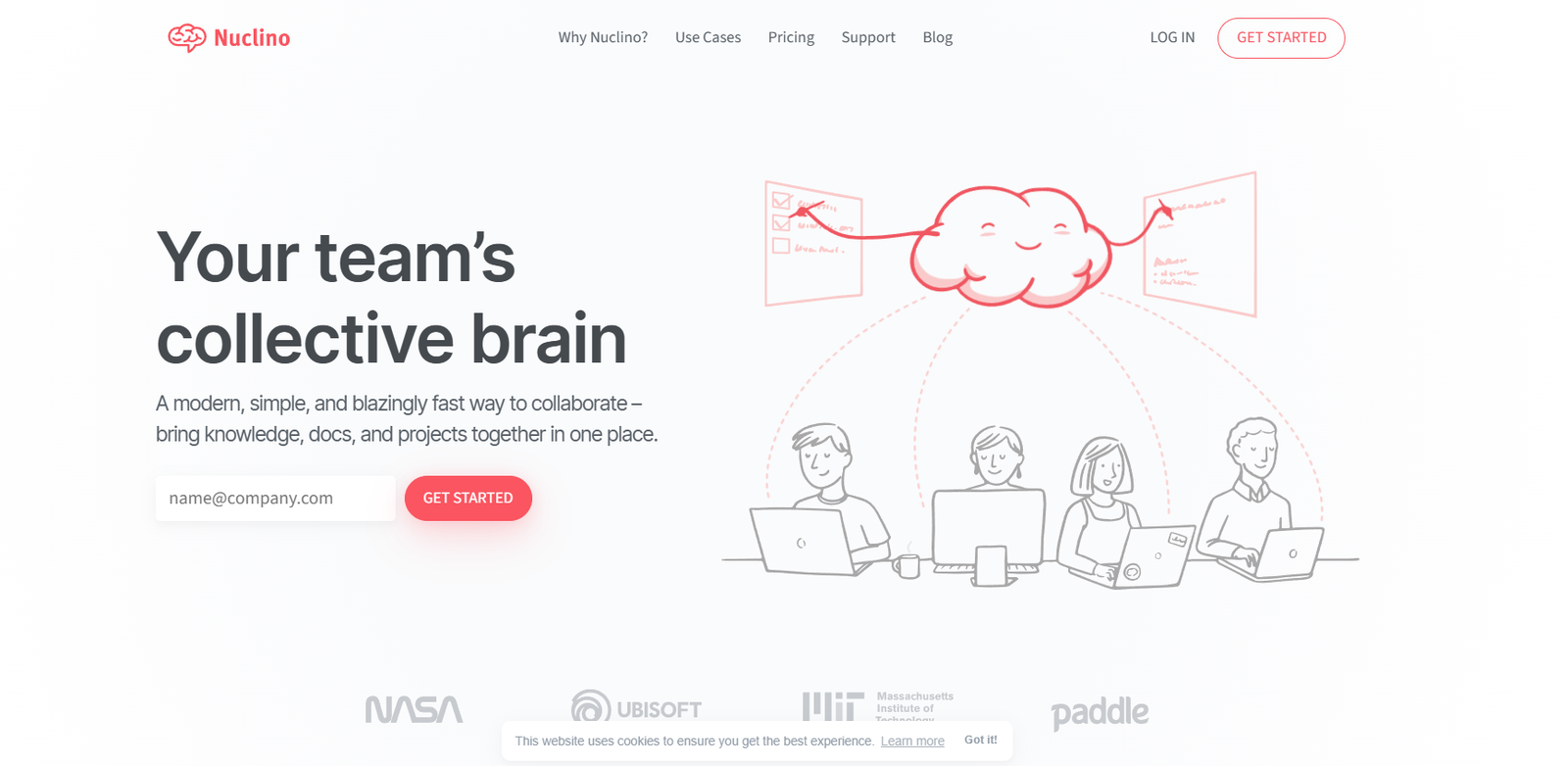
Nuclino is a cloud-based team collaboration and knowledge management tool designed to help teams organize ideas, projects, and documents in one unified space. Built for speed and simplicity, Nuclino offers a clean, distraction-free interface for creating and managing content in real-time. It acts as a lightweight alternative to traditional wikis, document editors, and collaboration tools.
Whether you’re managing product documentation, internal guides, meeting notes, or onboarding materials, Nuclino simplifies team communication and information sharing. Its strength lies in its intuitive design, real-time editing, and seamless knowledge structuring using links, clusters, and boards. Used by startups, remote teams, and enterprises alike, Nuclino reduces information silos and boosts team productivity by centralizing knowledge.
Features
Nuclino combines core features of a knowledge base, note-taking tool, and collaborative editor. Some of its standout features include:
Real-Time Collaboration
Multiple team members can collaborate on documents simultaneously, similar to Google Docs, but with faster performance and less clutter.
Unified Workspace
Create documents, organize them into folders, boards, or graphs, and link ideas easily across the workspace.
Easy Linking and Embedding
Nuclino allows internal linking between pages and embedding of rich media like videos, files, and images for interactive documents.
Markdown Support
Users can format content with simple Markdown syntax for fast and clean writing.
Graph and List Views
Workspaces can be visualized as hierarchical lists, Kanban-style boards, or mind map-style graphs.
Fast Search
Powerful full-text search allows you to instantly find documents, even across large workspaces.
Minimal Interface
The design is intentionally clean and minimal to avoid distractions and keep the focus on content.
Version History
Access previous versions of any document to track changes or revert to an earlier state.
Access Control
Define user roles and permissions within each workspace to control who can view or edit content.
Integrations
Nuclino integrates with tools like Slack, Microsoft Teams, and over 2,000 apps via Zapier, enabling seamless workflow connectivity.
How It Works
Nuclino operates on the concept of unified knowledge workspaces. Each team creates one or more workspaces, which house documents called “items.” These items can be written using a simple Markdown editor and enhanced with media, embeds, and internal links. Teams can structure these items in multiple ways—visually as boards for project management, hierarchically as lists, or spatially as graphs.
Team members can collaborate in real-time within each item. As changes are made, everyone sees updates instantly. This real-time editing helps reduce version conflicts and enables quicker decision-making.
Navigation is fast and intuitive thanks to internal links, tags, and search. Instead of navigating through folders, users can jump between related items via links, creating a connected knowledge base. Everything in Nuclino autosaves and syncs instantly across all devices, eliminating manual updates.
Use Cases
Nuclino serves a broad range of organizational and individual needs. Its flexibility allows it to adapt to various workflows, such as:
Team Wiki
Centralize all internal knowledge, policies, and standard operating procedures in a searchable, easy-to-maintain format.
Project Documentation
Document product specs, sprint plans, feature lists, and technical documentation in a collaborative workspace.
Onboarding Hub
Provide new employees with structured training materials, handbooks, and company overviews to speed up onboarding.
Meeting Notes
Keep track of discussions, decisions, and action items from team meetings and sync them instantly across the team.
Research and Planning
Collect resources, ideas, and plans in an organized and visually structured workspace.
Remote Team Collaboration
Distributed teams can stay aligned by sharing knowledge and collaborating in real time without relying on email chains or chat apps.
Startup Knowledge Base
Startups use Nuclino to manage growing knowledge bases without the complexity of enterprise wiki systems.
Pricing
According to the official Nuclino pricing page, the platform offers a simple and transparent pricing model with two plans:
Free Plan
Ideal for small teams just getting started.
Includes:
-
Up to 50 items
-
2GB total storage
-
Real-time collaboration
-
Basic workspace views (list, board, graph)
-
Markdown editing
-
Fast search
-
Slack integration
Standard Plan – $5/user/month (billed annually)
Includes everything in the Free Plan, plus:
-
Unlimited items and workspaces
-
Advanced access rights
-
Data export and backup
-
Version history
-
Admin tools and analytics
-
SAML Single Sign-On (SSO)
-
Priority support
A 14-day free trial of the Standard Plan is available with no credit card required.
Strengths
Nuclino stands out for its balance between simplicity and functionality. Its main strengths include:
-
Minimal learning curve
-
Real-time collaboration with fast sync
-
Clean, distraction-free writing environment
-
Multiple workspace views (list, board, graph)
-
Easy knowledge linking for context building
-
Lightweight and fast, even with large teams
-
Affordable and transparent pricing
-
Ideal for remote teams and modern workflows
These strengths make Nuclino a preferred tool for agile teams who value simplicity and speed over complex feature sets.
Drawbacks
While Nuclino is a powerful tool, it may not suit every need. Here are some common limitations:
-
Lacks advanced formatting and design tools compared to Notion
-
No built-in task management or calendar features
-
Limited integrations beyond core platforms
-
No offline editing support
-
Not suitable for teams needing deep customization or automation
-
May feel too basic for enterprise-grade documentation
Users who require detailed workflows, automation rules, or deep integrations might find Nuclino less flexible than heavier tools.
Comparison with Other Tools
Nuclino vs Notion
Notion offers a broader range of features, including databases, task boards, and advanced customization. Nuclino is faster and more focused on documentation and knowledge sharing without the complexity of Notion’s block-based editor.
Nuclino vs Confluence
Confluence is geared toward enterprise teams with heavy documentation needs and Jira integration. Nuclino is simpler, faster, and easier to adopt for smaller or more agile teams.
Nuclino vs Google Docs
Google Docs is great for document creation but lacks structured organization and internal linking between notes. Nuclino brings organization, linking, and visual structure to documentation workflows.
Nuclino vs Slab
Both tools are built for internal knowledge sharing, but Nuclino provides a faster, more minimalistic experience. Slab offers more formatting options and a heavier focus on employee onboarding.
Customer Reviews and Testimonials
Nuclino receives high praise across software review platforms like Product Hunt, G2, and Capterra. Users consistently highlight its speed, simplicity, and clean interface. Below are some common sentiments from real users:
-
“Nuclino is the fastest collaboration tool I’ve used.”
-
“It’s like Google Docs and Trello had a baby, but better organized.”
-
“So easy to get started. Our entire startup uses it for everything.”
-
“Perfect for remote teams. It keeps our knowledge centralized and searchable.”
-
“We switched from Confluence to Nuclino and never looked back.”
You can view more reviews on Nuclino’s Product Hunt page, where it has thousands of upvotes and positive user comments.
Conclusion
Nuclino is a modern, fast, and lightweight collaboration tool designed to help teams centralize knowledge, manage documents, and collaborate in real time. With its clean interface, real-time sync, and visual organization features, it’s ideal for startups, remote teams, and agile organizations that value speed and clarity over bloated functionality. While it may not offer the depth of features found in larger platforms like Notion or Confluence, Nuclino excels in doing one thing very well—streamlining knowledge sharing and collaboration.
For teams tired of clunky documentation systems or information scattered across tools, Nuclino offers a refreshing alternative. Its affordable pricing and ease of use make it a smart choice for fast-moving teams that want to stay organized and aligned without unnecessary complexity.


