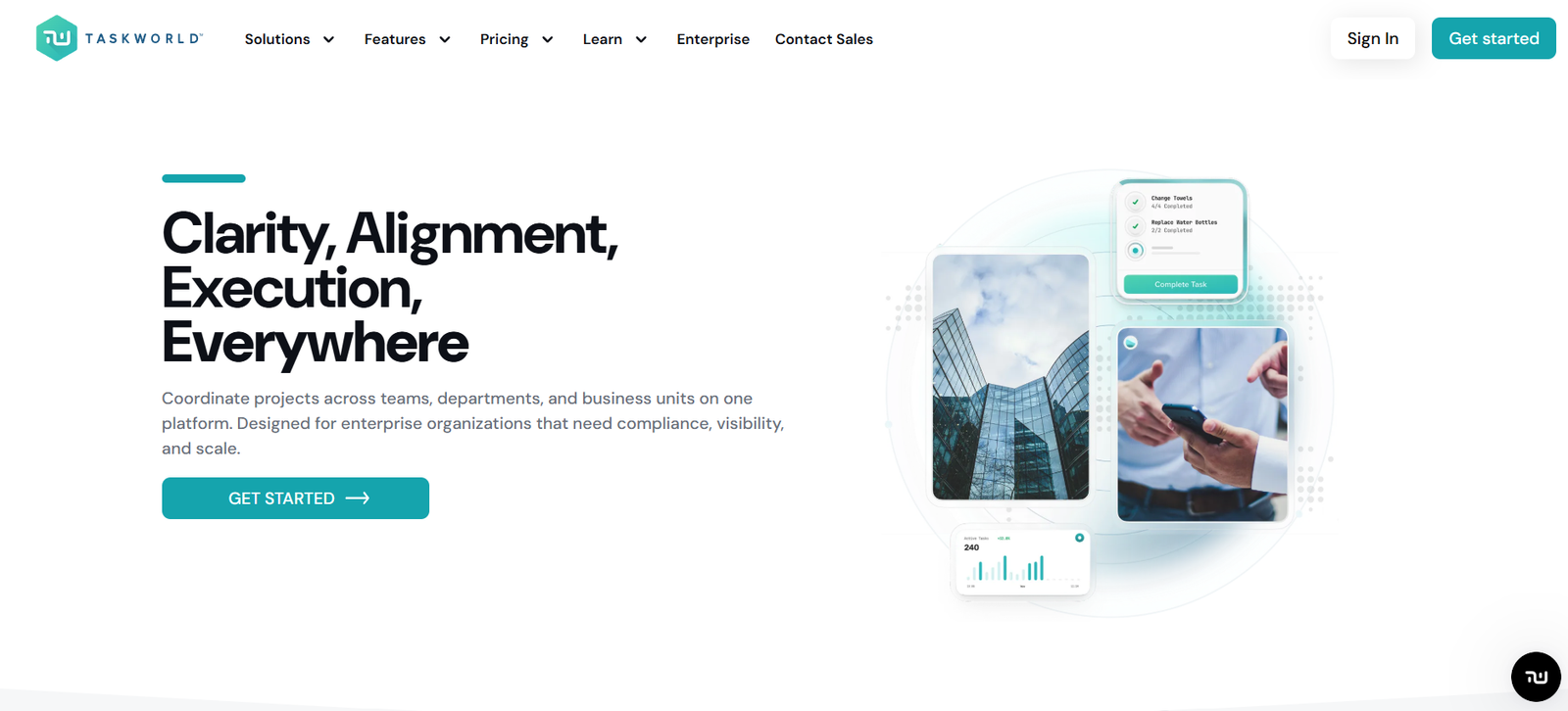
Taskworld is an all-in-one project and task management platform designed to help teams collaborate more efficiently. It combines task tracking, visual project planning, team messaging, and performance analytics into a single tool. With a clean interface and built-in communication features, Taskworld offers a seamless experience for teams looking to stay organized and connected while managing multiple projects.
Created to improve accountability and transparency, Taskworld supports everything from small internal workflows to large-scale enterprise operations. It’s suitable for teams in marketing, product development, operations, and more—offering flexibility, structure, and visibility across tasks and timelines.
Features
Taskworld provides a wide range of tools designed to streamline project planning, communication, and performance tracking.
Task Management
Create, assign, prioritize, and track tasks with deadlines, tags, and custom fields. Monitor progress at a glance through visual indicators.
Project Timeline (Gantt View)
Plan and adjust projects with an interactive timeline view to manage dependencies and meet deadlines.
Built-in Messaging
Communicate directly with your team through private or group chat, keeping collaboration centralized and eliminating the need for third-party messaging apps.
Kanban Boards
Use visual boards to manage task statuses across stages like To Do, In Progress, and Done. Customize workflows to suit your team’s process.
Subtasks and Checklists
Break down complex tasks into smaller actions using subtasks and checklists, helping teams stay detail-oriented.
File Sharing and Comments
Upload files directly to tasks and add comments for real-time feedback and collaboration.
Performance Analytics
Track individual and team productivity using built-in analytics to identify bottlenecks and optimize performance.
Multi-Workspace Support
Manage different departments, clients, or teams using separate workspaces under one account.
Templates and Recurring Tasks
Save time by creating task templates and automating repetitive work with recurring task features.
Mobile and Desktop Apps
Access Taskworld on the go through iOS, Android, Windows, and macOS apps.
How It Works
Getting started with Taskworld begins with setting up your workspace and creating projects. Inside each project, tasks can be added and organized into sections or boards. Tasks can be assigned to team members with due dates, attachments, tags, and priorities.
Communication is integrated directly into the platform, allowing users to chat without switching apps. This centralizes collaboration and ensures nothing gets lost in email threads or external messaging platforms.
As the team works through projects, Taskworld automatically updates timelines, performance metrics, and task progress. Project managers can visualize workloads and identify issues early using timeline views and reports. Users receive notifications and reminders, keeping them on track with their responsibilities.
Admins and managers can also track productivity across teams and projects, making it easier to improve planning and decision-making over time.
Use Cases
Taskworld is versatile and serves teams of all sizes and industries that require structured collaboration and visibility.
Marketing Teams
Coordinate campaigns, content production, and client deliverables with timelines, boards, and real-time updates.
Software Development
Manage sprints, bug tracking, and feature releases while keeping the team aligned with Kanban boards and messaging.
Operations and HR
Plan onboarding processes, internal initiatives, and recurring administrative tasks in a collaborative environment.
Creative Agencies
Track client projects, deadlines, and approvals across teams while keeping communication transparent and centralized.
Remote Teams
Collaborate across time zones with built-in chat, notifications, and synchronized workspaces that reduce communication silos.
Startups and SMEs
Organize business development, investor relations, and strategic planning with flexible workflows and performance tracking.
Pricing
Taskworld offers a tiered pricing structure based on features and team size. According to the official website, the platform provides the following plans:
Professional Plan – $8 per user/month (billed annually)
Includes essential features such as task and project management, timeline view, chat, file sharing, and performance analytics.
Business Plan – $15 per user/month (billed annually)
Adds advanced features like workload reports, advanced permissions, private projects, and more workspace-level controls.
Enterprise Plan – Custom pricing
Includes all Business features plus enterprise-grade security, dedicated account management, and tailored onboarding for large organizations.
Taskworld also offers a free 14-day trial with access to all features. Visit the official pricing page for up-to-date details and feature comparisons.
Strengths
Integrated Messaging
Built-in chat reduces the need for third-party communication apps, making teamwork more efficient.
Real-Time Task Tracking
Live updates, visual task boards, and timelines ensure everyone stays on the same page.
Performance Insights
Analytics dashboards help managers assess team productivity and optimize workload distribution.
User-Friendly Interface
Clean, intuitive UI allows quick onboarding for teams with varying levels of tech comfort.
Scalable Structure
Works for small teams and large enterprises with flexible plans and multi-workspace support.
Strong Mobile and Desktop Support
Cross-platform compatibility ensures productivity on the go.
Drawbacks
Limited Free Plan
No long-term free version is available beyond the trial, which may limit access for very small teams or freelancers.
No Video or Voice Call Integration
While chat is built-in, there’s no native support for video conferencing or voice communication.
Fewer Integrations Than Competitors
Taskworld supports some integrations but lacks the extensive app ecosystem seen in platforms like Asana or ClickUp.
Initial Setup Can Be Time-Consuming
Configuring multiple workspaces, roles, and templates may take time for larger teams.
Less Popularity and Community Support
Compared to mainstream tools, Taskworld has a smaller user base and limited third-party tutorials or plugins.
Comparison with Other Tools
Taskworld sits alongside tools like Asana, Trello, and ClickUp, offering similar task and project management features with a unique edge—built-in team messaging.
Versus Asana
Asana has broader integrations and advanced automation but lacks native chat. Taskworld simplifies collaboration by combining task and message tracking.
Versus Trello
Trello is more flexible for visual workflows but lacks built-in analytics and communication tools. Taskworld is better suited for structured team environments.
Versus ClickUp
ClickUp is more customizable and offers advanced features, but it can be overwhelming for new users. Taskworld balances power with simplicity, making it easier to adopt.
Versus Monday.com
Monday.com offers extensive customization and enterprise tools. Taskworld is more cost-effective for mid-sized teams needing both task management and messaging in one place.
Taskworld stands out by delivering a cohesive platform that balances project tracking with in-app communication, ideal for fast-moving teams.
Customer Reviews and Testimonials
Taskworld receives strong praise for its usability, collaboration features, and performance tracking. Users appreciate the ability to manage tasks and communicate without switching tools.
From customer feedback:
“Taskworld helps our remote team stay productive and aligned. The built-in messaging is a game changer.”
“We moved from Trello and Slack to Taskworld, and it streamlined everything. It’s like having two tools in one.”
“I love the performance analytics. As a manager, I can spot issues early and support my team more effectively.”
Taskworld is also featured on Product Hunt, where it is well-reviewed for its all-in-one approach to team collaboration and project visibility.
Conclusion
Taskworld is a comprehensive project management platform that combines powerful task tracking with integrated messaging and team analytics. It simplifies team collaboration by bringing communication and project planning into one streamlined workspace. Whether you’re running complex projects or just trying to keep a team aligned on daily tasks, Taskworld provides the tools to stay organized, focused, and productive.
Its strength lies in making project management both accessible and scalable, with pricing plans that suit small teams and enterprise organizations alike. The addition of built-in chat and performance dashboards gives it a unique advantage over many traditional project management tools.
If your team needs a unified solution for planning, execution, and communication, Taskworld is a reliable and efficient platform worth considering.