
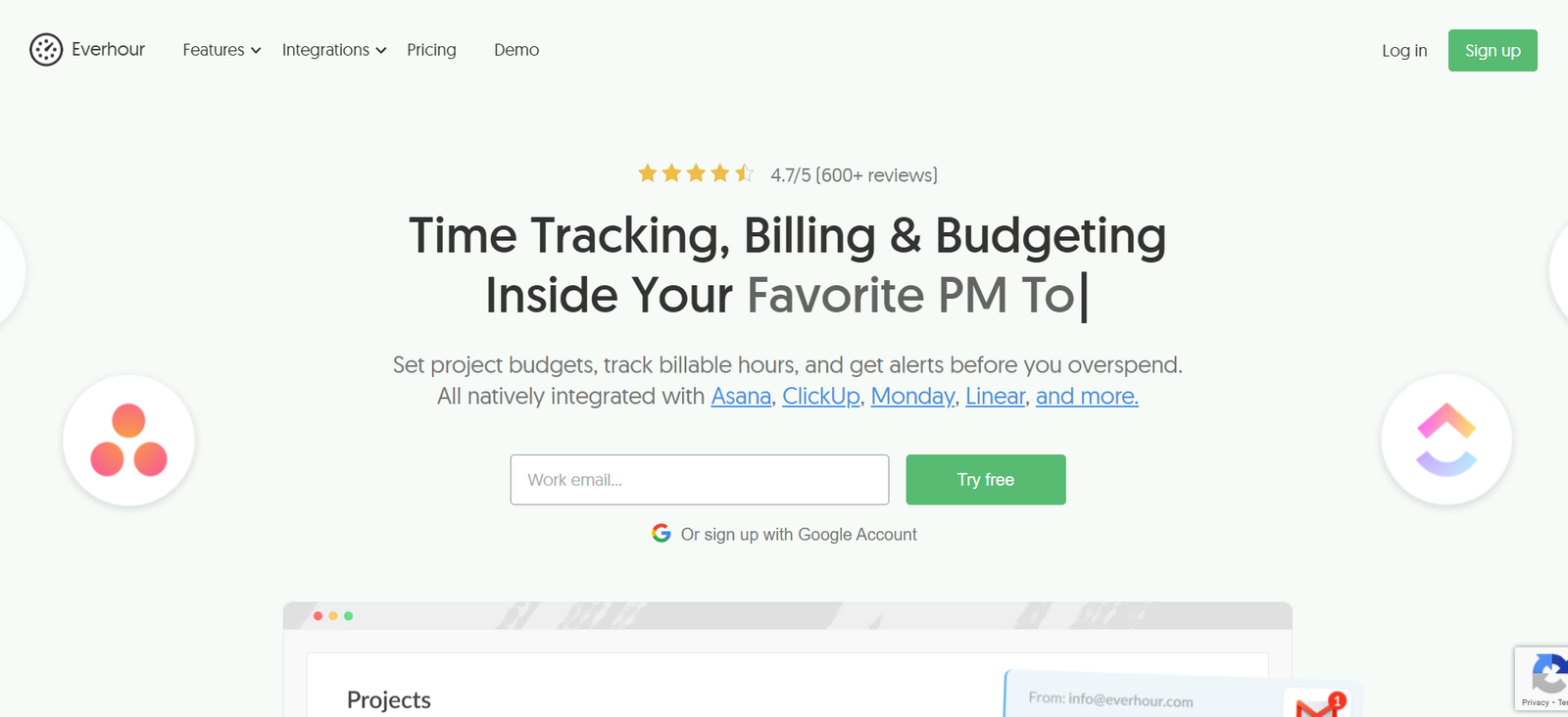
Everhour is a powerful time tracking and resource management tool designed for teams and professionals who want to improve productivity, track billable hours, and gain visibility into how time is spent across projects.
Ideal for agencies, consultancies, and remote teams, Everhour integrates directly with popular project management platforms like Asana, Trello, ClickUp, Jira, and Basecamp, allowing users to track time without switching apps.
The platform focuses on accuracy, transparency, and ease of use. Whether you need to manage internal workloads, generate client reports, or control budgets, Everhour offers a streamlined solution for both time tracking and team management.
Its core advantage lies in helping organizations understand their time investment, enabling better decision-making, planning, and billing.
Features
Everhour offers a comprehensive set of features that support detailed time tracking and team productivity.
Time tracking is the core functionality. Users can start and stop timers or log time manually. Each time entry is linked to specific tasks, projects, or clients, providing granular insights into where time is being spent.
Everhour integrates seamlessly with tools like Asana, Trello, ClickUp, Jira, Notion, and GitHub, allowing users to track time directly from those interfaces. This eliminates context switching and ensures higher tracking accuracy.
The resource management feature helps managers plan workloads, track availability, and avoid overbooking. Users can visualize schedules and allocate tasks based on actual capacity.
The budgeting and cost tracking tools allow teams to set hourly rates, estimate project costs, and monitor budgets in real time. Teams can compare estimated vs. actual performance to improve financial forecasting.
Detailed reports and dashboards offer insight into time distribution, billable hours, task progress, and team performance. Reports can be filtered by client, project, team member, or time period and exported to PDF or CSV.
Everhour includes invoicing capabilities, allowing users to generate invoices based on tracked time. Invoices can be customized with branding, payment terms, and line-item details.
The platform also supports team management features like role-based permissions, time approvals, and timesheet locking to ensure compliance and prevent errors.
For recurring work, teams can create templates, recurring tasks, or recurring budgets to save time on repetitive setup.
Customizable notifications and email summaries help keep team members on track and informed of deadlines and performance metrics.
How It Works
Everhour begins with a simple sign-up process on the web platform. Once registered, users can create or join a workspace, invite team members, and connect third-party project management tools.
After integration, projects and tasks from connected tools are automatically imported into Everhour. Time can then be tracked directly from those platforms, or within Everhour itself.
Users start timers while working or manually enter the time they spent on a task. Each entry is recorded with details like date, task name, and notes.
Project managers can view all time logs, review weekly summaries, and monitor team performance using the dashboard.
The resource management interface allows project leads to schedule team availability, plan task timelines, and manage workloads across multiple projects.
Budgeting tools let teams set limits by project or task, with alerts when thresholds are approached.
Invoicing is created using the time data already collected, reducing manual work and ensuring billing accuracy. Invoices can be sent directly from Everhour or exported to tools like QuickBooks and FreshBooks.
Reports can be configured to match client requirements or internal performance reviews, giving stakeholders complete visibility into time allocation and project efficiency.
Everhour works in real time, and all changes or updates are immediately reflected across the system for improved coordination.
Use Cases
Everhour serves a wide range of users across industries and roles.
Agencies and consultancies use Everhour to track billable time for client work, manage team availability, and streamline invoicing.
Remote teams and distributed companies rely on Everhour to monitor productivity, manage workloads, and maintain accountability without micromanaging.
Freelancers use the platform to log time for multiple clients, generate branded invoices, and maintain accurate records of hours worked.
Software development teams integrate Everhour with GitHub, Jira, or Asana to measure time spent on development, bug fixes, and sprint tasks.
Design and creative teams use it to track time on deliverables, balance workloads, and manage deadlines more effectively.
Finance and operations departments use Everhour’s reporting and budgeting features to understand labor costs, optimize resource allocation, and forecast future spending.
Pricing
As of December 2025, Everhour offers transparent and scalable pricing based on team size and feature needs.
The Free Plan is available for up to 5 users and includes:
Basic time tracking
Reporting features
Integration with a single project management tool
Unlimited projects and tasks
The Team Plan is priced at $8.50 per user per month (billed annually) and includes:
Unlimited integrations
Advanced reports
Time approvals
Invoicing and budgeting
Resource planning
Time off management
Priority support
The Enterprise Plan offers custom pricing and includes everything in the Team Plan, plus:
Dedicated account manager
Custom onboarding
Security reviews and compliance support
SSO (Single Sign-On)
SLA and uptime guarantees
All plans offer a 14-day free trial with full access to premium features, and there are no long-term contracts required.
Strengths
Everhour’s key strength lies in its deep integration with major project management platforms, enabling seamless time tracking without changing workflows.
The interface is intuitive, and setup is straightforward, making it easy for teams to adopt with minimal training.
Accurate, detailed reporting helps organizations make informed decisions about time allocation, staffing, and project profitability.
Built-in budgeting and cost tracking features provide financial visibility at every project stage.
Resource planning allows for proactive scheduling and prevents employee burnout through workload balance.
Custom invoicing and export features simplify client billing and financial reporting.
Everhour is GDPR-compliant and prioritizes data privacy and reliability, making it suitable for teams working with sensitive data.
Drawbacks
Everhour is focused specifically on time tracking and may not fully replace more comprehensive project management tools.
The mobile app is functional but limited compared to the desktop version, which may affect teams working in the field.
Advanced features such as resource planning and invoicing are only available on paid plans, limiting access for smaller teams on the free tier.
Users unfamiliar with time tracking systems may require time to learn how to use the more complex reporting and budgeting tools.
While integrations are strong, there is no offline mode, so internet access is required for tracking and syncing data.
Comparison with Other Tools
Everhour is frequently compared to tools like Toggl Track, Harvest, Clockify, and TimeCamp.
Compared to Toggl Track, Everhour offers deeper project management integrations and more robust invoicing and budgeting features.
Harvest offers strong invoicing and expense tracking, but Everhour integrates more directly with third-party project tools.
Clockify is free and flexible but lacks the resource planning and team scheduling tools available in Everhour.
TimeCamp includes automatic tracking and productivity monitoring, while Everhour is more focused on clean reporting and integration with project workflows.
Everhour is ideal for teams that need time tracking tightly connected to task management and billing, making it a strong choice for professional services and agency environments.
Customer Reviews and Testimonials
Everhour receives high ratings on platforms like G2, Capterra, and Product Hunt for its ease of use, clean interface, and quality of support.
Users often highlight how it improves billing accuracy, enhances time awareness, and integrates smoothly with project tools they already use.
Small business owners appreciate the transparency Everhour brings to client work and internal operations.
Project managers value the real-time insights into team workloads and the ability to forecast resource needs.
Freelancers praise the invoicing feature and time entry simplicity, allowing them to manage multiple clients effectively.
Some reviewers mention that Everhour’s lack of offline capabilities or more robust mobile features can be limiting, but they agree that the web interface is fast and reliable.
Overall, customer sentiment shows that Everhour is a trusted, high-performing solution for tracking time and managing team resources.
Conclusion
Everhour is a professional-grade time tracking and resource management tool that helps teams and individuals work more efficiently, bill accurately, and make smarter decisions. Its powerful integrations with project management platforms and user-friendly design make it a standout choice for agencies, consultants, and remote teams.
With features like detailed reporting, budgeting, invoicing, and capacity planning, Everhour goes beyond basic time tracking to support broader business operations.
While it may not offer all-in-one project management capabilities, Everhour excels at what it was built for: precise, integrated, and actionable time tracking.
For teams looking to gain control of their time, manage resources better, and deliver projects on budget, Everhour is a dependable and effective solution.


