
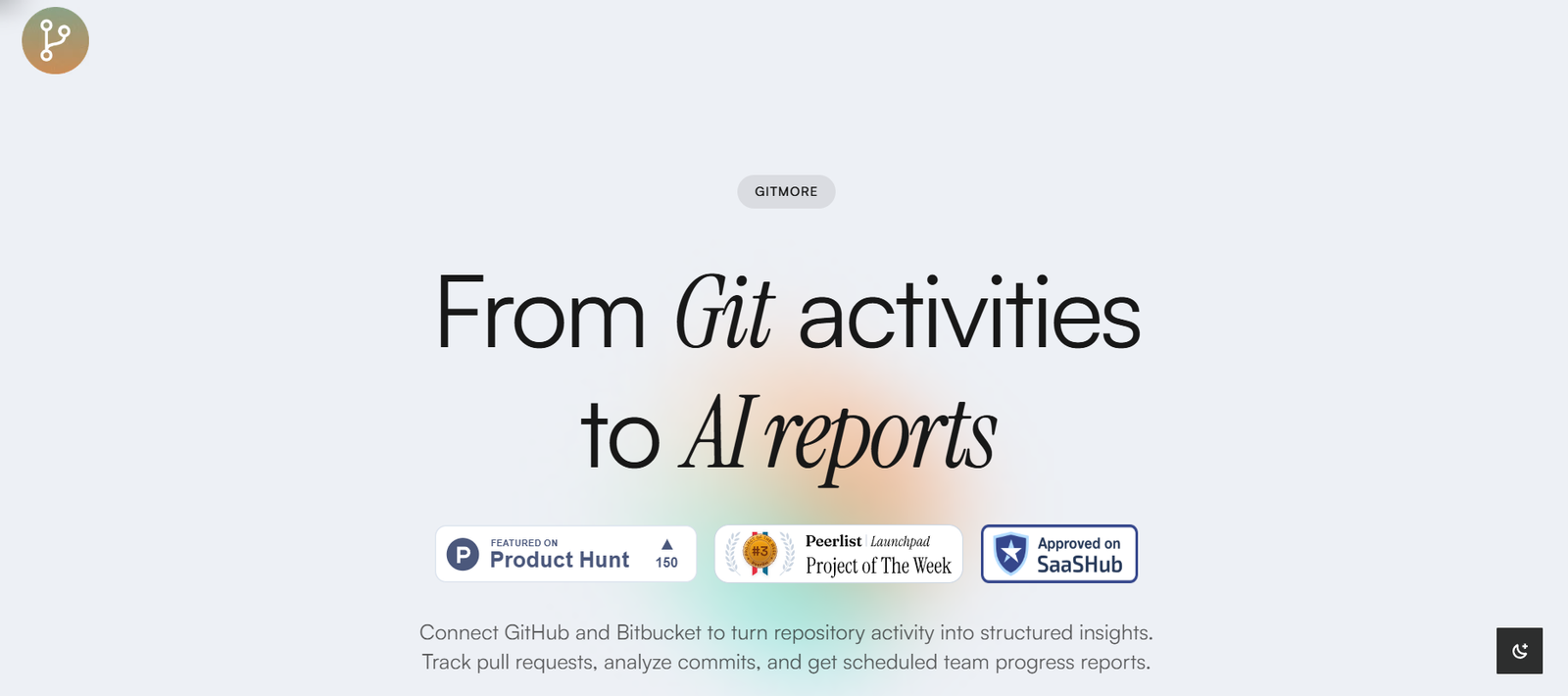
GitMore is an AI-powered productivity platform designed specifically for engineering teams using GitHub. It analyzes team activity, provides insights into developer workflows, and helps engineering managers measure performance, streamline operations, and remove bottlenecks.
The tool sits on top of your existing GitHub workflows and translates commit history, pull requests, and issue activity into meaningful metrics. GitMore enables organizations to understand how their engineering teams are operating and where improvements can be made—all without disrupting the developer experience.
By focusing on data-driven productivity and visibility, GitMore equips engineering leaders with the tools they need to make better decisions, foster autonomy, and improve delivery timelines.
Features
GitMore connects directly to your GitHub repositories and instantly begins analyzing developer activity. It extracts signals from pull requests, commits, and issues to build a detailed picture of how engineering teams work over time.
The platform provides real-time visibility into team dynamics, including metrics like pull request cycle times, review times, lead time for changes, and developer focus time. It detects patterns and anomalies automatically and presents them through an intuitive dashboard.
One of the standout features is GitMore’s “Weekly Pulse,” which summarizes the engineering team’s performance with actionable insights. This includes what’s working well, areas of slowdown, and team-wide productivity signals that can help managers lead more effectively.
The AI engine also helps uncover hidden blockers—such as unreviewed PRs, frequent context switching, or under-resourced repositories—that reduce development velocity.
GitMore allows users to set and monitor engineering goals, track progress week over week, and compare across teams or squads. Unlike traditional project management tools, GitMore stays fully focused on engineering activity and delivery health.
Privacy and security are embedded in the platform, with read-only access to metadata and strict handling of source code. GitMore does not index or store actual code content, keeping developer IP safe.
How It Works
Setting up GitMore starts by securely connecting your GitHub account or organization. Once integrated, the platform analyzes your repositories in the background, pulling metadata from commits, pull requests, and issues to create a productivity profile of your team.
Developers continue using GitHub as usual. GitMore silently gathers the relevant data and transforms it into actionable insights. The platform updates in near real-time, providing an always-current view of team performance without requiring developers to change their workflows or update status reports manually.
Engineering leaders and team managers receive a weekly summary of activity via email or directly within the dashboard. These summaries include productivity trends, highlights, and suggestions for improving throughput or eliminating friction points.
GitMore can also segment insights by team, repo, or individual contributor, enabling a granular understanding of where time is spent and how teams can improve flow. The insights are visual, digestible, and backed by real data rather than subjective input.
Use Cases
Engineering managers use GitMore to gain better visibility into their teams’ operations. Instead of chasing updates or relying on gut feel, they get objective data about throughput, responsiveness, and bottlenecks.
CTOs and VPs of Engineering use GitMore at a leadership level to evaluate delivery efficiency across departments, support strategic planning, and justify resourcing decisions.
Scrum masters and agile coaches use GitMore to spot delivery bottlenecks, optimize sprint velocity, and align team practices with organizational goals.
Startups and fast-growing tech companies use GitMore to keep engineering productivity high while scaling, ensuring teams are not blocked and projects stay on schedule.
Remote and hybrid teams benefit from GitMore’s visibility layer, which enables asynchronous oversight and helps leaders maintain alignment without micromanaging.
Pricing
GitMore currently offers a free plan that allows small teams to get started with core productivity metrics and weekly summaries.
For larger teams or organizations that need deeper analytics, historical trends, and advanced customization, GitMore provides a Pro plan with more robust capabilities. Pricing details for the Pro plan are available upon request via the official website.
Enterprise solutions are also available for organizations with advanced security requirements, custom integrations, or large-scale engineering operations. These include premium support and onboarding assistance.
Teams can start for free and upgrade as their needs grow, making GitMore accessible for startups and scalable for enterprises.
Strengths
GitMore excels at delivering actionable insights without requiring additional manual input from engineers. It automates the collection and analysis of GitHub activity, saving managers hours of administrative work.
The platform is non-intrusive, meaning developers don’t have to learn new tools or change habits. Everything runs in the background, and insights are derived from existing workflows.
Its AI-driven summaries, like the Weekly Pulse, provide a clear picture of how engineering teams are operating—highlighting wins and surfacing issues early.
GitMore also offers a high degree of security and privacy, making it a trustworthy choice for teams concerned with protecting their codebase.
By focusing specifically on GitHub data and engineering performance, GitMore avoids the bloat and distraction common in general-purpose project management tools.
Drawbacks
GitMore is currently limited to GitHub, which means teams using GitLab, Bitbucket, or other version control platforms cannot use it.
While the platform offers strong insights, it may not replace detailed project tracking tools or product management platforms. It is designed to complement—not replace—tools like Jira or Linear.
The AI-generated insights are only as good as the data coming from GitHub. If teams are inconsistent with their workflows or commit hygiene, the data may require context or interpretation.
Advanced features are likely limited to paid tiers, which may be a barrier for smaller teams wanting full visibility without budget for a subscription.
Comparison with Other Tools
Compared to tools like Linear or Jira, GitMore is not a task manager but a performance and productivity analyzer. It works alongside these platforms to show how effectively engineering teams are executing the work defined elsewhere.
GitPrime (now part of Pluralsight Flow) and Code Climate Velocity are the closest alternatives. GitMore distinguishes itself with a modern UI, real-time insights, and faster onboarding with no need for extensive configuration.
Unlike Git analytics tools focused on vanity metrics like lines of code, GitMore emphasizes delivery health and actionable improvement areas, making it more useful for strategic leadership.
For teams that value developer autonomy but still need visibility, GitMore strikes a balance between oversight and trust, something that’s harder to achieve with rigid project tracking tools.
Customer Reviews and Testimonials
Early adopters of GitMore have praised its ability to deliver value quickly. Engineering managers highlight how the platform helps identify blockers without interrupting team workflows.
Testimonials mention improved sprint planning, better one-on-one conversations, and more effective retrospectives thanks to data from GitMore. Managers say they feel more confident in reporting progress to leadership and stakeholders.
Developers appreciate that GitMore doesn’t disrupt their flow or require extra tasks. Since it runs silently in the background, it doesn’t feel like surveillance or micromanagement.
Startups using GitMore report increased engineering velocity and more consistent delivery timelines as a result of acting on the insights provided by the platform.
Conclusion
GitMore is a focused, intelligent tool that brings transparency and efficiency to GitHub-based engineering teams. By automating the process of gathering and interpreting developer activity, it empowers managers to lead with data rather than guesswork.
Whether you’re a team lead trying to improve sprint performance or a CTO overseeing engineering at scale, GitMore delivers the insights needed to make smarter, faster decisions. Its non-intrusive design, powerful summaries, and actionable metrics make it an ideal companion for modern software teams.
For organizations looking to optimize engineering performance without adding overhead, GitMore offers a practical, AI-enhanced solution built to scale with your team.


