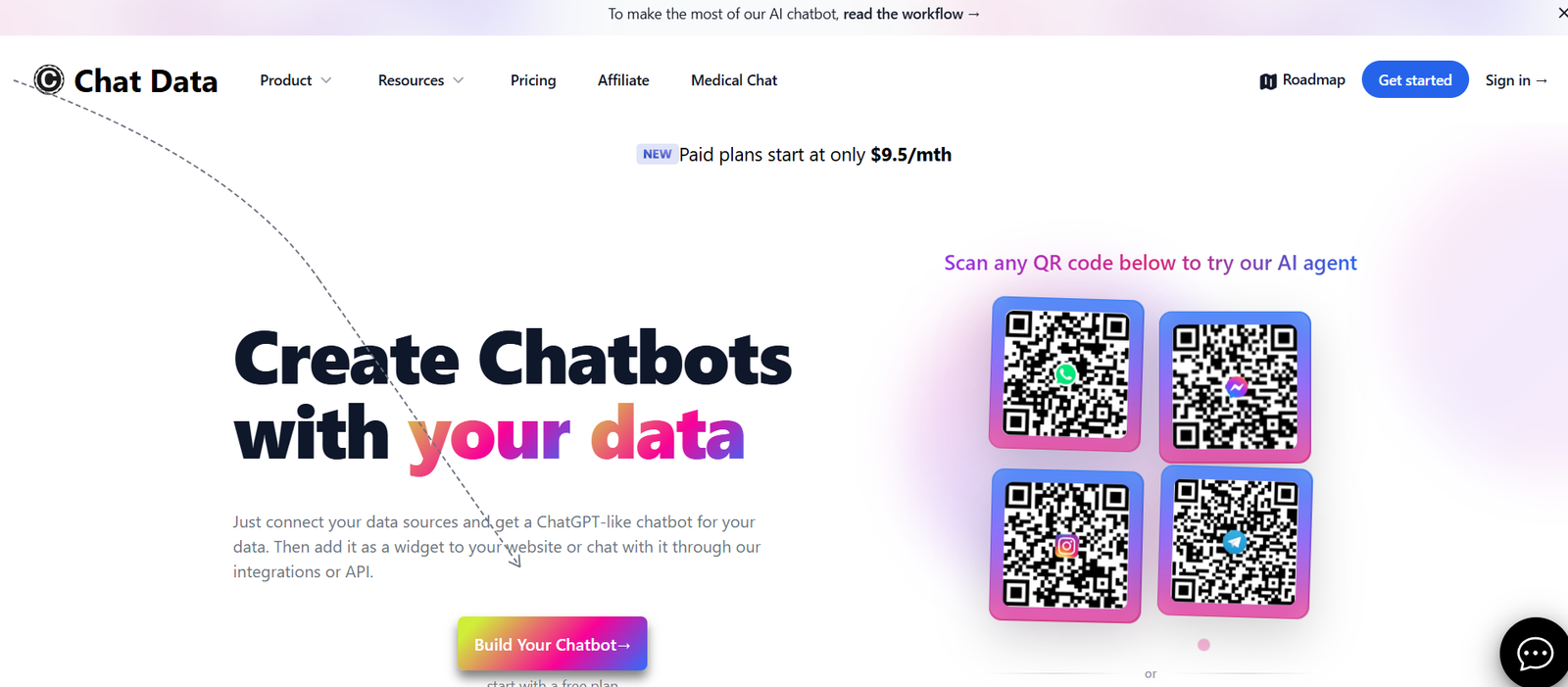
ChatData is an AI platform that allows users to train ChatGPT on their own data quickly and securely. Designed for teams and businesses, ChatData helps you create custom chatbots powered by your internal documents, websites, and knowledge bases—without writing a single line of code.
As companies adopt generative AI across operations, one common barrier remains: most public LLMs don’t know your business, your processes, or your customers. That’s where ChatData steps in. It enables you to upload or connect your proprietary data (PDFs, URLs, Notion pages, and more), and then instantly deploy a private ChatGPT-powered assistant that can answer questions based on your specific content.
Whether you’re looking to build a customer support bot, an internal knowledge assistant, or a sales enablement tool, ChatData offers the infrastructure to do it in minutes—securely and at scale.
Features
1. No-Code AI Bot Builder
You don’t need any technical background to use ChatData. Simply upload your data or link your content sources, and the platform takes care of the rest. A fully functioning chatbot can be live within minutes.
2. Multi-Source Data Ingestion
ChatData supports a wide range of data sources:
PDF documents
Notion pages
Word files
CSVs
Website URLs
Text files
This allows you to aggregate and train ChatGPT on all your company knowledge, regardless of format.
3. Real-Time Chat Interface
Once your data is processed, ChatData creates a clean, easy-to-use chat interface powered by ChatGPT. You can interact with your content conversationally and ask questions as if you were chatting with a colleague.
4. Embed Chatbots Anywhere
You can easily embed your trained chatbot onto your website, product dashboard, or internal portal. The embed code works seamlessly with modern web frameworks.
5. Secure and Private
ChatData emphasizes data security and privacy. Your uploaded documents and content are processed securely, and your chatbot operates privately—ensuring your proprietary information is not exposed to public AI models.
6. Real-Time Syncing
With integrations like Notion or public URLs, your bot stays up to date as your source data changes. ChatData ensures that updates are reflected in the bot’s knowledge base in real time.
7. AI Answers with Source Citations
Each response from the chatbot includes links or citations to the original source document. This improves trust, traceability, and transparency in how the AI generates its answers.
8. Custom Branding and Styling
You can customize your chatbot’s name, profile photo, welcome message, and color scheme to reflect your brand identity. This makes it ideal for customer-facing use.
9. Analytics Dashboard
Get insights into how users interact with your bot—what questions are asked, which documents are referenced, and where users may need additional support.
10. Multi-Bot Management
Create and manage multiple bots for different teams, products, or departments. Each bot can be trained on a unique dataset and deployed independently.
How It Works
ChatData is built to make launching a custom AI assistant fast and seamless:
Sign Up and Log In
Create a ChatData account via https://www.chat-data.com. No technical setup required.Upload or Link Your Data
Drag and drop your files, connect Notion, or paste public URLs. The system automatically reads and indexes your content.Train Your Chatbot
ChatData uses retrieval-augmented generation (RAG) to let ChatGPT interact intelligently with your uploaded data.Chat in Real Time
Use the built-in interface to ask questions. The bot replies instantly, referencing the information from your documents.Deploy or Embed
Copy the provided embed code to add the bot to your website or internal tools.Track Performance
Use the analytics dashboard to monitor usage, improve coverage, and refine your documents.
The entire process takes less than 10 minutes, making it ideal for both startups and large teams.
Use Cases
1. Internal Knowledge Assistant
Empower employees to ask questions about HR policies, onboarding guides, SOPs, or IT documentation—without digging through folders.
2. Customer Support Bot
Deploy a chatbot trained on FAQs, manuals, and product documentation to reduce support tickets and provide 24/7 assistance.
3. Sales Enablement Assistant
Give sales reps instant access to product sheets, pricing policies, competitive battle cards, and pitch decks.
4. Client-Facing Portals
Embed a support chatbot in your client portal that can answer contract questions or onboarding queries specific to the customer.
5. Legal and Compliance Teams
Turn dense policy documents or regulatory guidelines into a searchable chatbot that helps legal teams navigate key information quickly.
6. Onboarding and Training
New employees can interact with a chatbot trained on internal training materials, learning at their own pace while reducing manager workload.
7. Website Visitor Engagement
Let site visitors ask product questions and get real-time answers based on your marketing or help center content.
Pricing
As of the latest information available on https://www.chat-data.com, ChatData uses a freemium pricing model.
Free Plan
1 chatbot
Limited number of documents
Basic usage limits
Access to core features
Limited customizations
Pro Plan (Paid)
Multiple bots
Higher document and usage limits
Source citations
Full customization options
Premium support
Analytics and insights
Custom Plan (Enterprise)
Tailored to business needs
API access
White-label capabilities
Custom security controls
SLAs and priority onboarding
For exact pricing and plan comparison, users are encouraged to sign up or contact ChatData directly via the official website.
Strengths
Fast, no-code setup for ChatGPT-powered bots
Supports multiple data types and integrations
Instant deployment and live chat interface
Embed anywhere with minimal technical setup
Clear citation of answers for transparency
Strong focus on security and data privacy
Ideal for both internal and external applications
Easily scalable for different departments or products
Drawbacks
Free plan may be limited for larger teams
Currently focused on text-based content—no support for multimedia inputs
Fine-tuning of AI responses is limited compared to custom model development
No mobile app or Slack integration as of now
Still evolving, so advanced enterprise features may require custom plans
Comparison with Other Tools
ChatData sits among a fast-growing category of AI chatbot builders. Here’s how it compares with a few similar platforms:
Vs. Chatbase: Chatbase also allows training bots on custom data, but ChatData offers cleaner citation support and a more modern UI.
Vs. Notion AI: While Notion AI helps summarize content, ChatData lets you build full chatbots across multiple sources, not just inside a note.
Vs. Intercom Fin AI: Intercom is robust for customer support, but requires enterprise pricing and setup. ChatData is easier and more affordable to deploy.
Vs. Custom OpenAI Embedding: ChatData eliminates the need for developers to manually build embedding pipelines, vector stores, or chat interfaces.
Its niche is clear: accessible, no-code chatbot building for document-based use cases—without sacrificing performance or flexibility.
Customer Reviews and Testimonials
As ChatData is still gaining traction, user testimonials emphasize speed, simplicity, and immediate ROI:
“I uploaded our 200-page internal handbook and had a working HR assistant in under 10 minutes.”
“We replaced our FAQ page with a ChatData bot—support volume dropped 30%.”
“The citation feature gives us confidence that responses are grounded in real content.”
On platforms like Product Hunt, early users highlight ChatData’s user-friendliness, real-time response quality, and speed of deployment.
Conclusion
ChatData is an effective, secure, and accessible way to build custom AI chatbots using your own documents and knowledge base. It eliminates the need for complex prompt engineering, code-heavy implementation, or expensive enterprise solutions.
Whether you’re a startup looking to improve support, an enterprise automating internal queries, or a solopreneur wanting to bring AI to your content library, ChatData gives you a complete, low-friction solution to deploy ChatGPT on your data—in minutes.