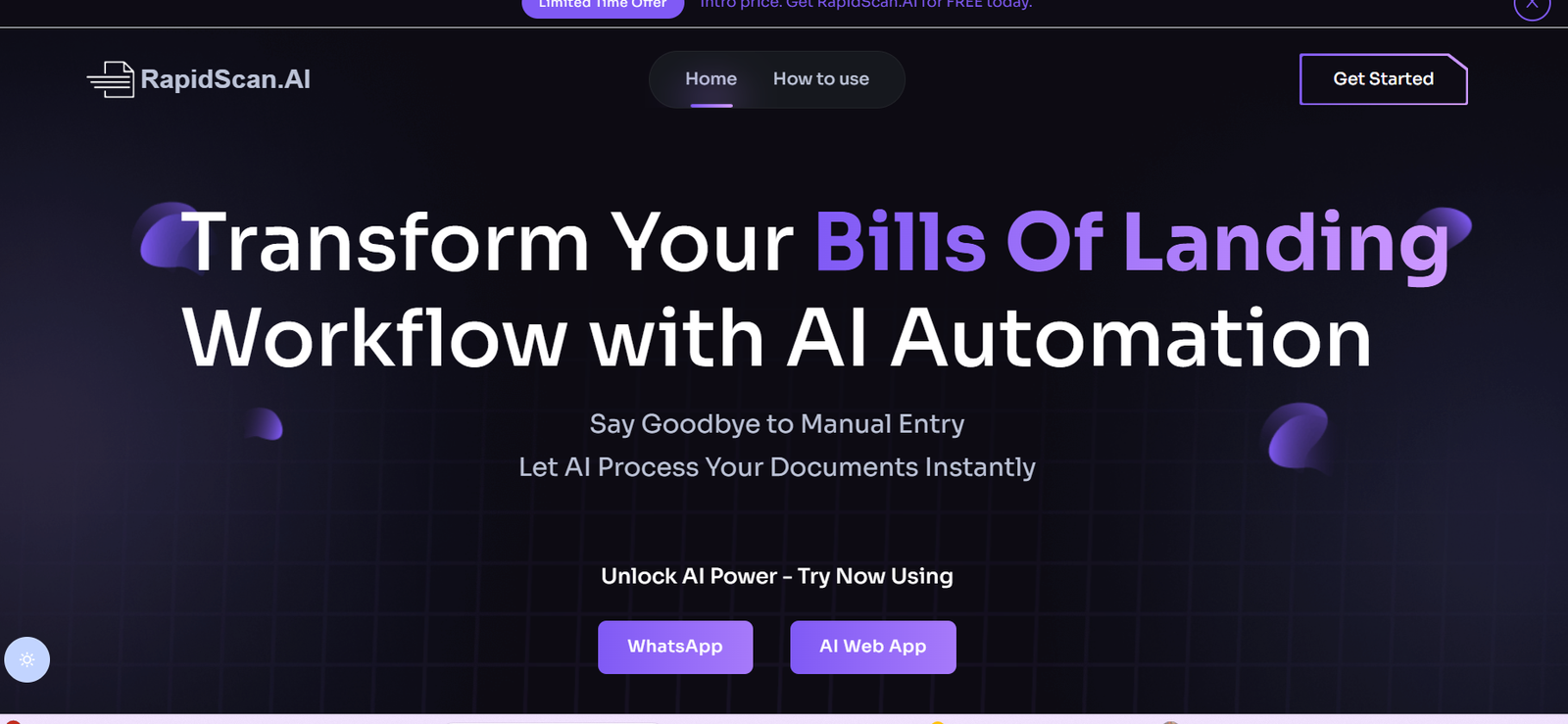
RapidScan.ai is an AI-powered platform designed to instantly scan, analyze, and extract insights from documents, reports, contracts, and other text-based files. By combining document OCR (Optical Character Recognition) with advanced language models, RapidScan enables users to get immediate answers, summaries, and insights from their files—without reading through every page.
Whether you’re a lawyer reviewing contracts, a student studying research papers, or a business professional working through lengthy reports, RapidScan.ai streamlines your workflow by letting you ask questions and get instant, AI-generated responses based on your uploaded documents.
Features
RapidScan.ai includes a suite of AI features built to speed up document understanding:
AI-Powered Document Chat: Upload documents and ask questions in natural language to get accurate, contextual responses.
Fast File Uploads: Supports PDF, DOCX, TXT, and other common formats.
Instant Summarization: Get concise overviews of lengthy documents in seconds.
Multi-File Support: Analyze multiple files at once and ask questions across all of them.
Citation View: Shows exactly where in the document the AI is referencing its answer.
No Account Needed: Start analyzing documents instantly without registration.
Secure File Handling: Uploaded documents are automatically deleted after processing to ensure privacy.
Clean, Minimal Interface: Designed for ease of use with no learning curve.
These features help users save time and gain better comprehension from complex text.
How It Works
Using RapidScan.ai is simple and fast:
Visit the Website: Go to https://rapidscan.ai.
Upload Your File: Drag and drop or upload your document(s). Most formats are supported.
Ask Questions: Type a question like “What are the key findings?” or “What is the conclusion of this report?”
Review AI Responses: The platform provides answers with contextual references from the document.
Download or Copy Insights: Use the information for further reading, reporting, or research.
This intuitive process makes it easy for anyone to extract information quickly, even from long or technical documents.
Use Cases
RapidScan.ai is built for versatility and can support multiple professional and academic scenarios:
Legal Professionals: Review contracts and extract key clauses or liabilities.
Students and Researchers: Summarize research papers, theses, or lecture notes instantly.
Business Executives: Analyze reports, business proposals, or financial documents without deep reading.
HR Teams: Review job descriptions, candidate resumes, or compliance documentation.
Healthcare Providers: Summarize medical reports or extract data from clinical documents.
Content Writers and Editors: Quickly understand source material or repurpose lengthy content.
Anyone dealing with dense, complex, or long documents can benefit from the platform.
Pricing
As of May 2025, RapidScan.ai offers the following pricing plans:
Free Plan:
Upload up to 2 documents/day
Basic chat and summary features
File size limits apply
Pro Plan ($10/month):
Unlimited document uploads
Multi-file analysis
Full-length summaries
Priority response speed
Enterprise Plan (Custom pricing):
API access
Team accounts and collaboration tools
Higher security and SLA support
The free tier is ideal for occasional use, while the Pro and Enterprise tiers are suited for professionals and organizations handling documents regularly.
Strengths
RapidScan.ai stands out with key advantages:
Speed and Simplicity: Get instant insights from documents without manual reading.
No Setup Required: Use it directly from the browser with no downloads or installations.
High Accuracy: Built on modern language models with contextual understanding.
Multi-File Support: Compare and analyze multiple documents at once.
Privacy-Focused: Files are deleted automatically after use.
Its minimal setup and fast results make it perfect for busy professionals and students alike.
Drawbacks
While highly functional, there are some current limitations:
No Offline Mode: Requires an internet connection for use.
Limited Editing Options: Does not allow annotations or inline editing of documents.
File Size Restrictions: Large files may be restricted on the free plan.
Lacks Export Formatting: Summaries and responses can be copied, but not directly exported to styled formats (e.g., PDF or Word).
These are acceptable trade-offs for a fast, no-login-required tool.
Comparison with Other Tools
Here’s how RapidScan.ai compares with similar tools:
Versus ChatGPT with PDF Plugins: While ChatGPT requires plugin setup, RapidScan.ai offers instant access with no registration.
Versus PDF.ai: Both offer chat with PDFs, but RapidScan has a cleaner interface and faster response time.
Versus Adobe Acrobat Pro: Adobe is powerful for editing, while RapidScan is focused on understanding and extracting content.
Versus Notion AI: Notion AI is embedded in a workspace; RapidScan is better for ad hoc analysis of standalone documents.
It fills a niche for fast, AI-assisted reading without the friction of platform setup.
Customer Reviews and Testimonials
While formal reviews are still limited on the homepage, user feedback across platforms highlights the following:
“I uploaded a 40-page legal agreement and found the key clause in under a minute.”
“Perfect for students—summarized 10 pages of notes into 5 bullet points.”
“Super fast and no login required—my go-to for reviewing reports.”
Users praise its speed, simplicity, and usefulness across a variety of document types.
Conclusion
RapidScan.ai is a powerful, AI-based document scanner and analysis tool that allows users to extract insights, summaries, and contextual answers from uploaded files—instantly. With a clean interface, support for multiple formats, and no account required, it offers unmatched speed and convenience for professionals and students.
If you’re tired of manually digging through lengthy PDFs or need quick answers from complex documents, RapidScan.ai is a must-have tool for modern information processing.