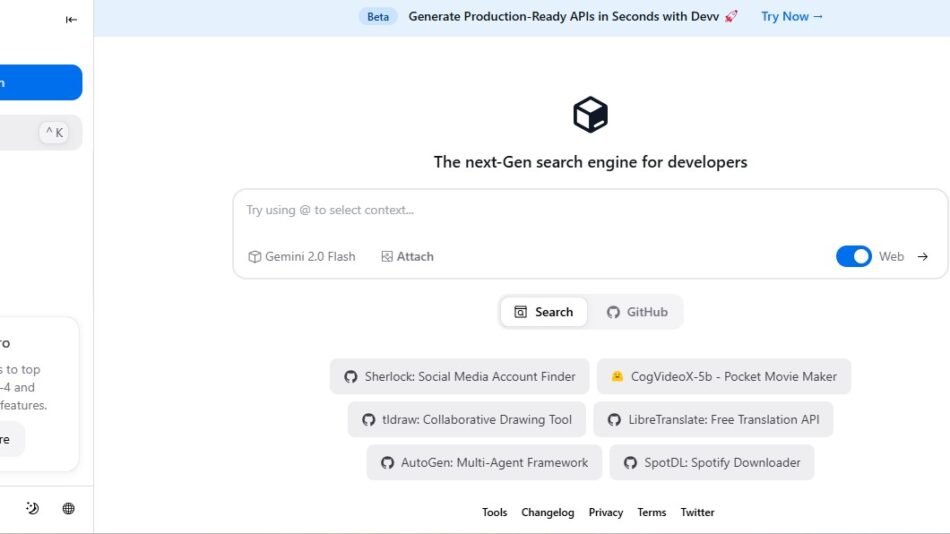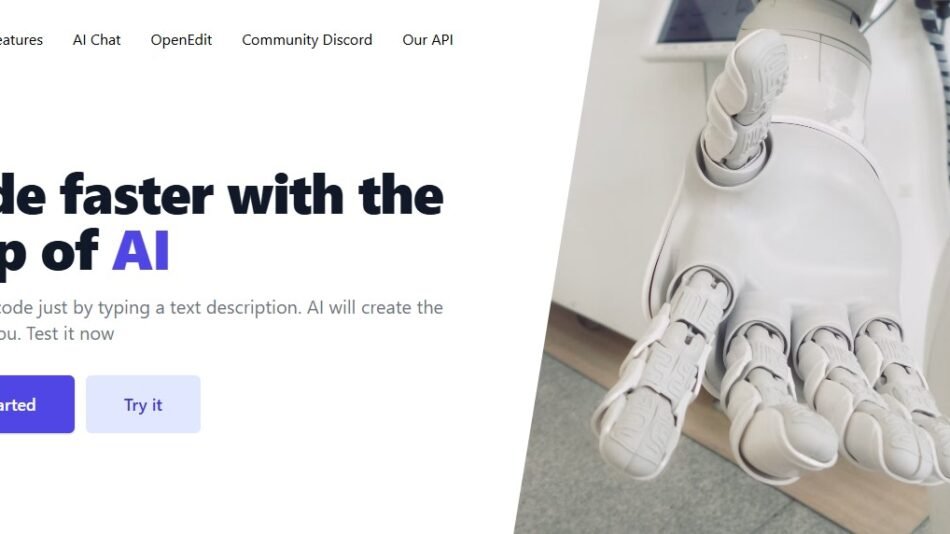
Codey AI is an AI-powered software development assistant that provides real-time coding assistance, debugging support, and code completion.
Codey AI is an AI-powered software development assistant that provides real-time coding assistance, debugging support, and code completion. Using machine learning and natural language processing (NLP), the platform helps developers write high-quality code, detect errors, and optimize performance. It integrates with popular IDEs like VS Code, JetBrains, and Sublime Text and supports multiple programming languages, including Python, JavaScript, Java, C++, and PHP.
Write, debug, and optimize code efficiently., Automate test case generation and documentation., Optimize server-side code and automation scripts.
AI-Powered Code Auto-Completion Provides real-time function,, Provides real-time function, variable, and syntax suggestion, Supports Python, JavaScript, Java, C++, PHP, and more.
Yes
Codey AI offers flexible pricing plans based on user needs:
Is Codey AI right for you?
- use it for write, debug, and optimize code efficiently
- use it for automate test case generation and documentation
- use it for optimize server-side code and automation scripts
- use it for ensure API security and performance
Key features
AI-Powered Code Auto-Completion Provides real-time function,
Provides real-time function, variable, and syntax suggestion
Supports Python, JavaScript, Java, C++, PHP, and more.
Enhances coding speed and reduces errors.
Automated Debugging & Error Detection Identifies syntax erro
Identifies syntax errors, logical bugs, and security vulnera
Pros and cons
- AI-powered code auto-completion speeds up coding.
- Automated debugging and fixes reduce manual effort.
- Code optimization and refactoring improve efficiency.
- Seamless IDE integration supports efficient workflows.
- AI-generated documentation saves time.
- Limited Free Plan – Advanced features require a paid subscription.
- AI Suggestions May Require Manual Review – Some recommendations need validation.
- Customization Constraints – Developers may want more control over AI-generated code.
How to get started
- Install & Integrate with Your IDE Download and install Codey AI’s extension for VS Code, JetBrains, or other supported IDEs.
- Download and install Codey AI’s extension for VS Code, JetBrains, or other supported IDEs.
- AI Analyzes Code in Real-Time Codey AI monitors and suggests improvements as you type.
- Codey AI monitors and suggests improvements as you type.
- Receive Code Suggestions & Fixes AI provides auto-completions, debugging insights, and refactoring recommendations.
Codey AI: frequently asked questions
What is Codey AI?
Codey AI is an AI-powered software development assistant that provides real-time coding assistance, debugging support, and code completion.
What are the main features of Codey AI?
AI-Powered Code Auto-Completion Provides real-time function,, Provides real-time function, variable, and syntax suggestion, Supports Python, JavaScript, Java, C++, PHP, and more., Enhances coding speed and reduces errors..
How much does Codey AI cost?
Codey AI offers flexible pricing plans based on user needs: Check the official site for current prices.
More about Codey AI
Codey AI is an AI-powered software development assistant that provides real-time coding assistance, debugging support, and code completion. Using machine learning and natural language processing (NLP), the platform helps developers write high-quality code, detect errors, and optimize performance.
It integrates with popular IDEs like VS Code, JetBrains, and Sublime Text and supports multiple programming languages, including Python, JavaScript, Java, C++, and PHP.
Key Features
-
AI-Powered Code Auto-Completion
- Provides real-time function, variable, and syntax suggestions.
- Supports Python, JavaScript, Java, C++, PHP, and more.
- Enhances coding speed and reduces errors.
-
Automated Debugging & Error Detection
- Identifies syntax errors, logical bugs, and security vulnerabilities.
- Provides AI-driven debugging solutions and explanations.
- Reduces manual debugging time.
-
Code Optimization & Refactoring
- Suggests improvements for code efficiency and readability.
- Eliminates redundant or unnecessary code.
- Ensures adherence to best coding practices.
-
AI-Generated Documentation
- Automates function descriptions, inline comments, and API documentation.
- Supports JSDoc, Python docstrings, and JavaDoc formats.
- Saves time on manual documentation.
-
Intelligent Code Search & Recommendations
- Provides relevant code snippets and alternative solutions.
- Analyzes existing codebases and suggests best practices.
-
Test Case Generation & Unit Testing Assistance
- AI-powered unit test creation for automated testing.
- Helps developers follow test-driven development (TDD) practices.
- Ensures software reliability and bug-free code.
-
Seamless IDE & Version Control Integration
- Works with VS Code, PyCharm, IntelliJ IDEA, and other IDEs.
- Integrates with GitHub, GitLab, and Bitbucket.
- Enables AI-powered coding assistance within development environments.
How It Works
-
Install & Integrate with Your IDE
- Download and install Codey AI’s extension for VS Code, JetBrains, or other supported IDEs.
-
AI Analyzes Code in Real-Time
- Codey AI monitors and suggests improvements as you type.
-
Receive Code Suggestions & Fixes
- AI provides auto-completions, debugging insights, and refactoring recommendations.
-
Generate Documentation & Test Cases
- Automates code documentation and unit test creation.
-
Deploy & Collaborate Seamlessly
- Integrates with GitHub, GitLab, and team workflows for efficient collaboration.
Use Cases
-
Software Developers & Engineers
- Write, debug, and optimize code efficiently.
- Automate test case generation and documentation.
-
DevOps & Backend Engineers
- Optimize server-side code and automation scripts.
- Ensure API security and performance.
-
Frontend & Full-Stack Developers
- Get AI-powered JavaScript, React, and CSS suggestions.
- Enhance frontend development with best practices.
-
Data Scientists & AI/ML Engineers
- Automate Python script optimizations for data pipelines.
- Improve AI model development with optimized code.
-
Beginner Programmers & Students
- Learn complex coding concepts with AI explanations.
- Get AI-generated examples and coding guidance.
-
Tech Companies & Startups
- Automate code reviews and debugging.
- Improve development team productivity.
Pricing
Codey AI offers flexible pricing plans based on user needs:
- Free Plan – Basic code completion and debugging suggestions.
- Pro Plan – Full access to advanced AI features, test automation, and refactoring tools.
- Enterprise Plan – Custom pricing for large teams, security audits, and AI-powered workflows.
For the latest pricing, visit Codey AI’s official website.
Strengths
- AI-powered code auto-completion speeds up coding.
- Automated debugging and fixes reduce manual effort.
- Code optimization and refactoring improve efficiency.
- Seamless IDE integration supports efficient workflows.
- AI-generated documentation saves time.
- Automated test case generation enhances software reliability.
Drawbacks
- Limited Free Plan – Advanced features require a paid subscription.
- AI Suggestions May Require Manual Review – Some recommendations need validation.
- Customization Constraints – Developers may want more control over AI-generated code.
Comparison with Other Tools
-
Codey AI vs. GitHub Copilot
- GitHub Copilot focuses on auto-completion, while Codey AI provides debugging, test automation, and documentation.
-
Codey AI vs. Tabnine
- Tabnine provides AI-driven code predictions, whereas Codey AI includes error detection and code optimization.
-
Codey AI vs. Amazon CodeWhisperer
- Amazon CodeWhisperer is tailored for AWS development, while Codey AI supports a broader range of languages.
Customer Reviews & Testimonials
Users appreciate Codey AI for AI-powered coding assistance, debugging support, and seamless IDE integration.
Common feedback includes:
- “Codey AI saves time by automating code documentation and debugging.”
- “AI-generated test cases make test-driven development easier.”
- “Great for speeding up my coding workflow!”
Some users note:
- “The free plan is limited for heavy users.”
- “Would like more customization options for AI suggestions.”
Conclusion
Codey AI is an excellent choice for developers looking for an AI-powered assistant to write, debug, and optimize code efficiently. It is ideal for software engineers, students, and tech teams aiming to improve productivity and code quality.
With AI-driven features, seamless IDE integration, and automation capabilities, Codey AI enhances the software development experience.
⇄ Compare Codey AI with similar tools
Want more tools like this?
Get the best new AI tools in your inbox every two weeks. Free, no spam, unsubscribe anytime.