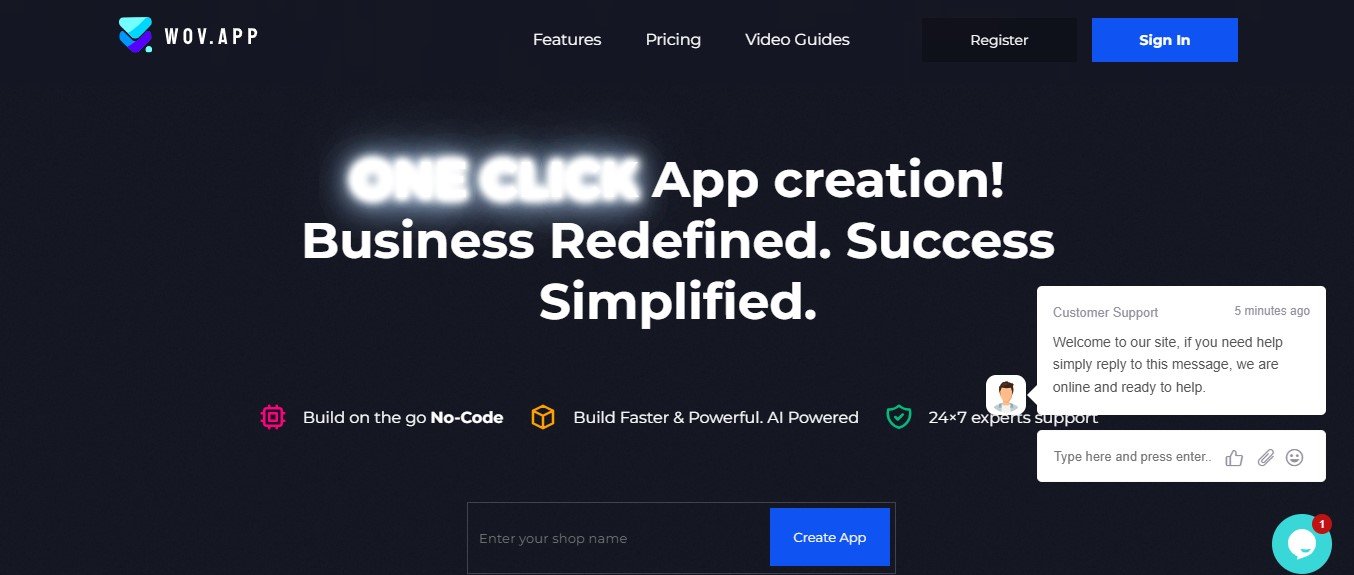
Wov App is an AI-powered video editing and content creation platform designed to help users automate video editing, generate subtitles, enhance visuals, and optimize content for different platforms. It uses machine learning and smart editing algorithms to make video production fast, efficient, and accessible to all skill levels.
It is ideal for content creators, digital marketers, businesses, and social media influencers looking to create engaging, professional-quality videos without complex software.
Key Features of Wov App
- AI-Powered Video Editing – Automates cutting, transitions, and scene optimization.
- Auto-Generated Subtitles & Captions – Creates accurate subtitles for increased engagement and accessibility.
- AI-Driven Video Summarization – Automatically condenses long videos into short, high-impact clips.
- One-Click Social Media Optimization – Resizes videos for Instagram, TikTok, YouTube, and Facebook.
- Smart Background Noise Removal – Enhances audio clarity by eliminating unwanted background sounds.
- AI-Powered Scene Detection – Automatically identifies key moments and highlights in videos.
- Text Overlay & Custom Branding – Adds logos, captions, and watermarks for brand consistency.
- Speech-to-Text & Voice Enhancement – Transcribes spoken content into text and improves audio quality.
- Multi-Language Support – Generates subtitles and captions in multiple languages.
- Cloud-Based & No Software Installation Needed – Access Wov App from any device via a web browser.
These features make Wov App a must-have tool for video creators, marketers, and businesses looking to enhance their content with AI automation.
How Wov App Works
Wov App simplifies video editing and content optimization with AI-driven automation. Here’s how it works:
- Upload Your Video – Import a raw video file or provide a video link.
- AI Analyzes & Enhances – The AI identifies scenes, removes unwanted parts, and optimizes the footage.
- Auto-Generate Subtitles & Captions – AI creates accurate subtitles and transcriptions.
- Customize & Edit – Adjust text overlays, branding elements, and video dimensions.
- Export & Share – Download your AI-enhanced video or share it directly to social media platforms.
This AI-powered workflow helps users save time, enhance content quality, and increase video engagement.
Use Cases of Wov App
1. Social Media Influencers & Content Creators
- Edit YouTube, TikTok, and Instagram videos effortlessly.
- Add AI-generated subtitles for better engagement.
2. Digital Marketers & Businesses
- Create ads, promotional videos, and brand storytelling content.
- Optimize video formats for multi-platform marketing.
3. Coaches & Online Educators
- Generate course content with automated video summarization.
- Improve lecture videos with subtitles and voice enhancement.
4. Podcasters & Live Streamers
- Convert long-form content into short, shareable video clips.
- Auto-generate highlight reels from interviews and discussions.
5. Corporate & Internal Communications
- Improve employee training videos with AI-powered captions.
- Enhance company presentations with professional editing tools.
With AI-powered automation, Wov App is a game-changer for businesses, content creators, and marketing professionals.
Pricing of Wov App
The official website of Wov App does not disclose exact pricing details, but AI-powered video editing tools typically offer:
- Free Plan or Trial – Limited access to basic AI-powered editing and subtitle generation.
- Subscription Plans – Monthly or yearly pricing for full access to AI-driven editing, branding tools, and export options.
- Enterprise Pricing – Custom pricing for businesses and agencies needing bulk video editing.
For the most up-to-date pricing, visit the official Wov App website.
Strengths of Wov App
- AI-Powered Video Editing & Optimization – Automates scene selection, trimming, and captioning.
- No Video Editing Experience Required – Ideal for content creators, marketers, and beginners.
- Multi-Platform Compatibility – Optimizes videos for YouTube, Instagram, TikTok, and more.
- Fast & Cloud-Based – Access AI editing tools from any device without software installation.
- Enhances Accessibility & Engagement – Auto-generates subtitles in multiple languages.
These advantages make Wov App an excellent choice for anyone looking to create high-quality videos with minimal effort.
Drawbacks of Wov App
- Limited Free Features – Full AI editing tools may require a paid subscription.
- AI-Generated Edits May Need Adjustments – Some manual refinements might be necessary for branding consistency.
- Not a Full Professional Video Editor – While great for quick edits, it lacks advanced editing features like Adobe Premiere Pro or Final Cut Pro.
Despite these limitations, Wov App remains a powerful tool for AI-assisted video content creation.
Comparison with Other AI Video Editing Tools
Wov App vs. Other Video Editing Platforms
- Adobe Premiere Pro & Final Cut Pro – Offer manual editing capabilities, while Wov App focuses on AI-powered automation.
- Kapwing & Veed.io – Provide online video editing, but Wov App enhances AI-driven scene detection and captioning.
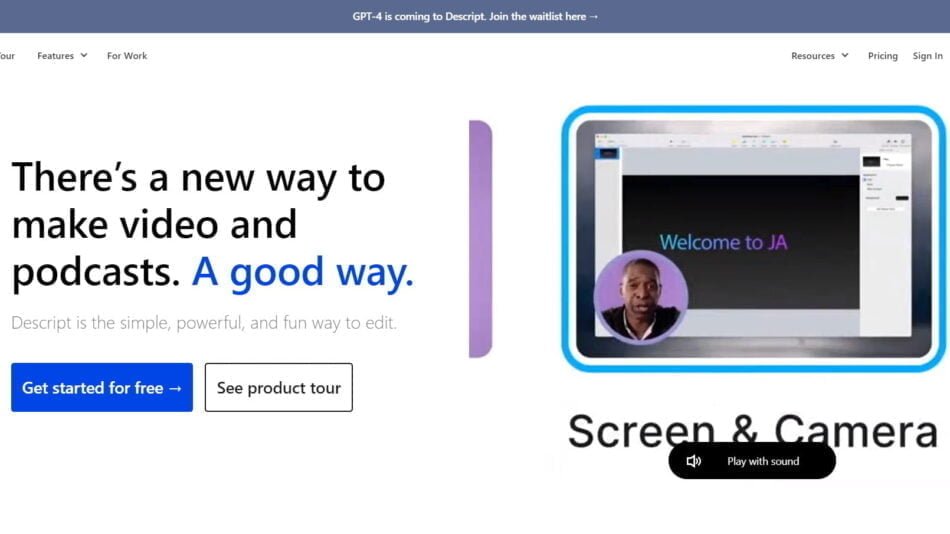
- Runway & Descript – Specialize in AI-powered video and podcast editing, while Wov App automates video highlights and social media optimization.
- InVideo & Lumen5 – Create AI-generated marketing videos, whereas Wov App focuses on enhancing raw video content with AI automation.
Compared to traditional video editing tools, Wov App stands out with its AI-driven automation and quick editing capabilities.
Customer Reviews & Testimonials
Since Wov App is a relatively new platform, detailed customer reviews are still emerging. However, early users have highlighted:
- Fast and efficient AI-powered video editing.
- Perfect for social media creators who need quick edits.
- Great subtitle accuracy and auto-generated captions.
As more businesses and content creators adopt Wov App, additional feedback will provide deeper insights into its usability and effectiveness.
Conclusion: Is Wov App Worth It?
Wov App is an innovative AI-powered video editing and content creation platform that helps creators, businesses, and marketers enhance their videos effortlessly. Whether you’re creating social media content, promotional videos, or educational materials, its AI-driven automation, subtitle generation, and smart editing tools make it a must-try for modern content creators.
While some manual refinements may be needed, its AI-powered automation, ease of use, and accessibility make it a valuable tool for video editing and optimization.
For more details, visit the official Wov App website.