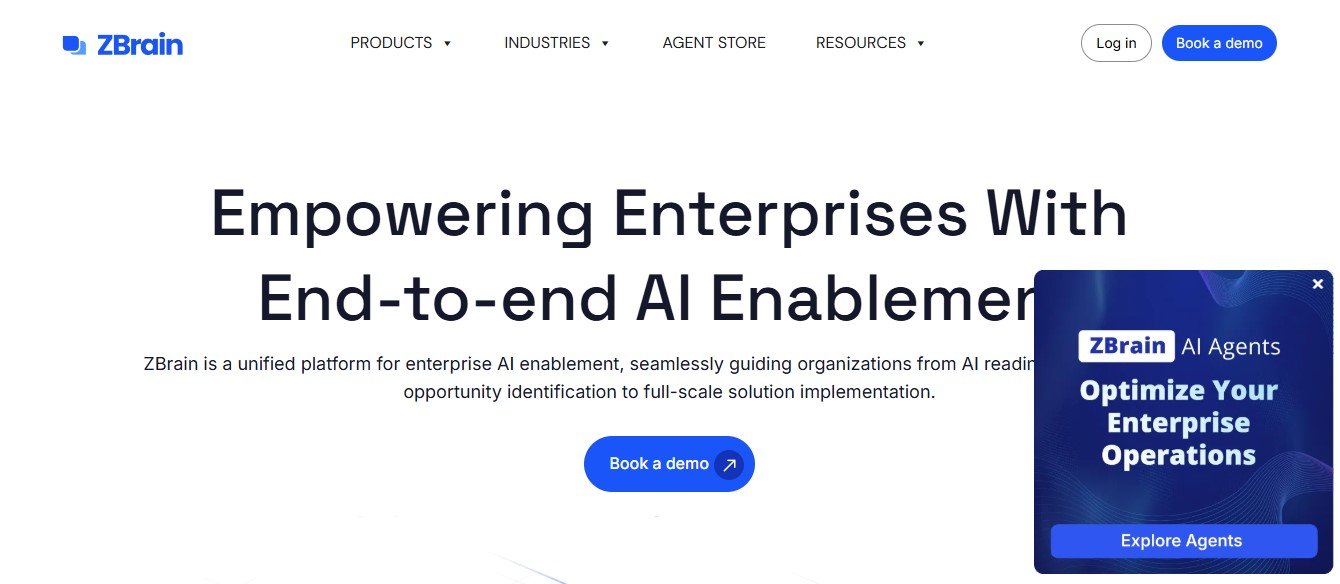
ZBrain AI is an AI-powered platform that enables businesses to create conversational AI agents by connecting the platform to their existing knowledge bases, including documents, FAQs, databases, and third-party apps. The platform leverages natural language processing (NLP) to turn unstructured data into smart, responsive chatbots that can answer customer questions and provide self-service support.
Unlike traditional chatbots that require manual scripting and limited, rule-based responses, ZBrain AI automatically learns from your knowledge resources and can provide contextual, accurate answers to customer and employee queries. The platform is designed to streamline customer support workflows, reduce ticket backlogs, and improve overall customer satisfaction.
ZBrain AI can be deployed across multiple communication channels, including websites, messaging platforms, and internal portals, making it a versatile solution for businesses looking to automate repetitive tasks, provide instant answers, and enhance user experiences.
Key Features of ZBrain AI
ZBrain AI offers a wide range of features to help businesses create AI-powered chatbots and knowledge bases quickly and efficiently. Below are some of its standout features:
1. AI-Powered Knowledge Base Creation
ZBrain AI allows users to automatically build knowledge bases by connecting to existing resources such as:
- PDFs
- Word documents
- Google Docs
- FAQs
- Internal databases
- Third-party apps
The platform uses natural language processing (NLP) to extract key information from these resources and generate accurate responses for customer queries.
2. Conversational AI Chatbots
With ZBrain AI, businesses can create conversational chatbots that provide humanlike responses to customer inquiries. These chatbots are capable of:
- Understanding context
- Providing accurate answers
- Learning from new data
- Handling follow-up questions
The AI chatbots can be deployed across various channels, including:
- Websites
- Slack
- Microsoft Teams
- Intercom
3. Real-Time Training and Learning
ZBrain AI continuously learns from new inputs and updates the knowledge base in real time. Users can upload new documents or update FAQs, and the chatbot will automatically adapt its responses based on the new information.
4. Customizable Knowledge Sources
Users have complete control over the knowledge sources connected to ZBrain AI. You can:
- Add or remove documents
- Filter specific content
- Customize how the AI prioritizes sources
This ensures that the AI agent provides accurate answers based on the most relevant resources.
5. Multi-Language Support
ZBrain AI offers multi-language support, making it a suitable solution for global companies that need to serve customers in different languages.
6. Analytics and Reporting
The platform provides detailed analytics on chatbot interactions, allowing businesses to track performance, identify knowledge gaps, and improve the AI agent’s responses over time.
Key metrics include:
- Chat volume
- Resolution rates
- User satisfaction scores
7. Seamless Integrations
ZBrain AI integrates with popular third-party tools and customer support platforms, including:
- Zendesk
- Freshdesk
- Salesforce
- HubSpot
- Google Drive
These integrations make it easy to incorporate ZBrain AI into your existing workflows.
How Does ZBrain AI Work?
ZBrain AI uses machine learning (ML) and natural language processing (NLP) to analyze unstructured data from knowledge resources and turn it into actionable responses for chatbots. Here’s how the platform works step-by-step:
Step 1: Connect Your Knowledge Resources
Users start by connecting their existing knowledge bases to ZBrain AI. This includes uploading documents, linking FAQs, or integrating with third-party apps.
Step 2: Train the AI Agent
The platform’s AI engine analyzes the uploaded data and automatically generates responses for potential customer queries. Users can fine-tune the responses by providing feedback and adding additional resources.
Step 3: Deploy the Chatbot
Once the AI agent is trained, it can be deployed across various communication channels, such as:
- Web chat widgets
- Slack or Microsoft Teams
- WhatsApp or Intercom
Step 4: Monitor and Improve
Businesses can monitor the chatbot’s performance through the analytics dashboard and make continuous improvements by adding new documents or updating existing knowledge.
Use Cases for ZBrain AI
ZBrain AI is a versatile platform that can be used across various industries and departments to improve customer support and knowledge management. Below are some common use cases:
1. Customer Support Automation
Businesses can use ZBrain AI to reduce support ticket volumes by automating responses to common customer queries.
2. Internal Knowledge Management
HR departments and internal teams can use the platform to build internal knowledge bases, providing employees with instant access to company policies, procedures, and resources.
3. Sales and Marketing Support
Sales teams can use ZBrain AI to automate responses to sales inquiries, helping prospects find the right information quickly and boosting conversion rates.
ZBrain AI Pricing
ZBrain AI offers custom pricing plans based on the size of the organization and specific use cases. The platform provides flexible pricing options for:
- Small businesses
- Enterprises
- Non-profits
For exact pricing details, users can contact the ZBrain AI team for a customized quote.
Strengths of ZBrain AI
✅ AI-Powered Knowledge Base Creation – The platform automatically builds knowledge bases from existing resources, saving time and effort.
✅ Humanlike Chatbot Responses – ZBrain AI provides contextual, accurate responses that mimic human interactions.
✅ Seamless Integrations – The platform integrates with popular customer support tools, making it easy to incorporate into existing workflows.
✅ Multi-Language Support – ZBrain AI supports multiple languages, making it suitable for global companies.
✅ Real-Time Learning – The AI agent continuously learns and updates its knowledge base over time.
Drawbacks of ZBrain AI
❌ Custom Pricing – The platform does not offer transparent pricing, which may be a concern for smaller businesses.
❌ Learning Curve – Some users may need time to familiarize themselves with the platform’s advanced features.
Comparison: ZBrain AI vs. Competitors
Compared to competitors like ChatGPT Enterprise, Intercom, and Zendesk AI, ZBrain AI stands out for its ability to build knowledge bases automatically from existing resources. While Intercom and Zendesk AI focus more on customer messaging, ZBrain AI offers a more comprehensive solution for knowledge management and chatbot creation.
Customer Reviews and Testimonials
- Lisa M., Customer Support Manager:
“ZBrain AI has significantly reduced our ticket volumes by providing instant answers to our customers. The platform is easy to use and delivers accurate responses.” - James T., HR Director:
“We use ZBrain AI for internal knowledge management. Our employees now have instant access to company policies and procedures, which has improved productivity.”
Conclusion: Is ZBrain AI the Right Tool for You?
If your business needs a smart, AI-powered knowledge management solution to improve customer support and streamline internal workflows, ZBrain AI is an excellent choice. The platform’s ability to turn existing documents into conversational AI agents makes it a time-saving tool for businesses looking to automate repetitive tasks and improve customer experiences.