
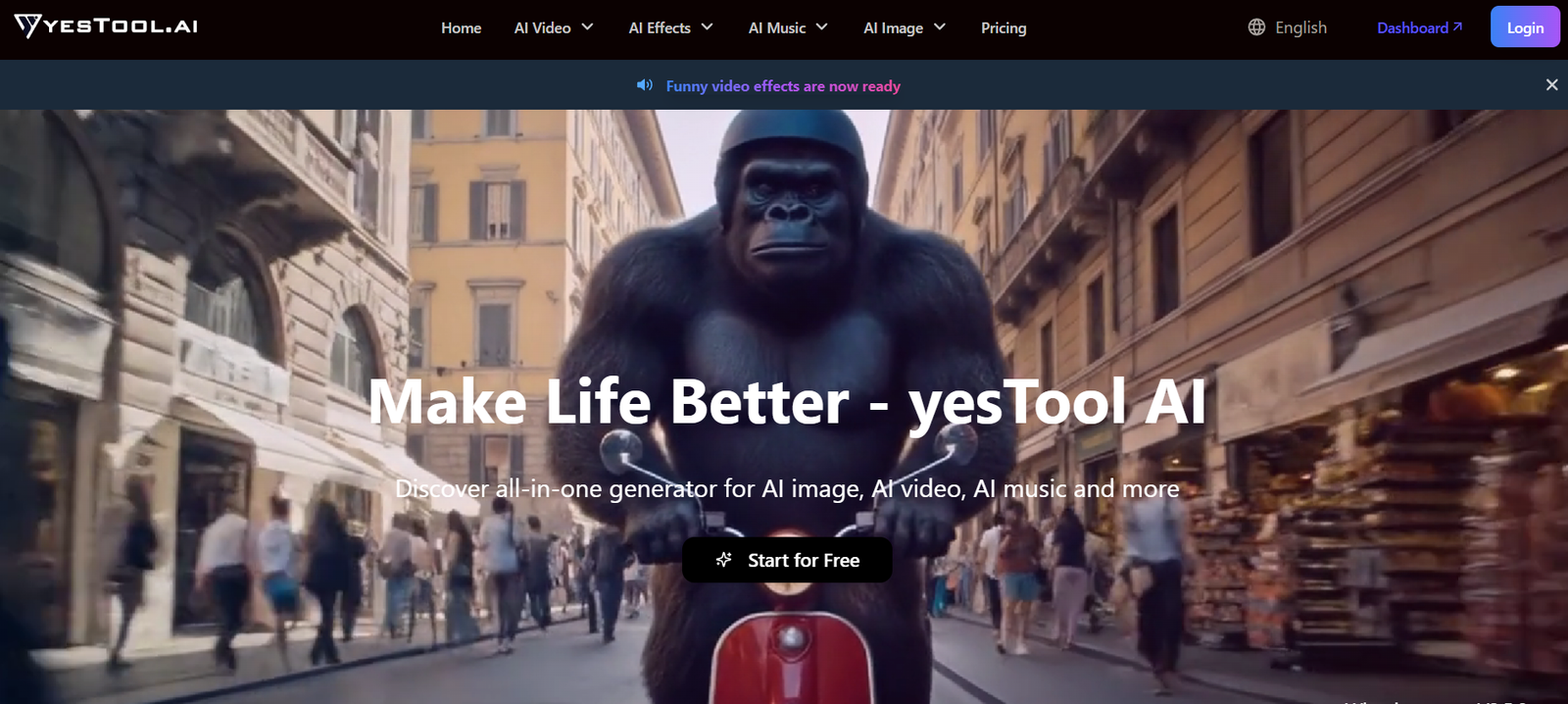
YesTool AI is an automation platform that enables users to create and deploy AI agents capable of performing real work across multiple applications. It integrates artificial intelligence with real-world tools such as Notion, Google Docs, Gmail, and APIs to streamline complex workflows without human intervention. YesTool aims to replace repetitive manual work by letting users design intelligent agents that execute tasks like document writing, email sorting, research, and more. Built for knowledge workers, freelancers, and teams, YesTool combines natural language prompts with modular action blocks, making it a powerful no-code platform for AI-powered task automation.
Features
YesTool AI comes equipped with several robust features that help users create, manage, and execute AI-driven workflows.
Multistep Agent Workflows
Users can create workflows by chaining together multiple tasks and conditions, allowing AI agents to handle multi-step processes like report generation, document summarization, or data retrieval.
Integration with Popular Tools
YesTool AI connects with major productivity tools such as Notion, Google Docs, Gmail, Slack, and custom APIs, giving agents access to perform real-time actions on live data.
Prompt + Action Design
Users can define a task using prompts and assign specific actions to be carried out by the agent, combining reasoning with functionality in a streamlined interface.
Workspace Collaboration
Teams can collaborate by sharing workflows and agents in a shared workspace. This makes YesTool suitable for startups and distributed teams automating their internal operations.
Flexible Triggers
Workflows can be activated manually or set to run on schedules or custom triggers, allowing users to fully automate processes like daily summaries, client onboarding, or email follow-ups.
Drag-and-Drop Interface
The platform uses a visual builder that allows users to construct workflows by dragging and connecting blocks, simplifying the process for non-technical users.
Data Privacy and Safety
YesTool emphasizes secure execution by allowing users to control access to tools and manage credentials through secure integrations.
How It Works
YesTool AI simplifies automation by combining intelligent decision-making with real-world task execution through a no-code workflow builder.
Users begin by choosing a task or workflow they want to automate. This could involve writing a document, extracting data from emails, or summarizing notes in Notion.
The user then creates a workflow using the drag-and-drop interface. Each block can represent a step in the task, such as “search email inbox,” “summarize,” or “create a Notion entry.” Blocks are powered by prompts that tell the AI what to do with the information it accesses.
Once the agent is configured, it can be executed manually or set to run based on triggers like time, incoming emails, or status changes in connected tools.
As the agent runs, it uses LLMs to understand tasks, perform reasoning, and take actions across connected applications. Results can be viewed in real-time, and workflows can be modified at any time.
Use Cases
YesTool AI is designed for professionals and teams looking to streamline operations and remove manual bottlenecks from their workflows.
Automated Reporting
Agents can gather data from documents, emails, and web sources to generate daily, weekly, or monthly reports in Google Docs or Notion.
Email Triage and Reply
AI agents can read incoming emails, classify them, and even draft or send replies, helping users manage large volumes of communication.
Project Documentation
Teams can use YesTool to automatically log meeting notes, create summaries, or organize documentation in Notion.
Market and Competitive Research
Agents can scan sources, extract data, and generate competitive intelligence reports in a fraction of the time required manually.
Client Onboarding
Automate repetitive steps like sending welcome emails, creating Notion pages, and updating CRM records when a new client signs up.
Content Creation
Writers can automate parts of the content workflow, such as gathering research, generating drafts, and posting content to shared folders or tools.
Pricing
As of the latest information from the official website, YesTool AI offers a free trial for new users and provides a simple subscription-based pricing structure.
Free Plan
Includes basic access to workflow creation, limited usage, and access to standard integrations. Ideal for users testing the platform before scaling.
Pro Plan
Unlocks premium features such as unlimited workflows, higher usage limits, advanced integrations (e.g., custom APIs), and priority support. Pricing details are available upon signing in or requesting access.
Enterprise Plans
Tailored plans are likely available for large teams and organizations needing dedicated support, higher API access, and team management features. Contacting the sales team is recommended for custom pricing.
Visit YesTool AI to request access or sign up for updates.
Strengths
YesTool AI has several strengths that make it a standout option for task automation using AI agents.
No-Code Agent Building
Users can build advanced workflows without any coding experience using the drag-and-drop interface.
Deep Tool Integrations
YesTool supports native integration with Notion, Google Docs, Gmail, and Slack, making it practical for knowledge work and daily productivity.
Powerful Prompt Engine
Agents combine natural language understanding with action steps, enabling flexible and context-aware execution.
Designed for Real Work
Unlike chatbots or AI experiments, YesTool agents take real actions on real data, making them suitable for live business environments.
Team Collaboration
Workspaces and shared workflows enable teams to collaborate and automate processes at scale.
Scalable
The platform is suitable for both individuals and large teams, thanks to its modular design and flexible architecture.
Drawbacks
While YesTool AI is a powerful automation tool, there are a few areas where it may have limitations.
Currently in Early Access
Some features may still be under development or limited in availability. The platform is evolving and may not yet support all requested integrations.
No Transparent Public Pricing
Exact pricing tiers are not listed on the homepage, which may deter users seeking clear upfront cost information.
Limited Support Documentation
As of now, there is limited public-facing documentation or community support resources.
Requires Setup for Triggers
While the UI is user-friendly, setting up triggers for advanced workflows may still require some learning curve for non-technical users.
Dependence on External Apps
Workflow effectiveness is dependent on how well integrated tools like Gmail or Notion are configured with user permissions.
Comparison with Other Tools
YesTool AI competes with platforms like Zapier, Make.com, and Autogon, but it brings an AI-first approach to automation that makes it more flexible for knowledge-based tasks.
Compared to Zapier, which is rule-based and depends on predefined app actions, YesTool agents can interpret natural language and make decisions based on context, offering smarter workflows.
Unlike Make.com, which requires more technical setup and custom scenarios, YesTool is designed with simplicity and AI logic blocks in mind, making it more suitable for non-technical users.
YesTool also competes with emerging platforms like Crevas AI or Xole AI, but its focus on direct action across existing productivity tools and multi-step AI agents makes it more practical for operational use.
Customer Reviews and Testimonials
As of now, the official YesTool AI website does not feature public user reviews or testimonials. The platform is in early access, and its user base is currently growing.
Early adopters are encouraged to explore the tool during its beta phase and provide feedback. As the product matures, more customer case studies and testimonials may become available on the website or third-party platforms like Product Hunt and G2.
Conclusion
YesTool AI offers a powerful and practical solution for users looking to automate repetitive tasks and streamline workflows using custom AI agents. By blending no-code workflow design with natural language intelligence and real-world integrations, it provides a user-friendly platform that goes beyond basic automation tools.
Although still in early access, the platform’s flexibility, growing feature set, and deep integrations with tools like Notion, Gmail, and Google Docs position it well for modern teams and solo professionals alike.
For those looking to reduce manual work, improve productivity, or build smarter internal processes, YesTool AI is a strong contender worth trying.












