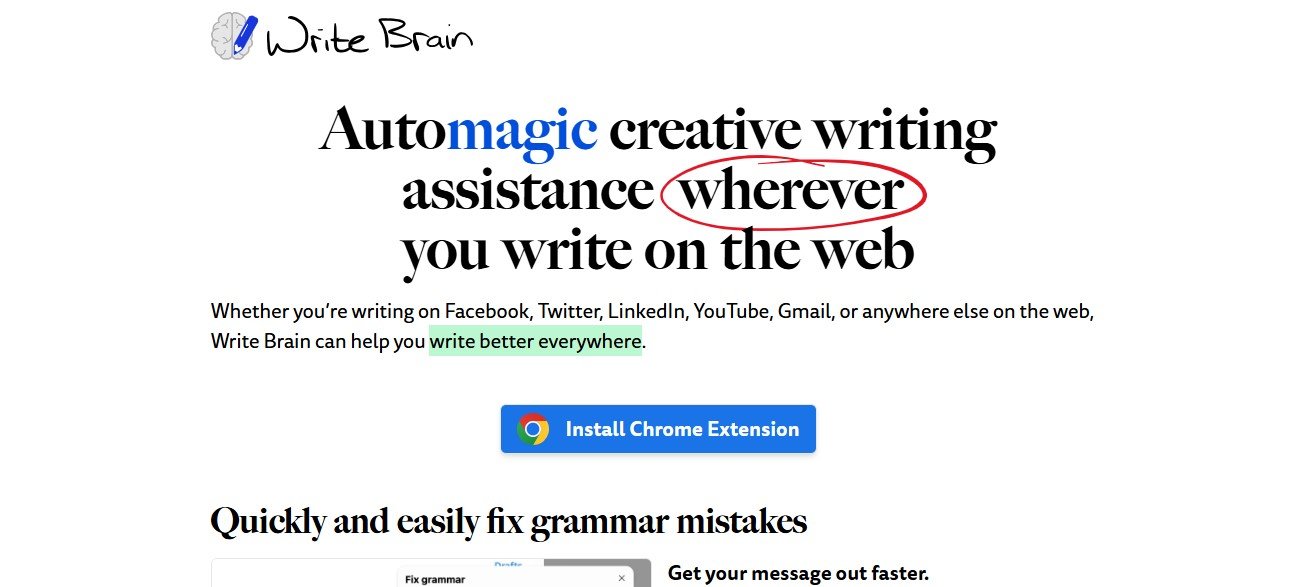
WriteBrain is an AI-powered writing assistant designed to improve your writing wherever you type online. From fixing grammar errors to enhancing clarity and creativity, WriteBrain integrates seamlessly into your web experience, offering real-time corrections and suggestions.
Features of WriteBrain
- Grammar Checker: Quickly identify and fix typos and grammar mistakes with one click.
- Clarity Enhancer: Remove unnecessary words and simplify verbose language for clear messaging.
- Creative Suggestions: Add descriptive flair or refine phrasing to better express your thoughts.
- Translation Tools: Translate text in real time for multilingual communication.
- Emoji Suggestions: Add relevant emojis to punctuate paragraphs and lists for more engaging content.
How WriteBrain Works
- Install the Extension: Add WriteBrain to your browser from the Chrome Web Store.
- Start Typing: Use the extension while writing on platforms like Gmail, Twitter, LinkedIn, and more.
- Apply Corrections: Let the AI highlight grammar errors and clarity issues for immediate fixes.
- Enhance and Translate: Add creative flair or translate text for multilingual conversations.
Use Cases for WriteBrain
- Social Media Creators: Write polished posts and replies across platforms.
- Professionals: Draft error-free emails and reports with minimal effort.
- Marketers: Enhance ad copy and campaigns for better engagement.
- Students: Refine essays and assignments for academic success.
Pricing
WriteBrain offers free basic features, with premium options available for advanced functionality and additional tools. Visit their pricing page for more details.
Strengths of WriteBrain
- Web Integration: Works across multiple online platforms for seamless writing improvement.
- Quick Fixes: Provides real-time solutions to grammar and clarity issues.
- Creative Support: Enhances writing with suggestions for better phrasing and creativity.
- Multilingual Features: Real-time translation breaks language barriers.
Drawbacks of WriteBrain
- Platform-Specific: Limited to web-based writing; may not support offline applications.
- Advanced Features in Premium: Creative and translation tools require a subscription.
Comparison with Other Tools
WriteBrain stands out from tools like Grammarly by integrating emoji suggestions and real-time translation features, making it ideal for social media and multilingual communication. Its clarity-focused enhancements and creative support give it a unique edge for casual and professional use.
Customer Reviews and Testimonials
- “WriteBrain makes my emails flawless and saves me so much time. Love the creative suggestions!” – Mark D., Content Writer
- “The translation tool is amazing for my customer support work. Communicating across languages has never been easier.” – Sarah K., Customer Support Manager
Conclusion
WriteBrain is a powerful and user-friendly AI writing assistant for web users. From fixing grammar mistakes to enhancing creative expression and bridging language gaps, it offers versatile tools for students, professionals, and marketers. Whether you’re crafting tweets or professional emails, WriteBrain ensures your writing is always polished and impactful.