
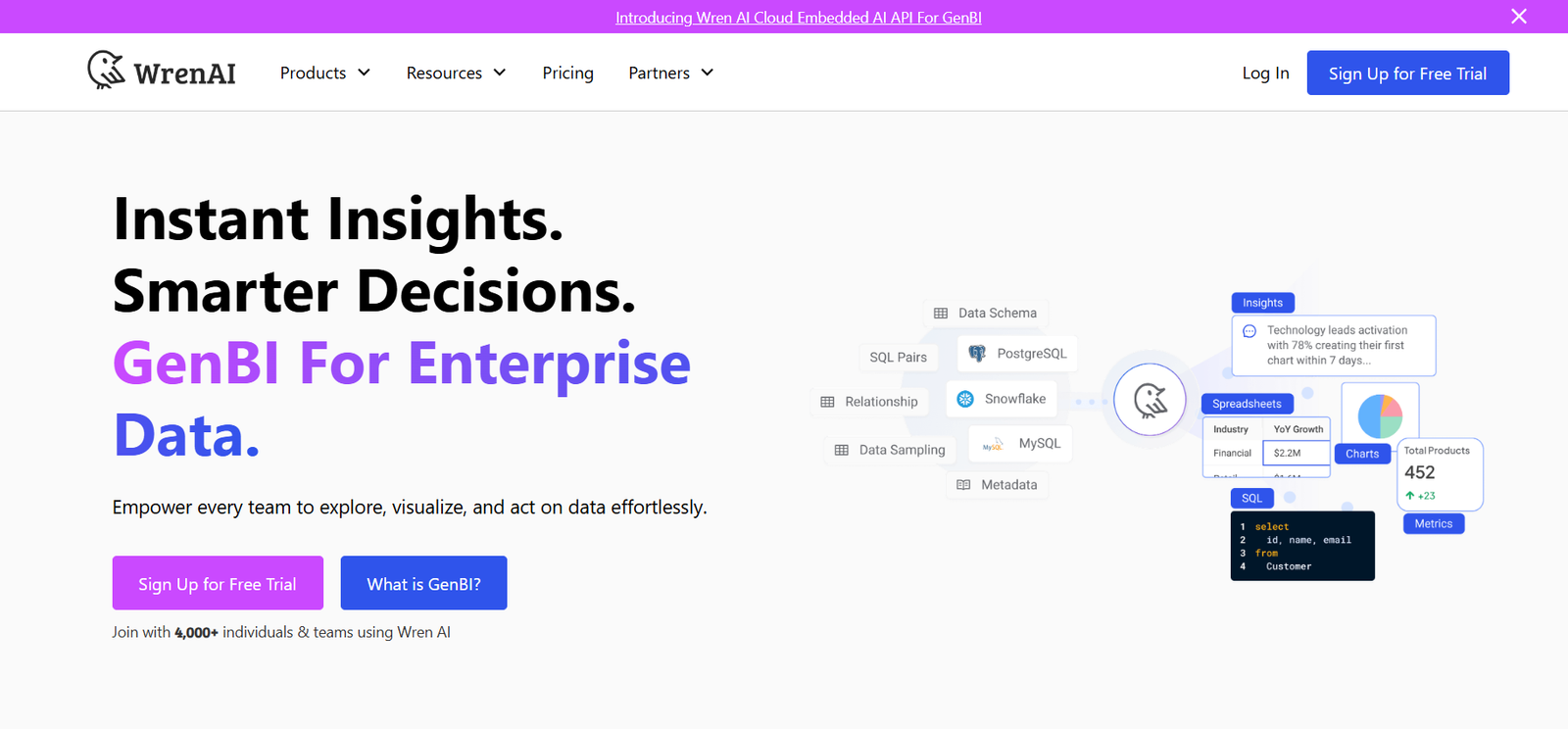
Wren is an AI-powered email assistant designed to help professionals write better emails faster. Built as a browser extension, Wren lives inside Gmail and allows users to draft, rewrite, or enhance emails in real time using context-aware AI.
Whether you’re responding to clients, setting up meetings, or communicating internally, Wren improves the quality, clarity, and tone of your emails — all while saving time and reducing cognitive load.
Features
Contextual AI Writing
Wren understands your email thread, writing style, and subject matter to generate smart suggestions that sound like you.
Quick Email Drafting
Compose emails from short prompts like “Schedule a meeting for next week” — Wren generates a professional draft instantly.
Tone Adjustment
Easily change the tone of your email to be more formal, friendly, direct, apologetic, or appreciative depending on your audience.
One-Click Rewrites
Highlight any sentence or paragraph and instantly rephrase it for clarity, brevity, or impact.
Inside-Gmail Extension
Wren integrates directly into Gmail, making it seamless to use during your regular email workflow.
Smart Replies
Generate quick, personalized responses to incoming emails with one click — based on context and tone.
Security and Privacy
Emails never leave your inbox unless you approve it. Wren is built with strict privacy protections and enterprise-grade encryption.
Team and Workspace Support
Wren can be configured for teams to ensure a consistent tone and communication standard across an organization.
How It Works
To use Wren, users install the Chrome extension from getwren.ai. Once installed, Wren activates automatically in Gmail.
When composing or replying to an email, users can write a few words or a rough draft, then click on Wren’s suggestions to instantly generate a full email. Wren also offers rewriting tools directly in the Gmail editor, allowing quick improvements on the fly.
Users can modify tone, shorten or expand content, or let Wren draft entirely new responses from scratch.
Use Cases
Busy Professionals
Streamline email communication with smarter writing tools that save time and improve quality.
Customer Support and Success
Respond clearly and empathetically to client inquiries using tone-aware AI responses.
Sales and Outreach
Write polished, friendly cold emails and follow-ups that improve response rates.
Founders and Executives
Communicate efficiently without sacrificing tone, clarity, or professionalism.
Remote Teams
Keep written communication consistent and aligned with company culture.
Pricing
As of June 2025, Wren offers the following pricing plans:
Free Plan
Up to 20 messages/month
Tone adjustment
Basic Gmail integration
Access to core rewrite and drafting features
Pro Plan – $10/month
Unlimited messages
Advanced tone and rewrite options
Smart reply features
Priority updates and support
Team Plan – Custom Pricing
Centralized billing
Shared tone profiles and templates
Admin dashboard
Usage analytics and team onboarding
More details and signup options are available at getwren.ai.
Strengths
Fast and intuitive for Gmail users
Saves time on daily communication
Tone and clarity tools reduce email anxiety
Excellent for professionals with high email volume
Strong privacy controls
Drawbacks
Currently supports Gmail only
Limited to English language
Browser extension required (Chrome-based)
Free plan offers limited usage
Comparison with Other Tools
Wren vs. GrammarlyGO
GrammarlyGO offers general AI writing assistance. Wren is built specifically for Gmail workflows with better contextual email understanding.
Wren vs. Superhuman
Superhuman is an email client. Wren is a Gmail add-on that enhances writing rather than replacing the client.
Wren vs. ChatGPT in Gmail
ChatGPT plugins offer broad AI functions. Wren is purpose-built for email with real-time tone, rewriting, and productivity enhancements.
Customer Reviews and Testimonials
Professionals using Wren consistently highlight how it reduces the friction of email writing:
“Wren saves me 30 minutes every day on email. I never stress about tone anymore.”
“It’s like having an assistant in Gmail. I can respond faster and sound more polished.”
“The best AI tool I’ve added to my workflow in the past year. Clean, fast, and feels native.”
Users report improved productivity, more consistent communication, and better writing outcomes overall.
Conclusion
Wren is a powerful AI email assistant that helps professionals write better emails in less time. With seamless Gmail integration, smart prompts, tone control, and contextual awareness, it brings clarity and confidence to every message you send.
Whether you’re a founder, a busy team member, or someone who simply wants to communicate more effectively, Wren turns everyday email into a smoother, smarter experience.
Visit getwren.ai to install the extension and start writing emails the AI-powered way.


