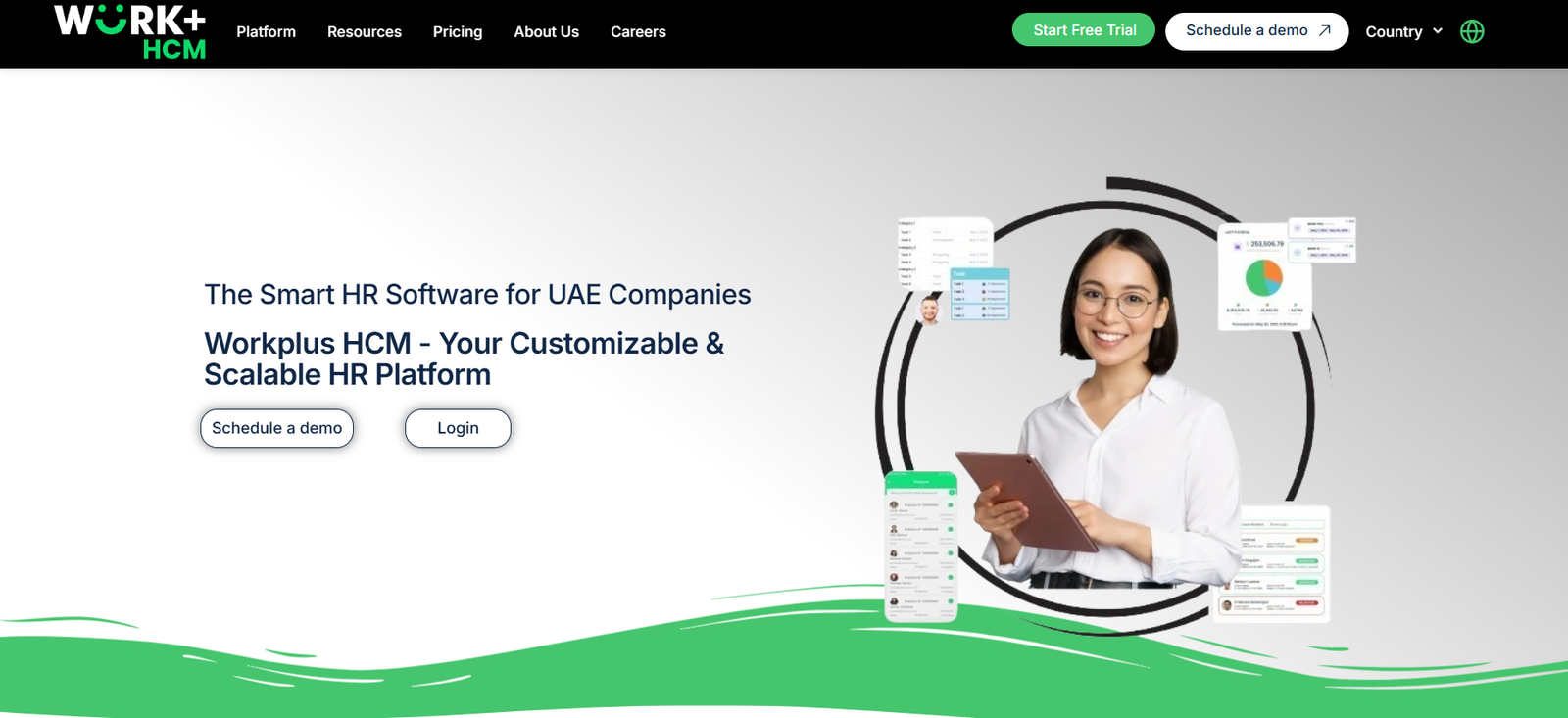
WorkPlus.ai is an AI-powered meeting assistant designed to enhance productivity by providing automated summaries, action items, and meeting notes. The tool integrates seamlessly with platforms like Zoom, Microsoft Teams, and Google Meet to transcribe and process meetings in real time.
With its natural language processing (NLP) engine, WorkPlus.ai identifies important decisions, key highlights, and next steps so teams can stay aligned without the need for manual note-taking.
WorkPlus.ai is particularly useful for professionals managing recurring meetings, remote teams, client calls, and brainstorming sessions.
Features
1. Automated Meeting Notes
WorkPlus.ai listens to your conversations in real time and generates clear, structured meeting notes automatically—freeing participants to focus on discussions instead of documentation.
2. Summarized Key Points
Using advanced NLP, WorkPlus.ai extracts key takeaways and condenses lengthy discussions into digestible summaries for quick reference.
3. Action Items Tracking
The AI identifies and lists specific action items assigned to individuals, helping teams stay accountable and organized after the meeting ends.
4. AI-Powered Meeting Highlights
Get time-stamped meeting highlights with speaker insights, allowing you to revisit specific parts of a conversation easily.
5. Email and App Integration
Automatically send meeting summaries via email or integrate notes into productivity tools like Notion, Slack, or Microsoft Teams.
6. Multi-Platform Support
WorkPlus.ai integrates with leading video conferencing platforms, including Zoom, Google Meet, and Microsoft Teams, making it suitable for a wide range of users.
7. Searchable Meeting History
Users can access and search through a centralized archive of all past meetings to retrieve information quickly when needed.
How It Works
Step 1: Connect Calendar and Meeting Platform
Users link their calendars (Google or Outlook) and conferencing tools. WorkPlus.ai joins meetings automatically or when invited.
Step 2: Real-Time Transcription
Once in a meeting, WorkPlus.ai listens and transcribes conversations live, identifying who said what and capturing the context.
Step 3: Post-Meeting Summary
After the call, the tool generates a clean, concise summary that includes discussion points, action items, and decisions. These are shared via email or integrated into team apps.
Step 4: Team Collaboration
Meeting notes can be shared with attendees or stored in your team workspace, keeping everyone informed and aligned.
Use Cases
1. Project Management Meetings
Ensure all project updates, blockers, and next steps are recorded accurately without relying on a human note-taker.
2. Client Calls
Capture client feedback, deliverables, and timelines automatically, ensuring nothing is missed during sales or support calls.
3. HR and Recruiting Interviews
Record interview summaries and candidate impressions without distractions during the conversation.
4. Remote and Hybrid Teams
Help distributed teams stay in sync with automatic documentation and clear meeting records.
5. Daily Standups and Scrum
Streamline agile practices by capturing daily updates, sprint goals, and backlog items without manual documentation.
Pricing
WorkPlus.ai offers a free plan and several premium options to fit various business needs. As of the latest data from the official pricing page, the plans are as follows:
1. Free Plan
Up to 5 meetings/month
30 minutes per meeting
Meeting summaries
Basic action items
Email sharing
2. Pro Plan – $20/month
Unlimited meetings
Up to 120 minutes/meeting
Advanced meeting summaries
Action item assignment
Export to Notion, Slack
Custom branding
Priority support
3. Team Plan – Custom Pricing
Designed for teams and enterprises
Admin controls and user management
Integration with project management tools
Dedicated support and onboarding
Request a quote via the contact page
All plans include a 7-day free trial, allowing teams to test the tool before committing.
Strengths
Saves time by automating transcription and note-taking
Improves post-meeting clarity with structured summaries
Encourages accountability with action item tracking
Compatible with multiple platforms and calendars
Free plan available for occasional users
Enterprise-level customization available for large teams
Drawbacks
Limited meeting duration on the free plan (30 minutes max)
Some features like task management integrations are only available on paid plans
AI summaries may occasionally require human review for context accuracy
No mobile app as of now (web-based only)
Comparison with Other Tools
WorkPlus.ai vs. Otter.ai
Otter.ai is widely used for transcription but focuses more on note capture than structured action items. WorkPlus.ai provides a more task-oriented summary with built-in action tracking.
WorkPlus.ai vs. Fireflies.ai
Both tools offer similar transcription and AI meeting features. Fireflies.ai has broader integration options, but WorkPlus.ai’s strength lies in clean summaries and simplicity of use.
WorkPlus.ai vs. Sembly.ai
Sembly.ai is geared toward corporate users with deeper analytics. WorkPlus.ai offers a lightweight alternative that’s easier to adopt and more cost-effective for smaller teams.
Customer Reviews and Testimonials
User reviews from early adopters on platforms like Product Hunt and G2 highlight the intuitive design and reliability of WorkPlus.ai’s AI summaries.
One customer noted:
“WorkPlus.ai became our silent team member—capturing everything so we could just focus on collaborating.”
Another review stated:
“The action item tracking alone has made our meetings significantly more productive. No more missed follow-ups!”
As of now, WorkPlus.ai is building traction in the productivity and remote work space, especially among small to mid-sized teams.
Conclusion
WorkPlus.ai stands out as a smart, user-friendly AI meeting assistant that helps teams stay aligned, organized, and productive. By automating note-taking, summarizing discussions, and capturing action items, it solves one of the most persistent issues in professional communication—ineffective meetings.
With a generous free plan and scalable premium options, WorkPlus.ai is a suitable solution for individuals, startups, and large teams alike. If you’re looking to elevate your meeting efficiency with minimal effort, WorkPlus.ai is well worth exploring.