
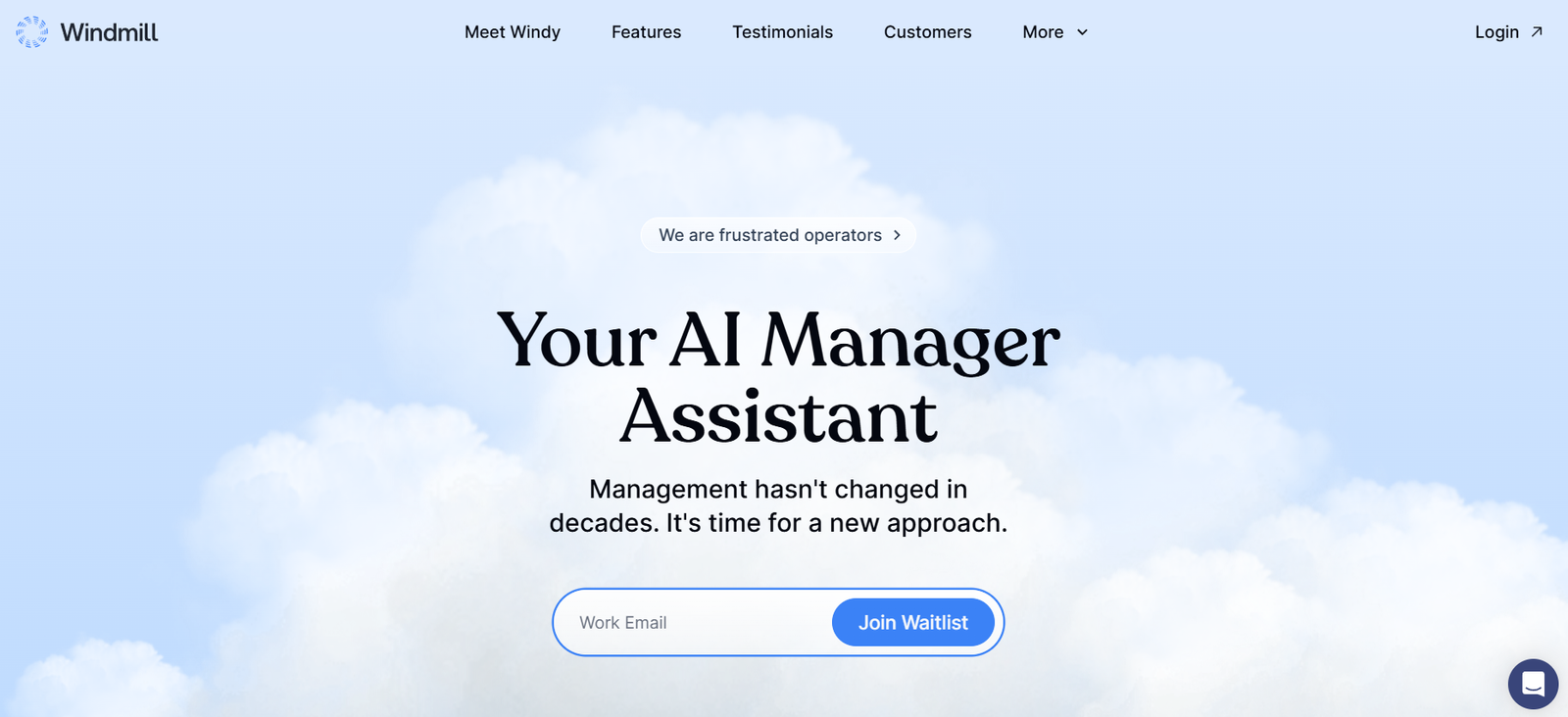
Windmill is an open-source, AI-powered workflow automation platform tailored for developers and engineering teams. Designed to simplify backend operations, it enables users to build, run, and schedule workflows using Python, Typescript, or Go — all through a low-code or no-code interface. Whether you’re creating backend jobs, integrating APIs, or managing complex DevOps tasks, Windmill offers a flexible and secure environment that adapts to both individual developers and large-scale teams.
The platform stands out by allowing users to write and share workflows as code or through a visual editor. This hybrid approach makes it accessible to engineers of all levels and promotes collaboration by enabling the reuse of scripts and jobs across projects.
Features
Windmill is packed with features that make it an essential tool for modern engineering workflows:
Open-Source Architecture: Completely open-source with an active community and enterprise-grade deployment options.
Language Support: Write workflows in Python, TypeScript, or Go.
Workflow Editor: Build workflows visually or as code, using a powerful editor that supports syntax highlighting, autocompletion, and version control.
Secure Execution Environment: Run code in isolated containers with secret management and audit logging.
Job Scheduling: Schedule jobs using cron syntax or manual triggers.
UI Generation: Automatically generate user interfaces for scripts so they can be executed with parameters via the web.
Git Integration: Sync workflows with Git repositories for seamless CI/CD pipelines.
Marketplace: Access a library of pre-built scripts and flows, and share your own with the community.
Self-Hosting and Cloud Options: Choose between hosting Windmill on your own infrastructure or using their managed cloud service.
These features combine to offer a comprehensive, developer-first experience for automating backend operations.
How It Works
Windmill works by turning scripts and code snippets into fully-functional workflows that can be scheduled, reused, or triggered via API. Users start by writing a script in their preferred language — Python, TypeScript, or Go — directly within Windmill’s online editor. The editor automatically generates a UI for running the workflow with parameters.
Once a script is defined, it can be saved as a workflow, scheduled for periodic execution, or run manually. Windmill also allows workflows to call each other, making it possible to build complex, multi-step automations.
For organizations, workflows can be version-controlled via GitHub or GitLab, and executed securely in containerized environments. Teams can collaborate using shared spaces and RBAC (Role-Based Access Control) to maintain proper access levels and traceability.
Use Cases
Windmill supports a wide range of engineering and DevOps tasks:
CI/CD Automation: Streamline deployment pipelines by building workflows for code testing, packaging, and deployment.
Data Engineering: Automate data pipelines by scheduling ETL tasks and connecting with cloud storage or databases.
APIs and Microservices: Create, test, and automate API interactions using workflows that act like mini backend services.
Internal Tools: Generate UI-enabled scripts for internal operations like user onboarding, data lookups, or account resets.
Monitoring and Alerts: Set up custom scripts to monitor system health and trigger notifications based on predefined conditions.
Cloud Resource Management: Automate AWS, GCP, or Azure resource provisioning through custom workflows.
These use cases highlight Windmill’s flexibility and appeal to both solo developers and enterprise teams.
Pricing
Windmill offers both self-hosted and cloud-based plans, tailored for different needs. Here’s an overview based on their official pricing:
Self-Hosted
Free: Unlimited users, unlimited workflows, and access to all open-source features. Ideal for developers and teams managing their own infrastructure.
Cloud (Managed by Windmill)
Hobby – $10/month
For individuals with low usage needs. Includes basic access to managed cloud services.Startup – $50/month
Suitable for small teams. Includes up to 10 users, custom secrets management, and daily job scheduling.Business – $200/month
For growing companies needing scalability. Offers custom domains, advanced RBAC, metrics, and unlimited secrets.Enterprise – Custom pricing
Designed for large organizations. Includes SLAs, SSO (Single Sign-On), audit logging, and premium support.
Pricing is transparent and scales with usage, making Windmill accessible from hobbyists to enterprises.
Strengths
Windmill offers several unique strengths that make it a top choice for developers and DevOps professionals:
Developer-Centric: Built specifically for engineering teams, with language support and powerful scripting capabilities.
Flexible Hosting: Use it on your own infrastructure or opt for a cloud-managed version.
Open Source: Freely available under an open-source license, allowing for full transparency and extensibility.
Rapid Workflow Building: Quickly transform code into usable, shareable workflows with auto-generated UIs.
Strong Community: Backed by an active community contributing workflows and integrations.
Secure by Design: Isolated containers, secrets management, and audit logs ensure robust security.
These strengths make Windmill a standout in the workflow automation space.
Drawbacks
Despite its many advantages, Windmill does have some limitations:
Steep Learning Curve for Non-Developers: While the visual editor helps, it’s still primarily built for technical users.
Limited Non-Code Integrations: Compared to tools like Zapier, it requires more technical knowledge for setup.
Early in Ecosystem Maturity: As a newer platform, it may not have as many out-of-the-box integrations as older competitors.
These drawbacks are important to consider for teams that require non-technical accessibility or wide integration coverage out of the box.
Comparison with Other Tools
Windmill sits at the intersection of developer-focused automation and workflow orchestration. Here’s how it compares:
vs. Zapier: Zapier is better for non-technical users and offers extensive app integrations. Windmill, on the other hand, provides far greater customization and code-based control.
vs. Temporal.io: Temporal is great for durable, long-running workflows but requires significant setup. Windmill is easier to get started with and has a simpler UI.
vs. Airflow: Apache Airflow is strong for data workflows but has a steep learning curve. Windmill offers a friendlier interface and real-time execution.
vs. n8n: n8n offers low-code automation, but Windmill supports stronger programming language features and Git-based versioning.
Windmill stands out for its balance of power and accessibility, making it ideal for engineering teams.
Customer Reviews and Testimonials
As of now, Windmill is still building its user base and ecosystem. There are no official testimonials on the website, but the platform is gaining traction on GitHub and within developer forums.
The Windmill GitHub repository shows active community engagement and contributions, indicating a growing user base. Users appreciate its fast setup, open-source flexibility, and developer-friendly approach.
For future reviews, keep an eye on its Product Hunt page and social media mentions, where new updates and user feedback are often posted.
Conclusion
Windmill is a modern, developer-first workflow automation tool that empowers engineering teams to build and share backend automations with ease. With support for Python, TypeScript, and Go, integrated scheduling, Git syncing, and an open-source foundation, it offers unmatched flexibility for code-centric teams.
While it may not be ideal for non-technical users, it shines in environments where automation, security, and scalability are key. Whether you’re managing CI/CD pipelines, creating internal tools, or building full backend systems, Windmill is a powerful tool worth integrating into your development workflow.
To explore its full capabilities, start with the free self-hosted version or try out the cloud-based plans available at gowindmill.com.


