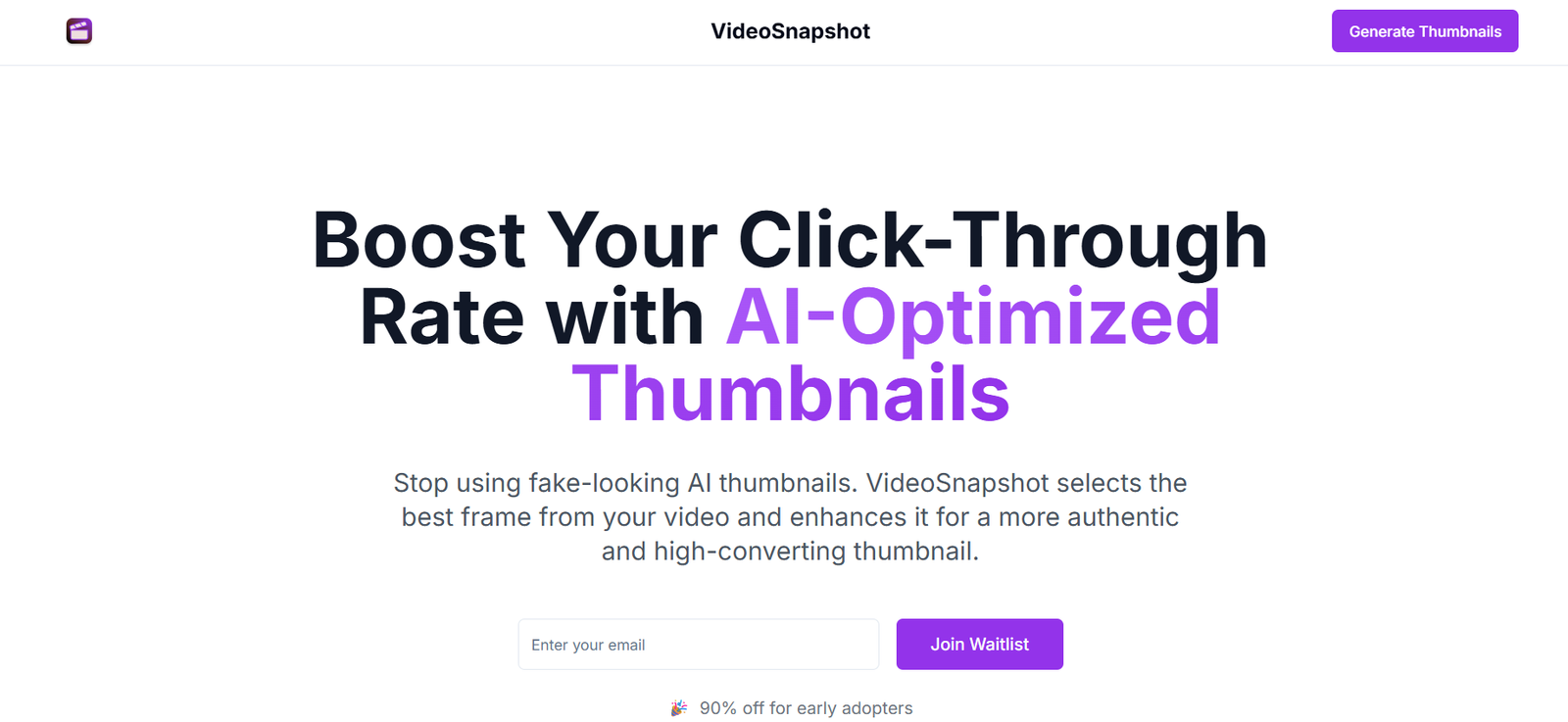
VideoSnapshot is an AI-powered tool that instantly generates text summaries of YouTube videos. Designed for researchers, students, content curators, and busy professionals, the platform allows users to understand a video’s content without watching it in full. By extracting key ideas and presenting them in a concise written format, VideoSnapshot saves time and improves content consumption efficiency.
Whether you’re scanning through educational videos, business talks, interviews, or tutorials, VideoSnapshot offers a fast, practical solution to digest long-form video content in seconds.
Features
VideoSnapshot includes a focused set of AI features aimed at summarizing video content quickly:
YouTube Link Input: Paste any public YouTube URL to generate an instant summary.
AI-Powered Summarization: The tool uses natural language processing to extract core messages from the video.
No Signup Required: Start summarizing immediately without creating an account.
Real-Time Processing: Summaries are generated in under a minute.
Minimalist UI: Clean interface that focuses on one task—fast, accurate video summarization.
Multilingual Support (depends on video content): Works with videos in multiple languages, depending on clarity and transcription accuracy.
Free to Use: No cost for basic summaries at the time of writing.
This simplicity makes VideoSnapshot ideal for users who want quick insights from lengthy video content without distractions.
How It Works
Using VideoSnapshot is straightforward and efficient:
Copy and Paste a YouTube Video Link: Go to the VideoSnapshot homepage and paste a link to any public YouTube video.
Click “Summarize”: The AI transcribes and analyzes the video, then generates a readable summary.
Read and Use: The summary includes the main points and ideas discussed in the video, which you can review, copy, or use for research or note-taking.
There’s no need to watch the entire video or scroll through timestamps. The tool condenses essential information into a short, readable format instantly.
Use Cases
VideoSnapshot supports a variety of personal and professional applications:
Students: Quickly summarize lecture videos, tutorials, or academic content for note-taking and revision.
Researchers: Extract insights from interviews, panel discussions, or conference talks without watching full videos.
Content Curators: Preview videos quickly to decide what to feature in blogs, newsletters, or resource hubs.
Busy Professionals: Stay updated with business or industry talks by skimming summaries instead of watching.
Writers and Bloggers: Use summaries to cite or reference video content without manual transcription.
Language Learners: Understand video content faster by reading simplified summaries.
It’s especially useful for anyone who wants to speed up information intake from video-heavy platforms like YouTube.
Pricing
As of the latest information on the VideoSnapshot website, the platform is currently free to use, with no sign-up or subscription required.
Free Plan
Unlimited YouTube summaries
Instant access
No account needed
Ideal for personal use, testing, and daily research tasks
There is no mention of paid plans, usage limits, or premium features, making it a highly accessible tool for casual and frequent users alike. Future pricing or pro plans may be introduced, so users are encouraged to revisit the site periodically for updates.
Strengths
Fast and Simple: Summaries are generated in seconds with just a YouTube link.
No Login Required: Completely frictionless experience.
Saves Time: Ideal for skimming video content without watching full-length videos.
Accurate Key Point Extraction: Focuses on main ideas and takeaway messages.
Free to Use: No cost makes it accessible to students, educators, and professionals alike.
Supports a Wide Range of Topics: Works well across business, tech, education, and entertainment categories.
Drawbacks
No Editing or Customization: Users can’t tweak or personalize the summary format.
No Export or Save Options: Summaries must be manually copied; no account-based storage.
Dependent on Audio Quality: Poorly spoken or unclear videos may yield weaker summaries.
Only Works with YouTube Links: Doesn’t support video uploads from other sources or platforms.
No Timestamped Summaries: Unlike tools that break summaries into time-based sections, VideoSnapshot provides a single paragraph format.
Comparison with Other Tools
VideoSnapshot vs. Eightify
Eightify summarizes YouTube videos directly within the YouTube interface as a browser extension. VideoSnapshot is a standalone web tool—easier for casual users but less integrated.
VideoSnapshot vs. Glasp
Glasp focuses more on note-taking and highlighting. VideoSnapshot specializes in instant summarization without additional tools.
VideoSnapshot vs. ChatGPT with YouTube Plugins
While ChatGPT can summarize videos via plugins or third-party apps, it requires setup and subscriptions. VideoSnapshot works instantly with no login or configuration.
Customer Reviews and Testimonials
Since VideoSnapshot is a minimal, utility-focused tool, there are no public user reviews or testimonials listed on the site. However, community responses on forums and social platforms mention:
“Great tool for saving time on research.”
“Perfect for getting the gist of long videos quickly.”
“Used it for my study notes—way faster than manual transcription.”
“Love that there’s no signup or paywall.”
These responses reflect appreciation for its simplicity and practical value.
Conclusion
VideoSnapshot is a fast, free, and highly practical AI tool that summarizes YouTube videos into concise, digestible text. It’s ideal for students, researchers, content creators, and anyone who wants to extract value from videos without investing the time to watch them in full.
With its no-login, no-cost model and instant processing, VideoSnapshot is an excellent solution for users looking for quick insights, efficient note-taking, or time-saving content review.