
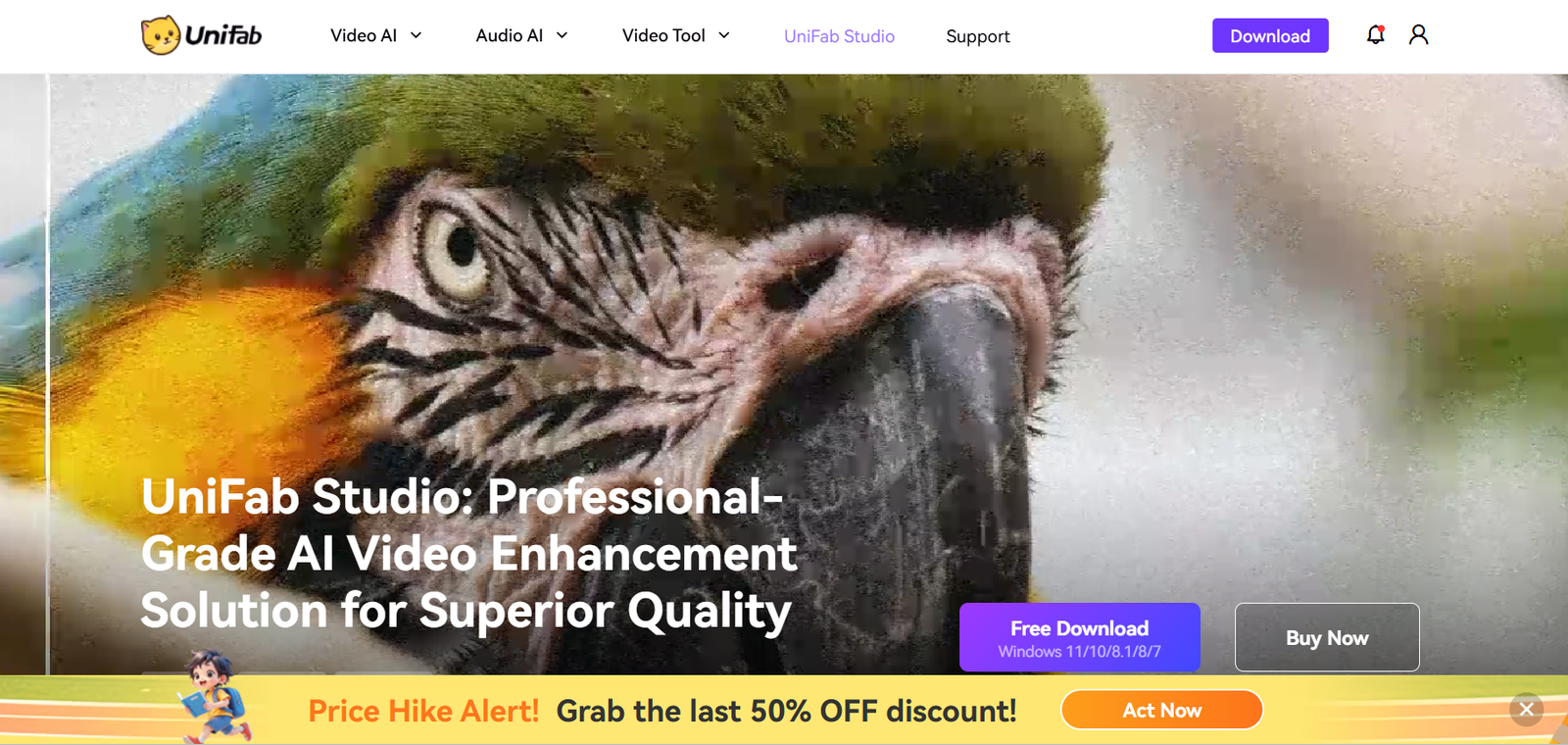
Unifab AI is an advanced AI-powered video enhancer designed to improve the quality of videos through intelligent upscaling, noise reduction, frame interpolation, and restoration. Developed by DVDFab, Unifab AI leverages deep learning models to repair, sharpen, and enhance video content, delivering higher resolution and clarity without the need for manual editing.
Targeted at content creators, video editors, movie collectors, and home users, Unifab AI simplifies video restoration and enhancement processes using a clean interface and automated workflows. Whether you’re restoring old home movies, upscaling DVDs to 4K, or improving YouTube content, Unifab AI provides a reliable and efficient way to enhance video quality with minimal technical input.
Features
1. AI Upscaling to 4K
Unifab AI uses deep learning to upscale low-resolution videos to Full HD or 4K while preserving and enhancing details. This feature is ideal for old DVDs, SD content, or legacy video footage.
2. Noise Reduction and Deblurring
The AI model intelligently reduces video noise and blurriness caused by poor lighting or low-quality sources. It cleans up visual artifacts to create a sharper and clearer image.
3. Frame Interpolation (AI Frame Rate Enhancement)
Unifab AI can increase video frame rates by generating intermediate frames using AI, enabling smoother playback. This is especially useful for converting 24fps content to 60fps.
4. Color and Brightness Enhancement
The AI engine auto-adjusts color balance, contrast, and brightness to improve overall video aesthetics. It ensures natural skin tones and accurate colors without over-processing.
5. Video Stabilization
For shaky handheld footage, Unifab AI includes stabilization features that reduce motion blur and improve visual steadiness.
6. Batch Processing
Users can queue multiple videos for enhancement in one session, saving time and ensuring consistent results across projects.
7. Multiple AI Models
Unifab AI provides different AI models tailored for specific tasks, such as animation enhancement, motion smoothing, and artifact removal. Users can select the most appropriate model based on their source material.
8. Easy-to-Use Interface
Despite its powerful backend, Unifab AI has a beginner-friendly interface. Users can drag and drop videos, select output settings, and let the software handle the rest.
9. Hardware Acceleration
Supports GPU acceleration (NVIDIA and AMD) for faster processing times, especially important when dealing with 4K or long-duration videos.
How It Works
Unifab AI works by combining AI-based video processing with an intuitive user experience. Here’s how a typical workflow looks:
Import Video: Users load a video file into the Unifab AI desktop application.
Select Enhancement Model: Choose from available AI models based on the enhancement goal—upscaling, denoising, frame interpolation, etc.
Adjust Settings: Define the output resolution, frame rate, and format. Optional filters and processing settings can be tweaked.
Start Processing: With GPU acceleration, the video enhancement begins. Users can monitor progress and queue multiple jobs.
Export Output: The enhanced video is exported in the desired format (MP4, MKV, etc.) and resolution (up to 4K).
The backend uses convolutional neural networks (CNNs) and GANs (Generative Adversarial Networks) to intelligently analyze and reconstruct video frames with improved detail and clarity.
Use Cases
1. Video Restoration
Restore old family videos, VHS tapes, or DVD footage by upscaling to 1080p or 4K and removing noise or damage.
2. YouTube and Social Media Content Creation
Enhance video content before uploading to platforms like YouTube, TikTok, or Instagram, ensuring professional-quality visuals.
3. Home Theater Upgrades
Upscale old movies or TV shows from DVD or SD sources to 4K resolution for better viewing on modern displays.
4. Film Archiving
Archivists and studios can use Unifab AI to enhance legacy film footage, improving archival value without reshooting or re-digitizing.
5. Education and Training Content
Upgrade low-resolution educational videos for use in modern e-learning platforms or training environments.
6. Animation Upscaling
Special AI models enhance cartoon or anime content, making them clearer while preserving artistic integrity.
7. Surveillance Footage Enhancement
Improve the clarity of CCTV or surveillance footage for better identification and analysis.
Pricing
Unifab AI offers a straightforward pricing model with multiple license options. According to the official Unifab AI website, here are the current pricing plans:
1. Monthly Plan
$39.99/month
Full access to all AI models and features
Free updates during subscription period
2. Annual Plan
$99.99/year
All features included
Best value for regular users
3. Lifetime Plan
$129.99 one-time payment
Permanent access to current features
Free lifetime updates
All plans include support for batch processing, 4K output, and GPU acceleration. Free trial options are available, but videos processed with the trial version may include watermarks or other limitations.
Strengths
1. High-Quality AI Results
Unifab AI delivers impressive upscaling and noise reduction performance, often surpassing traditional video editors and filters.
2. User-Friendly Interface
Designed for both beginners and professionals, the intuitive UI makes advanced video enhancement accessible.
3. Speed with GPU Acceleration
Support for NVIDIA and AMD GPUs significantly improves processing speed, especially when handling high-resolution content.
4. Regular Updates
The development team regularly updates AI models and features to keep up with modern demands and feedback.
5. Affordable Lifetime Plan
Compared to competitors, the lifetime access option is competitively priced for long-term users.
Drawbacks
1. Requires Powerful Hardware
Video enhancement, especially at 4K or with frame interpolation, demands a high-performance GPU and sufficient RAM.
2. No Cloud Processing
Unifab AI is currently desktop-only. Users must download and install the software, and there’s no web-based version or remote processing.
3. Limited Output Formats
While it covers common formats, more advanced encoding or codec options may be lacking for professional studios.
4. Watermark on Free Trial
The trial version includes watermarks, which may limit its usefulness for evaluation in some professional settings.
Comparison with Other Tools
vs. Topaz Video AI
Topaz Video AI is a direct competitor and is considered more advanced in terms of AI model complexity. However, it comes with a higher price tag. Unifab AI offers a more affordable alternative with a simpler interface and similar enhancement features.
vs. AVCLabs Video Enhancer AI
AVCLabs also provides AI-based upscaling, but Unifab AI has better integration with DVDFab’s ecosystem and includes more frequent updates. AVCLabs may offer slightly better customization for certain technical users.
vs. Adobe Premiere Pro + Plugins
While Premiere Pro can handle upscaling with plugins or manual adjustments, it lacks true AI enhancement out-of-the-box. Unifab AI automates many of these tasks, making it more efficient for users focused solely on video improvement.
Customer Reviews and Testimonials
User feedback across forums and product review platforms has been generally positive. On platforms like Trustpilot and user comments on DVDFab forums, common feedback includes:
“Unifab AI turned my old wedding DVD into a stunning 4K video. Impressive results with just a few clicks.”
“The AI frame interpolation is fantastic. Converted 24fps anime to 60fps with minimal ghosting.”
“A solid alternative to Topaz Video AI, especially at this price point.”
“Works fast with my RTX 3060. Batch processing is a lifesaver for editing jobs.”
Most users appreciate the ease of use, processing speed, and visible quality improvements, though some recommend stronger hardware for optimal performance.
Conclusion
Unifab AI is a powerful and accessible video enhancement solution that uses artificial intelligence to bring out the best in your videos. Whether you’re upscaling home movies, preparing content for YouTube, or restoring archival footage, Unifab AI provides an automated, high-quality workflow for video restoration and improvement.
Its affordable pricing, regular updates, and support for 4K output make it an attractive tool for both casual users and professional editors. While it requires solid hardware and lacks cloud capabilities, the trade-offs are minimal for those seeking fast and effective video enhancement.


