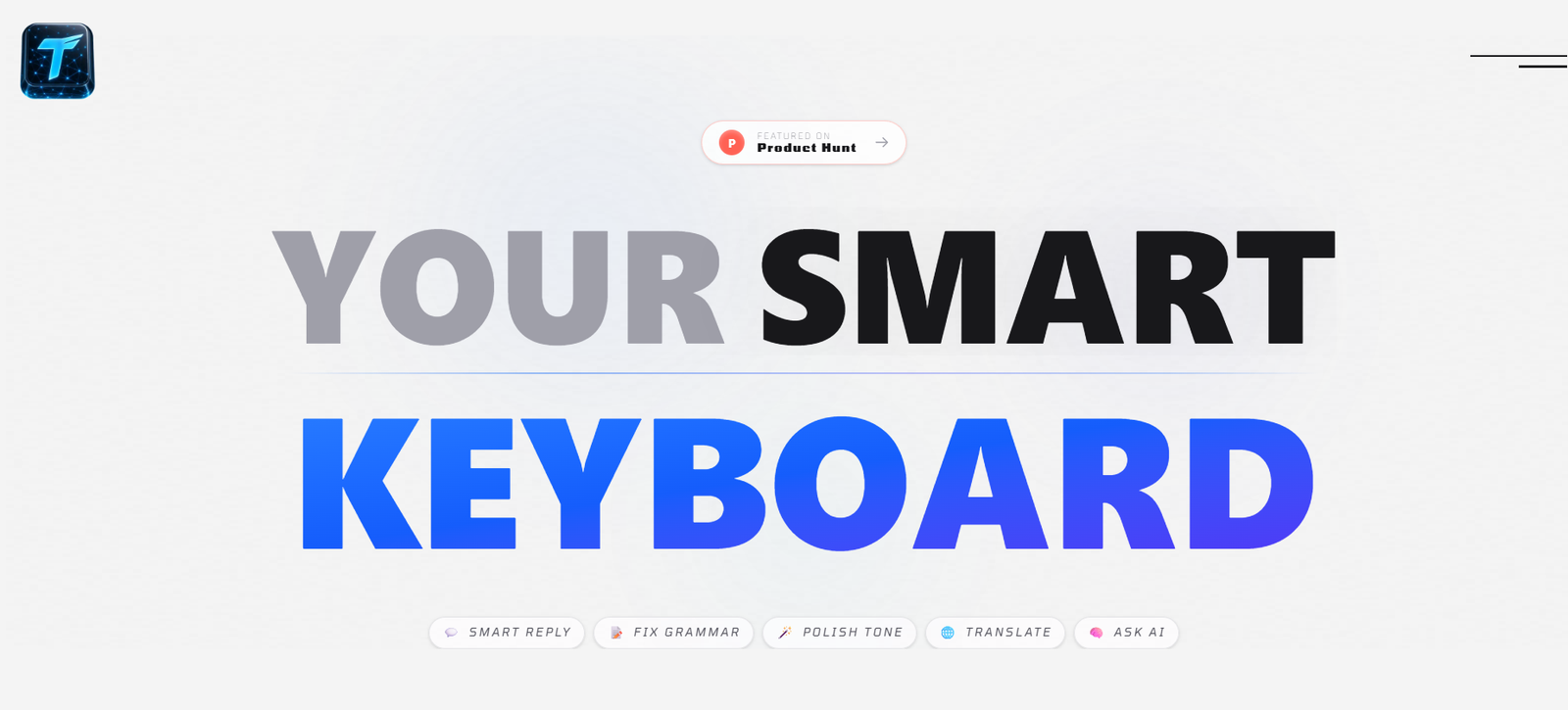
TypePilot is an AI-powered keyboard for Android that helps users write faster and more accurately in any app. Instead of switching to a separate AI chatbot, users can access AI features directly from their keyboard to correct grammar, rewrite text, translate languages, generate smart replies, and ask AI questions while typing.
Designed for everyday communication, TypePilot works with messaging apps, email clients, social media platforms, and productivity tools. It combines writing assistance with AI-powered content generation, enabling users to improve messages, create images, summarize text, and communicate in over 100 languages without leaving their current application. The platform also emphasizes user privacy by processing AI requests only when the AI button is activated.
Features
AI Grammar Correction
Automatically fixes grammar mistakes, spelling errors, and awkward sentence structures while you type, helping users create more polished messages.
Smart Reply Generation
Generate context-aware replies with a single tap, making conversations faster across messaging and email applications.
Tone Rewriting
Rewrite text to sound more professional, friendly, confident, or casual depending on the conversation.
AI Translation
Translate messages into more than 100 languages directly from the keyboard without switching to another translation app.
Built-in AI Assistant
Ask questions, summarize information, brainstorm ideas, or generate content without leaving your current app.
AI Image Generation
Create AI-generated images from text prompts directly through the keyboard interface for sharing in chats or social media.
Clipboard-to-Reply
Generate replies using copied text from your clipboard, reducing repetitive typing and improving productivity.
Privacy-Focused Design
The keyboard activates AI processing only when requested and states that personal conversations are not stored after processing.
How It Works
Download and install the TypePilot app.
Set TypePilot as your default Android keyboard.
Open any app such as WhatsApp, Gmail, Instagram, Slack, or X.
Type your message as usual.
Tap the AI button to fix grammar, rewrite text, translate, generate replies, ask questions, or create images.
Insert the AI-generated result directly into your conversation and continue typing.
Use Cases
- Professionals writing business emails on mobile devices.
- Students improving assignments and messages.
- Travelers translating conversations into different languages.
- Content creators drafting captions and social media posts.
- Customer support teams responding to messages quickly.
- Sales professionals composing polished responses.
- Anyone who wants AI writing assistance across Android apps.
Pricing
TypePilot is free to try with no credit card required. The official website mentions subscription-based access, but detailed pricing plans are not clearly listed on the public website.
Strengths
- AI assistance available directly from the Android keyboard.
- Works across most Android applications.
- Supports over 100 languages.
- Offers grammar correction, translation, rewriting, and AI chat.
- Includes AI image generation.
- Simple setup with no copy-and-paste workflow.
- Strong emphasis on user privacy.
Drawbacks
- Primarily designed for Android devices.
- Some platforms are still in beta or under development.
- Advanced subscription pricing is not publicly detailed.
- Requires internet access for AI-powered features.
Comparison with Other Platforms
Unlike standalone AI chatbots that require users to switch between applications, TypePilot integrates AI directly into the Android keyboard. This allows users to improve text, translate messages, generate replies, and access AI assistance without interrupting their workflow. Its keyboard-first approach makes it particularly useful for frequent mobile communication.
Customer Reviews and Testimonials
The official website includes testimonials from users such as freelancers, marketers, students, product managers, and content creators. Many praise the grammar correction, translation features, smart replies, privacy-focused design, and overall convenience of having AI integrated directly into the keyboard.
Conclusion
TypePilot is a practical AI keyboard for Android users who want writing assistance wherever they type. By combining grammar correction, translation, AI-generated replies, image generation, and an integrated AI assistant into a single keyboard, it simplifies everyday communication across messaging, email, and productivity apps. It is especially well suited for professionals, students, creators, and anyone looking to enhance mobile productivity with AI.