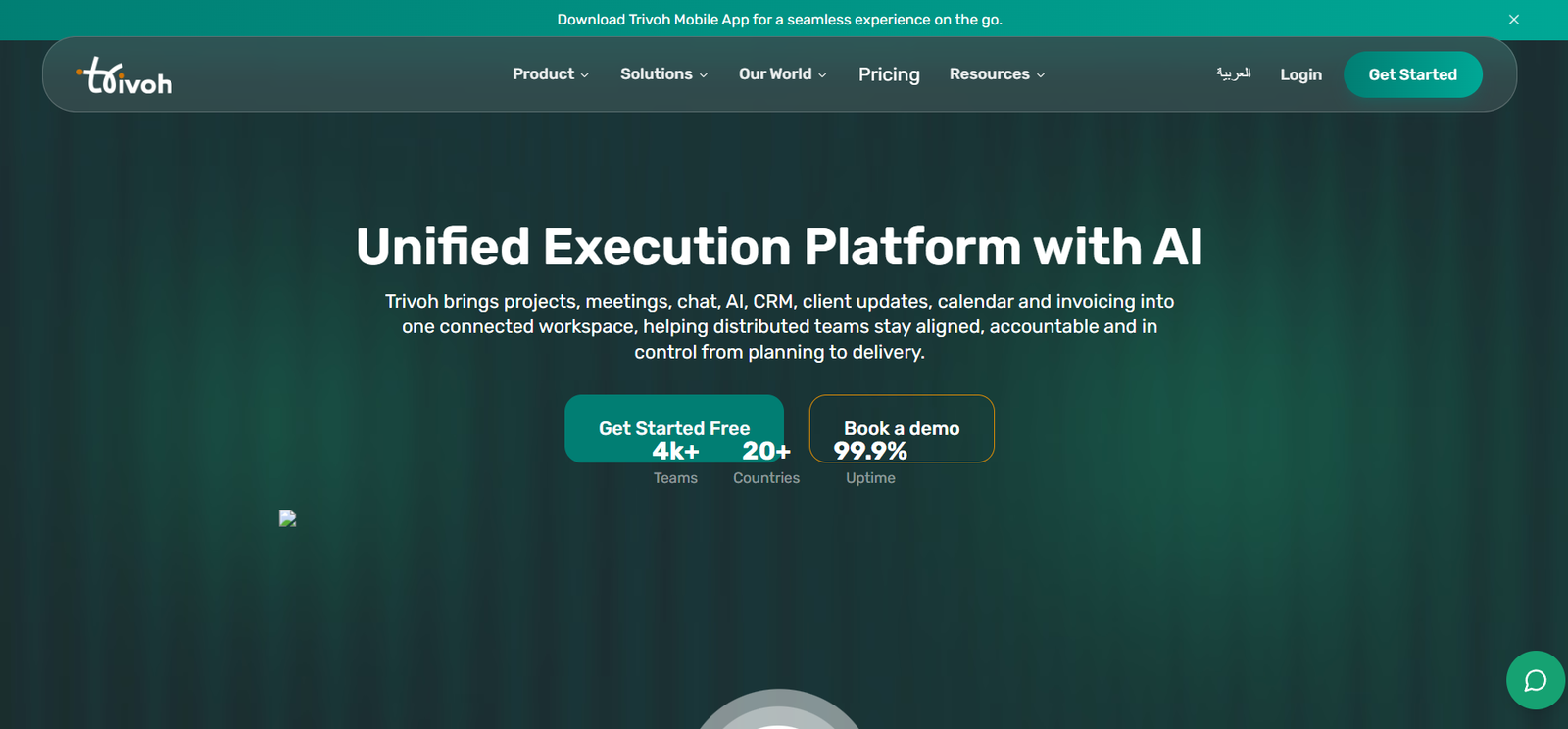
Trivoh is an AI powered collaboration and operational workspace designed to bring communication, project execution and business management into one connected platform. It is built for distributed teams, businesses, freelancers and organizations that want to reduce the need to switch constantly between separate productivity applications.
The platform combines video meetings, team chat, task and project management, documents, calendars, whiteboards, time tracking, CRM, client management and invoicing. AI is integrated throughout the workspace to help users summarize discussions, identify action items, generate content, automate tasks and keep projects moving.
A major idea behind Trivoh is connecting meetings with actual work. For example, its AI can summarize a meeting, identify action items, assign those actions to team members and connect them with project or CRM workflows.
Trivoh also provides enterprise options for organizations requiring greater control over their information. Its self hosted offering allows businesses to deploy the platform on their own infrastructure with permissions, approval workflows and audit trails.
Features
AI Assistant
Trivoh includes an AI assistant that works with information from projects, tasks, timelines and conversations. It can identify blockers, summarize discussions and help users find relevant information within their workspace.
AI Meeting Notes
The AI SyncUps and Notetaker capabilities can capture discussions and turn meeting information into organized summaries and actionable tasks.
Rather than leaving important decisions inside meeting notes, action items can be connected with owners, deadlines and ongoing workflows.
AI Agents
Trivoh supports AI agents for workflow automation. These agents can assist with repetitive tasks and help move work through predefined processes.
AI Content Generation
Users can generate summaries, documents and other written material using Trivoh’s AI tools. This can help teams prepare internal updates, briefs and business content without moving between multiple applications.
AI Image Generation
The platform also includes AI image generation, allowing users to create visual content from text descriptions within the broader workspace.
Task and Project Management
Teams can create tasks, assign responsibilities, establish deadlines and monitor progress.
This helps connect conversations and meetings with actual project execution rather than maintaining tasks in a separate application.
Video Meetings
Trivoh includes built in video conferencing. The official website states that meetings can support up to 500 participants.
Users can share screens, record sessions and collaborate during online meetings.
Team Chat
The platform provides direct messages, channels and threaded conversations for team communication.
AI powered suggestions can also help users remain informed about relevant discussions and activities.
Smart Calendar
Trivoh includes scheduling and calendar functionality with features such as time zone detection and calendar integration.
This can help distributed teams coordinate meetings across different locations.
Collaborative Documents
Teams can create and edit documents together in real time. Rich formatting and collaborative editing allow users to work on shared information without relying entirely on a separate document application.
Whiteboard
An integrated digital whiteboard provides an open canvas for brainstorming, planning and visual collaboration.
Users can draw, add notes and work together on ideas in real time.
Time Tracking
Trivoh provides time sheets and task based time tracking. Teams can monitor how time is being spent across tasks and projects.
AI powered insights can also help users identify opportunities to improve productivity.
CRM
Trivoh includes an integrated customer relationship management system.
Its CRM provides pipeline management, outbound calling, AI assisted email, bulk outreach and post call summaries.
AI Sales Agent
The platform includes AI capabilities for sales workflows. Its AI Sales Agent can help generate and track leads and connect conversations with pipeline activity.
Prospect Intelligence
Trivoh can generate prospect intelligence reports containing information such as company profiles, recent activity, match analysis, scoring and personalized outreach material.
Client Portal
Businesses can provide clients with controlled visibility into relevant work through the client portal, reducing the need to share every internal conversation.
Invoicing
Users can create invoices, track payments and manage billing within Trivoh.
This can be useful for agencies, consultants, freelancers and service based businesses that want project and billing information within the same workspace.
Accessibility
Trivoh provides accessibility features including screen reader compatibility, keyboard accessibility and customizable interface options.
Enterprise Self Hosting
Organizations requiring greater data control can deploy Trivoh on their own infrastructure.
The enterprise solution includes role based permissions, approval workflows, audit trails and broader governance capabilities.
Multilingual Support
Trivoh states that its platform supports more than 100 languages for real time translation, which can be valuable for internationally distributed teams.
How It Works
Step 1: Create a workspace
Sign up for Trivoh and create a workspace for your organization, project or team.
Step 2: Invite team members
Add employees, collaborators or other users who need access to the workspace.
Step 3: Create projects and tasks
Organize work into projects, create individual tasks, assign owners and set deadlines.
Step 4: Communicate
Use channels, direct messages and video meetings to communicate with team members without moving to separate communication platforms.
Step 5: Use AI during the workflow
Allow Trivoh AI to summarize discussions, identify action items, generate content and provide information based on workspace context.
Step 6: Turn meetings into tasks
Meeting discussions can become actionable items with owners and deadlines rather than remaining only as meeting notes.
Step 7: Manage customers
Businesses can use the built in CRM to manage prospects, customer conversations, outreach and sales pipelines.
Step 8: Track execution
Use task management, time tracking, calendars and project information to follow work from planning through completion.
Step 9: Manage clients and billing
Where appropriate, provide clients with relevant project visibility and create invoices from within the same workspace.
Use Cases
Remote and Distributed Teams
Teams working across cities, countries and time zones can use Trivoh for meetings, chat, tasks, documents and scheduling from one connected environment.
Startups
Startups can manage projects, team communication, sales pipelines, meetings and customer information without immediately adopting a large collection of separate applications.
Small Businesses
Small businesses can use Trivoh for daily communication, project management, CRM, scheduling and invoicing.
Project Managers
Project managers can assign responsibilities, establish deadlines, track work and connect meeting decisions with project tasks.
Sales Teams
Sales teams can use the integrated CRM, AI assisted outreach, prospect intelligence and post call summaries to manage leads and customer relationships.
Agencies
Creative, marketing and consulting agencies can coordinate projects, communicate with clients, track time and create invoices from a connected workspace.
Freelancers
Freelancers can use Trivoh to organize projects, schedule meetings, communicate with clients and manage invoicing without maintaining numerous separate applications.
International Teams
Multilingual support, time zone aware scheduling and low bandwidth optimization can make the platform useful for teams working across different regions.
Enterprise Organizations
Larger organizations requiring more control over data can explore the self hosted enterprise deployment with permissions, audit trails and approval workflows.
Pricing
Trivoh offers multiple subscription options and provides a 14 day free trial without requiring a credit card.
The official pricing page states that plans start free and can scale as organizations grow.
Trivoh also presents pricing examples based on team size. In one example shown on its official pricing page, Trivoh is calculated at approximately £5 per user per month for a 50 person organization, resulting in an estimated annual cost of £3,000.
However, the exact cost can depend on the selected plan, number of users, billing period and organizational requirements.
Enterprise organizations requiring self hosting, advanced governance or other specialized deployment options may need customized arrangements.
Users should therefore check the current official pricing calculator and plan comparison before purchasing, as prices and included features may change.
Strengths
One of Trivoh’s main strengths is the breadth of functionality available within a single workspace.
Instead of requiring separate applications for video calls, chat, project management, documents, CRM and invoicing, businesses can connect these activities within Trivoh.
Its AI is integrated with operational workflows rather than being offered only as a standalone chatbot. Meeting summaries can become assigned tasks, while AI can also assist with content, sales and workflow automation.
The integrated CRM makes the platform particularly interesting for organizations that want sales and project execution to remain connected.
Built in invoicing can further reduce the need for separate tools for service based businesses.
The self hosted enterprise option is another advantage for organizations that require greater control over data, permissions and governance.
Support for international teams through multilingual functionality, time zone aware scheduling and low bandwidth optimization broadens its potential use.
Drawbacks
Trivoh includes a large number of features, which means new users may need time to understand and configure the complete workspace.
Businesses that already have established systems for project management, CRM, meetings and invoicing may find migration to an all in one platform more complicated than adopting a single purpose tool.
Some specialist platforms may provide deeper capabilities in their individual categories. For example, a dedicated enterprise CRM or advanced project management application may offer specialized features beyond those required by Trivoh’s broader all in one approach.
AI generated meeting summaries, action items, prospect information and other automated content should also be reviewed by users before important business decisions are made.
Organizations considering self hosting or replacing several existing business applications should carefully test integrations, migration requirements and administrative capabilities before making a full transition.
Comparison with Other Platforms
Trivoh overlaps with several categories of business software rather than competing with only one type of platform.
Compared with communication focused platforms, it adds project management, CRM, invoicing, documents and AI automation.
Compared with traditional project management software, it includes built in video meetings, chat and customer relationship management.
Compared with standalone CRM systems, Trivoh connects customer pipelines with team communication, tasks and project execution.
This makes its overall approach closer to an integrated business workspace than a single purpose productivity application.
Platforms such as Microsoft Teams, Slack, Zoom, Asana, Trello and Notion may provide deeper functionality in particular areas or have larger integration ecosystems. Trivoh’s potential advantage is reducing the number of separate applications teams need to manage.
The best choice will therefore depend on whether an organization prefers specialized applications connected through integrations or a more unified platform covering several operational needs.
Customer Reviews and Testimonials
Trivoh displays customer feedback on its official website and reports an overall rating of 4.9 out of 5.
One published testimonial comes from Adam Joseph, Business Development Manager at Thrive Tech. The testimonial highlights the benefit of bringing project management and communication together and moving meeting actions into projects and chats from a central location.
The website also states that thousands of teams use the platform across multiple countries.
These ratings and testimonials are presented by Trivoh itself, so they should be considered company published customer feedback rather than independent third party reviews.
Conclusion
Trivoh is an ambitious AI powered workspace designed for organizations that want to bring communication, project execution and customer management into one environment.
Its combination of video meetings, team chat, tasks, documents, calendars, whiteboards, time tracking, CRM, client portals and invoicing covers a broad part of the daily business workflow.
AI adds another layer by turning discussions into summaries and action items, assisting with content, automating workflows and supporting sales activities.
Trivoh may be particularly useful for startups, distributed teams, agencies, consultants and small to medium sized businesses that currently depend on several disconnected productivity applications.
Larger organizations can also explore its self hosted enterprise option when data control, governance and auditability are important.
For teams whose main challenge is not the absence of software but having too many disconnected tools, Trivoh offers an interesting approach by bringing communication, AI and execution into a more unified workspace.