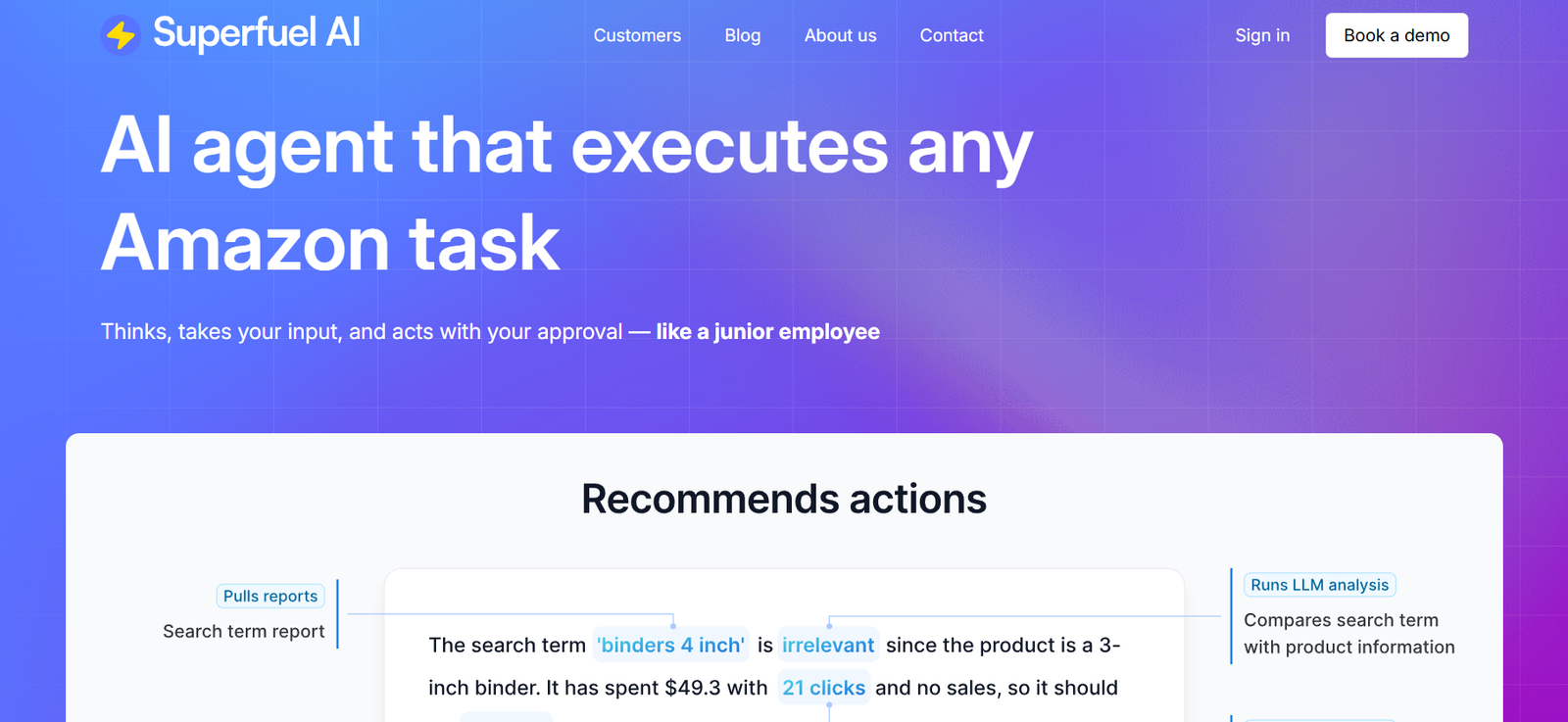
Superfuel is a browser-based AI assistant that integrates directly with Gmail. Designed to eliminate time-consuming email tasks, it helps users draft, reply, and manage email more efficiently with AI assistance that feels personalized.
Unlike general-purpose AI tools, Superfuel is built specifically for Gmail and understands email context. It doesn’t just generate text—it responds the way you would. With tone-matching capabilities, smart suggestions, and a user-friendly interface, Superfuel is made for people who want to move fast without compromising on clarity or professionalism.
Superfuel is designed for professionals who want to be more present in their work—not stuck in their inbox.
Features
Superfuel is focused, lightweight, and highly effective. Its features are designed to optimize your inbox while maintaining your voice and intent.
One-Click Smart Replies
Generate personalized replies with a single click. Superfuel reads the context of the email and offers appropriate responses based on your tone and writing history.
Context-Aware Drafting
Describe what you want to say in plain language, and Superfuel writes the email for you. It tailors the output based on conversation history and recipient context.
Email Summaries
Instantly summarize long threads or emails so you can understand the conversation without reading every line. This is especially helpful for late joiners or revisiting older threads.
Custom Tone Settings
You can ask Superfuel to write in tones like casual, friendly, or professional. The AI adapts to how you communicate with different audiences, making your responses feel natural.
Gmail-Native Integration
Superfuel is a Chrome extension that embeds itself directly into Gmail. There’s no need to switch tabs, use external tools, or break your workflow.
No Data Storage or Training on Your Emails
Superfuel ensures user privacy by not storing emails or using them to train any AI models. All processing is done with your privacy in mind.
How It Works
Getting started with Superfuel is quick and seamless. First, install the Superfuel Chrome extension from the official website. Once installed, it automatically integrates into your Gmail interface.
When you open an email, Superfuel suggests replies on the right-hand side of the screen. You can either accept, edit, or regenerate these suggestions. You can also prompt it to write an email from scratch by typing a brief intention like “follow up on proposal from last week.” The AI takes care of the rest.
All suggestions appear inline within Gmail, preserving your natural workflow. You’re always in control—Superfuel gives you a head start, but you decide when it’s ready to send.
Use Cases
Superfuel serves a wide range of professionals who deal with heavy email loads. It’s especially useful in the following scenarios:
Startup Founders and Executives
Handle investor updates, team communication, and client inquiries faster with high-quality AI-written responses.
Customer Support and Success Teams
Reply to support tickets and common questions using personalized, AI-assisted drafts that reduce response time and improve tone.
Sales Professionals
Write follow-ups, meeting recaps, and outreach emails in less time, with smarter language and more relevant context.
Recruiters and HR Teams
Streamline candidate communication with polite, well-written responses and customizable tone adjustments.
Freelancers and Consultants
Manage client interactions, proposals, and scheduling emails without spending extra time rewriting similar messages.
Any Professional Managing a Busy Inbox
From CEOs to assistants, anyone overwhelmed by email can use Superfuel to take back their time.
Pricing
As of the most recent update from the Superfuel website, Superfuel follows a straightforward pricing model:
Free Trial
Explore key features
Limited number of emails
No credit card required
Ideal for testing in real workflows
Pro Plan – $30/month
Unlimited AI-generated replies and email drafting
Access to all features including summaries and tone adjustment
Priority access to new updates
Billed monthly
While Superfuel does not currently offer a freemium tier beyond the trial, its value becomes evident quickly for professionals who send dozens of emails a day.
Strengths
Superfuel’s greatest strength is its focus on simplicity and relevance. It doesn’t attempt to be an all-in-one workspace or writing tool—it does one thing very well: help you write and respond to emails faster.
Its Gmail-native integration means there’s no learning curve. Once installed, Superfuel works where you already spend your time. The user interface is clean, and the suggested replies are both relevant and adaptable.
Unlike some AI tools, Superfuel offers consistent tone control, allowing your replies to sound like you—even when they’re written by AI. This helps maintain your professional voice across all communication.
Privacy is another major strength. Superfuel doesn’t use your data for training, which is essential for professionals handling sensitive information.
Drawbacks
Despite its powerful capabilities, Superfuel has a few limitations.
At the time of writing, it only supports Gmail through Chrome. Users who work primarily in Outlook or Apple Mail will not be able to use the product.
There are no multi-user or team plans yet, which could make it less appealing to larger organizations looking for collaborative features or centralized billing.
The price point may be high for casual users or those with minimal daily email activity. However, for power users, the time savings typically justify the cost.
As with all generative AI tools, occasional errors or misinterpretations may occur. Superfuel is a strong assistant, but it’s not a substitute for human judgment.
Comparison with Other Tools
Compared to general-purpose AI platforms like ChatGPT or GrammarlyGO, Superfuel is purpose-built for email productivity inside Gmail. Its context awareness and tone adaptation make it more practical for inbox workflows.
Email clients like Superhuman emphasize speed through shortcuts, but lack AI-driven drafting and personalization. Gmail’s native Smart Reply and Smart Compose offer only basic suggestions, whereas Superfuel provides full-context, custom responses.
Unlike traditional virtual assistants or CRM plugins, Superfuel doesn’t require training or setup. It works out-of-the-box, providing productivity without complexity.
Customer Reviews and Testimonials
While Superfuel is still building a broader presence in the productivity ecosystem, early users have praised its accuracy, writing quality, and time savings.
User feedback from Superfuel’s waitlist and public channels includes comments like:
“Superfuel cut my email writing time by 50%. The replies sound like me and are often better than what I would have written.”
“The tone customization is amazing. I can switch between friendly and professional in seconds.”
“I used to dread my inbox. Now I handle it in half the time—and with way less stress.”
These early endorsements show strong user satisfaction, particularly among knowledge workers and startup teams.
Conclusion
Superfuel is more than just an email helper—it’s a full-featured AI email copilot designed for professionals who want to take back control of their inbox. With smart replies, drafting tools, tone control, and seamless Gmail integration, Superfuel streamlines your communication without compromising your personal style or data privacy.
If email takes up too much of your workday, Superfuel offers a smarter, faster way to respond without sacrificing clarity or intent. It’s ideal for anyone who values thoughtful communication—but wants to move fast.