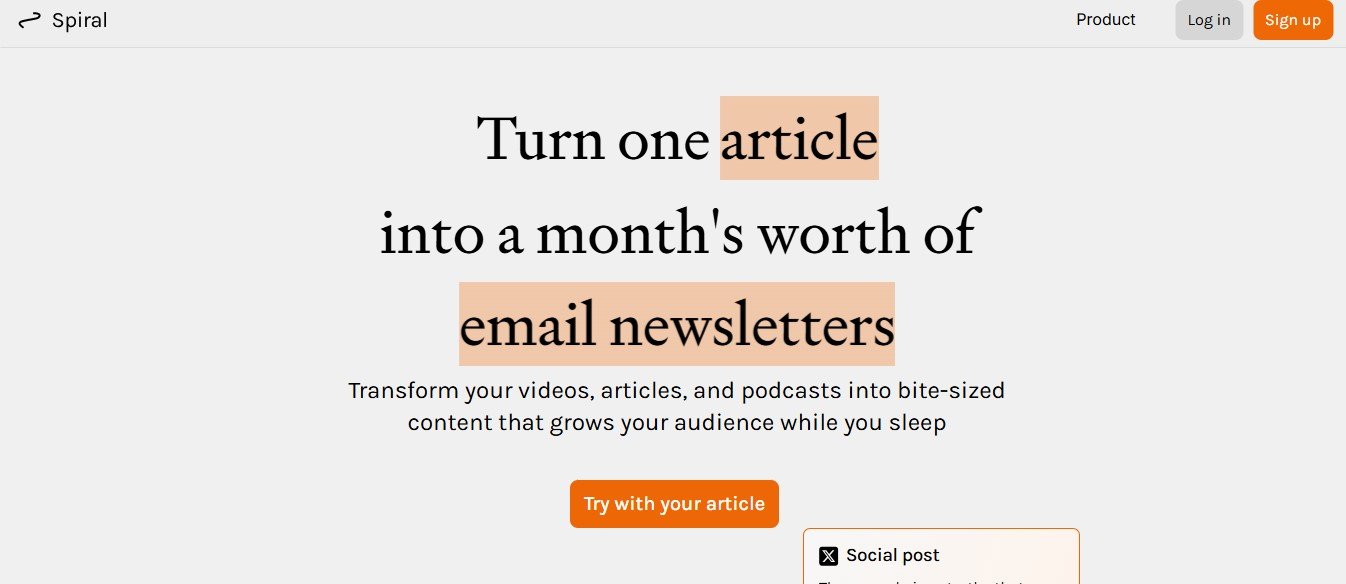
Spiral.computer is an AI-driven knowledge management platform designed to help researchers, professionals, and teams organize, analyze, and retrieve information seamlessly. Whether you’re conducting research, managing complex projects, or structuring large volumes of data, Spiral.computer leverages AI-powered categorization, search, and summarization to make information management effortless.
With smart document tagging, AI-driven search capabilities, and real-time collaboration tools, Spiral.computer transforms the way individuals and teams store, access, and process knowledge for better decision-making and efficiency.
Features
AI-Powered Knowledge Organization
- Automatically categorize and tagdocuments, notes, and research materials.
Smart Search and Information Retrieval
- Use AI-driven contextual searchto find relevant information instantly.
AI-Powered Summarization and Insights
- Generate concise summaries and key takeawaysfrom lengthy documents.
Multi-Format Support
- Organize and analyze PDFs, Word docs, spreadsheets, audio transcripts, and more.
Real-Time Collaboration
- Share and edit knowledge bases with teams, researchers, and collaborators.
AI-Generated Knowledge Graphs
- Visualize connections between ideas, documents, and projects.
Smart Annotations and Highlights
- AI detects important sections and suggests relevant notes.
Seamless Integrations
- Connect with tools like Notion, Evernote, Obsidian, Google Drive, and Slack.
Cloud-Based Access and Multi-Device Sync
- Store and access research materials from any device, anywhere.
Enterprise-Grade Security and Encryption
- Ensures data privacy and secure document storage.
How It Works
Step 1: Upload and Organize Documents
- Import files, notes, or research materials into Spiral.computer.
Step 2: AI Tags and Structures Your Knowledge
- AI automatically categorizes and connects related content.
Step 3: Search and Retrieve Insights
- Use AI-powered searchto find specific information quickly.
Step 4: Summarize and Analyze
- Generate AI-driven summaries and key takeawaysfor deeper understanding.
Step 5: Collaborate and Expand Your Knowledge Base
- Share insights, add annotations, and create knowledge networks.
Use Cases
For Researchers and Academics
- Organize research papers, summarize findings, and create structured knowledge bases.
For Business Professionals and Analysts
- Store and analyze market reports, financial data, and strategic insights.
For Writers and Content Creators
- Manage research materials, take AI-powered notes, and streamline idea development.
For Students and Lifelong Learners
- Organize study materials, retrieve key information, and generate summaries.
For Teams and Knowledge Workers
- Collaborate on projects, share notes, and streamline information workflows.
Pricing
Free Plan
- Basic AI-powered search and document organization with limited storage.
Pro Plan Fourteen Dollars and Ninety-Nine Cents Per Month
- Unlocks advanced AI categorization, document summaries, and expanded storage.
Business Plan Forty-Nine Dollars and Ninety-Nine Cents Per Month
- Includes team collaboration, priority AI processing, and enterprise-level security.
Visit the Spiral.computer Pricing Page for more details.
Strengths
- AI-Powered Knowledge Management for structured information retrieval
- Smart Search and Summarization to quickly find and analyze data
- Real-Time Collaboration for seamless teamwork and shared knowledge
- AI-Generated Knowledge Graphs to visualize relationships between ideas
- Multi-Format Support for documents, notes, and research materials
Drawbacks
- Subscription-Based Model required for advanced AI features
- Learning Curve for users unfamiliar with AI-powered research tools
- Internet Dependency for cloud-based storage and AI processing
Comparison with Other Knowledge Management Tools
Spiral.computer vs Notion
- Notion provides manual organization, while computer offers AI-powered tagging, search, and summarization.
Spiral.computer vs Obsidian
- Obsidian uses local markdown files, whereas computer is cloud-based with AI-driven categorization.
Spiral.computer vs Evernote
- Evernote focuses on note-taking, while computer integrates AI for research management and knowledge structuring.
Customer Reviews and Testimonials
- “Spiral.computer helps me organize and summarize research papers effortlessly!”– Sarah M., Academic Researcher
- “The AI-powered search feature is a game-changer for knowledge management!”– James T., Business Analyst
- “I love the knowledge graphs, but I wish there were more integrations with project management tools.”– Anna R., Content Strategist
Conclusion
Spiral.computer is an AI-powered knowledge management and research assistant that helps users store, organize, retrieve, and analyze information effortlessly. Whether you’re a researcher, professional, or student, Spiral.computer provides AI-driven search, smart categorization, and real-time collaboration tools to enhance productivity and knowledge retention.
Ready to organize your knowledge with AI?
Visit Spiral.computer and start managing information smarter today.