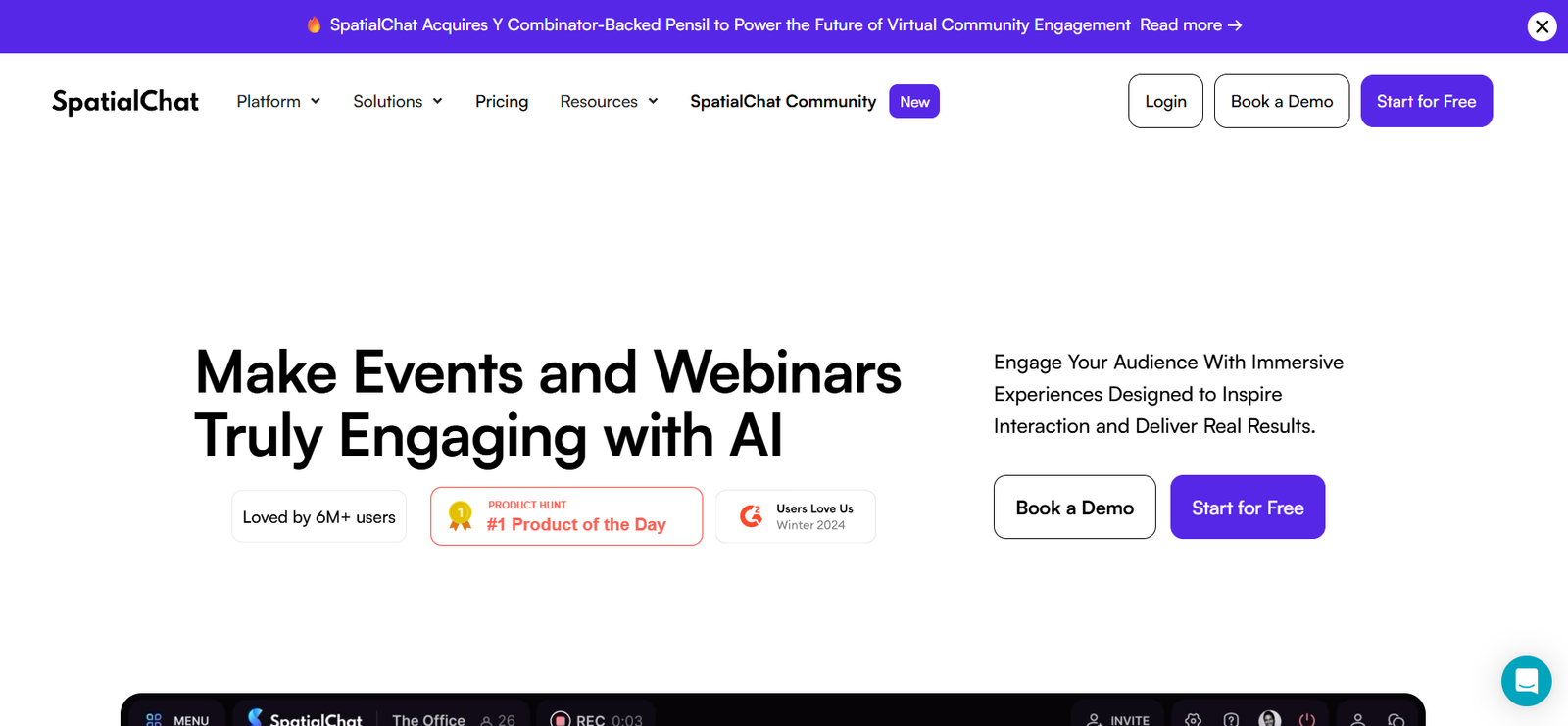
SpatialChat is an immersive virtual space platform designed for remote teams, events, educators, and communities. It enables users to create digital rooms where people can move freely, collaborate, and communicate as if they were in a real-world space. With SpatialChat, you can host everything from casual meetings and virtual classrooms to large-scale conferences and team-building sessions — all in an engaging, browser-based environment.
The platform stands out for its spatial audio, customizable layouts, and natural interaction model, offering a more human way to connect compared to traditional video conferencing tools. Users control avatars, navigate rooms, and join or leave conversations by proximity, mimicking real-life social dynamics.
Features
Spatial Audio: Conversations become louder or softer based on how close participants are to each other, recreating a natural sound environment.
Customizable Rooms: Create themed virtual rooms using images, logos, and design elements to match your event, workspace, or classroom.
Easy Navigation: Users move their avatars freely by clicking or dragging, allowing them to explore rooms and engage in spontaneous discussions.
Media Sharing: Embed videos, PDFs, whiteboards, or slides directly into rooms for collaborative presentations or learning sessions.
Breakout Spaces: Set up multiple rooms for parallel sessions, group work, or networking during large events.
Screen Sharing and Video Chat: Communicate face-to-face with built-in video, screen sharing, and text chat.
Guest Access: Invite participants via link without requiring them to register or download software.
Multi-Device Support: Accessible from desktops, laptops, and mobile devices via web browser — no installation needed.
Moderation Tools: Control access, mute participants, or lock rooms during live sessions for smooth facilitation.
Branding Options: Add custom visuals and assets to create branded event environments or company-specific rooms.
How It Works
SpatialChat uses a virtual room model where each user appears as a circular avatar with a live video feed. Participants move their avatars around the room using drag-and-drop gestures. The closer they are to others, the clearer and louder the conversation, simulating in-person dynamics.
Event organizers or team leads can create multiple rooms, upload background images, and embed multimedia content to make the virtual space visually immersive. Each room can host different types of content or purposes — from keynote presentations to networking lounges or classrooms.
Users don’t need to download any software. They simply join via a browser link, which makes the experience fast and accessible. Rooms can be public or restricted, and hosts have control over participant permissions and room settings.
Use Cases
Remote Teams: Host daily standups, retrospectives, or team-building events with more energy and interaction than traditional video calls.
Online Events and Conferences: Run virtual summits, panel discussions, or workshops with breakout rooms, audience engagement, and sponsor branding.
Virtual Classrooms: Create engaging learning spaces where students can collaborate, move around, and interact naturally.
Community Hangouts: Build spaces for online clubs, hobby groups, or interest-based communities to meet and socialize.
Recruitment and Career Fairs: Host digital booths and networking lounges where candidates and employers interact in real time.
Design Sprints and Workshops: Collaborate on design challenges or brainstorming sessions with embedded whiteboards and media.
Customer Engagement: Run virtual product launches, demos, or customer onboarding sessions in a branded, interactive space.
Pricing
SpatialChat offers both free and paid plans depending on your usage and group size. As of the latest information available:
Free Plan:
Up to 3 users per room
Basic room functionality
Limited time usage per session
Pro Plan (starting at $49/month):
Up to 50 participants per space
Full access to custom rooms, backgrounds, and media embeds
Increased session duration and room customization
Commercial usage rights
Business Plan:
Scalable for large teams and events
Dedicated support and onboarding
White-labeling and branding options
Advanced moderation and analytics
Custom pricing based on needs
Event Plans:
Tailored for virtual conferences and webinars
Multiple rooms and breakout areas
Up to thousands of attendees
Custom environments and live support
Pricing available upon request
Visit https://spatial.chat for the most current pricing details or to request a demo for enterprise or event usage.
Strengths
SpatialChat offers a unique blend of simplicity and immersion. Its spatial audio and visual proximity features create more natural conversations than traditional video tools.
The platform’s no-download, browser-based design ensures accessibility for participants with varying technical skill levels.
Its flexible room customization makes it ideal for hosting branded events, workshops, or collaborative meetings.
By simulating real-world movement, SpatialChat encourages spontaneous interaction, networking, and engagement that are often missing from static video calls.
It supports multiple content types — from embedded media to whiteboards — making it highly adaptable for work, education, and social events.
Drawbacks
The free plan is limited to small groups, which may restrict its use for larger teams or classrooms without a paid upgrade.
Complex events with hundreds of attendees may require a steeper learning curve for moderators and organizers.
Some users may experience performance issues in older browsers or on low-end mobile devices.
Customization is powerful, but deeper integrations with enterprise tools (like CRMs or LMS platforms) are currently limited.
Users looking for standard webinar tools (like registration forms or automated email reminders) may need to supplement with third-party platforms.
Comparison with Other Tools
Compared to Zoom or Google Meet, SpatialChat provides a more dynamic and engaging interaction model through spatial audio and movement.
Versus platforms like Gather.town or Remo, SpatialChat offers a cleaner, less gamified interface, appealing to more professional use cases.
Against Hopin or Airmeet, which are built for formal events and webinars, SpatialChat excels in casual, collaborative, and community-driven settings.
While tools like Microsoft Teams are ideal for structured meetings, SpatialChat encourages organic conversation and creativity, which is valuable for brainstorming, team bonding, or education.
Customer Reviews and Testimonials
Users from startups, universities, event organizers, and distributed teams have praised SpatialChat for:
Its simple user experience and quick setup
How it reduces Zoom fatigue with more engaging interactions
Helping teams maintain a sense of presence while working remotely
Creating fun and effective virtual classrooms or workshops
Allowing more human conversations through spatial dynamics
Educators note that students are more active and collaborative in SpatialChat versus traditional LMS video tools. Event hosts report higher attendee engagement and longer session durations due to the casual, walkable environment.
Conclusion
SpatialChat is redefining how we meet, learn, and collaborate online. By creating immersive, interactive spaces that simulate the dynamics of real-world gatherings, it helps remote teams, educators, and event organizers foster connection, creativity, and engagement.
Whether you’re hosting a workshop, managing a remote team, running a virtual classroom, or planning a digital conference, SpatialChat offers a flexible and accessible way to bring people together — naturally and meaningfully.