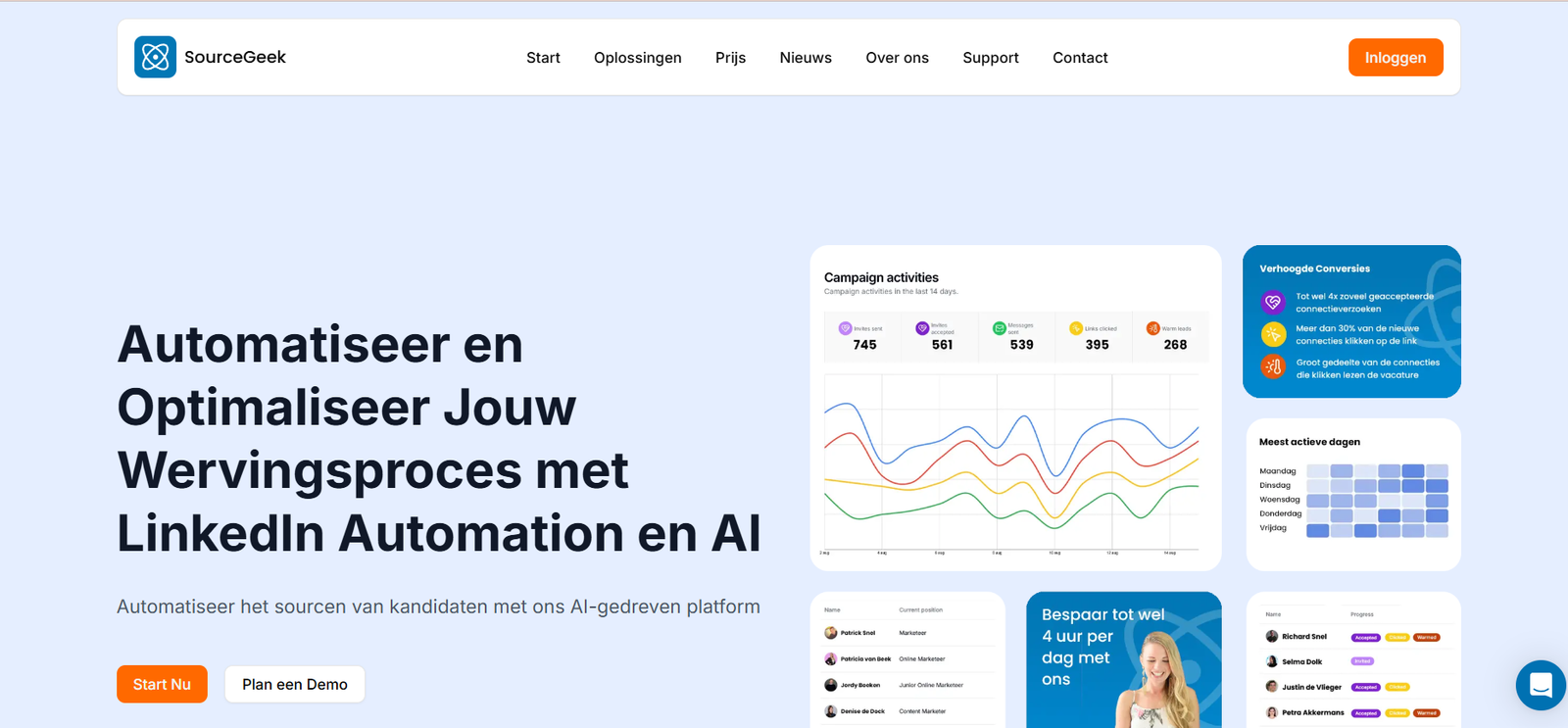
SourceGeek is an AI-driven platform that helps developers find the right tools, libraries, APIs, and resources based on their specific needs, stack preferences, and project goals. Rather than browsing countless review sites or community threads, developers can rely on SourceGeek’s intelligent engine to deliver accurate, relevant, and up-to-date tool recommendations.
Whether you’re starting a new project or optimizing an existing one, SourceGeek curates high-quality resources and tools so you can focus on building—not searching.
Features
1. AI-Powered Recommendations
SourceGeek uses machine learning to analyze user queries and context, delivering precise tool suggestions for your project needs.
2. Developer-Focused Categories
From frontend libraries to DevOps tools and machine learning frameworks, SourceGeek covers a wide range of developer-centric categories.
3. Community Curation
Tools are not only suggested by AI but also curated based on real-world developer feedback and usage trends.
4. Minimalistic UI
The platform offers a clean and distraction-free interface that makes discovering and comparing tools quick and simple.
5. Resource Summaries
Each tool recommendation comes with a short description, website link, and relevance tags, so developers can immediately understand its purpose.
6. Instant Tool Search
Developers can search for tools by keyword, stack type, or category to receive curated results in seconds.
How It Works
Step 1: Visit SourceGeek.com
Upon visiting the site, you’re greeted with a simple search interface where you can type what kind of tool you’re looking for (e.g., “frontend framework for React,” “CI/CD tool for Kubernetes”).
Step 2: AI Analysis
SourceGeek uses AI to interpret your query, considering context like project type, programming language, and ecosystem preferences.
Step 3: Curated Suggestions
You receive a tailored list of tools, frameworks, or services that best match your query, complete with descriptions and links.
Step 4: Explore or Bookmark
Users can click to explore a tool’s official website or save it for later reference. The experience is fast, clean, and highly developer-friendly.
Use Cases
1. New Project Kickoff
When beginning a new application, developers can use SourceGeek to discover the best stack components for their specific requirements.
2. Tool Comparison
Developers evaluating multiple options for a given task—such as choosing between monitoring tools—can use SourceGeek to make informed decisions.
3. Stack Optimization
Engineering teams looking to upgrade or refine their toolchain can find modern, widely adopted alternatives through AI-driven suggestions.
4. Learning and Exploration
SourceGeek is also valuable for developers who want to keep up with the latest tools in their domain without scrolling through endless news feeds or GitHub stars.
5. Rapid Prototyping
When building MVPs or internal prototypes, finding the right tools quickly is key. SourceGeek helps reduce research time significantly.
Pricing
As of the latest update from the SourceGeek official website, SourceGeek is completely free to use. There are no signups or subscription plans currently in place.
The platform appears to be in an open-access phase, focused on growing its user base and refining its AI engine through real-world developer queries.
Note: Since pricing models can change as platforms mature, it’s advisable to follow SourceGeek’s updates or sign up for future feature announcements if premium tiers are introduced.
Strengths
Fast and accurate AI-driven tool discovery
Developer-friendly design and categorization
Completely free and no sign-up required
High-quality, curated tool suggestions
Reduces time spent on research and manual comparison
Regularly updated with the latest tools and resources
Drawbacks
Currently limited to discovery; no deep comparison analytics or user ratings
Lacks integrations with other developer platforms like GitHub or Notion
Still in early stages, so the tool database may not be exhaustive yet
No personalization history or saved searches unless implemented in the future
Comparison with Other Tool Discovery Platforms
SourceGeek vs. StackShare
StackShare allows users to see tech stacks used by other companies but lacks real-time, AI-powered personalization. SourceGeek focuses on fast, tailored recommendations rather than user-generated stack listings.
SourceGeek vs. GitHub Trending
While GitHub Trending shows what’s popular, it doesn’t personalize results or provide contextual suggestions. SourceGeek goes a step further by matching tools to specific developer needs.
SourceGeek vs. Product Hunt
Product Hunt showcases newly launched products, which can be overwhelming for developers looking for a focused discovery process. SourceGeek curates specifically for tech tools and frameworks.
Customer Reviews and Testimonials
Since SourceGeek is still growing, public testimonials are limited. However, early user feedback across developer communities has praised its simplicity and relevance.
A typical user sentiment includes:
“This is the fastest way I’ve found new tools that actually make sense for what I’m working on. No fluff—just straight to the point.”
Another developer shared:
“It’s like having a senior dev recommend tools, but instantly and without bias.”
As the platform gains traction, expect more community reviews to surface through forums and sites like Product Hunt and Indie Hackers.
Conclusion
SourceGeek is a highly practical and innovative tool that addresses a real pain point for developers—discovering the right tools quickly and confidently. With an AI-powered engine, minimal interface, and curated recommendations, it streamlines the research process and enhances productivity.
While the platform is still in its early stages and lacks some advanced features, its current capabilities already provide immense value, especially for developers working on new projects, exploring stacks, or looking to level up their toolkits.
If you’re a developer looking to spend less time researching and more time coding, SourceGeek is well worth bookmarking.