
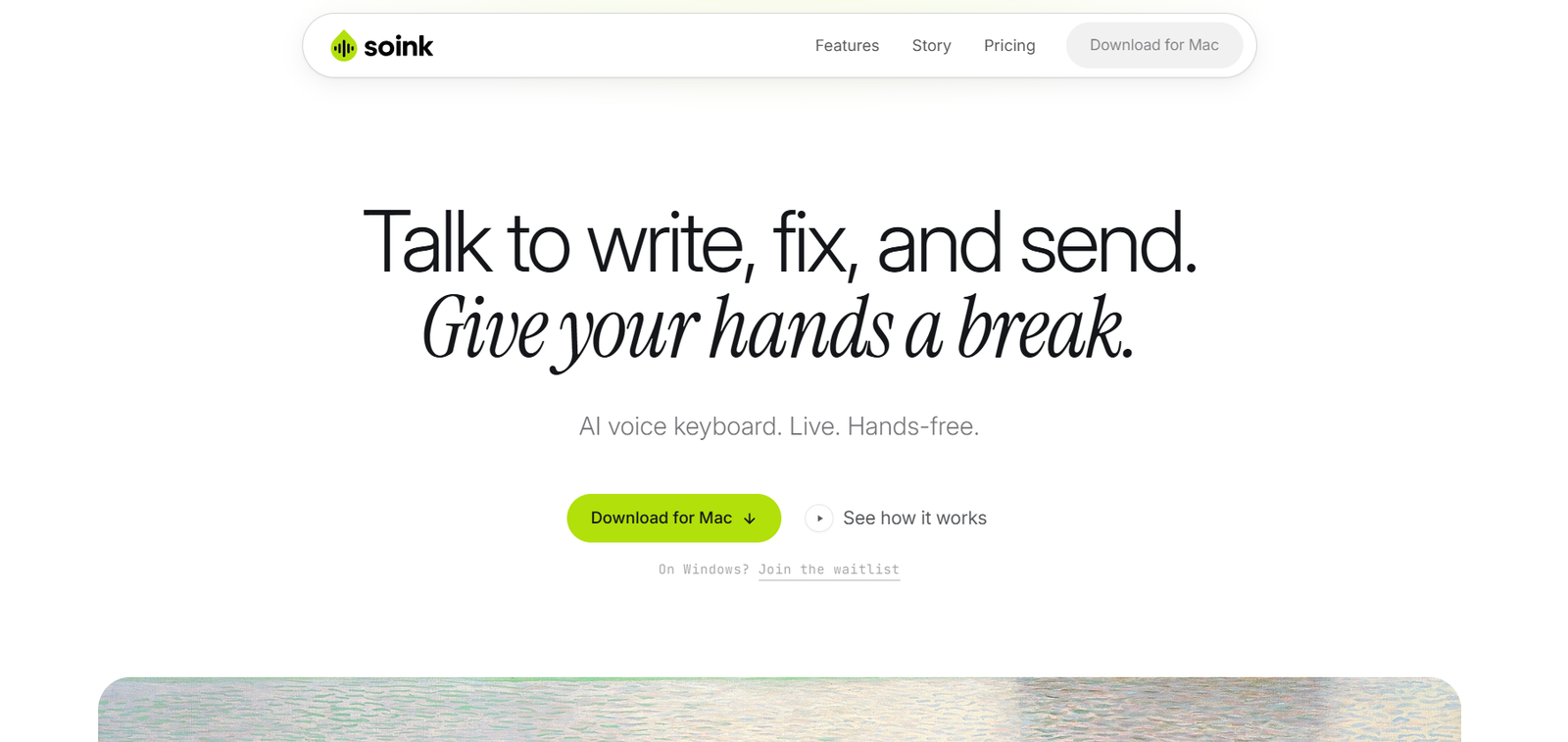
Soink is an AI-powered voice writing assistant designed for macOS users who want a faster and more natural way to write. Instead of using traditional dictation that inserts text after you finish speaking, Soink streams words directly into your cursor in real time. It also improves grammar, removes filler words, and allows users to edit existing text using voice commands without interrupting their workflow.
The platform is built for writers, developers, students, professionals, and anyone who spends significant time typing. It works across popular applications such as Gmail, ChatGPT, VS Code, Notion, Slack, Figma, X, and many other macOS apps, allowing users to combine voice and keyboard input seamlessly.
Features
Live Voice Streaming
Unlike conventional dictation tools, Soink streams words directly into the active text field as you speak, creating a continuous writing experience.
AI Grammar Enhancement
The AI automatically improves punctuation, grammar, and removes unnecessary filler words while preserving the intended meaning.
Voice Editing
Users can modify existing text by speaking commands such as replacing words or changing phrases without manually selecting or retyping text.
Voice and Keyboard Together
Soink allows users to switch naturally between speaking and typing without changing modes, making editing more efficient.
Cross-Application Support
The platform works across many macOS applications, including email clients, coding editors, note-taking software, design tools, browsers, and AI chat platforms.
Hands-Free Workflow
Voice commands can be used to edit text and perform actions such as sending messages, reducing reliance on keyboard shortcuts.
macOS Native Experience
Soink is designed specifically for macOS 13.5 and later, providing deep integration with the operating system for a smooth writing experience.
How It Works
- Download and install Soink on your Mac.
- Launch the application and grant microphone permissions.
- Open any supported application.
- Activate voice input using the assigned shortcut.
- Speak naturally while Soink streams polished text directly into the active cursor.
- Use voice commands to edit or replace text.
- Continue typing whenever additional precision is needed.
Use Cases
Writers can draft articles, reports, and emails more quickly.
Developers can write documentation, comments, and code explanations using voice.
Students can prepare assignments and notes through dictation.
Business professionals can compose emails and documents hands-free.
People with repetitive strain injuries can reduce keyboard usage while maintaining productivity.
Content creators can generate scripts, social media posts, and blog drafts efficiently.
Pricing
Soink offers a free trial with limited voice usage. According to the official website and launch information, a Pro subscription is available starting at $10 per month (launch pricing), with regular pricing subject to change. Users should verify the latest pricing on the official website before subscribing.
Strengths
- Real-time voice streaming directly into the cursor.
- Natural combination of voice and keyboard input.
- AI-powered grammar and punctuation correction.
- Voice-based editing without manual selection.
- Works across many popular macOS applications.
- Suitable for accessibility and productivity improvement.
Drawbacks
- Currently available only for macOS.
- Requires an internet connection for AI processing.
- Advanced features require a paid subscription.
- Not designed for Windows or Linux users at present.
Comparison with Other Platforms
Soink differs from many AI dictation tools by streaming text directly into the active cursor as users speak rather than waiting until dictation ends before inserting text. It also combines live AI-powered editing with keyboard input, creating a more fluid writing experience. While traditional dictation software primarily focuses on speech transcription, Soink emphasizes continuous writing, real-time corrections, and voice-controlled editing.
Customer Reviews and Testimonials
Customer reviews and testimonials are not clearly available on the official website.
Conclusion
Soink is a modern AI voice writing assistant that helps macOS users write more naturally through live voice dictation and intelligent editing. Its real-time streaming, voice-based editing, and compatibility with popular productivity applications make it a valuable tool for writers, developers, students, professionals, and anyone looking to reduce typing while maintaining an efficient workflow.


