
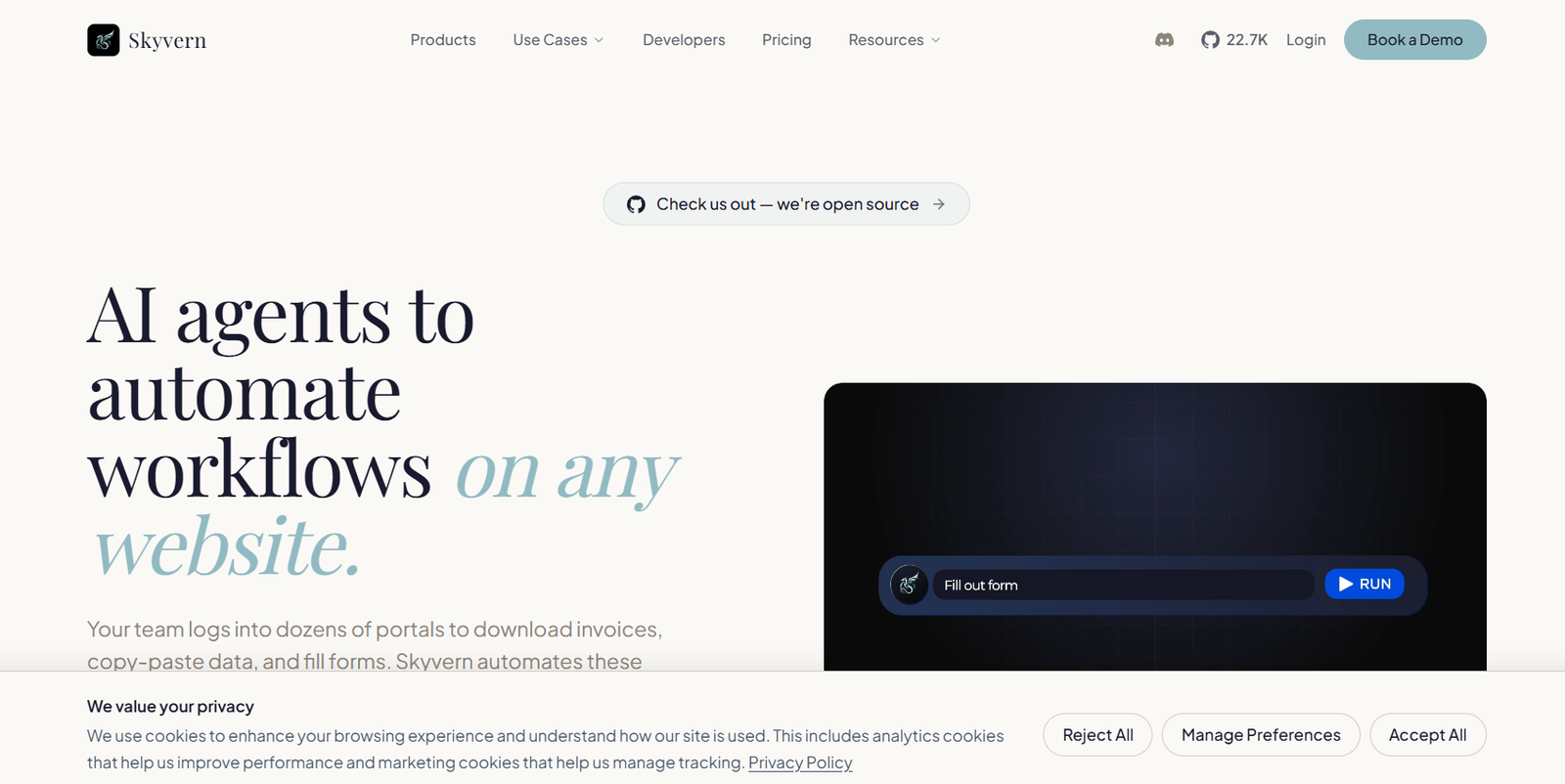
Skyvern is an AI-powered browser automation platform designed to automate complex tasks on websites using large language models, computer vision and browser technology. Instead of relying entirely on hardcoded CSS selectors or manually scripted interactions, Skyvern can visually understand webpages and decide how to complete tasks.
Users can describe what they want to accomplish in plain English. Skyvern then opens a real Chromium browser, analyzes the page and performs the required actions. It can navigate websites, fill forms, extract data, download documents, handle login processes and complete multi-step workflows.
The platform is useful for businesses and developers that regularly perform repetitive tasks across websites and online portals. Common applications include invoice collection, accounts payable automation, document processing, data extraction, form submission, lead generation and website testing.
Skyvern is also open source and can be self-hosted. For organizations that prefer managed infrastructure, Skyvern Cloud provides browser execution, proxies, CAPTCHA support, authentication capabilities and workflow management.
Features
AI Browser Automation
Skyvern combines LLM reasoning with computer vision to understand webpages and interact with them automatically.
Rather than depending entirely on fixed element selectors, the AI analyzes the webpage and determines which buttons, fields and other elements are relevant to the task.
Natural Language Automation
Users can describe a browser task using ordinary language.
For example, they can tell Skyvern to visit a portal, download an invoice or complete a form. Its AI Copilot can transform these instructions into a structured workflow.
Computer Vision
Skyvern visually interprets webpages in addition to reading their underlying structure.
This approach can help automations remain functional when websites modify layouts or change individual interface elements.
Form Filling
The platform can automatically complete online forms, applications, registrations and other browser-based submissions.
This can be useful for organizations that repeatedly enter similar information across different portals.
Data Extraction
Skyvern can collect structured information from websites and return results in formats such as JSON or CSV.
Businesses can use this capability for pricing research, product catalogs, public records and other web-based data.
Document Processing
Skyvern can download, parse, classify and route documents from online portals.
Its document-processing capabilities include OCR, data extraction and structured outputs that can be sent into downstream systems.
Accounts Payable Automation
Finance teams can use Skyvern to log into vendor portals and retrieve invoices automatically.
This can be particularly useful when suppliers do not provide convenient APIs and employees would otherwise need to visit each portal manually.
CAPTCHA Support
Skyvern provides native CAPTCHA-solving capabilities for automated workflows.
The availability and sophistication of CAPTCHA support depend on the selected subscription plan.
Two-Factor Authentication
Production plans support authentication workflows involving 2FA and TOTP.
This allows businesses to automate processes within portals that require additional login verification.
Credential Management
Skyvern supports stored credentials and authentication workflows. Higher plans also provide integrations with credential-management systems such as 1Password.
Proxy Networks
The platform supports datacenter and residential proxies depending on the subscription.
Geographic targeting can range from country-level access to more precise state, city or ZIP-code targeting.
Explainable AI
Skyvern provides summaries of automation runs so users can inspect the actions performed by the AI and understand why particular decisions were made.
Copilot Chat
Users can describe a process conversationally and allow Skyvern Copilot to help transform the instructions into an automation workflow.
SOP to Workflow
Organizations can upload standard operating procedures and use them as a starting point for creating automated workflows.
This can help convert existing business processes into browser automations.
Browser Recording
Users can demonstrate a workflow by recording browser activity.
This provides another way to teach Skyvern what a process should accomplish.
Visual Workflow Builder
Skyvern provides a visual environment for building and refining workflows without requiring every step to be programmed manually.
AI-Powered Testing
Development and QA teams can use Skyvern to test websites and user journeys.
Because the system can reason about webpages, testing workflows may adapt better to interface changes than scripts that depend entirely on fixed selectors.
Python SDK
Developers can build Skyvern automations using its Python SDK.
This allows browser agents to become part of backend applications, internal systems and AI products.
TypeScript SDK
A TypeScript SDK is also available for developers working with JavaScript and TypeScript applications.
MCP Server
Skyvern provides a Model Context Protocol server that enables compatible AI assistants and coding agents to control browsers.
The MCP server exposes more than 75 tools covering browser sessions, workflows, data extraction and other automation capabilities.
AI Coding Assistant Integration
Skyvern can work with AI coding environments such as Claude Code, Cursor, Windsurf and Codex.
This allows developers to create and run browser automations through AI-assisted development workflows.
API Access
Businesses can trigger Skyvern tasks and workflows programmatically through APIs.
This makes it possible to embed browser automation into existing applications.
Webhooks and Event Streaming
Webhooks and event-streaming capabilities allow other systems to receive information about workflow activity and automation results.
Automation Integrations
Skyvern integrates with automation platforms and business tools including Zapier, Make, Clay, n8n and Workato.
Self-Hosting
Skyvern is open source and can be self-hosted using Docker.
This option can appeal to technical teams that want greater control over infrastructure and deployment.
Enterprise Security
Skyvern states that its platform is SOC 2 Type II compliant and HIPAA compliant. It also provides encrypted credential storage and enterprise security capabilities.
How It Works
Step 1: Create an Account
Users can start with Skyvern Cloud or deploy the open-source version themselves.
Step 2: Describe the Task
Explain what should happen in plain language, such as downloading an invoice, extracting information or completing an online form.
Step 3: Choose a Building Method
Users can work with Copilot Chat, upload an SOP, record a browser workflow, use the visual builder or build directly through the SDK.
Step 4: Launch the Browser
Skyvern opens a Chromium browser session for the automation.
Step 5: Analyze the Website
The system combines webpage information, computer vision and LLM reasoning to understand the interface.
Step 6: Perform Browser Actions
Skyvern clicks relevant elements, enters information, navigates between pages and completes other required actions.
Step 7: Handle Authentication
When configured appropriately, Skyvern can work with stored credentials, 2FA, TOTP and other supported authentication processes.
Step 8: Extract the Result
The workflow can return structured information, downloaded documents, JSON, CSV or other required outputs.
Step 9: Connect Other Systems
Results can be passed into existing applications using APIs, webhooks and integrations.
Step 10: Repeat the Workflow
Once an automation has been tested, it can be reused for recurring operational processes.
Use Cases
Accounts Payable
Finance teams can automatically log into vendor portals, locate invoices and download documents without manually visiting every supplier website.
Document Processing
Organizations can retrieve documents from web portals, apply OCR, extract information and route the results to appropriate systems.
Data Extraction
Businesses can collect structured public information from websites where suitable APIs are unavailable.
Form Filling
Teams can automate repetitive applications, registrations, compliance forms and other browser-based data entry.
Lead Generation
Sales teams can collect public prospect information and automate appropriate browser-based research workflows.
Testing and QA
Software teams can automate browser tests and user journeys without relying entirely on brittle selector-based scripts.
Healthcare
Healthcare organizations can automate permitted browser workflows involving portals and administrative processes while using enterprise security and compliance features where applicable.
Insurance
Insurance companies can automate repetitive portal-based operations and information collection.
Fintech and Banking
Financial technology teams can automate permitted processes across financial websites and portals that lack suitable APIs.
HR Technology
HR platforms can use browser agents for appropriate repetitive workflows involving employment and administrative portals.
Developers
Developers can embed browser automation into SaaS products, AI agents and internal applications through SDKs and APIs.
AI Agents
AI assistants can use Skyvern’s MCP server to navigate websites, extract information, download files and complete multi-step browser workflows.
Pricing
Skyvern introduced a credit-based subscription model in 2026.
Free: $0 per Month
The Free plan is designed for experimentation and evaluation.
It includes approximately 1,000 credits per month, one concurrent run, datacenter proxies, country-level geotargeting, webhooks and community support.
Hobby: $29 per Month
The Hobby plan is intended for individual developers, side projects and early production usage.
It includes approximately 30,000 credits per month, up to 10 concurrent runs, basic CAPTCHA solving, stored credentials, datacenter proxies, country-level geotargeting, webhooks and email support.
Pro: $149 per Month
The Pro plan is designed for production workflows and small teams.
It includes approximately 150,000 credits per month, up to 25 concurrent runs, advanced CAPTCHA solving, residential proxies, more detailed geographic targeting, 2FA and TOTP support, 1Password integration, team workspaces, webhooks and priority support.
Enterprise: Custom Pricing
Enterprise is intended for high-volume and regulated business environments.
It provides customized or expanded execution capacity, advanced CAPTCHA solving, residential proxies, detailed geotargeting, enterprise security capabilities, dedicated support, credential-vault integrations, custom code blocks and human-in-the-loop workflows.
Credit consumption can vary according to factors such as runtime, page complexity, retries and anti-bot requirements.
Users should check the current pricing information before selecting a plan because features and credit allowances may change.
Strengths
One of Skyvern’s biggest strengths is its ability to automate websites without depending entirely on brittle CSS selectors.
Combining LLM reasoning with computer vision makes it more adaptable to dynamic websites and changing interfaces.
The platform handles several difficult aspects of browser automation, including CAPTCHAs, authentication, proxies and structured data extraction.
Skyvern supports both non-code and developer-oriented workflows. Business users can work with Copilot, SOP uploads and visual tools, while developers can use Python, TypeScript, APIs and MCP.
Its open-source availability and self-hosting option provide additional flexibility for technical teams.
Integration with popular automation platforms makes it easier to connect browser workflows with existing business processes.
Drawbacks
AI browser automation can be less predictable than using a stable official API because websites can change their interfaces, security systems and access requirements.
Complex workflows may consume more credits because usage depends on runtime, retries, webpage complexity and anti-bot requirements.
Advanced capabilities such as residential proxies, stronger CAPTCHA solving and 2FA support require higher subscription plans.
Although Skyvern reduces the need for traditional browser scripting, complex production deployments may still require technical expertise.
Organizations also need to ensure that automated browser activity complies with applicable website terms, privacy requirements and laws.
Comparison with Other Platforms
Skyvern competes with traditional browser automation frameworks, robotic process automation platforms and newer AI browser agents.
Compared with Selenium and Playwright, Skyvern places greater emphasis on AI-driven visual understanding instead of requiring developers to hardcode every webpage interaction.
Compared with conventional RPA systems, Skyvern is designed specifically around modern browser workflows and combines LLM reasoning with executable automation.
Compared with prompt-based browser agents, Skyvern focuses on making workflows repeatable and suitable for production use, while also providing authentication, proxy, observability and integration capabilities.
Its open-source framework, cloud platform, SDKs and MCP support make it particularly relevant for developers and organizations building browser automation into larger AI systems.
Customer Reviews and Testimonials
Detailed conventional customer reviews and star-based testimonials are not clearly available on the official website.
Skyvern states that it has more than 30,000 users and customers and highlights organizations using its platform. It also reports more than 10 million workflows run and over 500 enterprise users.
These figures are company-reported information and should not be considered independent customer reviews.
Conclusion
Skyvern is a powerful AI browser automation platform for organizations that need to automate repetitive work across websites and online portals.
Its combination of LLMs, computer vision and browser automation enables it to handle tasks such as data extraction, document processing, invoice retrieval, form filling, lead research and website testing without relying entirely on manually maintained selectors.
Skyvern is particularly suitable for developers, operations teams, finance departments and companies building AI agents that need to interact with websites. Its open-source option also makes it attractive to technical teams seeking greater deployment control.
For businesses dealing with repetitive browser-based processes that cannot easily be automated through conventional APIs, Skyvern offers a flexible approach combining natural-language AI with production-oriented browser automation.


