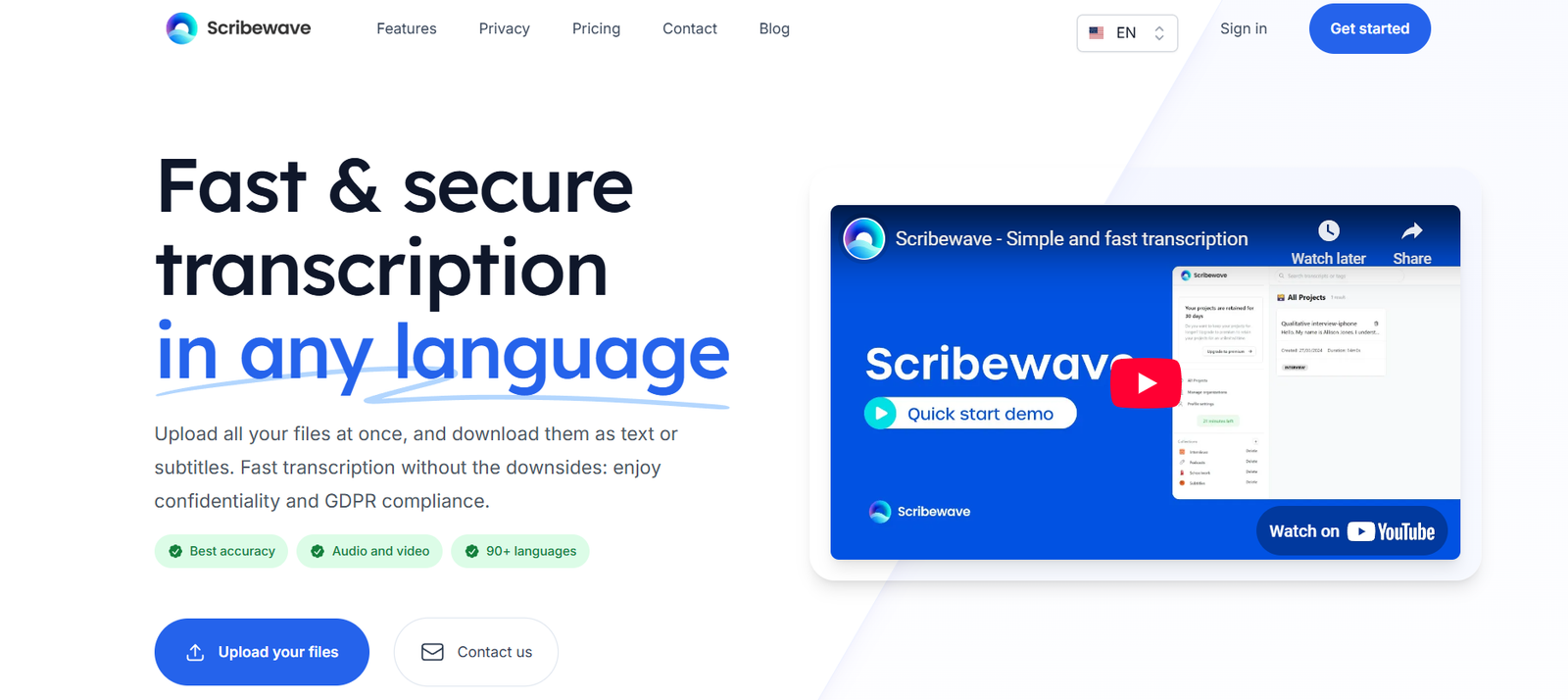
Scribewave is a user-friendly AI transcription and subtitle generation tool designed to convert audio and video content into accurate text, captions, and translations. Built for content creators, educators, marketers, and professionals, Scribewave offers fast, reliable, and multilingual transcription powered by advanced AI.
With support for over 90 languages and dialects, Scribewave helps users make their content more accessible, searchable, and engaging. Whether you’re producing a podcast, editing a YouTube video, or localizing educational material, Scribewave simplifies the process of turning speech into text—accurately and efficiently.
Features
Automatic Transcription
Transcribe audio and video files into accurate, readable text using advanced speech recognition technology.Subtitle Generation
Automatically create subtitles in .srt and .vtt formats, ideal for video content, training, or social media.Multilingual Translation
Translate transcripts and subtitles into multiple languages, broadening content reach and accessibility.Speaker Diarization
Distinguish between speakers in a conversation, making transcripts easier to follow.Audio and Video Upload Support
Accepts a variety of file formats including MP3, WAV, MP4, MOV, and more.Manual Editing Interface
Built-in transcript and subtitle editors allow users to fine-tune results before exporting.Export in Multiple Formats
Export transcripts in TXT or DOCX, and subtitles in SRT or VTT formats with time codes.Cloud-Based Platform
No installation required—upload, edit, and download your files from anywhere in your browser.Data Privacy & Security
Files are encrypted and processed securely, with an option to delete files permanently after use.
How It Works
Sign Up or Log In
Create an account at scribewave.com to access the dashboard.Upload Your File
Drag and drop or browse to upload your audio or video file in any supported format.Choose Language and Options
Select the original language and any desired output formats (transcription, subtitles, translation).AI Processing
Scribewave uses AI to transcribe and, if selected, translate or subtitle your content.Edit and Export
Review results using the built-in editor and export your transcript or subtitles in your preferred format.
Use Cases
Content Creators and YouTubers
Automatically generate accurate subtitles to improve SEO, engagement, and accessibility.Educators and Course Creators
Transcribe lessons, create multilingual subtitles, and provide transcripts to students.Podcasters
Convert podcast episodes into searchable and readable transcripts for repurposing and accessibility.Businesses and Marketing Teams
Translate and caption promotional videos, webinars, and training materials for global audiences.Journalists and Researchers
Transcribe interviews and focus groups quickly and accurately for analysis and publication.
Pricing
Scribewave offers transparent, pay-as-you-go pricing based on the length of audio or video processed:
Free Trial
15 minutes of transcription free
Access to all features
No credit card required
Pay-As-You-Go
$0.13 per minute of transcription
Includes transcription, subtitles, translations, and diarization
No subscriptions or monthly fees
Custom Plan for Businesses
Volume-based pricing for teams
API access and integration support
Dedicated account management
For the latest details, visit the Scribewave Pricing Page.
Strengths
Affordable and flexible pay-as-you-go pricing
Supports over 90 languages for transcription and translation
Simple, intuitive interface
Includes subtitle creation and editing tools
Secure cloud-based platform
No software installation required
Accurate diarization and speaker tracking
Drawbacks
No subscription plan may be limiting for high-volume users
Requires internet access to use (no offline mode)
Limited integrations with third-party platforms (e.g., YouTube, Google Drive)
API access is only available via custom business plan
No mobile app at present
Comparison with Other Tools
vs Otter.ai: Otter offers real-time note-taking and collaboration; Scribewave focuses more on content transcription, subtitles, and translation.
vs Descript: Descript includes video editing; Scribewave is specialized in transcription and subtitles without editing the media itself.
vs Rev.com: Rev offers both human and AI transcription. Scribewave provides only AI-based services but at a lower cost.
vs Happy Scribe: Both tools support transcription and subtitles. Scribewave offers a simpler pay-as-you-go model.
Customer Reviews and Testimonials
Users appreciate Scribewave’s accuracy, simplicity, and affordability:
“I transcribed and subtitled an hour-long video in less than 10 minutes—saved me hours of manual work.”
“Clean UI, accurate results, and multilingual support. Perfect for my YouTube channel.”
“No subscription needed—just upload, pay, and go. It’s perfect for my freelance projects.”
Scribewave is gaining popularity among creators and professionals for its ease of use and effective output.
Conclusion
Scribewave is a reliable and affordable AI transcription and subtitle generation platform that makes turning speech into text fast and effortless. Whether you’re a content creator, educator, podcaster, or business professional, Scribewave delivers high-quality results without the complexity or cost of traditional tools.
With multilingual support, speaker diarization, and pay-as-you-go flexibility, it’s an excellent solution for anyone needing fast, accurate, and accessible transcription services. For those seeking a no-subscription, intuitive platform to convert audio and video into written content, Scribewave is a smart choice.