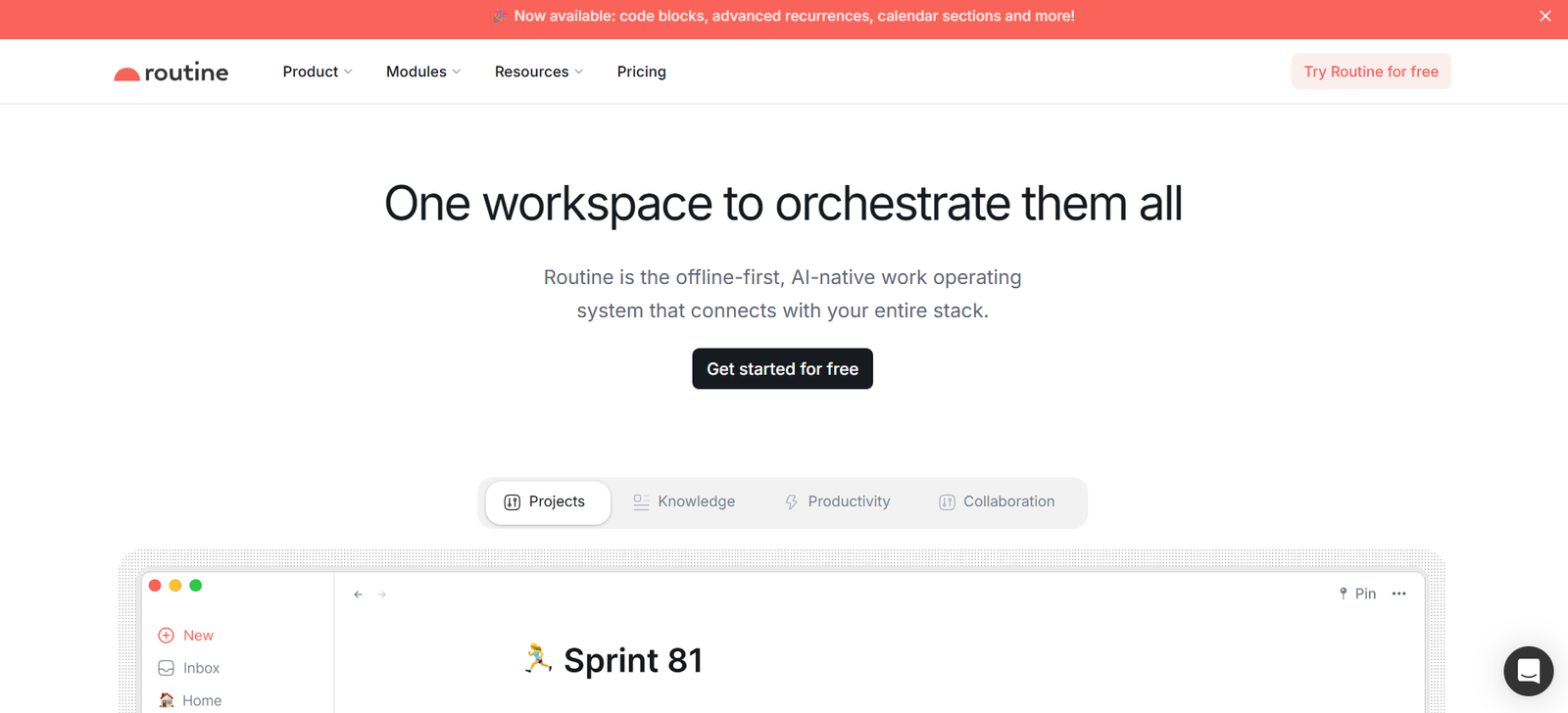
Routine is a smart daily planner designed to help busy professionals manage their time, tasks, notes, and meetings all in one place. It combines the simplicity of a to-do list with the structure of a calendar, enhanced by AI-powered features that streamline daily planning and focus.
Built for founders, managers, freelancers, and knowledge workers, Routine acts as a command center for your day. It brings together your tasks, calendars, meeting notes, and reminders into a unified interface that works across desktop and mobile devices.
Whether you’re juggling multiple projects or trying to stay focused in a world of distractions, Routine helps users prioritize their work, plan their time intentionally, and stay on top of their commitments without switching between apps.
Features
Task Management: Routine provides a powerful task manager where users can quickly capture, organize, and schedule tasks. Tasks can be grouped by pages, tagged, and prioritized.
Calendar Integration: The platform integrates with Google Calendar and other major calendar tools, enabling users to see their schedule and tasks side-by-side. This allows for realistic daily planning and avoids overbooking.
Daily Planner View: The core of the Routine experience is the daily planner, where users can drag and drop tasks into time slots, turning their to-do list into an actionable schedule.
Smart Inbox: Routine features a built-in inbox that captures tasks and notes on the fly. Users can quickly sort and schedule them later, helping to clear the mental clutter.
Notes and Pages: Routine doubles as a note-taking tool. Users can create notes tied to meetings, projects, or standalone topics, helping to connect planning with information.
Meeting Management: Users can prepare for meetings by taking notes before, during, and after a session. Notes are automatically linked to calendar events and participants for easy follow-up.
AI Planning Assistance: Routine includes AI-powered suggestions to help users prioritize tasks, plan their day, and adjust their schedule based on workload and meetings.
Keyboard Shortcuts and Command Bar: Power users can quickly navigate the app and create tasks or notes using built-in shortcuts and a universal command bar.
Cross-Platform Availability: Routine is available on macOS, iOS, and in beta for Windows. A web app is also in development, making it accessible across devices.
Privacy-Focused Design: User data is kept private and secure, with no ads or data selling. Routine emphasizes user trust and clean design over monetization through tracking.
How It Works
Routine works by bringing together all the tools users need to manage their day into a single, elegant interface. After signing up, users connect their calendar accounts to sync events. Tasks can be created manually or captured using the universal inbox, and then scheduled into the planner alongside meetings.
Each day, users begin by reviewing their agenda in the daily planner. From there, they can drag tasks into available time slots, add new notes, or prepare for meetings by reviewing or writing discussion points.
The AI assistant offers suggestions on how to schedule tasks based on urgency, time estimates, and calendar availability. This helps ensure a balanced workload and prevents over-scheduling.
Routine’s minimal and distraction-free interface encourages deep work, while its fast performance and keyboard-first design appeal to users who value speed and efficiency in their productivity tools.
Use Cases
Founder or Executive Scheduling: Busy leaders can plan strategic tasks around their meetings while capturing ideas and decisions in one place.
Freelancer Task Management: Independent professionals can track client tasks, manage time between projects, and take structured notes for each deliverable.
Remote Team Meetings: Remote workers can prepare for meetings, take notes during calls, and follow up with tasks—all linked to their calendar.
Academic Planning: Students or researchers can manage class schedules, thesis planning, and reading tasks from a central planner.
Agency Workflows: Creative or marketing agency staff can plan campaigns, schedule deliverables, and track meetings across clients from one interface.
Personal Productivity: Individuals can plan daily habits, life goals, and recurring tasks while maintaining a healthy work-life balance.
Product Development: Product managers and developers can use Routine to organize sprint tasks, track meetings, and store feature notes with clarity.
Pricing
Routine currently offers a free plan with robust functionality, making it accessible to individuals and small teams. According to the official website, Routine has plans for a premium tier with advanced features, but as of now, most core features are available at no cost.
Free Plan: Includes task management, calendar integration, meeting notes, daily planner, and AI planning features.
Premium Plan: A paid tier is in development and will offer more customization, integrations, and priority features. Details and pricing will be announced upon public launch.
Routine encourages users to get started for free and stay updated as premium offerings are introduced. For current pricing updates, visit https://routine.co.
Strengths
Routine’s strength lies in its all-in-one design that eliminates the need to switch between a task app, calendar, note-taking tool, and meeting software. Its unified interface simplifies daily planning, making it easier to focus and stay on track.
The platform is well-designed, fast, and distraction-free. Its AI assistant adds intelligent recommendations without overwhelming the user. Integration with calendars and seamless task scheduling enables realistic, context-aware planning.
Routine also stands out for its commitment to privacy and its thoughtful user experience, designed by and for people who manage high volumes of work.
Drawbacks
As of now, Routine is not yet available on Android or fully released on Windows, which may limit accessibility for some users. Additionally, integration options beyond Google Calendar are limited, and users of Microsoft 365 or other tools may not have full functionality.
There is no team collaboration or shared task management feature yet, so it’s primarily suited for individual users rather than large teams.
Being a relatively young product, some advanced features—such as recurring task automations or integrations with third-party productivity platforms—are still in development.
Comparison with Other Tools
Compared to apps like Todoist or Things, Routine offers deeper calendar integration and a built-in planning workflow that transforms tasks into scheduled blocks of time.
Unlike traditional calendar apps such as Google Calendar, Routine emphasizes task execution and prioritization over just event scheduling. This makes it better suited for day planning and personal productivity.
When compared to Notion or Obsidian, which offer powerful note-taking capabilities, Routine is more structured and less focused on free-form documentation. It shines in areas where planning and time-blocking are essential.
Routine also shares similarities with apps like Motion or Sunsama, which combine calendars and to-do lists, but offers a cleaner interface with more focus on simplicity and daily review.
Customer Reviews and Testimonials
Early adopters of Routine have praised its clean interface, useful AI suggestions, and its ability to help users stay focused. Users frequently mention that Routine has helped them regain control of their time and reduce stress caused by scattered tools.
Productivity-focused communities and tech bloggers have highlighted Routine for its minimalist design, quick capture features, and seamless task-to-calendar experience. Many professionals say it has replaced two or more tools they previously used separately.
User feedback also emphasizes the helpfulness of the smart inbox and daily planner, allowing users to get things out of their head and into a structured plan easily.
Conclusion
Routine is a modern productivity platform designed to bring clarity and structure to the lives of busy professionals. By combining tasks, calendars, notes, and meetings in one seamless interface, it offers a powerful solution for personal organization and time management.
With smart AI planning tools, elegant design, and a strong foundation of features available for free, Routine stands out as an essential daily companion for individuals seeking better focus and balance in their workday.
Whether you’re a founder, freelancer, or knowledge worker, Routine helps you plan smarter, act faster, and stay aligned with your goals—all from a single app.