
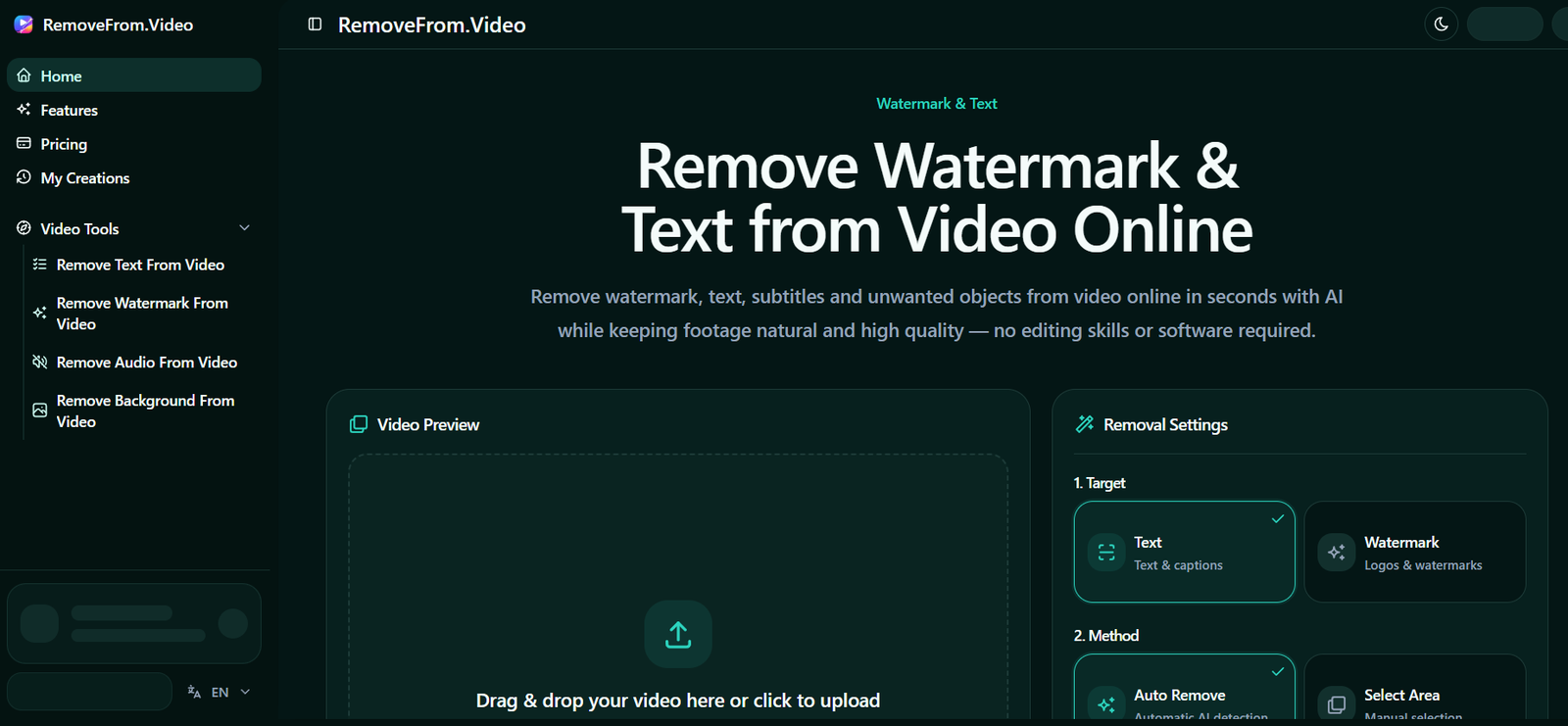
RemoveFrom.Video is an AI-powered online video editing tool that helps users remove watermarks, text, subtitles, logos, and unwanted objects from videos. Using advanced AI video inpainting technology, it reconstructs the background after removing selected elements, helping videos look clean and natural without requiring professional editing skills.
The platform is designed for content creators, marketers, educators, businesses, and everyday users who want to clean up videos quickly through a web browser. Since it works entirely online, there is no need to install complex editing software, making video enhancement simple and accessible.
Features
AI Watermark Removal
Automatically detects and removes watermarks and logos from videos while maintaining natural-looking backgrounds and smooth playback.
Text and Subtitle Removal
Erase hardcoded text, captions, subtitles, and on-screen overlays without manually editing every frame.
Object Removal
Remove unwanted people, signs, equipment, vehicles, or other distracting objects from video footage using AI-powered object detection and reconstruction.
Automatic and Manual Selection
Users can choose automatic AI detection or manually select areas for removal, providing greater control over the editing process.
High-Quality Video Processing
Supports output resolutions up to 4K on eligible plans while preserving video clarity and motion consistency.
Browser-Based Editing
All processing is performed online, allowing users to edit videos without downloading or installing desktop software.
Multiple Video Formats
Supports commonly used video formats, including MP4, MOV, and WEBM for convenient uploading and processing.
Fast AI Processing
Optimized AI processing helps generate cleaned videos quickly, making it suitable for regular content production workflows.
How It Works
Upload your video using the online editor.
Select whether you want to remove watermarks, text, subtitles, logos, or unwanted objects.
Choose automatic AI detection or manually mark the area to remove.
Select your preferred output resolution.
Start the AI processing and wait while the platform reconstructs the affected areas.
Preview the edited video and download the final version if you are satisfied with the result.
Use Cases
Content creators can remove watermarks and unwanted elements before repurposing videos for different social media platforms.
Digital marketers can prepare cleaner promotional videos for advertising campaigns.
Businesses can improve product demonstrations and presentation videos by removing distracting objects.
Educators can clean up training materials and recorded lessons by removing captions or overlays.
Video editors can quickly remove unwanted objects without performing time-consuming manual edits.
Social media users can improve personal videos before sharing them online.
Pricing
RemoveFrom.Video uses a credit-based pricing system.
The Lite Pack costs $6.90 and includes 180 credits, supporting up to 3 minutes of video at resolutions up to 1080p.
The Basic Pack costs $24.90 and includes 900 credits, supporting up to 15 minutes of video with 4K output, faster processing, a commercial license, and priority support.
The Pro Pack costs $59.90 and includes 2400 credits, supporting up to 40 minutes of video with 4K output, faster processing, commercial usage rights, and priority support.
Credits remain valid for 12 months, and users can purchase credit packs without a recurring subscription.
Strengths
Easy-to-use browser-based interface.
Removes watermarks, text, subtitles, and unwanted objects using AI.
No professional video editing experience is required.
Supports high-resolution video processing, including 4K on supported plans.
Offers both automatic AI detection and manual editing options.
Credit packs do not require a recurring subscription.
Drawbacks
Processing quality may vary depending on video complexity and the size of the removed object.
Longer videos require more credits, which may increase overall cost.
Advanced editing features available in full video editing software are not included.
Internet access is required because processing is cloud-based.
Comparison with Other Platforms
Unlike traditional video editors that require manual frame-by-frame editing, RemoveFrom.Video focuses specifically on AI-powered removal of watermarks, text, subtitles, and unwanted objects. Its browser-based workflow makes it faster and more accessible for users who need quick video cleanup without learning professional editing software. However, comprehensive video editing platforms may offer a wider range of editing and post-production features.
Customer Reviews and Testimonials
The official website includes customer testimonials from creators, marketers, and educators who highlight the platform’s ease of use and video quality improvements. However, a large collection of detailed customer reviews is not clearly available on the official website.
Conclusion
RemoveFrom.Video is a practical AI-powered solution for cleaning videos by removing watermarks, text, subtitles, logos, and unwanted objects. Its browser-based interface, automated AI processing, and flexible credit-based pricing make it suitable for creators, businesses, educators, and marketers looking for a fast and convenient way to produce cleaner, more professional-looking videos.


