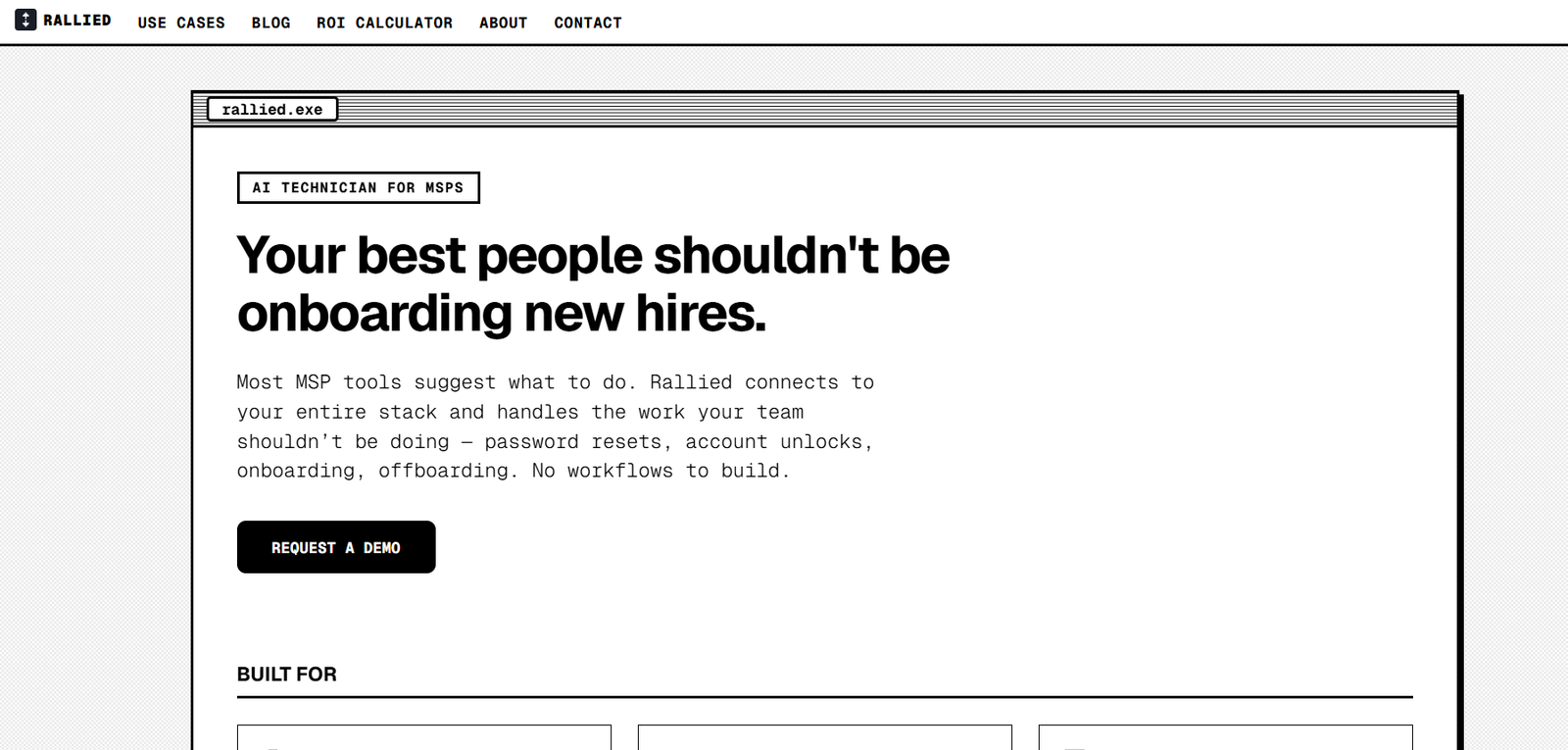
Rallied is an AI-powered IT support agent built specifically for Managed Service Providers, or MSPs. Instead of simply summarizing support tickets or suggesting what a technician should do next, Rallied is designed to investigate issues, perform approved actions and resolve routine L1 and L2 support tickets.
The platform works within an MSP’s existing technology stack. It connects with PSA systems, RMM platforms, identity services, Microsoft 365 and documentation tools to understand each ticket and determine the appropriate action.
Rallied can handle common IT tasks such as password resets, account unlocks, user onboarding and offboarding, mailbox access and endpoint fixes. Once the work is completed, it can update the ticket with notes and time entries and close it.
The platform is designed for MSP owners, service managers and IT support teams that want to reduce repetitive technician workload while maintaining human oversight for sensitive actions.
Features
AI Ticket Resolution
Rallied can take an IT support ticket from initial request through diagnosis and resolution. It reads the request, checks relevant systems, performs an approved fix and updates the ticket.
L1 and L2 Ticket Automation
The platform focuses on repetitive L1 and L2 support work such as password resets, account unlocks, mailbox permissions, onboarding, offboarding and other routine requests.
AI Ticket Triage
Rallied can gather missing information, identify the requester, inspect relevant systems and classify tickets according to an MSP’s rules.
This can help technicians receive better prepared tickets when human intervention is required.
Natural Language Runbooks
MSPs can define workflows using plain English. For example, an administrator can describe the steps required to offboard an employee, and Rallied can follow those instructions when the relevant situation occurs.
RMM Script Execution
Rallied can locate an endpoint through a connected Remote Monitoring and Management platform and execute approved scripts without requiring a technician to manually remote into the device.
PSA Integration
The platform integrates with PSA systems including ConnectWise PSA, HaloPSA, Autotask, SuperOps and Jira Service Management.
Rallied can begin working when tickets reach a status selected by the MSP.
Identity and Microsoft 365 Integration
Rallied connects with services such as Microsoft 365, Microsoft Entra ID, Okta, JumpCloud and Google Workspace. This enables the agent to perform actual account and access-related actions rather than simply recommending them.
Documentation Integration
The agent can access information from documentation platforms such as IT Glue and Hudu, helping it follow client-specific instructions while diagnosing and resolving tickets.
In-Context AI Chat
Technicians can interact with Rallied from supported PSA environments. The agent can pull information from the PSA, RMM and documentation systems to provide relevant context.
Human Approval Controls
Organizations can determine which actions Rallied may perform automatically and which actions require technician approval.
For example, routine password resets could run automatically while a more sensitive onboarding or permission change could require human confirmation.
Plan Mode
MSPs can initially run Rallied in Plan Mode. In this mode, the AI explains what it would do without making changes to connected systems.
This gives teams an opportunity to evaluate its decisions using real tickets before allowing autonomous execution.
Audit Logs
Rallied records tool calls, approvals, refusals and execution information. This provides an audit trail showing what the agent did and why.
Identity Verification
For sensitive requests, MSPs can require identity verification before the AI performs actions such as password or access changes.
How It Works
Step 1: Connect the Existing IT Stack
The MSP connects Rallied to its PSA, RMM, documentation, identity and other supported systems.
Step 2: Configure Permissions
Administrators decide which actions the AI can perform automatically, which require approval and which should remain disabled.
Step 3: Start in Plan Mode
Teams can initially allow Rallied to analyze real tickets and show the actions it would take without actually changing anything.
Step 4: Define Specific Workflows
When an MSP has a particular procedure, administrators can describe the runbook in plain English.
Step 5: Rallied Reads Incoming Tickets
When a ticket reaches the configured status, the AI reviews the request and gathers relevant information from connected systems.
Step 6: Diagnose the Issue
Rallied checks live system information, documentation, ticket history and other available context to determine what is happening.
Step 7: Perform the Approved Action
If the issue falls within its permitted scope, Rallied performs the appropriate action. Sensitive operations can be routed to a technician for approval.
Step 8: Update and Close the Ticket
After completing the work, Rallied writes notes and time entries into the PSA and can close the resolved ticket.
If it cannot confidently resolve the issue, it hands the ticket to a technician with the information already gathered.
Use Cases
Managed Service Providers
MSPs can use Rallied to automate repetitive support tickets across multiple client environments while continuing to work inside their existing PSA and RMM systems.
IT Help Desks
Support teams can reduce the time technicians spend on simple account and access-related requests.
Password Resets and Account Unlocks
Rallied can handle routine password resets and locked account requests when the appropriate permissions and identity controls are configured.
Employee Onboarding
The AI can follow predefined procedures for setting up new employees, accounts, permissions and related IT services.
Employee Offboarding
MSPs can create runbooks for removing access, disabling accounts and performing other required actions when employees leave an organization.
Mailbox and Permission Management
Rallied can assist with mailbox access and other permission-related requests through connected Microsoft 365 and identity systems.
Endpoint Troubleshooting
Through RMM integrations, the platform can identify relevant endpoints and execute approved scripts to resolve supported issues.
Ticket Triage
When a problem cannot be resolved automatically, Rallied can still gather context, diagnose the issue and prepare the ticket before handing it to a technician.
Growing MSPs
MSPs experiencing increasing ticket volumes can use Rallied to handle repetitive support work without assigning every routine ticket to a human technician.
Pricing
Rallied uses outcome-based pricing rather than charging per technician, client or endpoint.
The official website lists pricing at $3 per resolved ticket.
There is a $150 monthly minimum, which covers the first 50 resolutions.
A resolved ticket is one where Rallied takes an action and the ticket subsequently closes. Diagnosis, triage and handoffs to technicians are free.
Rallied states that technicians, clients and tickets are unlimited. Tickets that the AI reads but cannot move forward do not incur the per-resolution charge.
The platform also allows organizations to set a monthly spending cap.
A 14-day free trial is available without requiring a credit card.
Strengths
Executes IT tasks: Rallied is designed to perform approved actions rather than only generate summaries or recommendations.
Built specifically for MSPs: Its integrations and workflows are focused on managed IT service environments.
Works with existing tools: MSPs do not need to replace their PSA or RMM platform to use Rallied.
Natural language workflows: Teams can define specific runbooks using ordinary written instructions.
Human oversight: Sensitive actions can require technician approval while routine tasks operate automatically.
Plan Mode: Teams can evaluate AI decisions before allowing the system to make actual changes.
Outcome-based pricing: Businesses pay per resolved ticket rather than purchasing licenses for every technician or endpoint.
No charge for unresolved work: Tickets that Rallied cannot move forward are not charged as successful resolutions.
Auditability: Actions, approvals and refusals are logged for review.
Security controls: The platform includes least-privilege access, approval gates and identity verification for sensitive operations.
Drawbacks
Rallied is designed specifically for MSPs, so it may not be suitable for general businesses looking for a conventional AI assistant or broad workflow automation platform.
The platform does not replace a PSA, RMM or complete IT management system. Organizations still need their existing operational tools.
Its usefulness depends partly on whether an MSP’s existing software is supported by Rallied’s integration ecosystem.
Organizations must also carefully configure permissions before allowing an AI agent to perform actions across client systems.
More complicated support problems requiring human judgment, unusual troubleshooting or physical intervention will still need technicians.
As with any autonomous IT system with privileged access, organizations should evaluate security, compliance and internal governance requirements before deployment.
Comparison with Other Platforms
Rallied operates in the AI automation market for MSPs alongside tools and platforms such as Rewst, Pia and other AI-powered IT support solutions.
A major distinction is Rallied’s emphasis on completing support work rather than stopping at ticket summarization, classification or suggested next steps. It can connect across PSA, RMM, identity, Microsoft 365 and documentation systems to perform approved actions.
Compared with traditional workflow automation tools, Rallied also places greater emphasis on natural language instructions. MSPs can describe procedures as runbooks instead of building every automation through complex visual workflows.
However, Rallied is not intended to replace complete PSA, RMM, business intelligence or IT management platforms. It functions primarily as an AI resolution layer that works with an MSP’s existing systems.
This makes it most relevant to MSPs that already have an established technology stack but want to automate more of their repetitive ticket workload.
Customer Reviews and Testimonials
Rallied displays customer testimonials on its official website.
Ammon Palmer, COO of Cyber Solutions, describes Rallied as useful for telling technicians what actions to take and helping them resolve tickets.
Ryan Huneidi, Owner of Huneidi Services, describes the platform as capable of identifying information that may not already exist in documentation and resolving issues without requiring his team to handle them manually.
These testimonials are presented directly on Rallied’s official website and should therefore be viewed as company-published customer feedback rather than independent third-party reviews.
Conclusion
Rallied is a specialized AI technician for Managed Service Providers that want to reduce the amount of repetitive L1 and L2 work handled manually by their support teams.
Its main value lies in moving beyond AI-generated suggestions. Rallied can investigate tickets, gather information from connected systems, execute approved fixes, update documentation and close successfully resolved tickets.
Features such as Plan Mode, approval controls, identity verification, natural language runbooks and audit logs also provide MSPs with ways to introduce automation gradually rather than giving an AI agent unrestricted access from the beginning.
For MSPs already using supported PSA, RMM, identity and documentation platforms, Rallied may be particularly useful for automating repetitive support work while allowing skilled technicians to focus on more complex issues and projects.