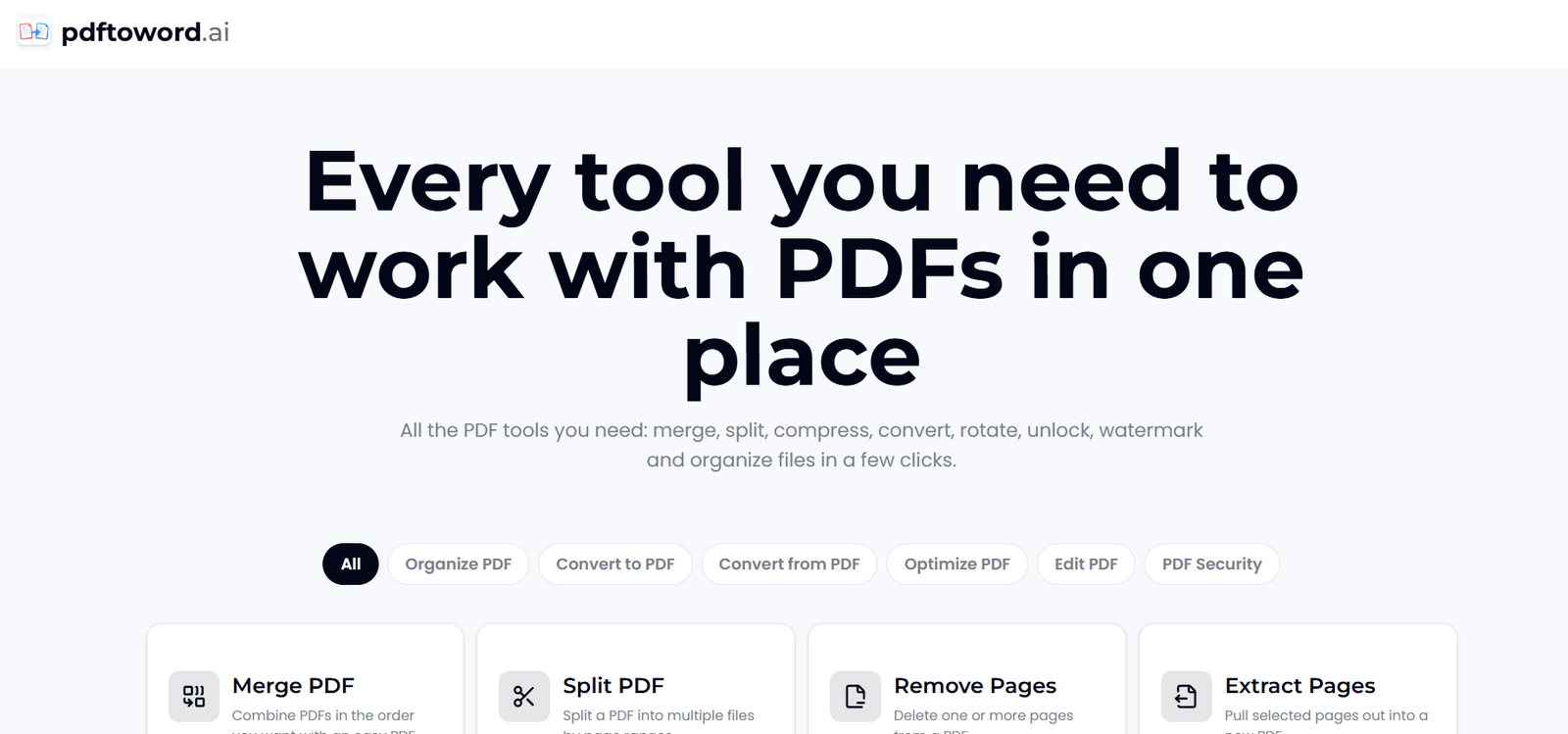
PDFtoWord.ai is an online PDF toolkit designed to help users convert, organize, optimize, edit and secure PDF documents directly through a web browser.
Despite its name, the platform is not limited to converting PDF files into Microsoft Word documents. It currently provides 24 PDF tools covering common document tasks such as PDF conversion, merging, splitting, compression, OCR, page organization, watermarking and password protection.
Users can convert PDFs into editable Word documents, Excel spreadsheets and JPG images. They can also create PDFs from Word, Excel, PowerPoint, JPG and web pages.
The platform is designed for students, researchers, office professionals, legal teams, HR departments and everyday users who regularly work with PDF documents but do not want to install dedicated desktop software.
PDFtoWord.ai emphasizes a simple workflow. Users select a tool, upload their document, process it online and download the finished file. The core tools are presented as free to use, with no account required for everyday PDF tasks.
Features
PDF to Word Converter
The PDF to Word tool converts PDF documents into editable Word files. This can be useful when users have a PDF but need to revise, reuse or update its contents in a word processor.
PDF to Excel
Users can extract tables and other suitable information from PDF documents into Excel spreadsheets, making the data easier to edit and analyze.
PDF to JPG
The platform can convert individual PDF pages into JPG images for easier sharing or use in other applications.
Word to PDF
Microsoft Word documents in DOC and DOCX formats can be converted into PDF files directly through the browser.
Excel to PDF
Users can convert XLS and XLSX spreadsheets into PDF documents for distribution or archiving.
PowerPoint to PDF
PowerPoint presentations can be converted from PPT or PPTX format into PDF.
JPG to PDF
Multiple images can be combined into a single PDF document.
HTML to PDF
PDFtoWord.ai can create a PDF from a web page using its URL, which can be useful for preserving suitable online content in document form.
Merge PDF
Multiple PDF documents can be combined into one file and arranged in the required order.
Split PDF
Large PDF files can be divided into smaller documents according to selected page ranges.
Extract Pages
Users can select individual pages or page ranges and save them as a separate PDF without altering the original document.
Remove Pages
Unwanted pages can be deleted from a PDF document.
Organize PDF
The page organizer allows users to rearrange, add and remove pages through a visual interface.
Compress PDF
PDF files can be reduced in size to make them easier to upload, store, email or share.
OCR PDF
The OCR tool adds searchable text to scanned PDF documents. This is useful for scans that contain images of text rather than an existing searchable text layer.
Repair PDF
The platform includes a repair function designed to recover suitable damaged or corrupted PDF files.
Rotate PDF
Users can rotate selected pages or an entire PDF when pages have the wrong orientation.
Crop PDF
PDF pages can be cropped to remove unnecessary margins or unwanted outer areas.
Add Page Numbers
Page numbers can be added to PDF documents with selectable positioning.
Watermarking
Users can add watermarks to suitable PDF documents for identification, branding or document management purposes.
Protect PDF
PDF files can be secured with password protection. The platform states that its protection tool uses AES-256 encryption.
Unlock PDF
Users can remove password protection from PDFs they own or are authorized to modify.
Automatic File Deletion
PDFtoWord.ai states that uploaded files are processed securely and automatically deleted after processing.
No Watermarks on Output
The platform states that its tools do not add unwanted service watermarks to processed documents.
How It Works
Step 1: Choose a PDF Tool
Visit PDFtoWord.ai and select the required function, such as PDF to Word, Merge PDF, Compress PDF, OCR PDF or Protect PDF.
Step 2: Upload the File
Drag and drop the PDF or supported document into the selected tool, or browse the device to choose the file.
Step 3: Configure the Task
Where applicable, choose options such as pages, order, orientation or other available processing settings.
Step 4: Process the Document
Start the selected operation and allow the online tool to process the file.
Step 5: Download the Result
Once processing is complete, download the resulting PDF, Word, Excel, JPG or other supported output.
Step 6: Use Another Tool if Required
Users can process a document through additional tools when they need to perform several PDF tasks.
Use Cases
Students
Students can convert PDFs into editable documents, combine study materials, extract selected pages and compress assignments before uploading them.
Researchers
Researchers can organize papers, extract useful sections, apply OCR to scanned documents and convert suitable information into editable formats.
Business Professionals
Office users can convert reports, prepare documents for editing, combine files and reduce file sizes for email or cloud sharing.
Finance Teams
PDF-to-Excel conversion can help professionals move suitable tables and financial information from PDF documents into spreadsheets for further analysis.
Legal Professionals
Legal teams can split large case documents, extract relevant pages, add page numbers, apply watermarks and password-protect confidential files.
HR Teams
HR professionals can organize employee documents, combine files and secure sensitive PDFs before sharing them with authorized recipients.
Content Creators
Creators can convert PDFs into images, combine visual material and prepare documents for online distribution.
Everyday Users
Anyone who occasionally needs to convert, merge, split, rotate or compress a PDF can use the browser-based tools without installing dedicated software.
Pricing
PDFtoWord.ai currently presents its collection of 24 PDF tools as free to use.
The official website states that users can perform everyday PDF tasks without installing software or creating an account.
The platform also states that its output does not include a watermark.
No paid subscription plans or clearly defined premium pricing are currently presented on the main official website.
Strengths
One of the main strengths of PDFtoWord.ai is that it brings 24 PDF utilities together within one website.
It covers both conversion and document management, so users do not need separate websites for common tasks such as converting, merging, compressing, organizing and securing PDFs.
The browser-based approach means there is no desktop application to install.
Free access and the lack of a mandatory account make the platform convenient for occasional PDF tasks.
OCR support is useful for scanned documents that do not already contain searchable text.
The platform also provides security-related tools, including password protection and unlocking for documents users are authorized to modify.
Automatic file deletion provides an additional privacy consideration for users working with uploaded documents.
Drawbacks
PDFtoWord.ai is an online service, so users need an internet connection to upload and process documents.
Uploading confidential documents to any online processing service requires careful consideration. Organizations with strict privacy, compliance or data residency requirements may prefer approved internal or offline document processing software.
Complex PDF layouts may not always convert perfectly into editable Word or Excel formats. Users should check formatting, tables, images and page structure after conversion.
OCR accuracy can also depend on scan quality, image clarity, language and document complexity.
The platform focuses on practical PDF utilities rather than providing the extensive manual editing environment available in full professional PDF desktop applications.
Comparison with Other Platforms
PDFtoWord.ai competes with established online PDF platforms that offer conversion, compression, merging and other document utilities.
Its main advantage is the combination of 24 PDF tools in a simple browser-based environment that is currently presented as free and does not require users to install software.
Compared with a basic PDF-to-Word converter, PDFtoWord.ai is considerably broader because it also provides PDF organization, optimization, OCR and security functions.
Compared with professional desktop PDF applications, it offers greater convenience for quick online tasks but does not provide the same depth of advanced document editing and enterprise document management capabilities.
It may therefore be particularly useful for users who need straightforward PDF processing without purchasing or installing a complete desktop PDF suite.
Customer Reviews and Testimonials
The official website displays several customer testimonials.
A project manager describes using the platform to merge, compress and convert documents without moving between different applications.
An accountant highlights regular PDF-to-Word and PDF-to-Excel conversion and the convenience of maintaining document formatting.
A PhD student describes using the compression and splitting tools to manage a large scanned document and notes the ability to use the service from a phone.
These testimonials are published directly by PDFtoWord.ai and should be considered platform-provided testimonials rather than independently verified customer reviews.
Conclusion
PDFtoWord.ai is a practical all-in-one PDF toolkit for users who want to handle everyday document tasks directly in a web browser.
Although its name emphasizes PDF-to-Word conversion, the platform currently offers 24 tools covering conversion, merging, splitting, page organization, compression, OCR, repair, watermarking and document security.
Its free access, no-install approach and broad selection of tools make it particularly useful for students, researchers, office professionals, legal and HR teams and individuals who only occasionally need PDF software.
Users working with highly confidential documents or complicated layouts should still consider their privacy requirements and carefully review converted output.
For everyday PDF conversion and document management, PDFtoWord.ai provides a convenient collection of commonly needed tools in one place.