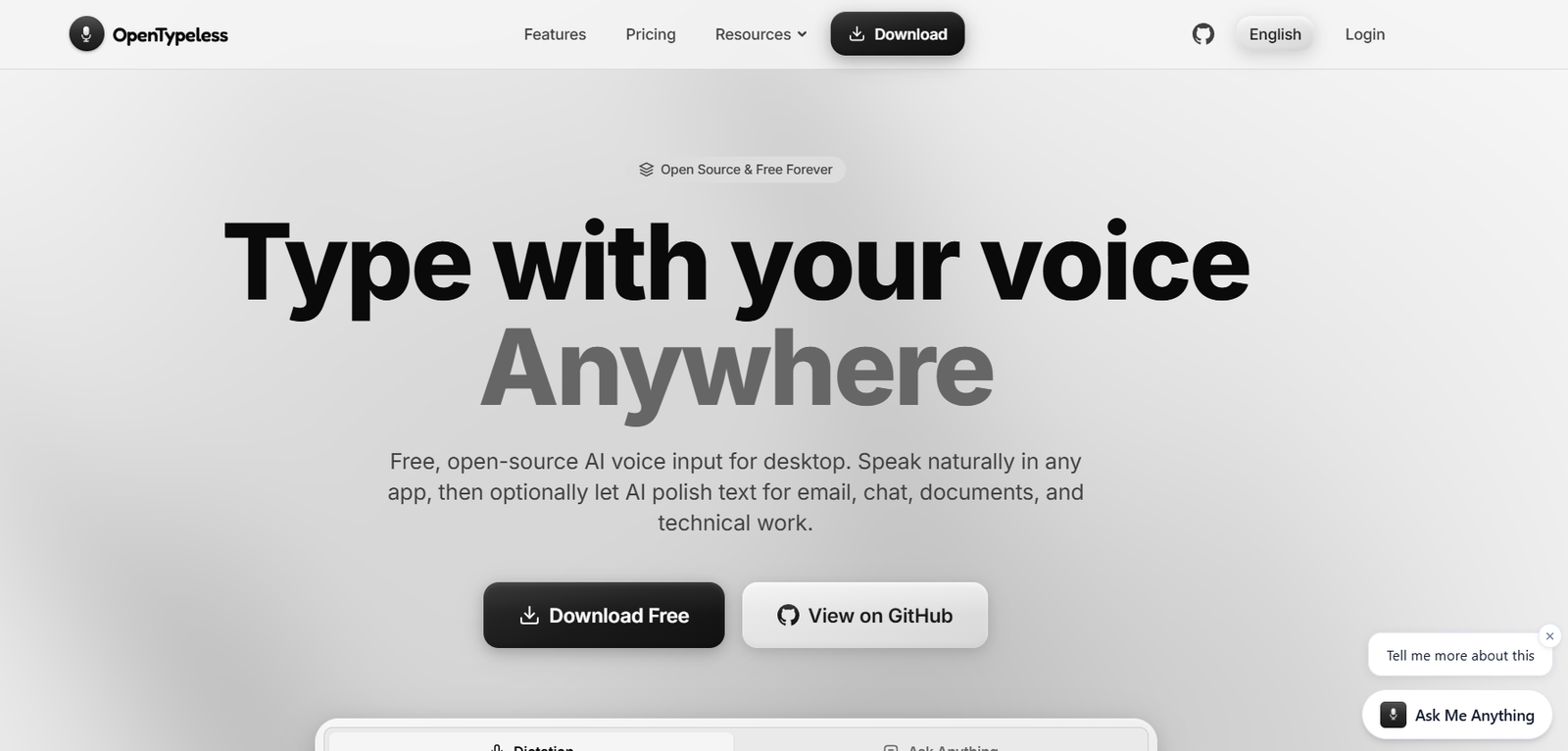
OpenTypeless is a free, open-source AI voice typing and writing assistant designed for desktop users. It enables users to dictate text naturally and instantly convert speech into polished writing across virtually any desktop application. Instead of acting as a simple speech-to-text tool, OpenTypeless automatically improves dictated text by removing filler words, correcting self-edits, improving sentence structure, and adapting the writing style to match the current application.
The platform supports Windows, macOS, and Linux, making it suitable for professionals, developers, writers, students, and anyone who wants to replace keyboard typing with AI-assisted voice input. It also offers flexible deployment options through managed cloud services or Bring Your Own Key (BYOK) integrations with compatible speech-to-text and language models, giving users greater control over privacy and AI providers.
Features
AI Voice Typing
Users can activate a global keyboard shortcut, speak naturally, and insert polished text directly into emails, documents, messaging apps, code editors, and other desktop software without switching applications.
Intelligent Text Cleanup
OpenTypeless automatically removes filler words, repeated phrases, and speech corrections while improving clarity and readability before inserting the final text.
AI Writing Assistant
Beyond dictation, users can rewrite selected text, adjust writing tone, summarize content, expand ideas, or translate text using voice commands.
Voice Translation
The platform translates spoken or selected text into multiple languages, helping users communicate across different languages without leaving their workflow.
Multi-Language Support
OpenTypeless supports more than 100 languages and can automatically detect language changes during dictation sessions.
Bring Your Own AI Providers
Users may configure compatible speech recognition and large language model providers using their own API credentials, allowing flexibility in choosing AI services while keeping credentials stored locally.
Privacy-Focused Design
The application stores personal history locally and supports privacy-conscious workflows. Users maintain control over their data instead of relying solely on cloud processing.
Cross-Application Compatibility
OpenTypeless works with popular applications including Gmail, Google Docs, Slack, Notion, Chrome, code editors, and many other desktop applications.
How It Works
- Download and install OpenTypeless on Windows, macOS, or Linux.
- Grant microphone and accessibility permissions.
- Choose either the managed cloud service or configure your preferred AI providers.
- Press the configured global shortcut to begin dictation.
- Speak naturally while the AI converts speech into polished text.
- Insert the completed text into your active application.
- Optionally use voice commands to rewrite, summarize, translate, or edit selected text.
Use Cases
Professionals can dictate emails, reports, and business documents more efficiently.
Developers can write code comments, documentation, and technical content using voice.
Students can prepare assignments and lecture notes with less typing.
Content creators can draft articles, blogs, and social media posts faster.
Customer support teams can respond to tickets using AI-assisted dictation.
Multilingual users can translate content while speaking.
People with accessibility needs can reduce keyboard dependence through voice interaction.
Pricing
OpenTypeless offers a Free (BYOK) plan that allows users to use their own compatible speech recognition and language model providers.
The official website also offers Pro and managed cloud options with additional AI capabilities and usage allowances. Pricing details for premium plans may vary and are available through the official website.
Strengths
Free and open-source platform.
Supports Windows, macOS, and Linux.
Works across almost any desktop application.
Provides AI-enhanced dictation instead of basic transcription.
Supports multiple AI providers through BYOK.
Strong focus on privacy with local storage options.
Includes rewriting, translation, and voice editing features.
Supports over 100 languages.
Drawbacks
Desktop application installation is required.
Advanced AI features may require external AI provider API keys.
Voice recognition accuracy depends on the selected AI provider and microphone quality.
Some managed cloud features are available only through premium plans.
Comparison with Other Platforms
Unlike traditional voice dictation software that primarily converts speech into raw text, OpenTypeless combines AI-assisted writing, translation, rewriting, and editing into a unified desktop workflow. Compared with many commercial voice assistants, it offers open-source transparency, support for multiple AI providers, and greater flexibility through its Bring Your Own Key model. It is particularly attractive for users who want more control over privacy, AI services, and customization.
Customer Reviews and Testimonials
The official website features positive feedback from users across technology, healthcare, design, and business sectors. Testimonials highlight faster writing, improved formatting, natural dictation quality, and significant productivity gains. However, comprehensive customer review scores from independent review platforms are not prominently displayed on the official website.
Conclusion
OpenTypeless is a powerful AI voice typing solution for users who want more than simple speech recognition. By combining intelligent dictation, AI-assisted editing, translation, and cross-application compatibility, it provides an efficient way to create polished written content using natural speech. Its open-source architecture, privacy-focused design, and support for multiple AI providers make it an excellent choice for professionals, developers, writers, students, and anyone looking to replace traditional typing with a faster, voice-first workflow.