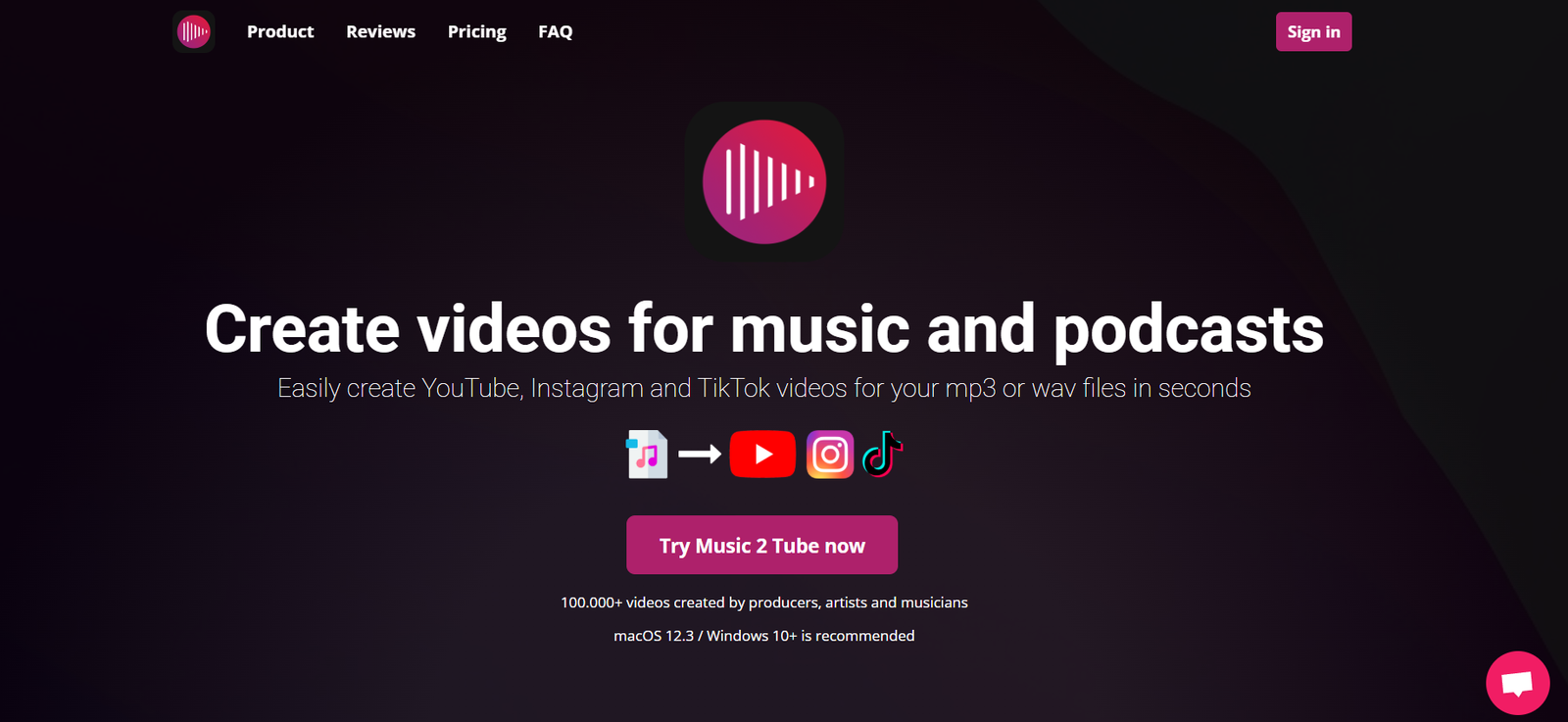
Music2Tube.com is a free online tool that enables users to convert MP3 audio files into YouTube-compatible video files by combining them with a static image. This allows artists, podcasters, and content creators to share audio content on YouTube, a platform that primarily supports video files.
Whether you’re an independent musician looking to promote your tracks or a speaker wanting to upload voice recordings, Music2Tube.com offers a simple, no-installation solution to bridge the gap between audio and video publishing.
Features
Music2Tube.com offers a focused set of features built specifically for fast MP3-to-video conversion:
MP3 to Video Conversion: Upload an MP3 file and combine it with an image to generate a YouTube-compatible video.
Image Upload Support: Add your own album cover, artwork, or branding as the static video background.
Instant Download: Convert and download the video within minutes.
No Registration Required: Use the service without creating an account.
Browser-Based: No software installation—works on both desktop and mobile browsers.
Supports YouTube Uploads: Video format is compatible with YouTube’s upload requirements (typically .MP4).
Free to Use: All essential functions are accessible at no cost.
How It Works
The Music2Tube process is simple and intuitive:
Upload an MP3 File: Select the audio track you want to convert.
Upload an Image: Choose an image that will appear in the video.
Process the File: The tool combines your audio and image to create a video.
Download the Video File: Once processed, the video is available for download.
Upload to YouTube: You can now upload the video file directly to your YouTube channel.
This process typically takes just a few minutes from start to finish.
Use Cases
Music2Tube.com is ideal for:
Musicians: Share original tracks on YouTube to increase reach and discoverability.
Podcasters: Post podcast episodes as videos using static branding images.
Speakers and Coaches: Publish recorded speeches or lessons for wider online access.
Voiceover Artists: Promote demos by uploading them to video platforms.
Marketers: Turn promotional audio clips into video posts for YouTube or social campaigns.
Pricing
Music2Tube.com is completely free to use. There are:
No subscription plans
No account requirements
No fees for MP3-to-video conversions
It is a 100% free tool that is sustained through ad revenue. All features are accessible without payment.
Strengths
Music2Tube.com provides several advantages:
Easy to Use: The interface is clean, minimal, and user-friendly.
No Barriers: No login, subscription, or software installation needed.
Fast Conversion: Complete an MP3-to-video conversion in minutes.
Free Access: Offers complete functionality at no cost.
YouTube Compatibility: Ensures the output format is ideal for YouTube upload.
Drawbacks
While Music2Tube.com is functional and useful, it has some limitations:
Static Video Only: No video editing or animation features—output consists of a still image.
Limited File Size: Upload size restrictions may apply for both audio and image files.
No Batch Upload: Each file must be converted one at a time.
Ad-Supported: Website may contain pop-ups or ads which can disrupt user experience.
No Audio Editing: Doesn’t support trimming, equalizing, or enhancing audio files.
Comparison with Other Tools
Here’s how Music2Tube.com compares to similar tools:
Versus Headliner: Headliner offers animated audiograms and social sharing, but requires registration and has more complex UI.
Versus Lumen5: Lumen5 is designed for converting blog content into videos, and is not ideal for audio-to-video conversion.
Versus Kapwing: Kapwing is a robust editor that supports audio-to-video but has file limits on the free plan and requires a sign-up.
Music2Tube.com stands out for its simplicity, speed, and zero-cost access, making it ideal for users with straightforward needs.
Customer Reviews and Testimonials
Although not heavily reviewed on mainstream platforms, user feedback suggests that Music2Tube.com is well-received for its ease of use and effectiveness:
“Perfect for turning my music tracks into YouTube videos without hassle.”
“So easy to use. Just uploaded my podcast episode and image—done in 2 minutes.”
“Would be great if it had waveform animations, but it’s excellent for what it does.”
Users consistently mention its speed, simplicity, and suitability for beginners.
Conclusion
Music2Tube.com is a specialized, no-frills tool designed to help users publish audio content on YouTube by converting MP3s into static video files. Its browser-based functionality, free access, and quick processing make it an excellent choice for musicians, podcasters, and content creators who need a fast solution to repurpose their audio.
While more advanced tools exist with animated visuals and editing features, Music2Tube.com succeeds by focusing on speed and simplicity, making it a practical option for beginners and busy creators alike.