
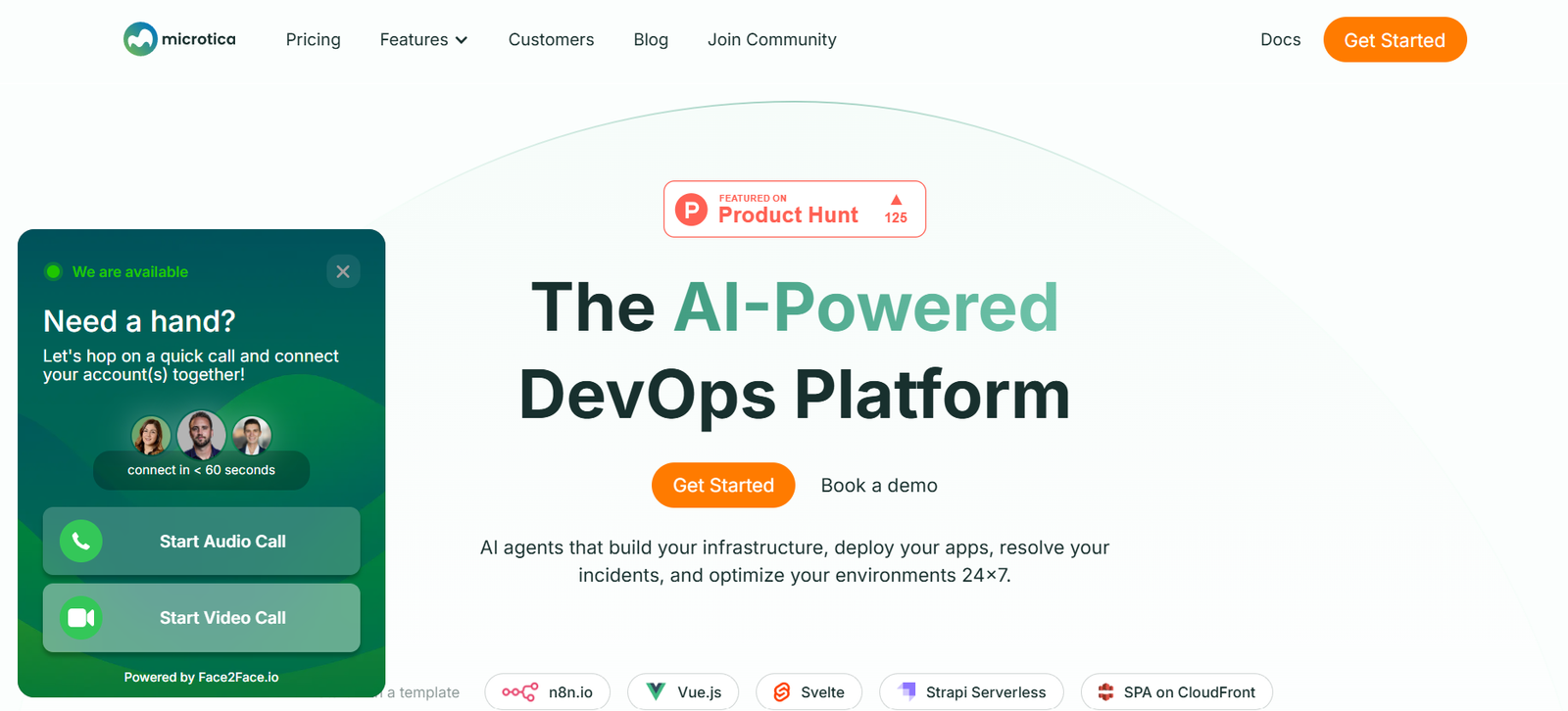
Microtica is a low-code DevOps automation platform designed to help developers and teams build, deploy, and manage cloud infrastructure and applications more efficiently. It simplifies the entire DevOps workflow by providing reusable infrastructure components, automated CI/CD pipelines, and seamless cloud deployment—without requiring deep knowledge of cloud platforms like AWS or Kubernetes.
By abstracting complex cloud operations, Microtica enables software teams to focus on building products rather than managing infrastructure. Whether you’re working in a startup or an enterprise environment, the platform offers end-to-end support for automating cloud provisioning, application deployment, and monitoring in a secure, scalable way.
Built with developer experience in mind, Microtica empowers teams to ship faster while ensuring governance, cost-efficiency, and operational consistency.
Features
Microtica offers a robust set of features that automate infrastructure provisioning and application deployment while maintaining flexibility and control.
The platform’s most notable feature is its component-based infrastructure approach. Developers can choose from a library of prebuilt infrastructure components such as Kubernetes clusters, VPCs, and databases. These components are reusable and customizable, allowing teams to rapidly provision cloud resources using infrastructure-as-code.
It includes an intuitive visual builder that allows users to design and configure their infrastructure and CI/CD pipelines without needing to write complex scripts or YAML files.
Microtica supports seamless Git-based deployment. By connecting your Git repository, the platform automatically builds and deploys code changes to the desired environment.
CI/CD pipelines are fully automated and customizable. You can define steps such as build, test, deploy, and rollback, which are triggered by Git events like pushes or pull requests.
The platform provides built-in cost monitoring and environment management, giving users insight into their cloud usage and spending across different projects and teams.
Microtica also includes role-based access control, allowing teams to manage permissions and ensure compliance across multiple environments.
It integrates with popular tools such as AWS, GitHub, GitLab, Bitbucket, and container registries to streamline development workflows.
How It Works
Microtica enables cloud-native development through an automated, component-driven workflow that minimizes manual configuration.
The process begins by selecting infrastructure components from the Microtica component marketplace. These components represent infrastructure building blocks such as virtual networks, load balancers, or managed databases.
Once selected, users configure these components using the platform’s UI or YAML configuration. The tool translates this setup into infrastructure-as-code templates that can be deployed to a connected cloud provider like AWS.
The platform then provisions and manages the infrastructure automatically.
For application deployment, developers connect their Git repositories to Microtica. When code is pushed or a pull request is opened, the CI/CD pipeline is triggered. The pipeline builds the container image, runs automated tests, and deploys the application to the selected environment.
All deployments are version-controlled and traceable, allowing teams to monitor performance, roll back changes, and collaborate across development stages.
Developers can manage multiple environments (e.g., staging, production) from the same interface, maintaining consistency and reducing the risk of deployment errors.
Use Cases
Microtica is designed to address a wide range of cloud development and deployment scenarios.
Startups use it to get their applications to market faster without hiring dedicated DevOps engineers. By leveraging its reusable components and automated CI/CD, they can focus on product development.
Development teams in enterprises use Microtica to standardize infrastructure setups across multiple projects, reducing manual configuration and onboarding time.
Agencies and software consultancies rely on Microtica to rapidly spin up environments for client projects, enabling faster delivery and lower operational overhead.
Teams managing microservices architectures benefit from the platform’s Kubernetes support, simplifying deployment and scaling across containers.
Businesses focused on governance and compliance use Microtica for its role-based access control and audit trails, ensuring that infrastructure changes are secure and trackable.
Educational institutions and training programs can use Microtica to teach modern DevOps practices in a visual and accessible way.
Pricing
Microtica offers flexible pricing plans that cater to various user needs, from solo developers to large teams.
There is a free tier that includes basic features such as one cloud environment, CI/CD for a single project, and access to the component marketplace. This tier is ideal for testing the platform or running small applications.
The paid plans scale based on team size, number of projects, and resource usage. They include additional environments, advanced monitoring, role-based access, and premium support.
Pricing details for Pro and Enterprise plans are customized based on usage and requirements. Interested users are encouraged to contact the Microtica sales team for a tailored quote.
Up-to-date pricing information is available on the official website at https://www.microtica.com.
Strengths
Microtica’s biggest strength lies in its ability to simplify complex DevOps workflows through reusable components and automation.
The platform significantly reduces the time and expertise required to provision infrastructure and deploy applications, making cloud development accessible to a wider audience.
Its visual builder, prebuilt components, and Git-based CI/CD pipelines enable rapid development cycles and faster product delivery.
Microtica’s support for AWS and Kubernetes makes it suitable for modern, cloud-native applications.
The ability to manage multiple environments from a single interface ensures consistency and minimizes human error during deployment.
Built-in monitoring and cost tracking features help teams stay informed and in control of their cloud operations.
Its developer-friendly interface combined with enterprise-grade features positions Microtica as a comprehensive solution for both small teams and large organizations.
Drawbacks
While Microtica offers a rich feature set, there are some limitations to consider.
Currently, the platform primarily supports AWS. Teams using other cloud providers like Azure or Google Cloud may find the tool less suitable unless multi-cloud support expands in future updates.
Advanced users who prefer writing custom Terraform or Kubernetes configurations may find the visual approach too abstract for some use cases.
Integrations beyond the current scope may require manual setup or custom development, which could slow adoption in complex enterprise environments.
The learning curve, while smaller than traditional DevOps tools, still exists for users unfamiliar with concepts like CI/CD or infrastructure-as-code.
For large enterprises with specific compliance needs, customization and legal review may be necessary before deployment.
Comparison with Other Tools
Compared to traditional DevOps tools like Terraform, Jenkins, or Ansible, Microtica offers a more streamlined, visual approach tailored for developers.
While Terraform is a powerful infrastructure-as-code tool, it requires manual setup and scripting knowledge. Microtica abstracts this complexity by offering prebuilt components and visual configuration.
Jenkins provides powerful CI/CD capabilities, but it can be time-consuming to configure and maintain. Microtica delivers built-in pipelines that integrate directly with Git repositories, reducing operational overhead.
Platforms like Vercel or Netlify cater primarily to front-end deployments and static sites, whereas Microtica is built for full-stack applications, including containerized microservices.
Compared to tools like Pulumi or GitLab CI, Microtica stands out for its developer-centric interface and end-to-end coverage of both infrastructure and application layers.
Customer Reviews and Testimonials
Microtica has received positive feedback from developers, DevOps engineers, and startup founders.
Users frequently praise the platform for reducing time spent on setting up and maintaining cloud infrastructure. Many report faster deployment cycles and fewer deployment-related errors.
Teams highlight the convenience of the visual environment builder and the reusability of infrastructure components, which helps standardize operations across projects.
Customer testimonials also mention the excellent support from the Microtica team, especially during onboarding and integration.
Startups note that Microtica has allowed them to maintain a lean team while still following modern DevOps practices.
Overall, the tool is recognized for bridging the gap between traditional DevOps complexity and developer productivity.
Conclusion
Microtica is a modern DevOps automation platform that empowers development teams to build, deploy, and manage cloud-native applications without diving deep into infrastructure complexity.
Its low-code approach, reusable components, and automated CI/CD pipelines make it ideal for SaaS companies, startups, agencies, and enterprises looking to scale efficiently and securely.
While it may not suit every advanced use case or cloud provider, its ease of use, flexibility, and developer-friendly design make it a standout choice for teams seeking fast, consistent, and manageable cloud operations.












