
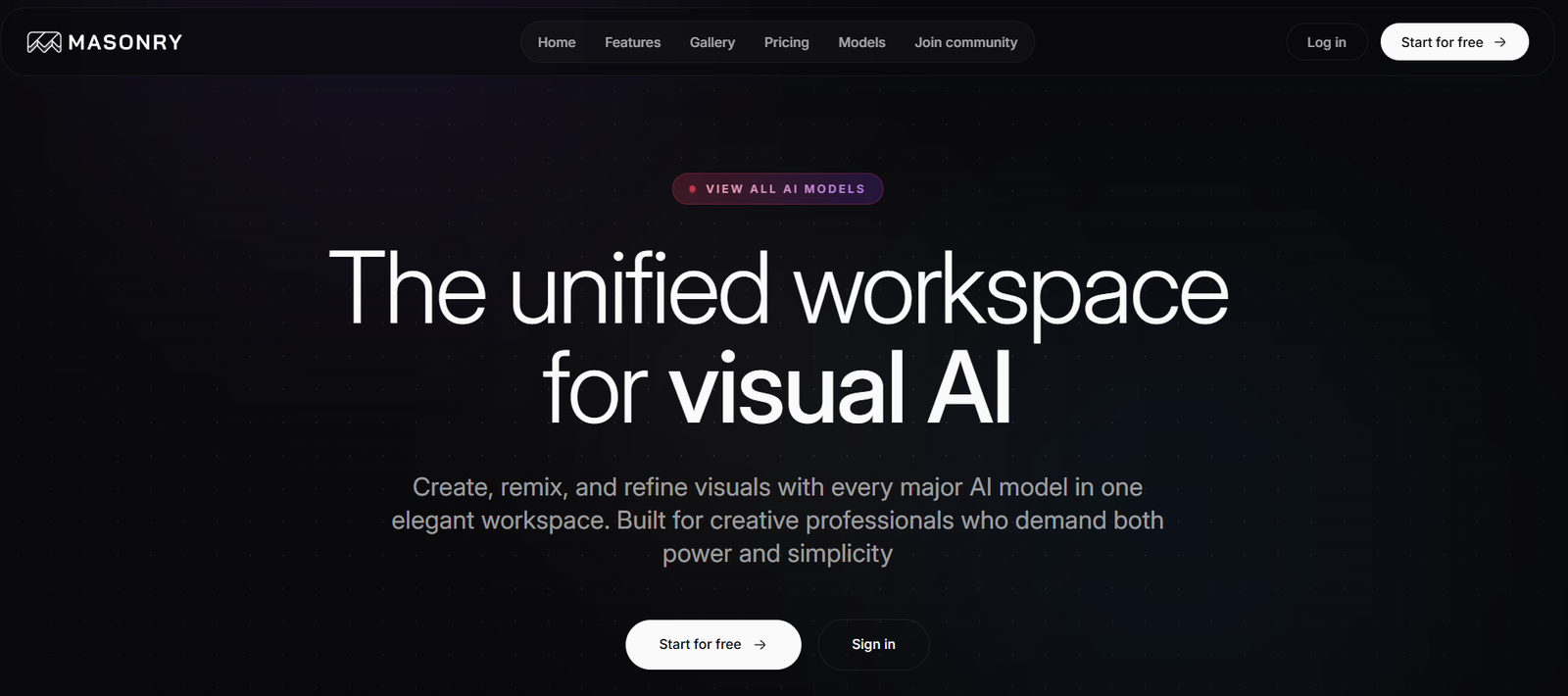
Masonry is a visual, AI-powered workspace where users can automate workflows, connect tools, and collaborate in real time. It allows teams to set up intelligent agents that handle manual tasks, trigger workflows, and make decisions based on data and logic.
Built with non-technical users in mind, Masonry uses a no-code environment that enables anyone to build powerful automations, custom internal tools, and integrations between services. At the same time, it also supports technical teams by allowing deeper customization when needed.
The platform is designed to be flexible enough for cross-functional teams—product, operations, marketing, support, engineering—to use it for different workflows while maintaining a shared system of record. It merges the power of automation with the clarity of collaborative tools.
Features
Masonry offers AI-powered agents that can automate complex workflows across tools. These agents can take actions, respond to conditions, and trigger processes based on data, time, or user inputs.
The visual editor allows users to build and connect workflows in a modular interface. You can create “blocks” that represent actions, conditions, or integrations, and then connect them into flows—without writing any code.
Masonry integrates with popular third-party tools such as Slack, Airtable, Notion, Google Sheets, and more. This enables users to pull data, send updates, trigger actions, or automate syncing between platforms.
The collaboration interface allows multiple team members to work on workflows together. Users can comment, assign ownership, and monitor real-time changes within the same canvas.
Masonry provides conditional logic and branching, so workflows can respond to different scenarios. For example, a lead form submission could trigger one action for enterprise clients and another for startups, based on logic blocks.
The platform includes agent-triggered workflows. These agents can monitor certain conditions (like data updates or form submissions) and automatically execute tasks, like sending notifications or updating records.
Masonry emphasizes transparency. Each workflow and automation includes visual documentation that makes it easy for other teammates to understand what is happening, why, and when.
Users can set permissions, control access, and define who can view or edit specific workflows. This helps ensure compliance and governance within growing teams.
How It Works
Getting started with Masonry begins with creating a workspace. This workspace serves as a central hub for your team’s workflows, automations, and collaborative tools.
Inside the workspace, users can create projects or processes using Masonry’s visual editor. Each workflow is built using blocks—representing data inputs, conditions, external apps, and actions. These blocks are connected like a flowchart to form an automated process.
Once a workflow is built, users can add AI agents to automate decision-making or repetitive actions. For example, an agent could read a form submission, classify the data using AI, and route it to the appropriate teammate based on pre-set rules.
Masonry supports triggers from inside or outside the platform. A Slack message, form submission, or database update can all initiate a workflow, depending on how it’s configured.
As the workflow runs, all team members can view its activity, comment on the logic, and monitor how agents perform. Masonry provides logs and version control so users can track changes and audit behavior.
Workflows can be updated in real time, and once ready, they can be published and run continuously. Teams can build multiple workflows for different functions and connect them into larger, company-wide systems.
Use Cases
Operations teams can automate employee onboarding by integrating HR tools, email platforms, and task managers into one seamless workflow that activates when a new hire is added.
Marketing teams can automate campaign tracking by setting up a workflow that pulls data from form submissions, enriches leads with third-party data, and notifies sales teams via Slack.
Customer success teams can create ticket routing automations that classify incoming support requests using AI and assign them to the correct rep or queue.
Product teams can build internal dashboards that track user behavior, feature adoption, or bug reports, pulling real-time data from various sources into one central location.
Engineering teams can build custom tools without waiting on backend support. For instance, creating an internal QA form that automatically logs results and alerts the dev team when needed.
Startup founders or small teams can replace multiple SaaS tools by using Masonry as an all-in-one solution for automation, forms, and internal workflows.
Pricing
As of October 2025, Masonry is in an early-access phase, and pricing details are not publicly listed on the main site.
The website encourages users to request early access, suggesting that the platform is onboarding users in cohorts or testing its feature set before general release.
This typically means the platform is free or available under a limited trial model during the early access period. Pricing tiers, once launched, are likely to be based on number of users, workflow volume, and usage of AI agents.
For the most up-to-date pricing or to join the early access program, visit masonry.so and submit the access request form.
Strengths
Masonry combines automation and collaboration in one platform, eliminating the need for teams to toggle between multiple tools for process management and task execution.
Its visual interface lowers the barrier for non-technical users to create meaningful workflows, saving time and reducing dependency on developers.
AI agents allow more intelligent automation, where workflows can adapt to inputs, learn from data, and perform logic-driven actions in real time.
Masonry provides deep integration support with popular tools, making it easier to embed into your existing workflow and sync data across platforms.
The real-time collaborative environment ensures transparency and team alignment. Everyone involved can see what workflows are doing and why.
The platform is flexible, supporting a wide range of use cases from onboarding to ticketing, campaign automation, lead management, and internal tooling.
Drawbacks
Because Masonry is still in early access, the feature set may evolve or be limited depending on your use case.
No public pricing makes it harder to assess ROI or compare with other workflow tools before signing up.
Lack of a mobile app or offline functionality may limit accessibility for teams working remotely or in the field.
There may be a learning curve for users new to workflow automation, even though the interface is no-code.
The success of AI agents will depend on how well they’re configured and the quality of data they process. Teams may need to test and iterate to achieve optimal results.
As a new platform, Masonry may not yet have extensive documentation, support channels, or community forums that larger tools offer.
Comparison with Other Tools
Compared to tools like Zapier or Make, Masonry offers a more collaborative and visual experience. While Zapier focuses on app-to-app automation, Masonry blends workflow automation with workspace collaboration and AI logic.
Unlike project management platforms like Asana or Trello, Masonry is not designed around tasks and boards—but rather around processes, logic, and integrations.
Masonry shares some similarities with Retool or Internal.io, but it requires no coding, making it more accessible to operations or marketing teams.
It also resembles Airtable Automations or Notion workflows, but with deeper logic, branching, and AI capabilities built in.
The platform is positioned as an all-in-one system for teams that want to automate work, build internal tools, and coordinate across apps—without a developer.
Customer Reviews and Testimonials
As of now, Masonry does not publicly feature customer testimonials or reviews on its website. Since the platform is in early access, many users are likely testing features privately or under NDA.
However, the tool is positioned for early-stage companies, startups, and growth teams, suggesting that it has already been piloted in real-world use cases.
Early users from product and ops teams have shared positive impressions across tech forums and social media, praising the speed of setup and clarity of the interface.
More formal reviews and case studies are likely to appear as Masonry exits early access and launches to a wider audience.
Conclusion
Masonry is a powerful AI-powered workspace that lets teams build internal tools, automate workflows, and collaborate—all in one place. With its no-code interface, smart agents, and visual workflow builder, the platform empowers non-technical users to create and maintain complex processes without waiting on engineering.
Whether you’re onboarding employees, syncing data between tools, or streamlining customer support, Masonry helps you automate with intelligence and transparency. Its collaborative features and AI-driven logic make it an ideal tool for startups, operations teams, product managers, and fast-moving companies looking to scale with speed and structure.











