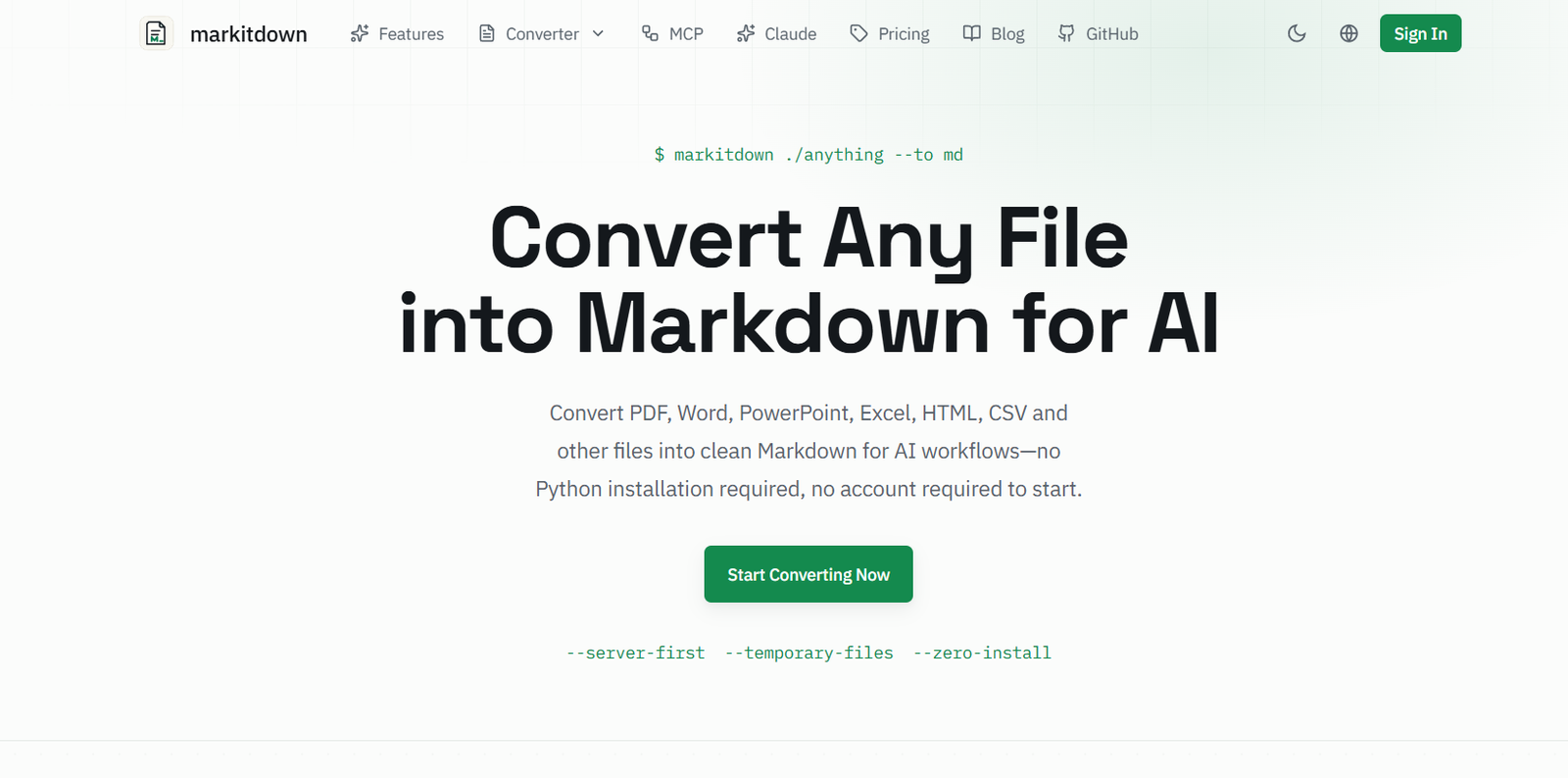
Markitdown Online is a web based file conversion platform designed to turn documents and other content into clean, structured Markdown. It is particularly useful for developers, researchers, writers, analysts and AI teams that need to prepare information for large language models, RAG systems, knowledge bases, search indexing and documentation workflows.
The service is inspired by Microsoft’s open source MarkItDown utility and uses the Microsoft MarkItDown library as part of its conversion technology. However, Markitdown Online is an independent service and is not affiliated with Microsoft.
Users can convert PDF, Word, PowerPoint, Excel, HTML, CSV, JSON, XML, TXT, images, audio and other supported formats. The service aims to preserve useful document structure such as headings, tables, lists, links and basic formatting so that the resulting Markdown remains organized and easier for AI systems to process.
Unlike the original Python based MarkItDown utility, Markitdown Online provides a browser interface, so users can start converting files without installing Python or configuring a development environment.
Features
Multi Format File Conversion
Markitdown Online supports a broad selection of document and data formats, including PDF, DOCX, XLSX, PPTX, HTML, CSV, JSON, XML and TXT. It also supports image and audio based workflows.
AI Optimized Markdown
The service produces structured Markdown that can be used as input for ChatGPT, Claude, Gemini and other AI systems. The resulting files can also be incorporated into RAG pipelines, vector databases and AI knowledge bases.
PDF to Markdown
Users can convert standard PDF documents into Markdown while retaining readable paragraph structures, headings, lists and tables where the source document makes those elements identifiable.
Word to Markdown
DOCX documents can be converted into Markdown, making Word based information easier to use in AI prompts, documentation systems and developer workflows.
Excel to Markdown
Spreadsheet information can be converted into structured Markdown, which can be useful when preparing tables and datasets for AI analysis.
PowerPoint to Markdown
PPTX presentations can be transformed into Markdown so that slide content can be reused in AI applications, summaries and knowledge management systems.
Scanned PDF OCR
The website provides AI OCR capabilities for scanned PDFs that do not contain selectable text. Its OCR workflow can reconstruct document content, including tables, and can convert mathematical equations into LaTeX.
Structure Preservation
The converter attempts to retain headings, tables, nested lists, links, bold and italic text and other structural information when these elements are clearly represented in the original file.
Markdown Online Editor
Markitdown Online also provides a browser based Markdown editor. Users can write or edit Markdown, preview the rendered result, import Markdown or text files and export content as Markdown or HTML.
Conversion Preview
Users can review the converted Markdown before downloading it. This provides an opportunity to check formatting and content before using the result in an AI workflow.
Saved Results
Users who sign in can save converted Markdown results in a private workspace for future access. The original source documents are not retained as part of this saved result.
Privacy Focused Processing
Uploaded files are temporarily processed through the service’s self hosted Microsoft MarkItDown infrastructure. According to the website, source files are deleted immediately after conversion and their contents are not written to logs.
Developer Resources
Users who need programmatic conversion can also explore the original Microsoft MarkItDown open source project. The website provides information related to MCP, Claude integration and other developer oriented workflows.
How It Works
Visit Markitdown Online and open the file converter.
Upload or drag and drop a supported document into the converter.
The service analyzes the file and identifies elements such as headings, paragraphs, tables, lists, links and other structural content.
It then converts the extracted information into Markdown.
Review the generated Markdown in the browser.
Download the completed .md file or save the result to your workspace when the relevant account feature is available.
The Markdown can then be used with AI assistants, RAG systems, vector databases, documentation platforms and other applications.
Use Cases
AI developers can prepare documents for LLM prompts and retrieval augmented generation systems.
Researchers can convert reports, papers and supporting documents into structured text for AI assisted research workflows.
Businesses can transform internal documents into Markdown for company knowledge bases and AI assistants.
Developers can prepare source information for vector databases, search systems and automated document pipelines.
Writers and editors can convert Word documents, HTML pages and other content into Markdown for easier editing and publishing.
Data professionals can convert Excel, CSV and structured data into Markdown that is easier to inspect or provide to AI tools.
Students can convert study documents and presentations into structured Markdown for personal learning and AI assisted analysis.
Documentation teams can transform existing documents into Markdown for Git based documentation and publishing workflows.
Pricing
Markitdown Online provides a free tier that does not require an account to begin converting files.
According to the official website, the free tier supports files up to 20 MB and allows up to three files per batch.
Users can also sign in to save conversion results. An optional Pro plan increases the maximum file size to 100 MB, supports batch conversion of up to 30 files and provides unlimited saved results.
The website provides a dedicated pricing page for current Pro pricing, so users should check it for the latest subscription cost and plan conditions.
Strengths
Supports many common document and data formats.
Produces Markdown specifically suited to AI and LLM workflows.
No Python installation is required for the online version.
No account is required to start basic conversions.
Useful for RAG pipelines and AI knowledge bases.
Preserves important document structure where possible.
Includes support for scanned PDF conversion through AI OCR.
Offers a built in Markdown editor.
Provides preview and download functionality.
Uses temporary processing and states that source files are deleted after conversion.
Built around established open source document conversion technology.
Drawbacks
The online service should not be confused with Microsoft’s official open source MarkItDown project.
Complex document layouts may not always convert perfectly into Markdown.
Conversion accuracy can depend on the structure and quality of the original document.
Scanned documents may require OCR, and OCR usage has limits depending on the account or plan.
The free version has file size and batch conversion limits.
Markdown is primarily designed to represent content and structure, so it cannot reproduce every visual element of complex Word, PDF or PowerPoint files.
Users working with highly sensitive documents should still review the service’s privacy and data handling policies before uploading confidential information.
Comparison with Other Platforms
Markitdown Online differs from conventional PDF or document converters because its main objective is not to recreate a document in another visually identical format. Instead, it converts the information into structured Markdown that is easier for AI systems and developer tools to process.
This makes it particularly relevant for users working with ChatGPT, Claude, Gemini, RAG pipelines, vector databases, AI agents and knowledge bases. Compared with manually copying information from documents into AI tools, Markitdown Online can reduce preparation work while preserving useful structure.
Users who need extensive document design, PDF editing or exact visual reproduction may prefer specialized document editing software. Markitdown Online is more appropriate when the main goal is extracting structured information for AI, development or knowledge management workflows.
Customer Reviews and Testimonials
Customer reviews and testimonials are not clearly available on the official website.
Conclusion
Markitdown Online is a useful document conversion platform for people who regularly prepare information for AI and LLM based applications. It converts PDFs, Word documents, spreadsheets, presentations, HTML, structured data and several other formats into cleaner Markdown without requiring users to install the original Python utility.
Its support for multiple file types, structure preservation, scanned PDF OCR, Markdown editing and AI focused output makes it especially useful for developers, researchers, AI teams and businesses building RAG systems, knowledge bases and document processing workflows. Users should keep in mind that Markitdown Online is an independent web service inspired by and built around Microsoft’s open source MarkItDown technology, rather than an official Microsoft service.