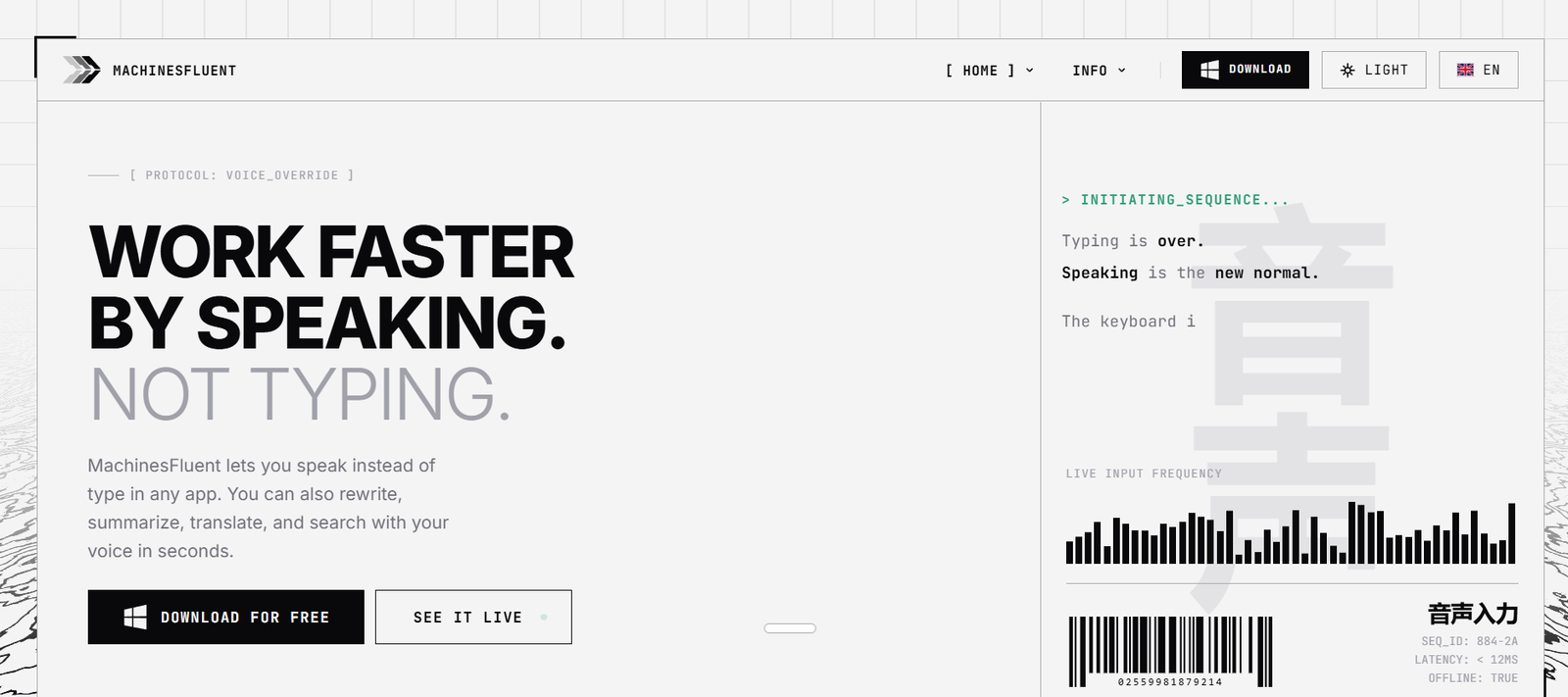
MachinesFluent is an AI-powered desktop productivity application for Windows that combines speech-to-text, text generation, rewriting, translation, OCR, and image processing into a single system-wide assistant. Instead of being limited to a web browser or a specific application, MachinesFluent works across virtually any Windows program, allowing users to dictate, edit, and transform text wherever they work.
The software supports both local AI models for maximum privacy and cloud-based AI providers for enhanced capabilities. Users can bring their own API keys or connect supported AI services to customize their workflow. This flexibility makes MachinesFluent suitable for professionals, developers, writers, researchers, and anyone looking to improve productivity with AI while maintaining control over their data.
Features
System-Wide AI Dictation
Dictate text directly into almost any Windows application without switching between programs. The software converts speech into text in real time.
Offline AI Support
MachinesFluent supports local AI models, enabling users to work without sending sensitive information to cloud services.
Cloud AI Integration
Connect cloud AI providers using your own API keys to access advanced language models and AI-powered writing capabilities.
Text Processing
Rewrite, summarize, expand, translate, or improve selected text using customizable AI prompts.
OCR and Image Processing
Extract text from images and screenshots, making it easier to work with scanned documents and visual content.
Multi-Language Support
Supports more than 100 languages for speech recognition and text generation.
Custom AI Workflows
Users can combine transcription models, language models, and custom prompts to create workflows tailored to their needs.
Privacy Controls
Choose between fully local processing and cloud-based AI depending on privacy, performance, and workflow requirements.
How It Works
Download and install MachinesFluent on a Windows PC.
Configure local AI models or connect supported cloud AI services.
Open any Windows application where you want to work.
Use voice commands or keyboard shortcuts to dictate or process text.
Apply AI actions such as rewriting, summarizing, translating, or OCR directly within your workflow.
Continue working without copying content between multiple applications.
Use Cases
- Writers creating and editing documents.
- Professionals composing emails and reports.
- Developers documenting code and generating text.
- Students taking notes with voice dictation.
- Researchers processing documents and screenshots.
- Multilingual users translating content.
- Privacy-conscious users running AI locally.
Pricing
MachinesFluent offers a freemium model with a free trial. Paid plans are available, but detailed pricing information is not clearly published on the official website.
Strengths
- Works across virtually all Windows applications.
- Supports both local and cloud AI models.
- Strong privacy through offline AI processing.
- Includes dictation, OCR, translation, and text generation.
- Supports over 100 languages.
- Flexible BYOK (Bring Your Own Key) approach for AI providers.
Drawbacks
- Currently focused on Windows users.
- Some advanced AI features require external API keys.
- Initial setup may be more technical than cloud-only AI assistants.
- Performance depends on local hardware when using offline models.
Comparison with Other Platforms
Unlike browser-based AI assistants, MachinesFluent works system-wide across Windows applications. Its support for both offline AI models and cloud providers gives users greater flexibility and privacy than many cloud-only writing assistants. It is particularly well suited for users who want AI integrated directly into their desktop workflow rather than confined to a web interface.
Customer Reviews and Testimonials
Customer reviews and testimonials are not clearly available on the official website.
Conclusion
MachinesFluent is a versatile AI productivity assistant for Windows users who want system-wide dictation, text processing, OCR, and multilingual support in one application. Its combination of offline AI, cloud integration, and customizable workflows makes it a compelling solution for professionals, developers, writers, and privacy-conscious users seeking an efficient desktop AI experience.