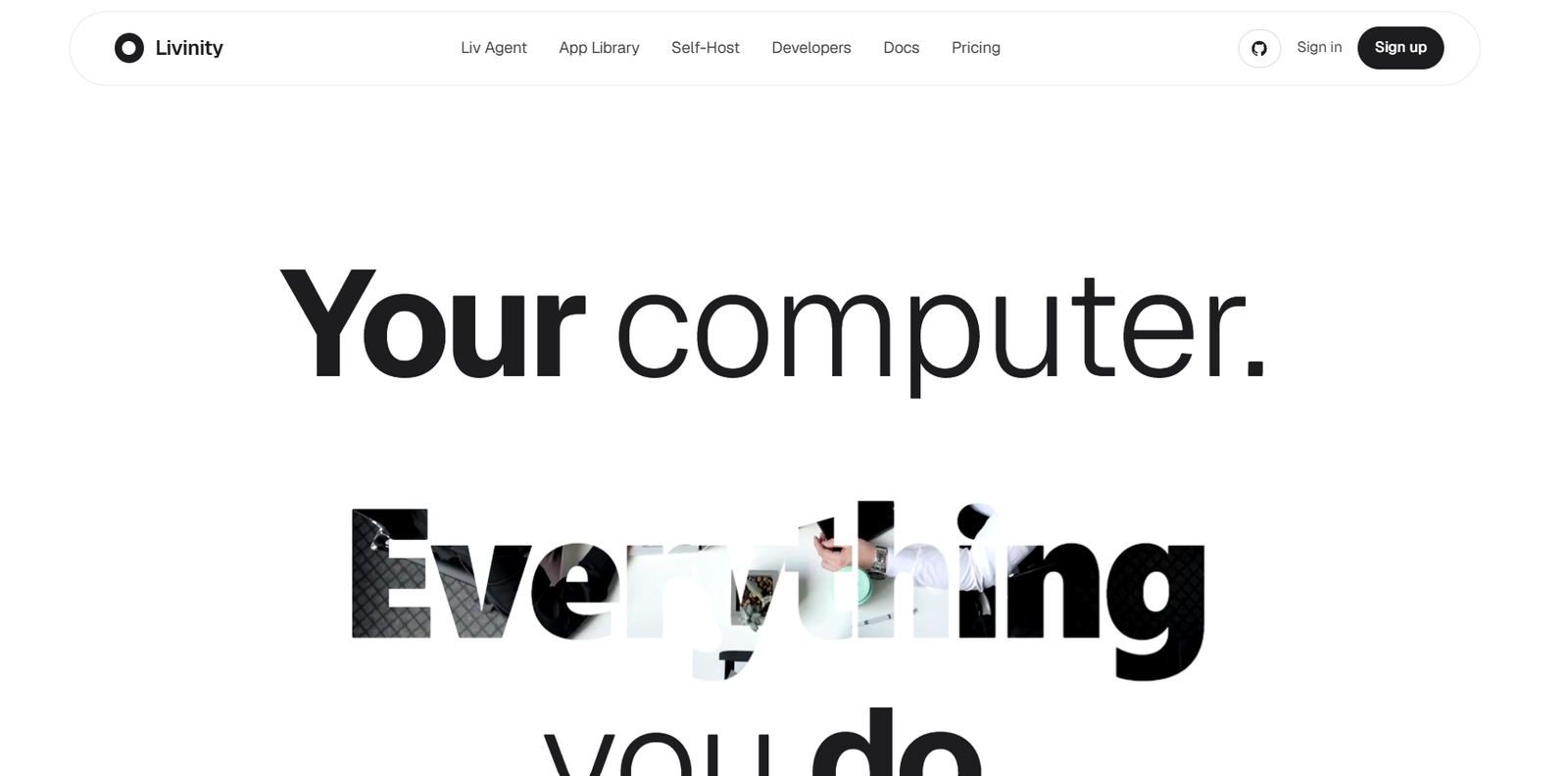
Livinity is an open-source homeserver operating system that simplifies self-hosting by combining Docker application management with an integrated AI assistant. Instead of manually configuring servers, containers, and command-line tools, users can install and manage hundreds of self-hosted applications through a clean web interface while relying on an AI agent to handle many administrative tasks.
Designed for developers, hobbyists, privacy-conscious users, and home lab enthusiasts, Livinity transforms a spare PC into a private server capable of hosting productivity tools, media servers, automation platforms, cloud storage, AI applications, and more. The built-in AI assistant, Liv, helps install applications, manage containers, and simplify server administration using natural language.
Features
AI Server Assistant
Liv, the built-in AI assistant, helps users install applications, manage Docker containers, and perform server administration tasks through conversational commands.
One-Click App Installation
Install more than 495 self-hosted Docker applications with a single click, including productivity, media, automation, and smart home tools.
Open-Source Platform
Livinity is open source, allowing users to inspect, customize, and extend the platform according to their own requirements.
Private AI Hosting
Users can bring their own Claude or Gemini API key while maintaining control over their self-hosted environment.
Docker Container Management
Manage application deployment, updates, and container operations through a graphical interface instead of relying entirely on terminal commands.
Home Lab Dashboard
Monitor installed services, applications, and server resources from a centralized dashboard designed for self-hosting.
Extensible App Library
Support for hundreds of popular Docker applications enables users to build personalized servers for cloud storage, media streaming, home automation, AI workflows, development, and collaboration.
Lightweight Self-Hosting
Repurpose an existing PC or mini computer into a modern AI-enabled homeserver without requiring enterprise infrastructure.
How It Works
- Install Livinity on a compatible computer.
- Access the web-based management dashboard.
- Configure your server settings.
- Browse the one-click application library.
- Install Docker applications with a single click.
- Ask Liv AI to manage containers or perform server tasks.
- Continue expanding your private homeserver as needed.
Use Cases
Developers can host development tools and AI services locally.
Home lab enthusiasts can manage Docker applications without complex server administration.
Privacy-focused users can self-host cloud storage and productivity applications.
Families can build personal media streaming and backup servers.
Businesses can prototype internal services on private infrastructure.
Smart home users can deploy automation platforms alongside AI assistants.
Students can learn Linux, Docker, and server administration in an easier environment.
Pricing
According to the official website and Product Hunt listing, Livinity is open source and offers a free option. Users provide their own supported AI API keys (such as Claude or Gemini) when using AI-powered features. Additional commercial pricing details are not clearly mentioned on the official website.
Strengths
- Open-source platform.
- Built-in AI assistant for server management.
- Supports more than 495 one-click Docker applications.
- Simplifies self-hosting for beginners.
- Private, self-hosted infrastructure.
- Modern dashboard with minimal terminal usage.
- Compatible with leading AI models.
Drawbacks
- Primarily intended for self-hosting and technical users.
- Requires compatible hardware to run locally.
- Some AI features require users to provide their own API keys.
- Advanced server customization may still require Linux knowledge.
Comparison with Other Platforms
Unlike traditional Linux server distributions that require extensive command-line administration, Livinity combines a graphical management interface with an AI assistant that simplifies Docker management and application deployment. Compared with standard Docker dashboards, it emphasizes conversational administration, one-click installations, and AI-assisted server management, making self-hosting more accessible to a broader audience.
Customer Reviews and Testimonials
The Product Hunt launch page includes positive feedback from early users who appreciate Livinity’s clean interface, AI-assisted container management, and simplified self-hosting experience. However, detailed customer case studies and testimonials are not yet widely available.
Conclusion
Livinity is an innovative open-source homeserver operating system that combines AI-powered server management with simplified self-hosting. By offering one-click deployment for hundreds of Docker applications and an intelligent assistant that reduces system administration complexity, it makes running a private server more approachable for developers, home lab enthusiasts, and privacy-conscious users. It is an excellent choice for anyone looking to build and manage a modern self-hosted environment with AI assistance