
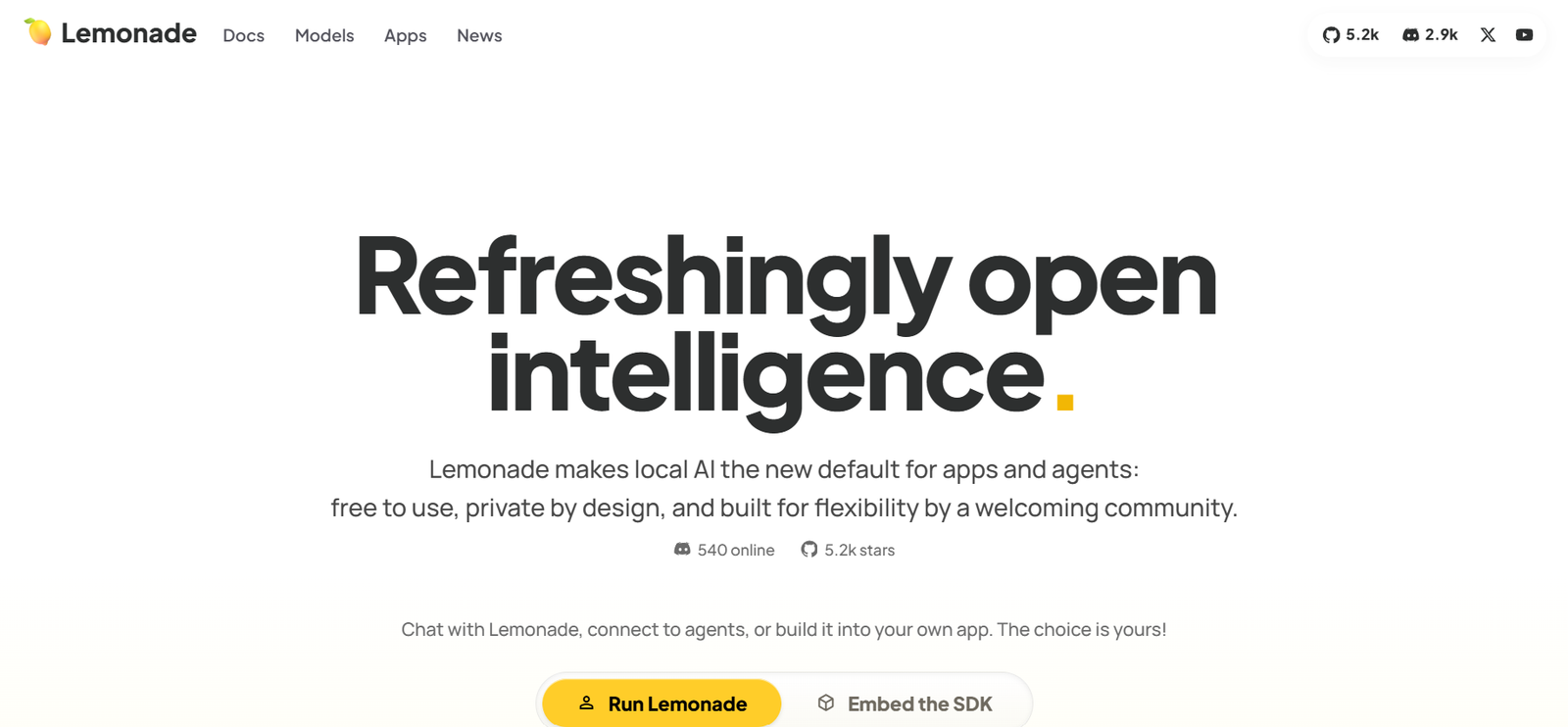
Lemonade is an open-source local AI platform that enables users to run large language models, image generation, speech recognition, text-to-speech, and AI agents directly on their own devices. Built with a local-first approach, it prioritizes privacy by keeping AI processing on local hardware while offering the flexibility to connect to cloud models when needed.
The platform includes an AI runtime, graphical interface, command-line tools, SDK, and OpenAI-compatible API endpoints, making it suitable for developers, businesses, AI enthusiasts, and organizations that want to build or deploy AI applications without relying entirely on cloud services. Lemonade supports Windows, macOS, Linux, Docker, and several Linux distributions, making it accessible across a wide range of environments.
Features
Local AI Runtime
Lemonade runs AI models directly on local hardware, allowing users to work with AI while keeping data on their own devices. This approach improves privacy and reduces dependence on cloud services.
Multi-Modal AI
The platform supports text generation, image creation, computer vision, speech recognition, text-to-speech, transcription, embeddings, and coding assistance through a unified interface.
OpenAI-Compatible API
Developers can connect existing OpenAI-compatible applications to Lemonade with minimal configuration, making it easier to integrate local AI into current workflows.
Model Manager
Users can browse, download, import, organize, and manage AI models from the Lemonade registry or import compatible GGUF models from external sources such as Hugging Face.
AI Agent Support
Lemonade supports coding agents, productivity tools, MCP servers, and AI assistants that can interact with local models for development and automation tasks.
SDK and CLI
The platform includes an SDK and a powerful command-line interface that enables developers to automate workflows, benchmark models, and manage AI environments.
Self-Hosting
Users can deploy Lemonade as a local or network-accessible AI server, making it suitable for personal use, development teams, or organizations that require private AI infrastructure.
Cross-Platform Support
Lemonade works on Windows, macOS, Linux, Docker, and multiple Linux distributions, providing flexibility for different hardware environments.
How It Works
Step 1: Install Lemonade on your supported operating system.
Step 2: Launch the local AI service and access the built-in GUI or command-line interface.
Step 3: Download or import AI models using the Model Manager.
Step 4: Run chat, image generation, speech processing, coding assistants, or AI agents locally.
Step 5: Connect your applications using the OpenAI-compatible API or SDK.
Step 6: Optionally expose your AI server to other devices or integrate cloud models when needed.
Use Cases
Developers can build AI-powered applications using local models.
Businesses can deploy private AI infrastructure without sending sensitive data to external cloud providers.
Software engineers can use coding assistants with locally hosted AI models.
Researchers can experiment with different AI models on their own hardware.
Organizations can self-host AI services for internal teams.
Automation specialists can connect Lemonade to AI agents and workflow automation tools.
Privacy-conscious users can interact with AI while keeping their data on local devices.
Pricing
Lemonade is free to use and is available as an open-source platform. Users can install and run the software locally without subscription fees. Some optional cloud services or third-party integrations may have separate pricing outside the Lemonade platform.
Strengths
- Free and open-source platform.
- Runs AI models locally for greater privacy.
- Supports text, images, speech, coding, and multimodal AI.
- Includes an OpenAI-compatible API for easy integration.
- Offers SDK, CLI, GUI, and self-hosting capabilities.
- Supports importing and managing multiple AI models.
- Compatible with Windows, macOS, Linux, and Docker.
- Suitable for developers, businesses, and AI enthusiasts.
Drawbacks
- Running large AI models may require powerful hardware.
- Initial setup may be more complex than cloud-only AI services.
- Some advanced capabilities depend on compatible GPUs or AI accelerators.
- New users may need time to learn model management and local deployment.
Comparison with Other Platforms
Unlike cloud-only AI platforms, Lemonade is built around a local-first architecture that emphasizes privacy and user control. It combines local model management, multimodal AI, self-hosting, SDK support, and OpenAI-compatible APIs within a single platform. Compared with many local AI runtimes, Lemonade also includes integrated tools for managing models, connecting AI agents, benchmarking inference engines, and exposing local AI services across devices.
Customer Reviews and Testimonials
The official website highlights an active open-source community and broad ecosystem adoption but does not clearly provide individual customer reviews or testimonials. Community engagement is reflected through its GitHub project, Discord community, and ongoing public development.
Conclusion
Lemonade is a comprehensive local AI platform designed for users who want powerful AI capabilities while maintaining control over their data. Its support for multimodal AI, self-hosting, OpenAI-compatible APIs, and open-source development makes it an excellent choice for developers, businesses, researchers, and privacy-conscious users seeking a flexible alternative to cloud-based AI services.


