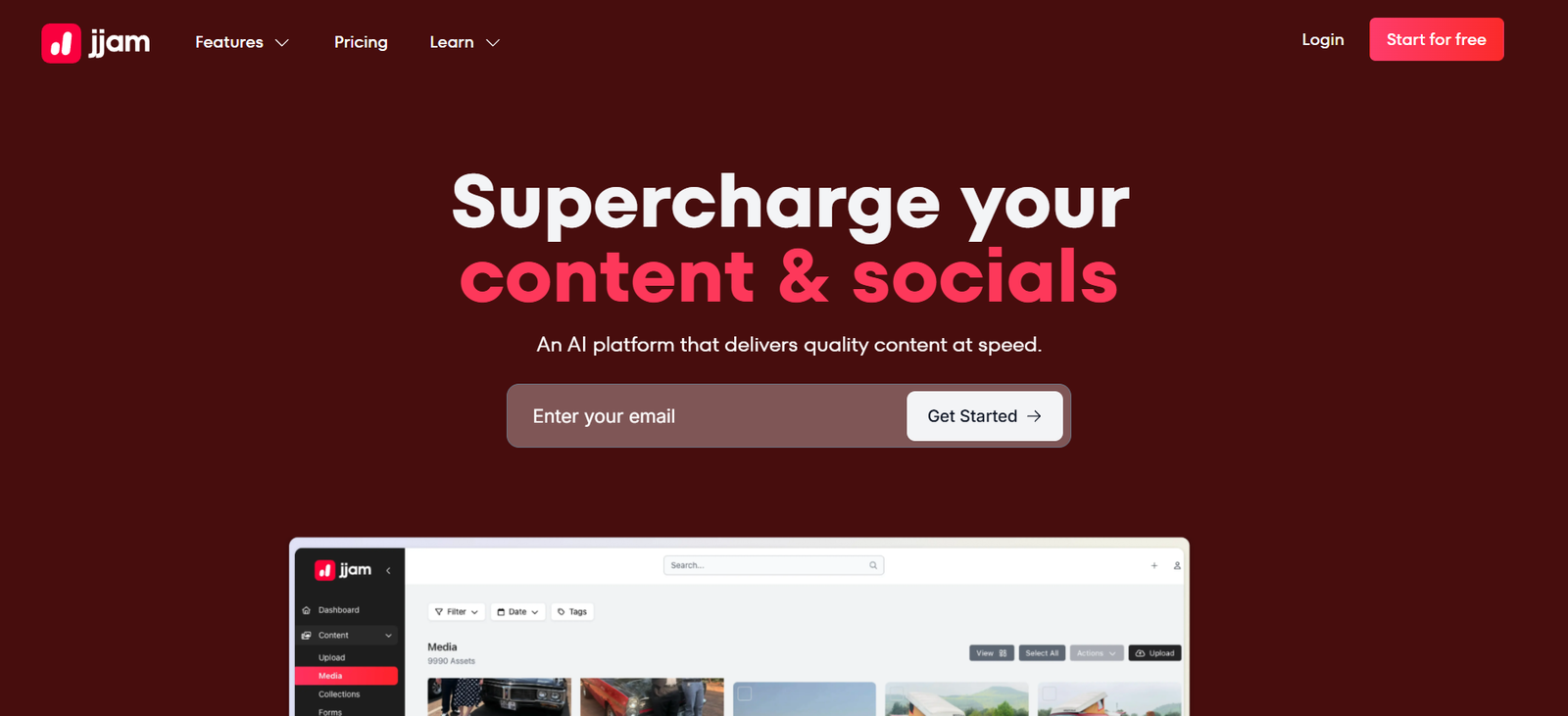
Jjam is an AI-driven platform that automatically identifies, extracts, and edits the best moments from long-form YouTube videos and podcast episodes. Built for creators, editors, agencies, and social media marketers, Jjam saves hours of manual reviewing and editing by turning full-length video and audio content into short, viral-ready clips optimized for platforms like TikTok, Instagram Reels, and YouTube Shorts.
The platform’s key differentiator is its use of artificial intelligence to not only transcribe and analyze videos, but also understand conversational context, detect engagement-worthy moments, and package them into short-form videos—automatically.
Features
Jjam comes with a wide array of AI-powered tools built to simplify content repurposing:
YouTube and Podcast URL Input: Just paste a link—no uploading or manual trimming required.
AI Highlight Detection: Automatically finds the most engaging and viral moments from long-form content.
Auto Clipping and Editing: Turns those highlights into ready-to-share video clips with captions and proper formatting.
Multi-Clip Output: Extract multiple short clips from a single video or podcast episode.
Auto Captions and Subtitles: Generates accurate subtitles with stylized formatting.
Vertical Video Formatting: Creates 9:16 clips perfect for TikTok, Shorts, and Reels.
Speaker-Aware Segmentation: Differentiates between speakers for podcasts and interviews.
Instant Preview: See generated clips in the browser before downloading or sharing.
No Downloads Needed: Entire process works in the browser—cloud-based and fast.
These features are geared toward content creators who want to scale their short-form output without hiring editors or spending hours in software.
How It Works
Jjam simplifies the entire short-form editing workflow into just a few steps:
Paste a YouTube or Podcast Link: Simply insert the video or audio URL on the Jjam homepage.
Let AI Analyze the Content: Jjam processes the content, identifies emotional peaks, audience hooks, and impactful statements.
Preview Highlight Clips: The AI outputs several short clips, already formatted for social media.
Customize if Needed: Add branded captions or make small edits.
Download and Share: Export videos and publish them on TikTok, Reels, or Shorts.
No editing software or video knowledge is required—Jjam handles everything in the cloud.
Use Cases
Jjam is ideal for anyone working with long-form video or audio content:
YouTubers and Streamers: Repurpose long videos into short, engaging clips to grow on Shorts or TikTok.
Podcasters: Share bite-sized highlights from interviews and episodes on social media.
Agencies: Offer short-form content services to clients with existing video/audio libraries.
Content Creators: Increase output and visibility without additional editing effort.
Coaches and Educators: Repurpose webinars, interviews, or lessons into quick takeaways.
Media and News Outlets: Clip key soundbites from commentary or panel discussions.
Jjam is especially effective for anyone seeking to extract more content from existing long-form media assets.
Pricing
As of the latest update from the official Jjam website, pricing is structured as follows:
Free Plan
30 minutes of AI clipping per month
Up to 3 clips per video
Limited editing and export features
Ideal for trying out the platform
Creator Plan – $29/month
5 hours of monthly content processing
Unlimited clip exports
Full access to editing and branding features
Best for solo creators and podcasters
Pro Plan – $79/month
20 hours of processing per month
Priority processing and AI enhancements
Team collaboration tools
Designed for agencies and content teams
Enterprise/Custom Plan
Unlimited video length
White-label options
API access and dedicated support
Tailored for media companies and large-scale operations
Each plan provides access to Jjam’s AI clipping engine, with higher tiers offering better performance, speed, and scalability.
Strengths
Fully Automated Workflow: No manual scrubbing or editing needed.
Multi-Platform Output: Ideal for TikTok, Reels, and YouTube Shorts.
Saves Time: Drastically reduces the time needed to repurpose content.
Accurate AI Segmentation: Smart clipping based on context and tone, not just timestamps.
Multi-Clip Capability: Extracts several usable clips from a single upload.
Browser-Based: No downloads or complex installations—runs entirely in the cloud.
Affordable: Competitive pricing compared to hiring video editors.
Drawbacks
Link-Only Input: Currently only works with YouTube and podcast URLs—no local uploads.
Editing Flexibility is Limited: Advanced creators may want more manual timeline control.
Audio Clarity Affects Accuracy: Low-quality audio may result in less accurate subtitles or highlight selection.
Requires Clear Structure: Works best with videos or podcasts that have conversational flow or speaker cues.
Comparison with Other Tools
Jjam vs. Opus Clip
Both tools offer AI highlight detection. Opus focuses on viral hooks and growth metrics. Jjam emphasizes quick multi-clip extraction and podcast support.
Jjam vs. Descript
Descript is great for full audio/video editing and transcription. Jjam is a hands-off, automated clipping tool built specifically for short-form distribution.
Jjam vs. Pictory
Pictory excels in text-to-video and long-form summarization. Jjam is superior for fast short-form creation from already published videos and podcasts.
Customer Reviews and Testimonials
While Jjam is still in its growth phase, early users have praised its efficiency and results:
“I pulled five TikTok clips from a podcast in less than 10 minutes. Unreal time-saver.”
“Great tool for content creators without an editing team. It does all the heavy lifting.”
“I love the auto-captioning and layout—it actually looks professional without touching any software.”
“Finally something that works equally well with video and audio podcasts.”
The platform is especially appreciated by podcasters and long-form creators who need fast, high-quality short content.
Conclusion
Jjam is a powerful AI tool that helps creators repurpose YouTube videos and podcasts into viral, short-form clips in just minutes. With AI-powered highlight detection, subtitle generation, and vertical video formatting, it eliminates the need for manual editing—freeing up creators to focus on publishing and growing their audience.
If you’re a content creator, podcaster, or agency sitting on hours of long-form content, Jjam offers one of the fastest, easiest ways to break it into impactful, social-ready video moments.