
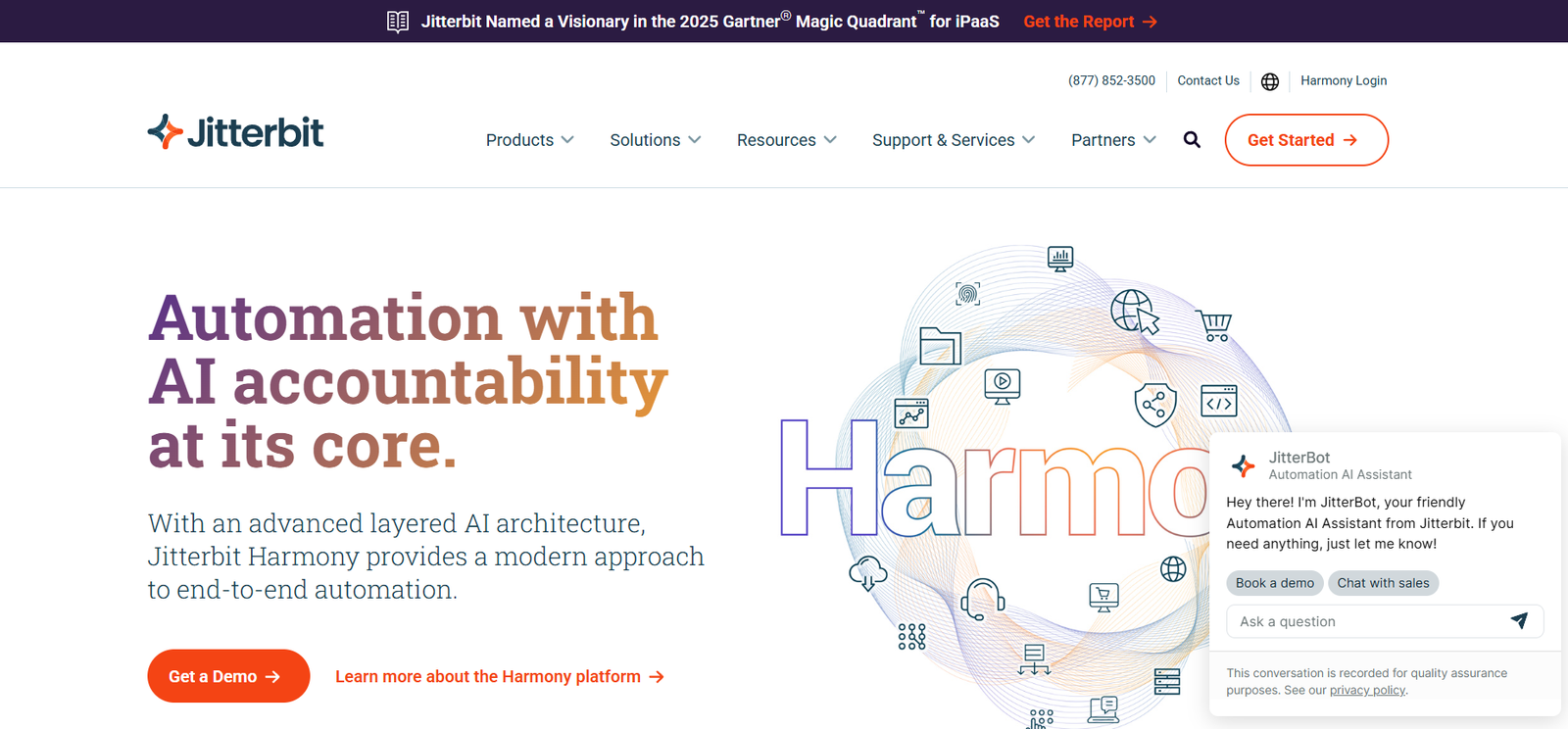
Jitterbit is a leading integration platform as a service (iPaaS) solution that enables businesses to rapidly connect applications, data, and systems across on-premises and cloud environments. Through its intuitive interface, low-code tools, and support for modern API frameworks, Jitterbit empowers IT and business teams to build and manage integrations, automate workflows, and streamline digital transformation initiatives.
Whether you’re connecting Salesforce to SAP, integrating eCommerce platforms with ERPs, or synchronizing HR tools with payroll systems, Jitterbit provides a scalable and secure foundation for real-time, bi-directional data exchange across your digital ecosystem.
Features of Jitterbit
Low-Code Integration Design
Jitterbit offers a drag-and-drop Studio Designer that allows users to create sophisticated integrations without writing complex code. Developers and business analysts alike can build pipelines quickly using prebuilt connectors and templates.
Prebuilt Connectors and Templates
Over 1,000 prebuilt templates and connectors to applications like Salesforce, NetSuite, Workday, SAP, Microsoft Dynamics, Shopify, and more—reducing integration time from weeks to hours.
API Management
Design, publish, secure, and manage APIs across your organization. Jitterbit enables API creation from scratch or from existing integrations and includes monitoring and analytics.
Data Transformation Engine
Transform structured and unstructured data using powerful mapping tools and logic functions. Support for XML, JSON, EDI, flat files, and database formats.
Event-Driven Automation
Trigger workflows and integrations based on events such as new database entries, webhooks, file drops, or CRM updates. Supports both real-time and batch processing.
Cloud, On-Premises, and Hybrid Support
Jitterbit supports deployment in any environment—cloud-native, on-premise, or hybrid—providing flexibility for enterprises with legacy infrastructure.
Enterprise Security and Compliance
Includes encryption in transit and at rest, user role management, audit trails, and enterprise SSO support. Compliant with GDPR, HIPAA, SOC 2, and other data protection standards.
AI-Powered Integration Assistance
Jitterbit’s Harmony platform integrates AI to assist with integration design, mapping recommendations, and intelligent suggestions for optimization.
How Jitterbit Works
Design Integrations in Studio
Use Jitterbit Studio, the visual development environment, to drag and drop integration components, map data, and configure endpoints.Connect Applications
Choose from prebuilt connectors or create custom ones. Authenticate apps using OAuth, API keys, or credentials to enable data exchange.Set Data Flow and Triggers
Define how and when data flows—either in real time (via webhooks and APIs) or on schedule using event-based logic.Test and Deploy
Preview data flows, validate mappings, and deploy integrations securely. Errors can be monitored in real time and resolved quickly.Monitor and Manage
Use the Harmony Dashboard for observability. Gain insights into performance, throughput, and error tracking, ensuring stable integration pipelines.
Use Cases for Jitterbit
CRM and ERP Integration
Sync customer records, sales data, invoices, and inventory levels between CRMs like Salesforce and ERPs like SAP, Oracle, or NetSuite.
eCommerce and Logistics
Automate order fulfillment, inventory updates, and shipment tracking between platforms like Shopify, Magento, ShipStation, and FedEx.
HR and Payroll Automation
Connect Workday or BambooHR with ADP, SAP SuccessFactors, or other payroll systems for seamless onboarding and payroll processing.
Healthcare Data Exchange
Enable secure, HIPAA-compliant data transfers between EHR systems, insurance databases, and patient portals.
Finance and Accounting Automation
Integrate financial data from QuickBooks, Xero, or Sage into enterprise systems to streamline reconciliation and reporting.
API-Based Product Ecosystems
Enable partner ecosystems by publishing APIs that expose your internal services or aggregate multiple systems into one unified API gateway.
Pricing of Jitterbit
Jitterbit offers custom pricing based on company size, use case, number of integrations, and volume of data processed. While exact pricing details are not listed publicly, Jitterbit generally structures pricing into the following tiers:
Base Subscription
Access to Harmony platform
Studio design environment
Core connectors and templates
Cloud deployment included
Enterprise Tier
Premium connectors (e.g., SAP, Oracle)
Unlimited environments
Dedicated support
Advanced governance and monitoring tools
Add-Ons and Options
API Manager
SAP-certified integration modules
Data Loader and eCommerce connectors
On-premise agents
To get exact pricing, businesses should request a quote directly via https://www.jitterbit.com/request-pricing/.
Strengths of Jitterbit
User-friendly low-code interface for rapid integration design
Extensive connector library for popular enterprise and SaaS applications
Strong API management tools built into the same platform
Cloud, on-prem, and hybrid deployment options
Fast time-to-value with reusable templates
Scalable architecture suitable for SMBs to global enterprises
Compliance and security for sensitive enterprise data
Responsive customer support and implementation assistance
Drawbacks of Jitterbit
Custom pricing model lacks transparency for smaller teams
May require technical expertise for complex or custom integrations
Limited community-driven plugin ecosystem compared to open-source iPaaS tools
User interface in Studio may feel dated to users familiar with newer SaaS-only tools
Some advanced features locked behind enterprise tiers
Initial setup and deployment may require professional services for larger environments
Comparison with Other Tools
Jitterbit vs. MuleSoft (Anypoint Platform)
MuleSoft is powerful and developer-centric. Jitterbit is more user-friendly with low-code design, better suited for teams that need fast deployments without deep engineering support.
Jitterbit vs. Boomi
Both are leading iPaaS vendors. Jitterbit provides stronger API management tools out-of-the-box, while Boomi may offer more depth in prebuilt process libraries and community support.
Jitterbit vs. Zapier
Zapier is ideal for basic SaaS automation. Jitterbit supports enterprise-grade, secure integrations and complex logic, suitable for mission-critical operations.
Jitterbit vs. Workato
Workato offers extensive business automation. Jitterbit focuses more deeply on integration engineering and API design, appealing to IT and DevOps professionals.
Customer Reviews and Testimonials
Jitterbit is widely used by enterprises across industries:
“With Jitterbit, we integrated Salesforce, NetSuite, and Marketo in under two weeks. It saved months of dev time.”
— VP of IT, SaaS Company
“The support team helped us automate all eCommerce order flows—Jitterbit paid for itself in three months.”
— Director of Operations, Retail Brand
“We selected Jitterbit for its powerful API tools. We built a partner portal that syncs data from four systems in real time.”
— CTO, Healthcare Startup
Jitterbit consistently receives high ratings on sites like G2, TrustRadius, and Gartner Peer Insights.
Conclusion
Jitterbit offers a robust, scalable, and user-friendly platform for application and data integration across enterprise ecosystems. With powerful tools for API management, real-time automation, and low-code workflow design, Jitterbit accelerates digital transformation while reducing complexity and development overhead.
Whether you’re a mid-sized company looking to streamline internal processes or a global enterprise managing massive cross-system data flows, Jitterbit provides the flexibility, performance, and security needed to connect your business—end to end.










