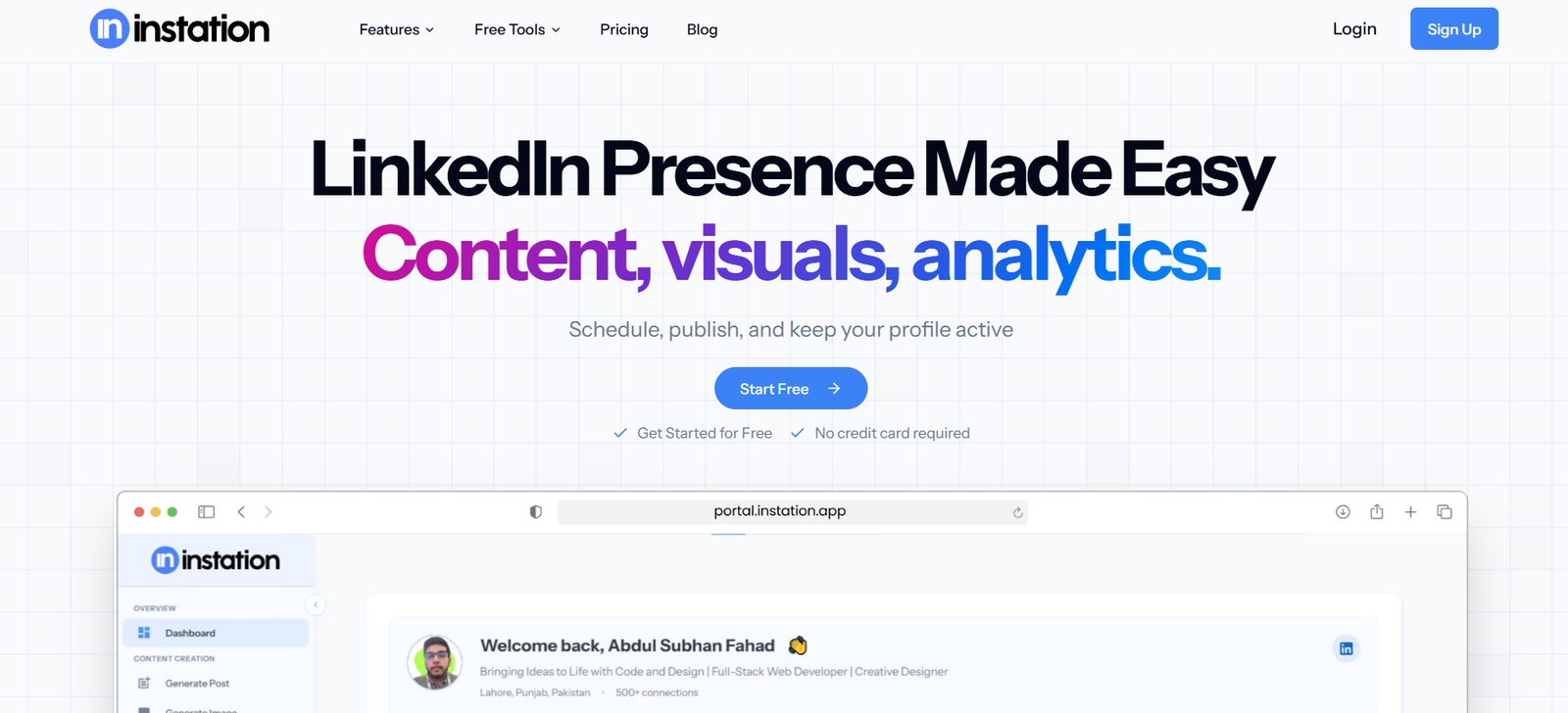
Instation is a virtual office platform that allows remote teams to work together in an interactive online space. It replicates the experience of being in a shared physical office, providing team members with a digital environment where they can see who is available, start spontaneous conversations, and collaborate instantly.
The platform is designed to reduce the friction of remote work by enabling quick, informal communication alongside structured meetings. Instation helps bridge the gap between team members spread across different time zones and locations.
Features
Instation offers a live team presence dashboard, showing which team members are currently online and available. Users can initiate voice or video calls instantly without scheduling formal meetings, enabling quick problem-solving and casual check-ins.
The platform provides customizable virtual office layouts, where teams can create “rooms” for specific departments, projects, or social interactions. These rooms help organize collaboration spaces and make it easy for team members to find each other.
Instation integrates with popular productivity tools such as Slack, Google Workspace, and Trello, allowing users to manage work without leaving the virtual office. It also includes status updates, screen sharing, and team announcements.
For hybrid teams, Instation supports both in-office and remote staff, giving everyone the same access to real-time communication tools.
How It Works
Using Instation starts with creating an account and setting up a virtual office for your team. The office is divided into rooms or zones, which can be customized to match your company’s workflow.
Team members log in to the platform at the start of their workday, making their presence visible to others. Conversations can start by simply clicking on a colleague’s avatar to initiate a voice or video chat. Rooms can be locked for private discussions or left open for drop-in collaboration.
Integration with existing project management and communication tools ensures that team updates, files, and tasks are easily accessible.
Use Cases
Remote teams use Instation to maintain real-time visibility and improve day-to-day communication without relying solely on scheduled meetings.
Hybrid companies use it to create a shared space where in-office and remote workers can interact equally.
Startups use Instation to foster a strong team culture from day one, even when hiring globally.
Project-based teams use it for fast decision-making and cross-functional collaboration in dedicated project rooms.
Freelancers and contractors working with multiple clients use Instation to stay connected with each team’s workspace.
Pricing
Instation offers several pricing tiers to suit different team sizes:
Free Plan
Includes a basic virtual office with limited features for small teams to test the platform.
Pro Plan – Starting at $8 per user/month
Includes unlimited rooms, integrations, and enhanced communication tools.
Business Plan – Custom Pricing
Designed for larger organizations with advanced security, admin controls, and dedicated support.
A free trial is available for teams to experience the platform before committing.
Strengths
Instation’s primary strength is its ability to recreate the spontaneous and informal interactions of a physical office in a virtual setting. It helps reduce isolation among remote workers and encourages quick, effective collaboration.
The platform is highly customizable, allowing teams to create a workspace that fits their culture and workflow. Integrations with productivity tools ensure smooth operations without constant app-switching.
Its ease of use and simple interface make it accessible to teams of all technical skill levels.
Drawbacks
Instation focuses on real-time presence, which may not suit teams that operate primarily asynchronously. Teams spread across vastly different time zones may find limited overlap for spontaneous collaboration.
While the platform offers useful integrations, some advanced project management or document collaboration features still require external tools.
The free plan has limited functionality, so teams looking for the full experience will need to upgrade.
Comparison with Other Tools
Compared to Slack or Microsoft Teams, Instation emphasizes presence and spontaneous interaction rather than purely chat-based communication.
Against tools like Gather or Sococo, Instation provides a cleaner, more streamlined interface with fewer distractions, focusing on productivity rather than gamification.
It also offers simpler setup and customization compared to more complex virtual office environments, making it ideal for small to medium teams looking for quick adoption.
Customer Reviews and Testimonials
Users appreciate Instation’s ability to make remote work feel more connected and natural. Many note that it has improved team cohesion and reduced the need for constant scheduled meetings.
Managers highlight the platform’s value in keeping track of team availability and fostering collaboration without micromanagement.
Some users have requested additional integrations and mobile app improvements, but overall feedback is positive for its core functionality.
Conclusion
Instation offers a practical and engaging solution for remote and hybrid teams seeking a stronger sense of presence and smoother communication. By combining real-time visibility, customizable virtual spaces, and essential integrations, it helps teams stay connected and productive no matter where they are.
For teams looking to bring the benefits of a physical office into an online environment, Instation provides an intuitive and effective platform.