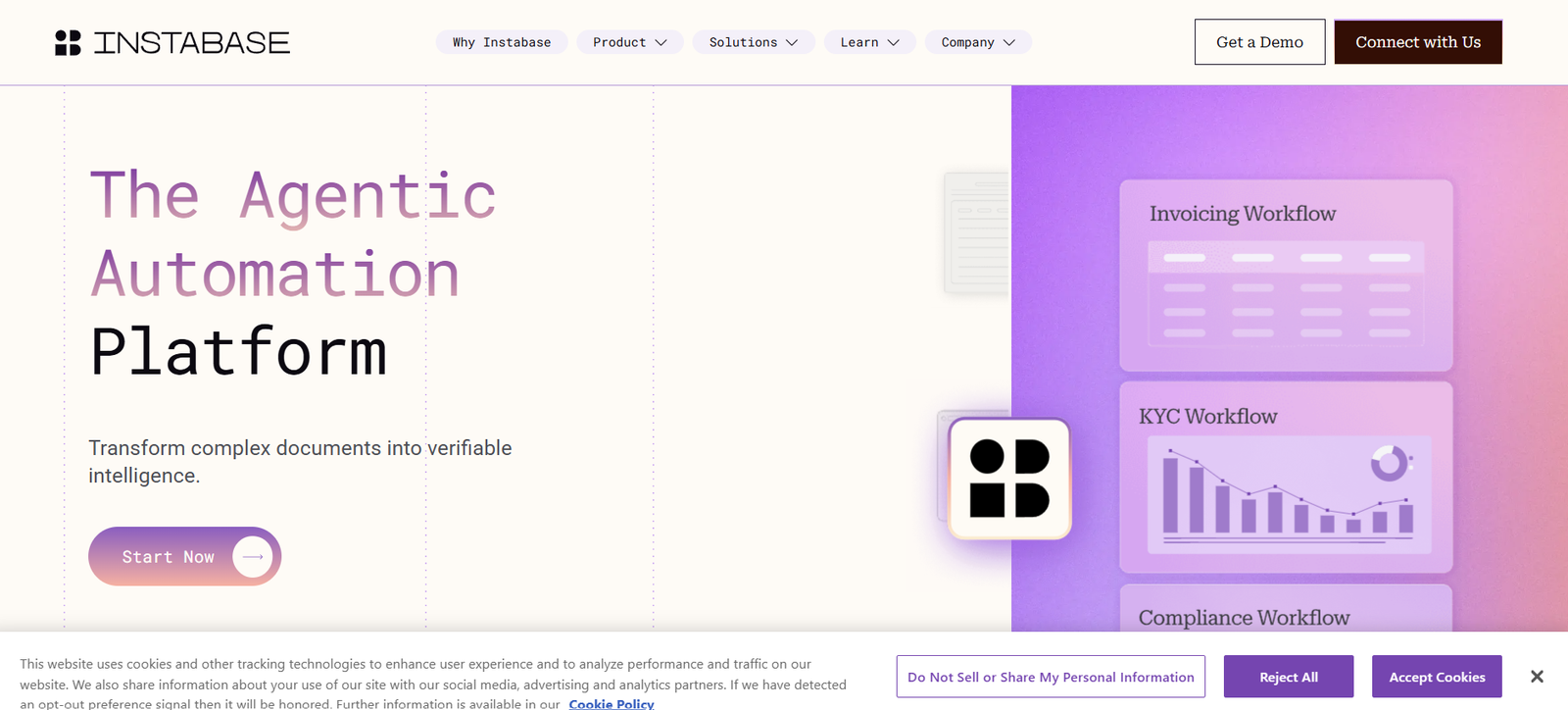
Instabase is an enterprise AI platform designed to transform complex documents and other unstructured information into structured, usable and verifiable intelligence. Its Agentic Automation Platform helps organizations automate document-heavy workflows that traditionally require significant manual review and data entry.
The platform can work with documents, emails, images, spreadsheets, presentations, scans, chat logs and webpages. It uses AI to understand information across individual files and larger document packets, extract relevant data, validate information and apply business rules before sending results into business workflows.
Instabase’s AI Hub provides tools for building document-processing applications with little or no coding. Organizations can configure applications to classify documents, extract fields and tables, validate results and introduce human review when AI confidence is insufficient.
The platform is primarily aimed at enterprises and teams dealing with large volumes of complex or unstructured documents. Potential applications include financial services, insurance, lending, government operations and other document-intensive business processes.
Features
AI-Powered Document Understanding
Instabase uses AI and large language models to understand complex documents rather than simply reading isolated text. It can identify relationships between information across multiple documents within the same packet.
Intelligent Data Extraction
AI Hub can extract structured information such as text fields, tables, lists and other relevant data from unstructured documents. Users can specify the information they want without having to manually process each file.
Document Classification
The platform can automatically identify and classify different document types. It can also split files containing multiple documents and route them into appropriate workflows.
Packet-Aware AI Agents
Instabase’s AI agents can work across collections of related documents. This allows organizations to perform cross-document validation and apply multi-step business rules to complex cases.
No-Code App Editor
Business users and semi-technical teams can create document-processing applications using a guided interface. Users define document types and the information they want to extract without having to train their own machine-learning models.
Advanced Flow Editor
Technical teams can use the Flow Editor to create more sophisticated document-processing pipelines. It supports classification, extraction, validation, refinement, custom Python logic and integrations with other systems.
The Flow Editor is intended for advanced enterprise deployments and provides greater control over each stage of a workflow.
Human-in-the-Loop Review
Organizations can send uncertain or low-confidence results to human reviewers. Reviewers can compare extracted information with the original documents, correct results and manage review queues.
Data Validation
Instabase supports custom validation rules, confidence scores and cross-document checks. These capabilities can help organizations identify inconsistent or questionable information before it enters downstream systems.
Multi-Model Optimization
The platform can select AI models according to the requirements of a task. This approach allows organizations to use different models as part of document-processing workflows instead of relying entirely on one model.
Multi-Language and Handwriting Recognition
Instabase supports document processing across many languages and can work with both printed and handwritten information. This makes it useful for organizations processing diverse document collections.
Long Document Processing
The platform is designed to process lengthy documents, including files containing hundreds of pages. This can be useful for contracts, applications, reports and large document packets.
Multiple File Format Support
AI Hub supports numerous file formats, including PDFs, Word documents, spreadsheets, presentations, images, email formats and text files.
Accuracy Benchmarking
Organizations can test configurations against known results and monitor accuracy before moving new versions into production.
API and SDK Integration
Developers can integrate AI Hub into existing applications and workflows using APIs and a Python SDK. This allows document-processing capabilities to become part of larger enterprise systems.
Enterprise Data Connections
Instabase can connect with data sources and storage systems such as Amazon S3, Google Drive, Google Cloud Storage and Azure Blob Storage, depending on the deployment and subscription.
Security and Access Controls
The platform includes enterprise-focused security capabilities such as encryption, access controls, workspaces and single sign-on options. Instabase also states that its security program is designed around standards and requirements including SOC 2 Type II, GDPR, HIPAA and CCPA.
Auditability
Instabase focuses strongly on traceable AI outputs. Organizations can inspect where extracted information came from and maintain records of workflow activity, which is important for regulated and compliance-sensitive processes.
How It Works
Step 1: Create an AI Hub Account
Organizations start with Instabase AI Hub or request a demonstration for more advanced enterprise requirements.
Step 2: Create a Document Project
Users create a project and define the types of documents their organization needs to process.
Step 3: Define Required Information
Users specify fields and other information that should be extracted from each document type. AI can also assist in generating an initial document schema from uploaded samples.
Step 4: Configure the Application
The App Editor can be used for guided document classification and extraction. Advanced enterprise users can use the Flow Editor for more customized pipelines.
Step 5: Upload or Connect Documents
Documents can be uploaded directly or brought into workflows through supported storage systems and integrations.
Step 6: Process the Documents
AI Hub classifies files, extracts information, standardizes data and applies configured validation rules and business logic.
Step 7: Review Results
Confidence scores and validation rules can identify cases that require additional attention. Human reviewers can then verify or correct these results.
Step 8: Deploy the Workflow
Once tested, applications can be deployed for recurring or automated document processing.
Step 9: Connect Business Systems
Organizations can use connectors, APIs and SDKs to send processed information to downstream systems and applications.
Step 10: Monitor Performance
Teams can track automation metrics, processing performance, accuracy and human-review activity as workflows operate at scale.
Use Cases
Financial Services
Banks and financial institutions can use Instabase to process loan applications, financial statements, customer documentation and other complex document packets.
Insurance
Insurance companies can automate information extraction and validation from claims, policies, supporting documents and correspondence.
Lending and Credit Operations
Lending teams can extract and compare information across application forms, identification documents, financial records and supporting documentation.
Trade Finance
Organizations can process document-heavy trade finance transactions where information must be extracted and checked across several related documents.
Government Organizations
Public-sector organizations handling large volumes of forms, applications and records can use document automation to reduce repetitive manual processing.
Enterprise Operations
Operations teams can automate workflows involving invoices, forms, contracts, reports, emails and other unstructured information.
Compliance Teams
Instabase’s validation, auditability and human-review capabilities can support workflows where organizations need greater visibility into how AI-derived information was produced.
Developers
Developers can use Instabase APIs, SDKs and advanced workflow capabilities to incorporate document intelligence into their own applications and internal systems.
Data and AI Teams
Technical teams can build custom document-processing workflows, introduce Python-based logic and connect AI Hub with enterprise infrastructure.
Pricing
Instabase provides different AI Hub subscription offerings for organizations with varying document-processing requirements.
Current documentation describes Enterprise Lite and Enterprise offerings. Enterprise Lite is designed for focused teams, growing companies and mid-market organizations that need document automation without the most complex orchestration requirements.
Enterprise is designed for larger organizations with high-volume and advanced document-processing needs. It adds capabilities such as broader workspace support, advanced applications, production workflow prioritization, enhanced security controls and more sophisticated workflow development options.
Instabase also provides options to try AI Hub and request a product demonstration.
Exact current subscription prices are not clearly published on the main official website. Organizations with specific pricing requirements are directed to contact Instabase.
Pricing details are not clearly mentioned on the official website.
Strengths
A major strength of Instabase is its focus on complex enterprise documents rather than simple OCR or basic field extraction.
The platform can understand relationships between multiple documents within a packet, which makes it suitable for workflows where decisions depend on information spread across several files.
Its combination of AI extraction, validation rules, human review and auditability can be particularly valuable for regulated industries.
No-code and low-code tools make the platform accessible to business teams, while APIs, SDKs, Python functions and the Flow Editor provide deeper customization for developers.
Support for many document formats, long files, handwriting and multilingual content gives organizations flexibility when dealing with diverse document collections.
Enterprise deployment, access control and security capabilities make the platform more suitable for large organizations with strict data-governance requirements.
Drawbacks
Instabase is primarily designed for enterprise document automation, so its capabilities may be more extensive than individual users or very small businesses require.
The platform includes many document-processing, workflow and integration capabilities. Organizations may therefore need time to configure workflows and understand the platform fully.
Some advanced functionality, including the Flow Editor, is limited to specific enterprise deployment options.
Exact pricing is not openly displayed on the main website, making it difficult for potential customers to estimate costs without contacting the company.
Organizations with simple requirements, such as extracting text from a few PDFs, may find a lightweight AI document tool easier to adopt.
Comparison with Other Platforms
Instabase operates in the broader intelligent document processing and enterprise AI automation market alongside platforms that provide OCR, document extraction, workflow automation and generative AI capabilities.
Basic OCR platforms primarily convert scanned content into machine-readable text. Instabase goes further by combining document understanding, extraction, classification, validation, business logic and human review within larger workflows.
Compared with general-purpose AI document chat tools, Instabase is more focused on operational automation at enterprise scale. Instead of simply allowing users to ask questions about a PDF, it can turn document-processing requirements into repeatable production workflows.
Its packet-aware approach is particularly relevant where information must be compared and validated across several related documents.
Organizations should compare Instabase with competing intelligent document processing platforms based on document complexity, integration requirements, security needs, processing volume, customization and overall cost.
Customer Reviews and Testimonials
The official Instabase website presents customer stories and enterprise use cases showing how organizations have applied its technology to document-heavy workflows.
However, conventional star-based customer reviews are not a central part of the official website. Users looking for independent customer ratings should evaluate external software review platforms separately.
Conclusion
Instabase is a powerful AI platform for organizations that need to turn complex, unstructured documents into reliable and actionable information. It goes beyond basic document extraction by combining AI-powered understanding, cross-document validation, business logic, human review and enterprise workflow automation.
The platform is particularly relevant for banks, insurance companies, financial institutions, government organizations and other enterprises that process large volumes of documents and need accuracy, traceability and security.
For smaller or simpler document tasks, Instabase may offer more functionality than necessary. But for organizations trying to automate complex document-heavy operations at scale, its combination of AI Hub, configurable applications, advanced workflows, integrations and enterprise controls makes it a platform worth considering.