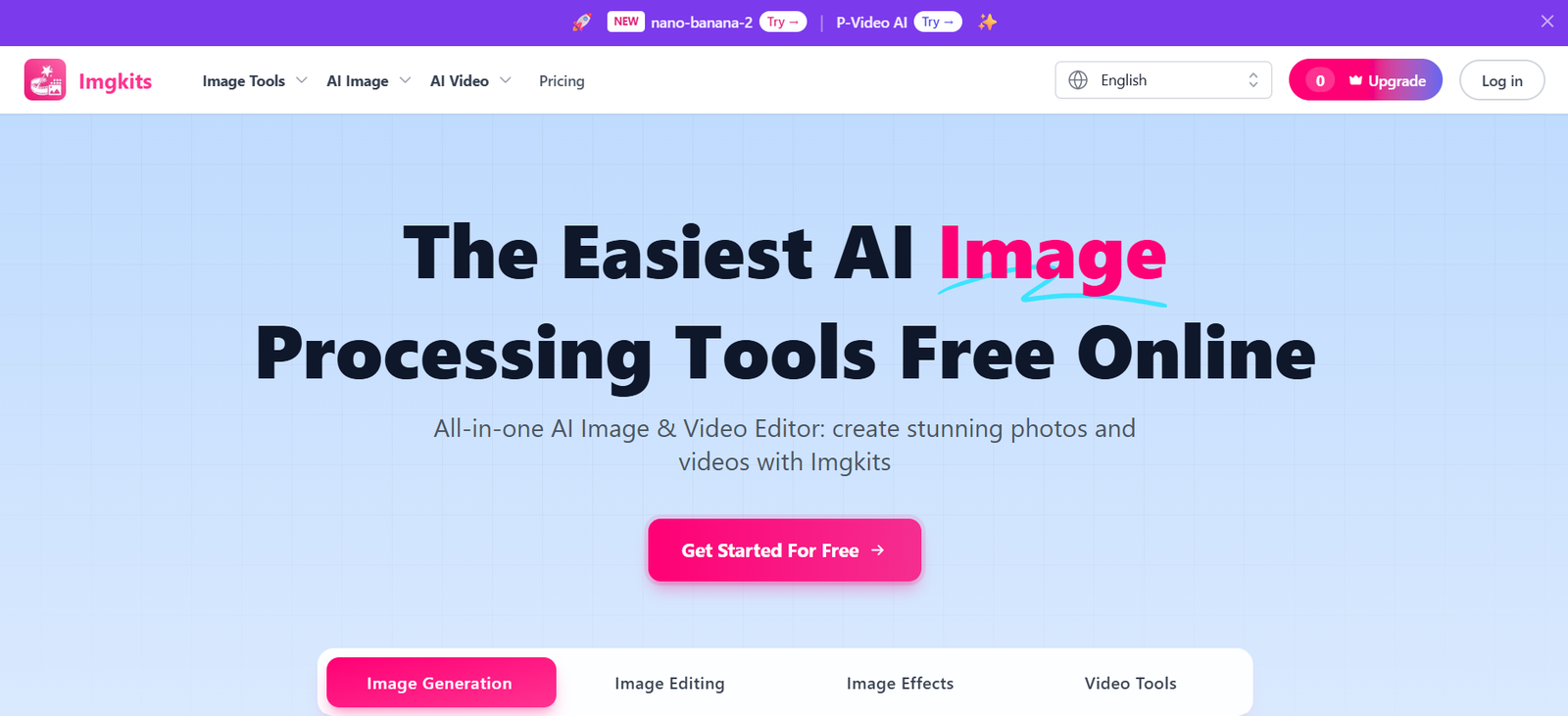
Imgkits is an AI-powered online image and video editing platform that enables users to create, enhance, restore, and transform visual content directly from their web browser. It combines a wide range of AI tools into a single workspace, eliminating the need to switch between multiple editing applications. Whether users want to remove backgrounds, generate AI images, upscale photos, restore old pictures, or create videos from text or images, Imgkits provides an easy-to-use solution for both beginners and professionals.
The platform is designed for content creators, marketers, designers, photographers, e-commerce businesses, social media managers, educators, and developers who need fast, high-quality visual content. Since Imgkits is entirely browser-based, users can access all features without installing software, making it suitable for desktop, tablet, and mobile devices.
Features
AI Image Generator
Generate original images from text prompts using AI. Users can create artwork, illustrations, marketing visuals, concept designs, and social media graphics within seconds.
AI Image Editor
Edit photos using AI-powered tools to remove unwanted objects, replace backgrounds, modify images, and perform advanced retouching with minimal effort.
Background Removal
Automatically detect subjects and remove image backgrounds while preserving fine details. Users can also replace backgrounds with custom colors or images.
Photo Restoration
Restore old, damaged, or faded photographs using AI. The platform repairs scratches, enhances facial details, sharpens blurry areas, and colorizes black-and-white images.
AI Image Enhancement
Improve image quality by increasing sharpness, reducing blur, removing haze, and upscaling photos without significantly losing detail.
AI Art & Style Filters
Transform ordinary photos into anime, cartoon, sketch, painting, and other artistic styles using AI-powered filters.
Image-to-Video & Text-to-Video
Generate AI videos from text prompts or convert still images into animated videos for marketing, storytelling, presentations, and social media content.
AI Design Tools
Create AI-generated logos, stickers, emojis, wallpapers, tattoos, flyers, fantasy maps, sketches, and other creative assets without graphic design experience.
Batch Processing
Process multiple images simultaneously, making the platform suitable for photographers, online stores, and businesses handling large image collections.
Browser-Based Platform
All tools work directly in the browser with no software installation required, allowing users to edit images from virtually any device.
How It Works
Create a free Imgkits account.
Choose the AI tool you want to use.
Upload an image or enter a text prompt.
Allow the AI to process your request.
Preview the generated or edited result.
Download the finished image or video in high quality.
Use Cases
Content creators can generate social media graphics and videos.
Photographers can restore and enhance old photographs.
E-commerce businesses can remove product backgrounds and improve product images.
Marketing teams can create promotional banners, flyers, and advertisements.
Designers can generate logos, stickers, and concept art.
Educators can prepare engaging visual learning materials.
Bloggers and publishers can create illustrations for articles.
Small businesses can produce professional marketing visuals without hiring designers.
Pricing
Imgkits offers flexible pricing options:
Pay-as-you-go
- 10 Credits – $5
- 50 Credits – $19
- 150 Credits – $29
- 500 Credits – $59
- Purchased credits never expire.
Pro Monthly
- $12/month
- 100 credits per month
- Access to all AI models
- Faster generation
- Priority support
Pro Yearly
- $6/month (billed annually at $72/year)
- 100 monthly credits
- All Pro features
- Approximately 50% savings compared to the monthly plan.
Strengths
- Large collection of AI image and video editing tools.
- Browser-based with no installation required.
- Supports image generation, enhancement, restoration, and video creation.
- Beginner-friendly interface.
- Batch processing improves productivity.
- Commercial use supported.
- Flexible subscription and pay-as-you-go pricing.
- Free trial credits available for new users.
Drawbacks
- Advanced usage requires purchasing additional credits or a subscription.
- No dedicated mobile or desktop application currently available.
- Unused subscription credits do not roll over to the next billing cycle.
- AI-generated results may occasionally require manual refinement for complex projects.
Comparison with Other Platforms
Unlike many AI image editors that specialize in only one or two features, Imgkits combines image generation, editing, restoration, enhancement, background removal, artistic filters, and AI video creation within a single browser-based platform. Its batch processing capabilities, flexible credit system, and extensive collection of creative tools make it suitable for creators who want an all-in-one AI visual editing solution rather than relying on multiple separate services.
Customer Reviews and Testimonials
The official website features testimonials from photographers, online store owners, and content creators who praise Imgkits for its ease of use, fast processing, and high-quality AI editing results. Users particularly highlight the background remover, photo restoration, and image enhancement tools for saving time and producing professional-quality visuals.
Conclusion
Imgkits is a comprehensive AI-powered image and video editing platform that simplifies visual content creation for individuals and businesses. With tools for AI image generation, photo restoration, enhancement, background removal, video creation, and creative design, it offers a versatile solution for a wide range of creative tasks. Whether you’re a designer, marketer, photographer, educator, or content creator, Imgkits provides an efficient, browser-based workspace for producing professional-quality visuals with minimal effort.