
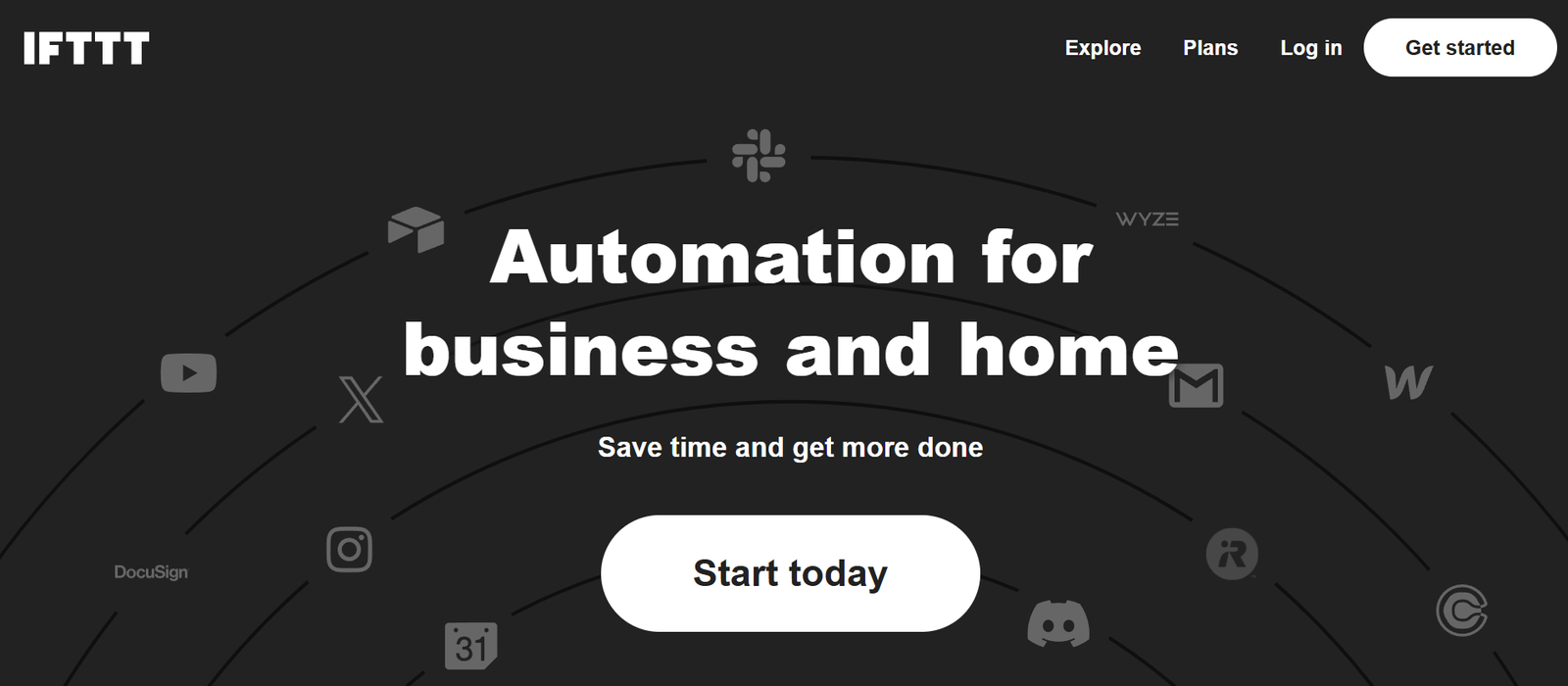
IFTTT (short for “If This Then That”) is a powerful automation platform that enables users to connect their favorite apps, services, and smart devices using simple conditional statements called applets. With no coding required, IFTTT helps automate repetitive tasks, enhance productivity, and create seamless interactions between platforms that don’t natively integrate.
Whether you want to automatically save email attachments to Google Drive, get weather alerts sent to your phone, or post content across multiple social media platforms, IFTTT offers an intuitive, user-friendly way to do it.
Trusted by individuals and businesses alike, IFTTT powers billions of automated actions each year by linking more than 800 services across categories like productivity, smart home, social media, and health.
Features
Applets
Pre-built or customizable workflows that connect two or more services using a simple “if this, then that” logic.
Connect over 800 Services
Integrates with popular apps like Gmail, Twitter, Google Calendar, Slack, Spotify, Alexa, Philips Hue, and more.
No-Code Workflow Builder
Create your own applets without writing a single line of code using a step-by-step visual interface.
Multi-Step Applets (Pro feature)
Go beyond simple two-step logic by adding multiple actions to a single trigger.
Filter Code (Pro feature)
Use JavaScript snippets to add logic and customization to applets for more advanced automation.
Location-Based Triggers
Automate actions based on entering or leaving a geographic area (e.g., turn off lights when you leave home).
Voice Assistant Integration
Works with Google Assistant, Amazon Alexa, and Siri Shortcuts to control apps and devices hands-free.
Smart Home Automation
Connect smart lights, thermostats, security cameras, and appliances from leading brands like Nest, Arlo, and Ring.
Social Media Automation
Auto-post across platforms, sync content between services, or manage online presence through scheduled triggers.
Cross-Platform Support
Access IFTTT via web, iOS, and Android apps with cloud-based syncing and notifications.
How It Works
IFTTT follows a simple automation model:
Choose a Trigger (the “If This”)
Select an event that will start your automation. This could be receiving an email, entering a location, or receiving a calendar invite.Select an Action (the “Then That”)
Define what should happen when the trigger occurs—such as sending a message, posting to social media, or turning on a smart device.Activate the Applet
Enable the applet, and IFTTT will run it automatically in the background based on your defined conditions.Monitor and Manage
You can view history, pause applets, or make adjustments directly from your dashboard.
Use Cases
Smart Home Control
Turn on lights when you get home
Lock doors at a specific time
Set thermostat based on weather forecasts
Productivity Boosters
Save email attachments to Dropbox
Log work hours automatically
Sync calendars between platforms
Social Media Management
Automatically post Instagram photos to Twitter
Save tweets to a Google Sheet for analytics
Share blog posts across all channels instantly
Health and Fitness
Log Fitbit activity into Google Sheets
Remind yourself to drink water every hour
Sync Strava workouts with your calendar
Business and Freelance Tools
Notify team members of new Trello cards
Send Slack alerts for new website sign-ups
Automate CRM updates based on form submissions
Developer and Maker Projects
Trigger webhooks for custom apps
Use IFTTT with Raspberry Pi or Arduino
Integrate with APIs via web requests
Pricing
IFTTT offers a freemium model with three plans:
Free Plan
Up to 2 custom applets
Access to standard applets
Connect with limited services
Pro Plan – $2.50/month (custom pricing available)
Unlimited applets
Multi-step applets
Conditional logic and filter code
Faster execution speeds
Pro+ Plan – $5/month
Everything in Pro
Access to developer tools
Prioritized customer support
Ability to publish services
Strengths
Wide Range of Integrations
Connects with hundreds of services across tech ecosystems, including smart homes, social media, and productivity apps.
User-Friendly Interface
Designed for non-technical users to build powerful automations quickly.
Flexible Customization
Advanced users can use filter code and multiple actions to create sophisticated workflows.
Cross-Device Compatibility
Runs on web, Android, iOS, and works across platforms like Alexa, Google Assistant, and more.
Time-Saving Automation
Reduces repetitive tasks and manual data entry for personal and professional use.
Community Support
Thousands of public applets and use cases created by a vibrant user base.
Drawbacks
Limited Free Tier
Only two custom applets can be created on the free plan, which may restrict casual users.
Occasional Latency
Some applets have slight delays depending on the services involved.
Complexity with Filters
Advanced features like filter code require some programming knowledge, which may be difficult for beginners.
Privacy Concerns
Users should review data-sharing permissions carefully, especially when connecting multiple services.
Comparison with Other Tools
IFTTT vs. Zapier
Zapier is more business-focused with stronger enterprise integrations. IFTTT excels at consumer-level and smart home automations.
IFTTT vs. Make (formerly Integromat)
Make provides more visual flow control and logic. IFTTT is simpler and easier for everyday automations.
IFTTT vs. Apple Shortcuts
Apple Shortcuts is iOS-specific. IFTTT works across Android, iOS, and web platforms with more third-party integrations.
IFTTT vs. Home Assistant
Home Assistant offers powerful local smart home control but requires technical setup. IFTTT is cloud-based and easier to start.
Customer Reviews and Testimonials
IFTTT has millions of users worldwide and is widely reviewed on platforms like G2, Trustpilot, and the App Store:
“IFTTT is like glue for the internet. It helps my apps talk to each other and saves me time daily.”
— Productivity Blogger
“I use IFTTT to control my smart home lights, thermostat, and even to log groceries. It’s a lifesaver.”
— Smart Home Enthusiast
“It’s the perfect tool for automating tasks as a freelancer—especially client updates and content distribution.”
— Freelance Digital Marketer
Conclusion
IFTTT is a versatile and user-friendly platform for connecting apps, devices, and services through simple automations. Whether you’re streamlining business processes, managing a smart home, or automating your social media, IFTTT offers a scalable solution with minimal effort required.
Its mix of no-code simplicity and powerful integrations makes it ideal for users at all skill levels—from casual consumers to tech-savvy professionals.










