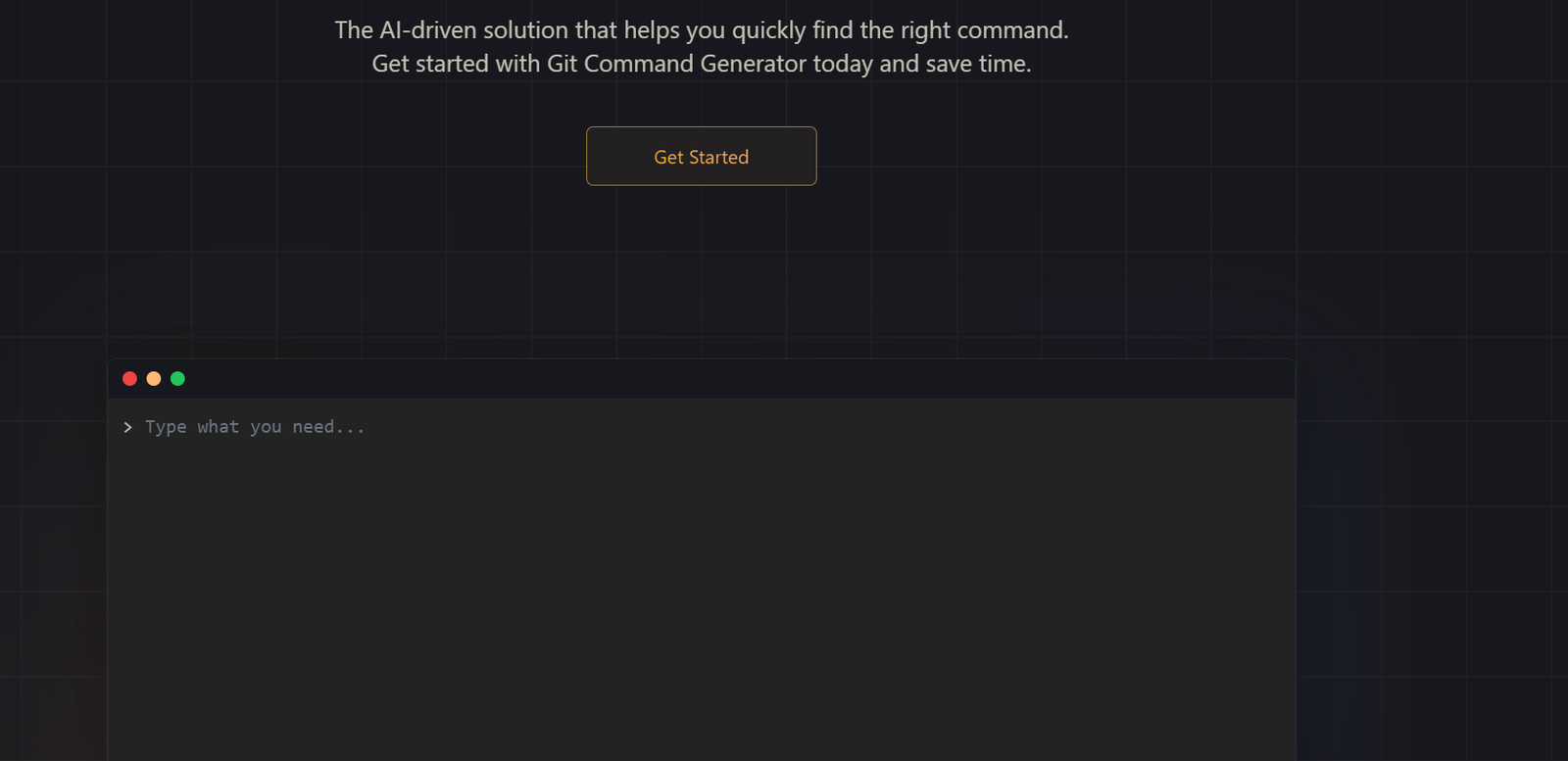
GitFluence is an AI-powered tool that helps developers quickly find the right Git commands using natural language queries. Instead of digging through documentation or Stack Overflow, users can simply describe what they want to do in plain English—and GitFluence returns the most accurate Git command along with a brief explanation.
This lightweight, browser-based solution is ideal for developers who use Git regularly but don’t always remember the exact syntax for advanced commands. With its intuitive interface and fast responses, GitFluence is a time-saving assistant that boosts productivity, especially for beginners or infrequent Git users.
Features
Natural Language Query Interface
Describe what you want to do—like “undo the last commit without deleting changes”—and get the exact Git command.
Instant Command Generation
Get Git commands in seconds with no setup or installation required.
Command Explanations
Each command comes with a short description of what it does, helping users learn Git in context.
Web-Based and Free to Use
Accessible directly through a browser with no login or subscription necessary.
Mobile-Friendly UI
Optimized for both desktop and mobile, allowing quick access on the go.
How It Works
Visit the GitFluence Website
Navigate to https://www.gitfluence.com in any modern web browser.Enter Your Git Task
In the input box, describe the action you want to perform using plain English (e.g., “revert to a previous commit”).Receive AI-Generated Output
GitFluence returns the best-matched Git command and a brief explanation of how it works.Copy and Use
Simply click to copy the command and paste it into your terminal.
Use Cases
New Developers
Perfect for those learning Git who don’t yet know all the command-line syntax.
Occasional Git Users
Ideal for developers or designers who use Git occasionally and want quick help without reading docs.
Educators and Coding Bootcamps
Use GitFluence to help students understand Git commands in context during lessons or labs.
Productivity Boosters for Pros
Even experienced developers can save time by using GitFluence as a quick Git cheat sheet.
Pricing
As of June 2025, GitFluence is completely free to use.
Free Access
Unlimited Git command generation
No account required
No ads or upsells
Note: There is currently no paid version or premium tier. The tool is open and accessible to all users.
Strengths
Lightning-Fast Git Help: No more Googling or searching through Stack Overflow.
Zero Learning Curve: Just type what you want to do, and get results.
Free and Accessible: Fully web-based and free with no hidden charges.
Ideal for Learning Git: Helps reinforce Git knowledge by showing commands in plain English.
Minimal UI: Clean interface focused on function over clutter.
Drawbacks
Git-Only Scope: Only supports Git; not a general terminal or CLI assistant.
Limited Explanations: While helpful, explanations are short and not deep dives.
No Integration with IDEs: It’s a standalone web app, not integrated into editors like VSCode or JetBrains.
Dependent on Online Access: Requires internet connection; not available offline.
Comparison with Other Tools
GitFluence vs. Stack Overflow or Git Docs
Faster and simpler—GitFluence gives precise, context-aware Git commands instantly without needing to browse multiple pages.
GitFluence vs. GitHub Copilot
Copilot generates full code within IDEs. GitFluence is dedicated to Git tasks only and doesn’t require installation.
GitFluence vs. Command Line Tools
CLI Git helpers require memorization or installation. GitFluence is natural language-driven and browser-based.
Customer Reviews and Testimonials
“GitFluence is my go-to when I forget tricky Git commands. It’s like having a Git-savvy friend on call.”
– Full-Stack Developer
“I teach a lot of beginners. GitFluence makes Git less intimidating for them.”
– Programming Instructor, Coding Bootcamp
“I use Git daily but still blank on certain commands. This tool saves me time and hassle.”
– Freelance Software Engineer
Conclusion
GitFluence is an elegant, no-frills tool that solves a very real developer pain point: finding the right Git command quickly. With its natural language interface, instant results, and helpful explanations, it’s perfect for both beginners and experienced users looking to save time and boost their command-line productivity.
For anyone who uses Git—even occasionally—GitFluence deserves a spot in your browser bookmarks.
Try it for free at https://www.gitfluence.com.