
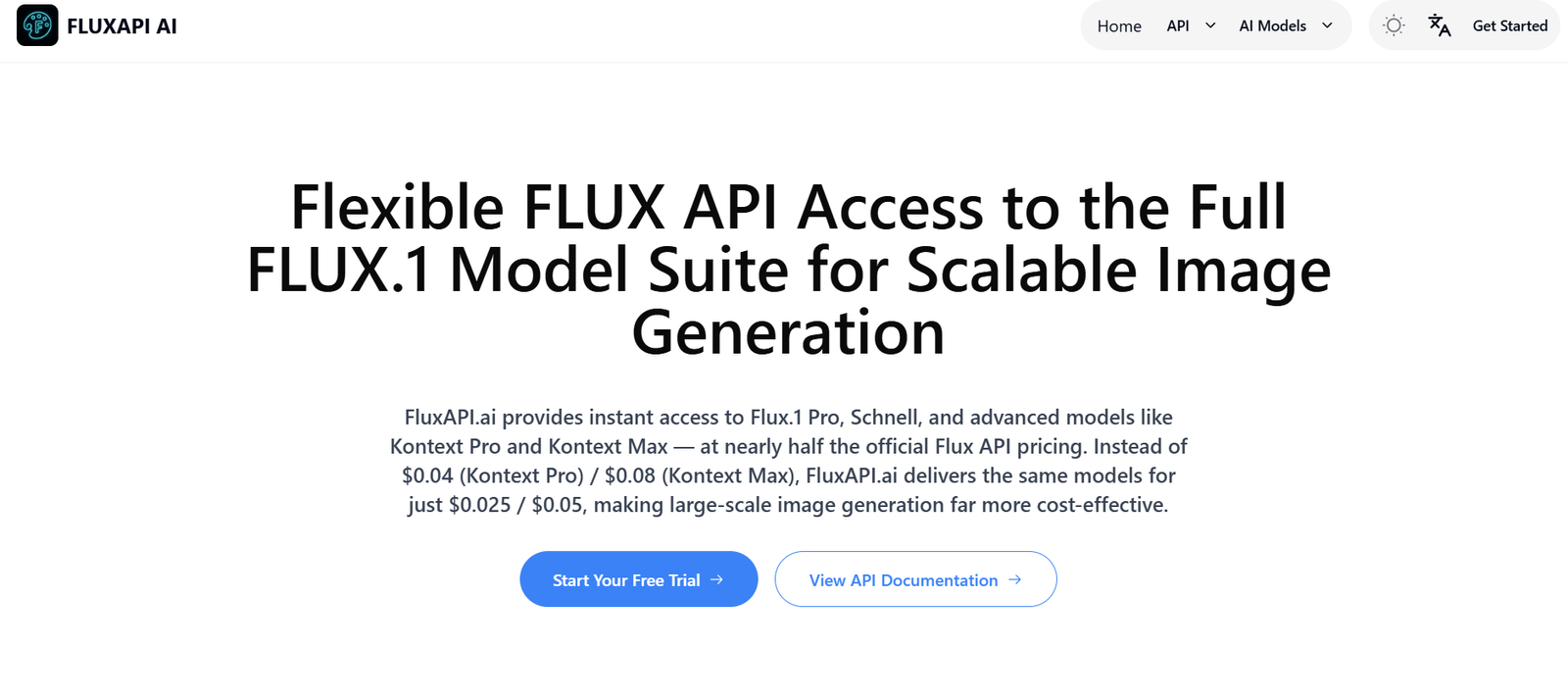
FluxAPI is a no-code platform designed to help developers, AI builders, and automation enthusiasts connect large language models and APIs without writing backend code. It allows users to build and deploy API endpoints easily, integrating AI functionality into applications, websites, and workflows. Whether you’re creating a chatbot, automating business logic, or connecting OpenAI with Airtable, FluxAPI offers a lightweight and intuitive solution.
FluxAPI eliminates the friction of setting up infrastructure, servers, and authentication for API-based applications. It enables creators to focus on what matters most—building logic and delivering value—while FluxAPI handles the backend mechanics.
Features
FluxAPI provides a focused set of features tailored for fast and scalable API development and integration.
No-Code API Builder: FluxAPI allows users to create custom API endpoints without writing backend code. You can define logic and inputs using a clean web interface.
LLM Integration: Built-in support for AI models like OpenAI’s GPT, Claude, and Mistral. You can pass prompts and receive responses in real time.
Multi-Step Flows: Create chained logic across multiple steps—combine API calls, parse responses, and send dynamic outputs.
Variables and Context: Use dynamic variables to capture inputs, reuse data, and create contextual flows that respond differently based on user input.
Webhooks and Inputs: FluxAPI supports webhooks and external input sources, enabling integrations with tools like Slack, Discord, Notion, Airtable, and others.
Authentication and API Keys: Easily secure your endpoints with API key access. Manage and regenerate keys from the dashboard.
Response Formatting: Define structured JSON responses to integrate FluxAPI with frontends, chat UIs, or other APIs.
Real-Time Testing: Test your endpoints instantly using the in-browser API console.
Deployment and Hosting: Each endpoint is automatically deployed and accessible via a dedicated HTTPS URL.
Logs and Debugging: Built-in logging helps you monitor requests, inspect outputs, and debug errors quickly.
How It Works
FluxAPI simplifies API development into a visual and structured process. After signing in, users can start by creating a new endpoint. Each endpoint consists of multiple steps, which can include calling an AI model, transforming inputs, making external API calls, and formatting outputs.
Users define inputs like strings, numbers, or JSON objects, and then set up steps using simple configuration panels. For example, a user might set up a multi-step API that:
Receives a user’s question
Sends it to OpenAI’s GPT-4
Extracts relevant keywords
Sends those keywords to a search API
Returns formatted results to the frontend
Once configured, the endpoint is published with a unique URL. You can test the endpoint directly within the platform or connect it to a no-code tool like Make, Zapier, or Bubble. API keys can be generated and attached to secure requests, making it suitable for public-facing apps.
Use Cases
FluxAPI is a flexible tool with applications across multiple industries and workflows.
Chatbot Backend: Power AI chatbots by defining conversation logic and API connections, all through a FluxAPI endpoint.
Data Enrichment: Use FluxAPI to receive user input, run it through AI for classification or tagging, then enrich it via third-party APIs.
Workflow Automation: Connect AI models with tools like Airtable or Notion to automate tasks, categorize content, or summarize data.
Customer Support Tools: Build internal tools or microservices that classify tickets, generate replies, or summarize long support threads.
Productivity Apps: Add smart AI features to web apps, such as writing assistance, email generation, or meeting summaries.
Developer Tools: Provide structured APIs that teammates or other systems can use to interact with AI without direct model access.
Prompt Engineering Playground: Quickly test and iterate on prompt chains or complex input flows using the real-time test console.
Pricing
FluxAPI offers simple and transparent pricing, designed to be accessible for indie developers and scalable for teams. Pricing is based on usage and features.
Free Plan:
Includes up to 500 API calls per month
Basic access to all features
Single user only
Ideal for testing and small projects
Pro Plan: $14/month
Includes up to 10,000 API calls
Multiple endpoints and flows
Access to premium integrations
Email support
Team Plan: $49/month
Includes up to 50,000 API calls
Multiple users and collaboration features
Enhanced logging and debugging tools
Priority support
Custom Plans: Available on request for high-volume users or enterprise teams needing dedicated infrastructure, custom limits, or compliance support
All plans allow connection to your own OpenAI or Anthropic API keys. There are no hidden fees for bandwidth or storage.
Strengths
FluxAPI brings several key advantages that make it stand out as a backend solution for AI-powered applications.
Ease of Use: The interface is clean, intuitive, and accessible to non-developers. You can launch APIs without writing a single line of code.
Fast Deployment: Every endpoint is hosted automatically and available instantly via HTTPS, with no setup needed.
Flexible AI Support: Built-in connectors for major language models allow for quick experimentation and integration.
Low Cost: The affordable pricing and generous free tier make FluxAPI accessible for indie developers and hobbyists.
Real-Time Debugging: Logs and test environments help you quickly troubleshoot and iterate your workflows.
No Vendor Lock-In: You can bring your own API keys and integrate with any external API or no-code platform.
Scalability: The service is lightweight but capable of supporting high-volume use cases with custom plans.
Drawbacks
While FluxAPI offers a powerful feature set, it does have some limitations to consider.
Limited Frontend Capabilities: FluxAPI focuses solely on backend workflows. You’ll need to build or integrate with a separate frontend tool.
No Native Database: It doesn’t currently include persistent data storage, so external databases must be used for storing user data.
Team Features in Progress: While team support is available, advanced permission management and collaboration features are still evolving.
Limited Model Customization: You can integrate with AI models, but fine-tuning or in-depth model control is handled outside the platform.
Documentation Coverage: While helpful, the documentation could be more extensive for advanced workflows and complex chaining scenarios.
Comparison with Other Tools
FluxAPI is often compared to platforms like Pipedream, Make, and LangChain.
Compared to Pipedream, FluxAPI is simpler and more focused on AI and prompt flows. Pipedream offers deeper code-level flexibility but requires JavaScript knowledge.
Compared to Make or Zapier, FluxAPI is more developer-centric, allowing for customized AI endpoints rather than visual flow automation across SaaS tools.
Compared to LangChain, which is more developer-heavy and framework-based, FluxAPI offers a visual interface for chaining prompts and logic, ideal for no-code or low-code environments.
In short, FluxAPI fits in as a lighter, faster, and more accessible alternative for building AI APIs without traditional backend complexity.
Customer Reviews and Testimonials
FluxAPI has quickly gained traction with indie developers, automation builders, and AI enthusiasts. On platforms like Product Hunt and X (formerly Twitter), users praise the platform for its simplicity, speed, and flexibility.
A solo founder mentioned that FluxAPI allowed them to build a fully functional AI assistant backend in under an hour, without spinning up any infrastructure. Another user reported using FluxAPI to connect GPT-4 with a Notion workspace to automate content summarization and tagging.
Common praise centers on how lightweight and intuitive the platform is, especially for those without traditional backend experience. Some users noted that it removed their need for Firebase functions or serverless platforms for microservices.
Suggested improvements from users include enhanced team workflows, more visual logging, and native integration libraries for frameworks like Next.js.
Conclusion
FluxAPI is a lightweight, no-code API builder that bridges the gap between large language models and real-world applications. Whether you’re a developer prototyping an AI tool, an indie hacker building automations, or a startup needing a fast backend, FluxAPI offers a clean and reliable solution.
With support for multi-step logic, AI model integration, webhooks, and external APIs, FluxAPI empowers users to create and deploy powerful backend workflows in minutes. While it lacks some advanced features like persistent storage and frontend elements, its focus on simplicity, flexibility, and speed makes it an excellent choice for modern AI-driven development.













