
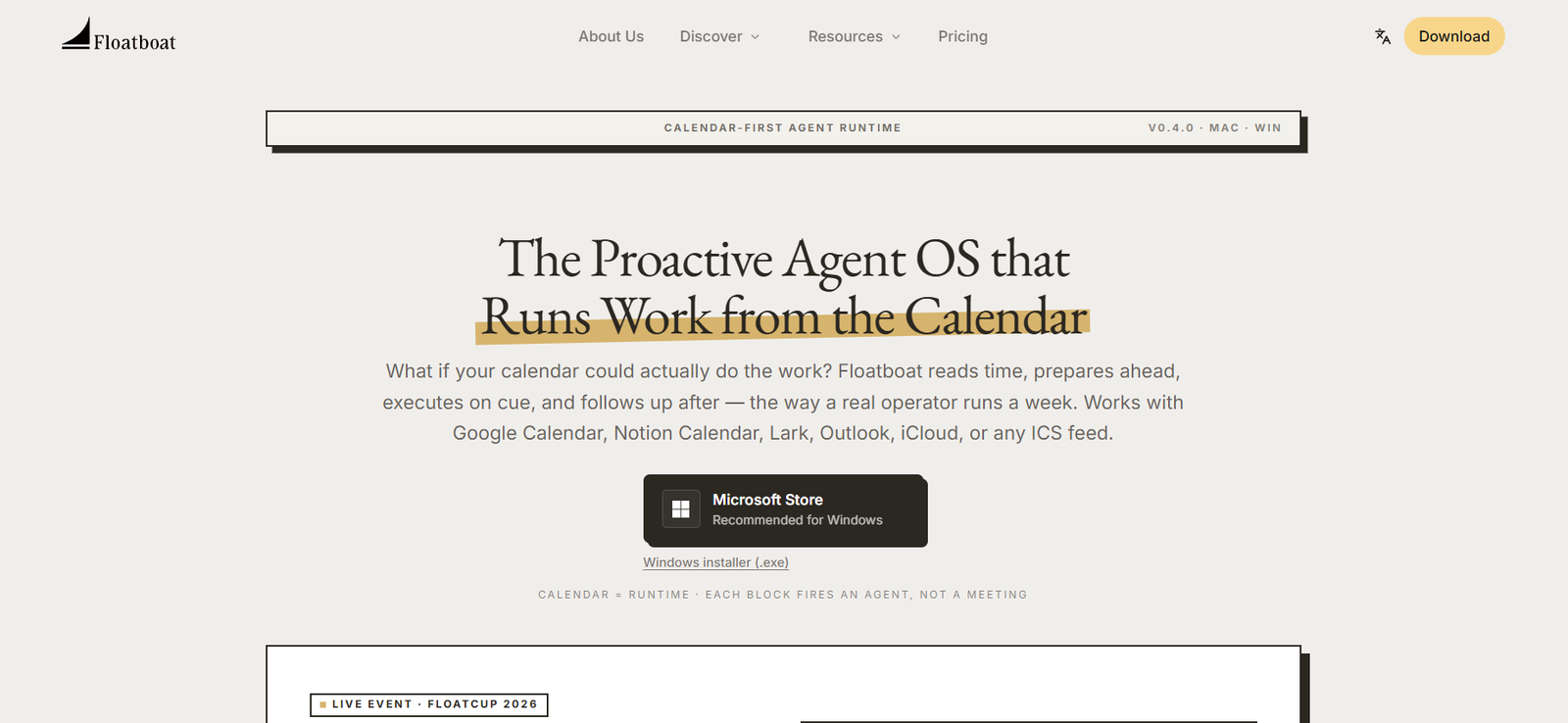
Floatboat AI is an AI-powered productivity platform that transforms your calendar into an intelligent workspace where AI agents proactively prepare, organize, and execute work. Instead of waiting for users to enter prompts, Floatboat monitors scheduled events and automatically performs relevant tasks such as meeting preparation, follow-up drafting, deadline tracking, and document collection.
The platform connects with calendars and thousands of workplace applications to create a unified workflow. By integrating tools such as Google Calendar, Notion Calendar, Slack, GitHub, Google Drive, and many others, Floatboat enables AI agents to gather context, coordinate information, and assist users before, during, and after meetings.
Designed for professionals, entrepreneurs, managers, and distributed teams, Floatboat reduces repetitive administrative work while helping users stay organized and focused on higher-value activities.
Features
Proactive AI Agents
Unlike traditional AI assistants that wait for instructions, Floatboat automatically prepares work based on upcoming calendar events. It gathers information, drafts content, and reminds users before important meetings or deadlines.
Calendar-Driven Automation
The platform uses calendar events as triggers for intelligent workflows. Changes to meetings or schedules automatically update related preparation tasks and follow-up activities.
Meeting Preparation
Floatboat collects relevant files, previous discussions, notes, and supporting documents before meetings so users have important information ready in advance.
Automated Follow-Ups
After meetings, AI agents can generate summaries, identify action items, draft follow-up emails, and help keep projects moving forward.
Multi-App Integration
The platform connects with more than 3,500 applications, including Google Calendar, Notion, Slack, GitHub, Google Drive, Figma, and other productivity tools, allowing AI to work across existing workflows.
Multi-Model AI Support
Users can work with multiple AI models, including GPT, Claude, Gemini, DeepSeek, and Kimi, allowing flexibility depending on the task.
Persistent Context
Floatboat remembers previous conversations, preferences, work history, and decisions, reducing the need to repeatedly explain ongoing projects.
Desktop Workspace
The application is available for both Windows and macOS, providing a dedicated desktop environment for AI-assisted productivity.
Human Approval Controls
Users remain in control of important actions. AI-generated work can be reviewed and approved before execution, helping maintain accuracy and oversight.
How It Works
- Download and install Floatboat on your Windows or macOS computer.
- Connect your preferred calendar service.
- Link workplace tools such as Slack, Notion, GitHub, or Google Drive.
- Allow AI agents to monitor your upcoming schedule.
- Receive automatically prepared meeting briefs, documents, and suggested actions.
- Review AI-generated follow-ups and approve tasks when needed.
- Continue managing projects while Floatboat proactively supports recurring workflows.
Use Cases
Business professionals can automate meeting preparation and follow-up activities.
Managers can organize projects, deadlines, and team communication more efficiently.
Entrepreneurs can reduce repetitive administrative work and focus on business growth.
Remote teams can coordinate meetings, documents, and action items across multiple platforms.
Consultants can prepare client meetings using automatically collected project information.
Sales professionals can manage customer follow-ups and meeting notes more efficiently.
Project managers can track deadlines and recurring workflows with less manual effort.
Pricing
Floatboat offers a free version for users to get started. The platform also provides subscription plans, and the official website currently mentions participation in its User Protection Program, with pricing beginning at $39.98 or $199.98, depending on the selected subscription. Detailed long-term pricing tiers are not fully explained on the official website.
Strengths
- Proactive AI assistance instead of prompt-based interactions.
- Automates meeting preparation and follow-up tasks.
- Integrates with thousands of productivity applications.
- Supports multiple leading AI models.
- Maintains context across ongoing work.
- Available for both Windows and macOS.
- Includes user approval before executing important actions.
- Helps reduce repetitive administrative work.
Drawbacks
- Requires connecting multiple workplace applications for maximum value.
- Some advanced capabilities may require a paid subscription.
- Best suited for professionals with calendar-driven workflows.
- As a relatively new platform, some planned AI agents are still under development.
Comparison with Other Platforms
Unlike many AI assistants that operate primarily through chat interfaces, Floatboat focuses on proactive automation based on calendar events. Rather than waiting for prompts, it anticipates upcoming work and prepares relevant information automatically. Its broad application integrations and support for multiple AI models also distinguish it from platforms that rely on a single AI provider or offer only conversational assistance.
Customer Reviews and Testimonials
Customer reviews and testimonials are not clearly available on the official website.
Conclusion
Floatboat AI is a modern productivity platform designed to reduce administrative workload by proactively managing calendar-driven tasks. With intelligent meeting preparation, automated follow-ups, extensive integrations, and support for multiple AI models, it helps professionals and teams stay organized without relying on constant prompting. It is particularly well suited for users who spend significant time coordinating meetings, projects, and collaborative work across multiple applications.


