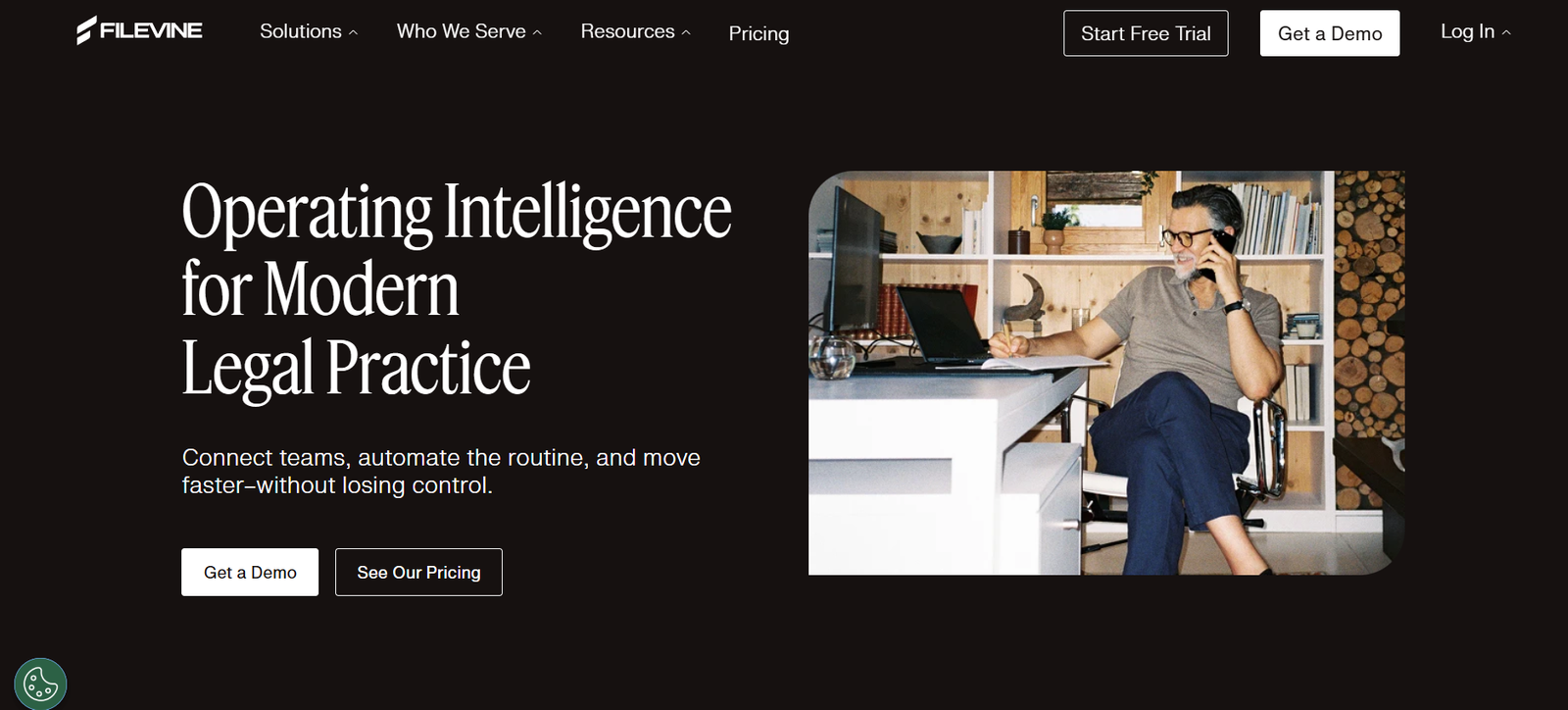
Filevine is a legal work platform that integrates case management, document automation, client communication, time tracking, and reporting into one seamless experience. It is purpose-built for legal teams and serves a variety of industries including personal injury, corporate law, immigration, and insurance defense.
Unlike traditional legal software that operates in silos, Filevine is built as a collaborative and flexible solution. It allows firms to manage every aspect of their legal work in one place, helping reduce administrative burden and improve client outcomes.
With robust integrations, customizable workflows, and secure cloud infrastructure, Filevine positions itself as the backbone of modern legal operations.
Features
Filevine includes a comprehensive set of features that support the entire legal case lifecycle:
Case Management: Centralizes all case-related data including notes, tasks, deadlines, communications, and files, accessible by authorized team members in real time.
Document Management: Store, access, and organize legal documents securely. Includes version control and document history.
Document Automation: Auto-generate pleadings, letters, and forms using templates populated with case-specific data, reducing manual drafting time.
Client Communication: Send and receive texts, emails, and client updates directly from the platform. Includes a built-in client portal.
Task and Deadline Management: Assign tasks, set due dates, and monitor deadlines across team members to ensure accountability and timeliness.
Time and Billing Tools: Track billable hours, expenses, and generate invoices. Time entries can be linked to specific cases or tasks.
Reporting and Analytics: Build custom dashboards and reports to analyze performance, caseloads, team efficiency, and financial metrics.
eSignature Integration: Obtain legally binding digital signatures directly through integrated eSignature functionality.
Workflow Automation: Create automated workflows for repetitive processes such as intake, approval, or case closing procedures.
Custom Fields and Layouts: Configure project fields to match specific practice areas or internal processes without requiring coding.
Calendar Sync: Integrate with Outlook and Google Calendar for unified scheduling and deadline tracking.
Mobile App: Access cases and documents on-the-go through Filevine’s mobile app, available for iOS and Android.
Security and Compliance: Includes enterprise-grade encryption, role-based access, audit logs, and compliance with legal data security standards.
How It Works
Filevine operates as a secure, cloud-based SaaS platform that legal teams access via a web browser or mobile device. After signing up, firms can customize the system to reflect their workflows, practice areas, and team structures.
Users begin by creating a project (usually a case or matter), where all associated communications, documents, tasks, and deadlines are centralized. The interface is designed to be intuitive, with a focus on ease of navigation across tabs like “Activity,” “Docs,” “Tasks,” and “Contacts.”
Documents can be uploaded, generated, or requested through eSignature. Users can automate correspondence, set reminders, and even trigger actions based on case status changes. Collaboration is built-in, with threaded discussions, shared tasks, and team-wide visibility into key actions.
Filevine also integrates with external tools like Microsoft Office, Google Workspace, Zapier, and cloud storage services, enhancing compatibility with existing workflows.
Use Cases
Filevine serves a variety of legal practices and business departments. Some common use cases include:
Personal Injury Law: Manage client intake, medical records, insurance communication, and settlement documentation in one organized system.
Corporate Legal Teams: Automate document review, compliance tracking, and internal communication to improve legal operations.
Immigration Law: Track client case progress, manage required documents, and send reminders for immigration deadlines or appointments.
Insurance Defense: Handle large caseloads, monitor case expenses, and streamline collaboration between adjusters and legal counsel.
Family Law: Store sensitive documents securely, manage multiple client matters, and ensure timely filing of court documents.
Mass Torts and Class Actions: Organize claims by group, track claimant-specific information, and generate standardized legal filings in bulk.
Legal Departments in Business: Filevine is used by in-house legal teams to handle contract lifecycle management, litigation tracking, and inter-departmental requests.
Litigation Support Teams: Prepare case files, handle deposition schedules, and manage exhibits and trial preparation tasks with centralized access.
Pricing
Filevine does not publicly display fixed pricing on its website, as plans are customized based on the size of the organization, number of users, features required, and industry use case.
Pricing typically includes:
Monthly per-user fee
Optional add-ons (such as document automation, advanced analytics, and integrations)
Implementation and onboarding services
To receive a tailored quote, users are encouraged to request a demo or contact the sales team directly through https://www.filevine.com.
Strengths
All-in-One Legal Platform: Filevine eliminates the need for multiple software tools by combining document management, case tracking, communication, and automation.
Highly Customizable: Firms can tailor workflows, fields, and templates to fit their exact operational needs without needing developers.
Secure and Compliant: Built with legal data protection in mind, the platform supports HIPAA compliance, SOC 2 certification, and encrypted data handling.
Automation and Scalability: Automates repetitive legal tasks, saving time and allowing teams to scale operations without increasing headcount.
Strong Collaboration Tools: Filevine enhances internal and client communication, reducing missed updates and enhancing transparency.
Modern Interface: The platform offers a clean, intuitive user experience that appeals to both tech-savvy and traditional legal professionals.
Mobile and Remote Ready: With a mobile app and cloud access, Filevine supports remote legal work and field-based operations.
Robust Analytics: Real-time dashboards and reports help leadership teams make data-driven decisions.
Drawbacks
No Transparent Pricing: The lack of public pricing may make it difficult for small firms or solo practitioners to evaluate affordability upfront.
Learning Curve: With its broad feature set, new users may require onboarding time to fully utilize all capabilities.
Enterprise Focused: While it can serve small firms, Filevine is primarily optimized for mid-sized to large teams or organizations with structured legal processes.
Customization Required: While flexibility is a benefit, initial customization may require administrative effort to match workflows effectively.
Limited Outside the Legal Sector: Filevine is built for legal work, so businesses outside the legal industry may find features irrelevant or excessive.
Comparison with Other Tools
Filevine competes with other legal practice management platforms such as:
Clio: Known for ease of use and strong client intake tools, Clio is great for solo and small firms. However, Filevine offers more robust customization and enterprise-scale automation.
PracticePanther: Offers similar case and document management tools but may lack the same level of reporting depth and workflow flexibility as Filevine.
Smokeball: Designed for small to mid-sized firms with strong time tracking and automation, but Filevine provides broader enterprise capabilities.
MyCase: Simplified interface and strong client portal features, though Filevine outperforms in terms of complex workflow automation and analytics.
Litify: A Salesforce-based legal management platform that competes at the enterprise level. Filevine is a standalone platform but rivals Litify in scalability and legal feature set.
Overall, Filevine stands out for legal organizations seeking an integrated, scalable platform that prioritizes automation, document control, and collaboration.
Customer Reviews and Testimonials
Filevine has received positive feedback from law firms and legal professionals across industries. On review platforms like G2 and Capterra, users highlight:
Efficiency gains from automation
Improved visibility into firm operations
Ease of collaboration across departments
Time savings from document templates
Strong support and onboarding assistance
Customers praise Filevine for transforming disjointed legal processes into streamlined workflows that save time and reduce risk. Many firms cite improved client service and faster case turnaround times as key benefits.
Legal operations teams in corporate environments also appreciate the platform’s ability to handle document-heavy processes, automate reporting, and integrate with business systems.
Conclusion
Filevine is a robust legal work platform that transforms how law firms and legal departments manage their operations. With its focus on collaboration, automation, and customization, Filevine empowers legal professionals to reduce administrative overhead, improve case outcomes, and scale operations efficiently.
While it may require onboarding and doesn’t publish standard pricing, the platform delivers a powerful return on investment for organizations ready to centralize their legal work and modernize operations.
For legal teams looking to replace outdated systems or bring greater control and efficiency to their workflow, Filevine offers a future-ready solution backed by legal industry expertise.