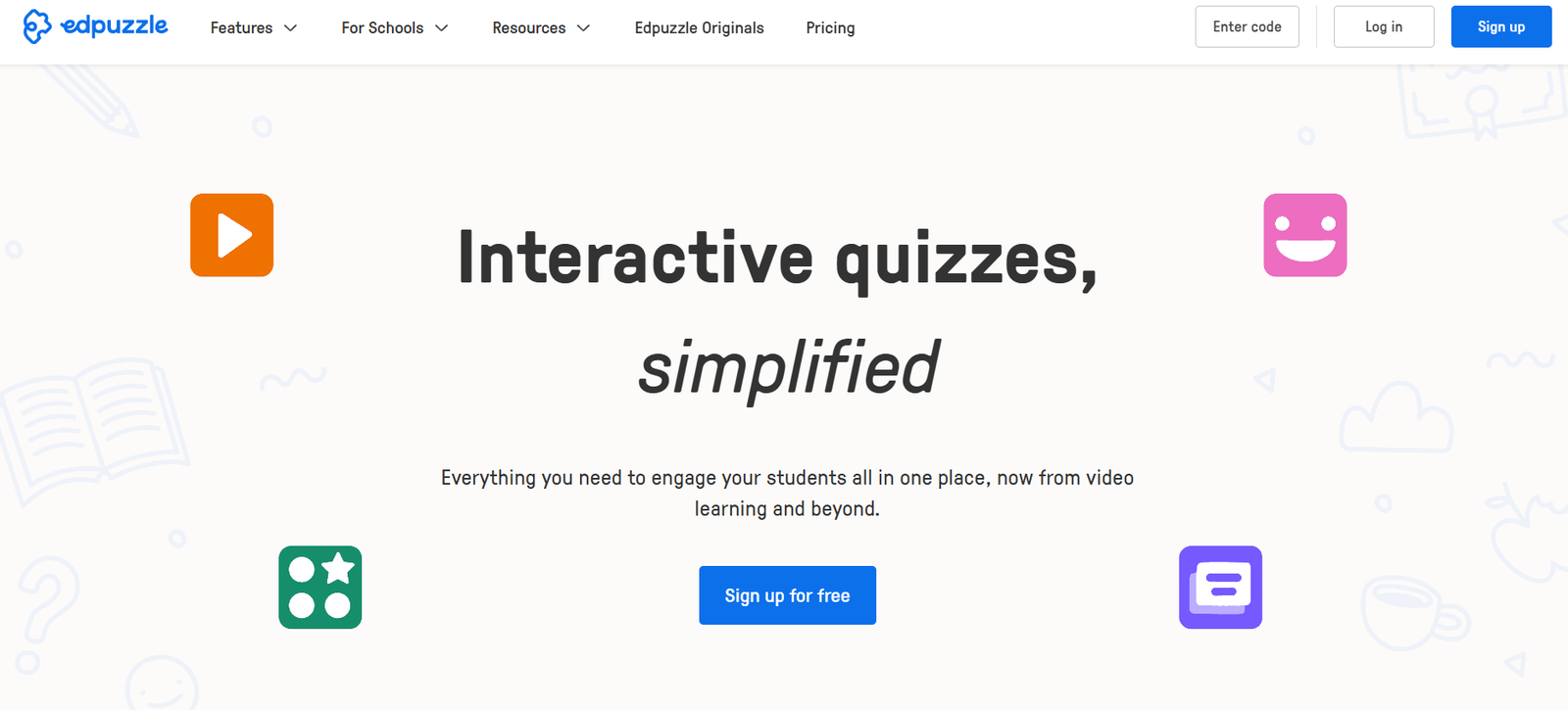
Edpuzzle is a digital learning platform that allows educators to turn any video into an interactive lesson by embedding questions, notes, and voiceovers. It is designed to boost student engagement and enhance comprehension by transforming passive video watching into an active learning experience.
Founded in 2013, Edpuzzle is widely used in K-12 education, higher education, and flipped classrooms. Teachers can use videos from YouTube, Khan Academy, TED, or upload their own, then add formative assessment elements that track student understanding in real time.
Edpuzzle integrates seamlessly with Google Classroom, Microsoft Teams, and other LMS platforms, enabling educators to assign lessons, monitor student progress, and provide timely feedback—all from a centralized dashboard.
Features
Edpuzzle offers a suite of features tailored to make video-based learning more interactive and effective for both students and educators.
Interactive Video Editing: Teachers can crop videos and embed open-ended or multiple-choice questions, audio notes, and voiceovers to add context or check understanding.
Video Library Access: Educators can access and modify thousands of pre-made video lessons from Edpuzzle’s content library, or import videos from YouTube, Khan Academy, and other sources.
Student Progress Tracking: Teachers receive detailed analytics showing how students interact with each video, including completion status and question responses.
Self-Paced Learning: Students can watch lessons at their own pace, pause, rewind, and review sections as needed for better understanding.
Live Mode: Instructors can use Edpuzzle Live to present video lessons in real-time during class, collecting responses instantly.
LMS Integrations: Edpuzzle integrates with Google Classroom, Canvas, Moodle, Schoology, Microsoft Teams, and others, allowing for seamless assignment and gradebook syncing.
Privacy and Security: Compliant with FERPA, COPPA, and GDPR regulations, ensuring data security and student privacy.
Custom Class Creation: Teachers can create classes, add students, assign videos, and track performance all within the platform.
Multilingual Support: The platform supports multiple languages, making it accessible to a global user base.
How It Works
Edpuzzle follows a simple and effective workflow for integrating video content into classroom instruction:
Step 1 – Select or Upload a Video: Teachers can choose from Edpuzzle’s video library, import from external platforms like YouTube, or upload their own video files.
Step 2 – Add Interactivity: Using Edpuzzle’s editor, educators embed questions, audio explanations, and notes at specific timestamps to turn the video into an interactive lesson.
Step 3 – Assign to Students: Videos are assigned to students through classes created in Edpuzzle or via integration with an LMS such as Google Classroom or Microsoft Teams.
Step 4 – Monitor Engagement: As students complete the lessons, teachers can view who watched the video, how much they watched, and how they answered the embedded questions.
Step 5 – Provide Feedback: Based on performance, educators can follow up with students, reteach concepts, or adjust future lesson plans accordingly.
Use Cases
Edpuzzle supports a range of instructional strategies and environments:
Flipped Classrooms: Teachers assign video lessons for students to watch before class, using in-person time for discussions and deeper learning.
Remote and Hybrid Learning: Edpuzzle enables continuity of learning outside the classroom with asynchronous, self-paced lessons.
Formative Assessment: Educators embed questions to check understanding and gather real-time insights into student learning.
Differentiated Instruction: Teachers can customize video content for different skill levels, ensuring that all learners receive appropriate support.
Professional Development: Schools can use Edpuzzle to deliver training videos to staff, complete with interactive elements and progress tracking.
Student Projects: Students can create their own Edpuzzle videos to demonstrate understanding or present projects creatively.
Language Learning: Teachers embed voiceovers and comprehension questions into videos for ESL and language acquisition courses.
Pricing
Edpuzzle offers both free and paid plans to meet the needs of individual teachers and entire schools or districts.
Free Plan: Includes access to the core platform, ability to create classes, assign video lessons, and track student progress. Storage space is limited.
Pro Teacher Plan: Offers unlimited video storage and priority support. Pricing varies depending on region and is available upon request.
Edpuzzle Schools and Districts: Custom pricing for school-wide or district-wide implementations. Includes centralized admin dashboards, LMS integrations, onboarding support, and advanced analytics.
For up-to-date pricing and plan comparisons, visit the Edpuzzle Pricing Page.
Strengths
Edpuzzle offers several strengths that make it a top choice for interactive video learning:
Boosts Engagement: Embedded questions and voiceovers keep students active during video lessons rather than passive observers.
Real-Time Analytics: Teachers get immediate insights into student understanding and video engagement.
Time-Saving Templates: Thousands of ready-to-use videos help teachers quickly find or adapt quality content.
Flexible and Self-Paced: Students learn at their own pace, making Edpuzzle ideal for personalized and remote learning.
Works With Any Subject: From math and science to history and language arts, Edpuzzle supports lessons in any content area.
Easy Integration: Edpuzzle connects smoothly with popular LMS platforms, simplifying lesson delivery and grade tracking.
Strong Privacy Controls: The platform is compliant with major education privacy laws, ensuring student data is protected.
Drawbacks
While Edpuzzle is a powerful tool, it does have some limitations:
Storage Limits in Free Plan: Teachers using the free plan may find the limited video storage restrictive over time.
Dependent on Internet Access: Students need a stable internet connection to stream videos, which can be a barrier in underserved areas.
Basic Editing Capabilities: While Edpuzzle allows for basic cropping and annotation, it lacks advanced video editing tools.
Limited Assessment Types: Only supports multiple-choice and open-ended questions; lacks drag-and-drop or matching-type interactions.
No Certificate or Badge System: Unlike some e-learning platforms, Edpuzzle doesn’t offer built-in gamification or completion certificates.
Comparison with Other Tools
Compared to tools like Nearpod or PlayPosit, Edpuzzle is simpler and more focused solely on video-based learning. Nearpod includes interactive slides, polls, and VR experiences, while PlayPosit offers more complex branching logic and question types. However, Edpuzzle’s ease of use and strong integrations make it ideal for teachers looking to quickly implement video interactivity without a steep learning curve.
Compared to using raw YouTube videos or basic video sharing through Google Classroom, Edpuzzle adds a layer of accountability and assessment that is critical for effective digital instruction.
For educators prioritizing simplicity, classroom management, and meaningful video interaction, Edpuzzle provides a more targeted and practical solution.
Customer Reviews and Testimonials
Edpuzzle is widely praised by educators for its ease of use, time-saving features, and ability to enhance student engagement. According to user testimonials on the Edpuzzle website and educator forums, many teachers report increased student participation and improved understanding when using interactive video lessons.
Teachers have also noted that the real-time data allows for better lesson planning and quicker intervention with struggling students. The platform is especially popular in flipped classrooms and remote learning settings, where monitoring engagement is more difficult without tools like Edpuzzle.
Feedback is overwhelmingly positive, with users appreciating the platform’s continuous updates, support, and focus on educational needs.
For more user feedback, visit the Edpuzzle case studies page.
Conclusion
Edpuzzle transforms video content into interactive lessons that support engagement, comprehension, and accountability in the classroom. Its intuitive interface, wide compatibility with video sources, and strong LMS integrations make it a practical tool for educators at all levels.
While it has some limitations in advanced editing and assessment types, Edpuzzle excels in what it’s built for—making video learning active, measurable, and impactful.
For teachers seeking a way to bring deeper interactivity and assessment into video-based instruction, Edpuzzle offers a smart, user-friendly solution that works across subjects and learning environments.