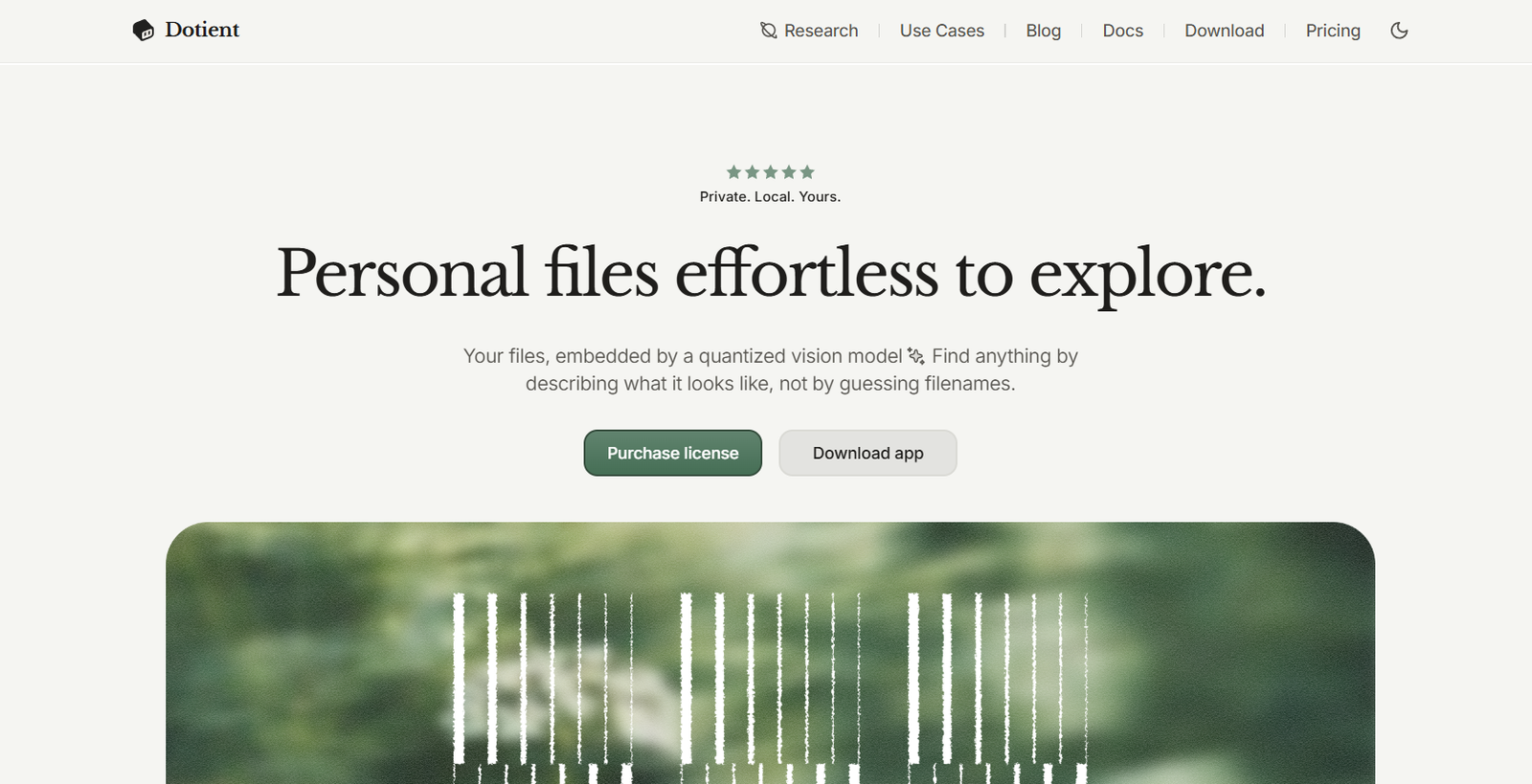
Dotient is an AI-powered desktop application that transforms how users organize and search personal files. Unlike traditional file explorers that rely on filenames, folders, or manually added tags, Dotient uses AI to understand the visual and textual content of your files, allowing you to search using natural language descriptions.
Built with a privacy-first approach, Dotient performs all indexing and searching locally on your computer. Your files never leave your device, making it an excellent choice for photographers, designers, creative professionals, and anyone with large collections of images, videos, PDFs, and documents.
Using advanced vision and text AI models, Dotient automatically analyzes imported files and creates searchable profiles. Users can simply describe what they remember about a file, such as “beach sunset,” “blue company logo,” or “presentation with graphs,” and Dotient quickly locates the matching files without requiring manual organization.
Official Website: https://dotient.com/
Features
Visual AI Search
Search for files by describing what they look like instead of remembering filenames or folder locations.
Local AI Processing
All AI indexing and searching happens directly on your computer, ensuring complete privacy without uploading files to the cloud.
Natural Language Search
Find files using everyday language, making file retrieval faster and more intuitive.
Interactive File Graph
Visualize your entire file library through an intelligent graph that groups similar files together, helping you discover relationships within your archive.
Cubbies Organization
Create custom collections called “Cubbies” to organize related files, build mood boards, store notes, and manage creative projects.
Signal Tuning
Improve search accuracy by teaching the AI through custom labels and examples, allowing it to better understand your personal organization style.
Offline Functionality
Dotient works completely offline after installation, making it suitable for users who prioritize privacy and uninterrupted access.
Automatic File Indexing
Simply import your files, and the AI automatically builds searchable indexes without requiring manual tagging.
Support for Creative Assets
Designed to manage photos, videos, design references, documents, PDFs, and other digital assets commonly used by creative professionals.
Lightweight Desktop Experience
A clean and responsive interface allows users to search and organize large file collections efficiently.
How It Works
1. Install Dotient
Download and install the desktop application on your computer.
2. Import Your Files
Add folders containing images, videos, PDFs, and other supported files.
3. AI Builds a Search Index
The application analyzes each file locally using AI models and creates searchable embeddings.
4. Search Naturally
Describe the file you are looking for using everyday language instead of filenames.
5. Organize and Explore
Use graphs, Cubbies, and Signal Tuning to organize files and improve future search results.
Use Cases
Photographers
Quickly locate photos from thousands of images without relying on folder names or metadata.
Designers
Search mood boards, inspiration images, logos, and creative assets using descriptive language.
Content Creators
Organize videos, graphics, thumbnails, and project files for faster content production.
Students
Find lecture notes, PDFs, presentations, and research documents instantly.
Businesses
Manage marketing assets, design files, reports, and documentation in a centralized searchable archive.
Personal Photo Libraries
Rediscover memories by searching for events, people, or locations using simple descriptions.
Pricing
Dotient follows a simple one-time purchase model instead of a recurring subscription.
Pricing Highlights
- One-time purchase of $5
- No monthly subscription
- Use on up to three computers
- All features included
- Works completely offline
- Files remain private on your device
- Free future updates
- Priority support included
Strengths
- Privacy-first local AI processing
- No cloud uploads required
- Natural language visual search
- Fast offline performance
- Interactive graph visualization
- Custom organization through Cubbies
- Signal Tuning improves search accuracy
- One-time affordable pricing
- Easy-to-use interface
- Ideal for photographers, designers, and creative professionals
Drawbacks
- Desktop application only
- No mobile version currently available
- Limited collaboration features for teams
- OCR support for scanned PDFs is still limited
- Some advanced capabilities are planned for future releases
Comparison with Other Platforms
Compared to traditional file explorers such as Windows File Explorer or macOS Finder, Dotient uses AI to understand the content of files rather than relying solely on filenames or folder structures. Users can search using natural language, making file discovery significantly faster.
Unlike many cloud-based AI search tools, Dotient processes everything locally, ensuring complete privacy and offline functionality. Its interactive graph visualization and Signal Tuning features further distinguish it from conventional desktop search applications by allowing users to explore and personalize their file organization experience.
Customer Reviews and Testimonials
“Searching by describing what I remember instead of filenames has completely changed how I organize my photo archive.”
— Photographer
“The offline AI search gives me confidence that my creative work stays private.”
— Graphic Designer
“The graph visualization is an innovative way to explore thousands of design assets.”
— Creative Director
“Dotient makes finding old project files incredibly fast without requiring manual tags.”
— Digital Artist
Note: Testimonials are representative summaries based on community feedback and user discussions.
Conclusion
Dotient reimagines desktop file management by combining local AI processing with natural language search and intelligent visual indexing. Instead of manually organizing files or remembering complex folder structures, users can simply describe what they are looking for and let the AI locate it instantly.
Its privacy-first design, offline functionality, interactive graph visualization, and affordable one-time pricing make Dotient an excellent solution for photographers, designers, content creators, and anyone managing large digital archives. For users seeking a smarter and more secure way to search personal files, Dotient offers a modern AI-powered alternative to traditional file management tools.